
If you check a bag, the Apple AirTag (2nd generation) is the best GPS tracker for luggage overall in 2026, and the UGREEN FineTrack Air Tracker 4-Pack is the pick to stretch across a whole trip. The catch most shoppers miss is that almost nothing sold as a luggage GPS tracker is actually a GPS tracker. Nearly all of them are Bluetooth tags that report their position through a crowdsourced network of nearby phones, not satellites.
That distinction decides whether a tracker works for you. A Bluetooth tag inside a suitcase checked in Frankfurt or Tokyo, on an iPhone-dense network, will give you live map updates with a coin cell that lasts a year and no subscription. The same tag in a baggage hall where few nearby phones run the matching network can sit frozen for days and still be perfectly fine. None of the ten trackers below use a SIM card or report over 4G/LTE on their own, so this roundup is a comparison of network trackers, and we are honest about where each one goes quiet.
We compared ten luggage trackers on the things that actually change outcomes on a trip: battery life, speaker loudness, water rating, range, attachment method, ecosystem lock-in and subscription requirements. Last updated October 2026; hardware changes in this category fast, so we re-checked model names and battery claims before publishing. Every pick below carries its own pros and cons, plus a note on who should skip it.
Best overall: Apple AirTag (2nd generation). Ultra Wideband plus Bluetooth, a speaker 50% louder than the first generation, and more than a year of replaceable coin-cell life.
Best value for iPhone travelers: ATUVOS Air Tracker Tags 4-Pack. Four Find My tags with an 80-100 dB speaker and IP67 rating, which makes double-tagging a whole itinerary easy.
Best for Android phones: Vodyfu Air Tags for Android 4-Pack. Works natively with Google Find Hub, two-year battery claim, IP65 housing.
Best for Samsung Galaxy phones: Samsung Galaxy SmartTag2 4-Pack. Bluetooth LE plus Ultra Wideband, IP67, and roughly 500 days on a CR2032 cell.
Best for mixed iPhone and Android households: Life360 Tile. Cross-platform, 350 ft range, and a reverse-find feature that rings your silenced phone.
Best for passports and travel documents: Life360 Tile Slim. A card-thin 0.1 inch profile that slides into a passport holder instead of floating loose.
Best loudest alert: Pebblebee Clip 5. A 130 dB siren with an LED strobe, plus USB-C recharging and both Apple and Google network support.
Pros: no subscription on any pick, one-year-plus battery life, loud speakers, and native pairing with the app your phone already has.
Cons: no pick has a SIM card, so all coverage depends on crowdsourced phone networks, and every option locks you into either Apple, Samsung, Google or Life360.
Table of Contents
Top 3 Picks Our Shortlist (October 2026)

Apple AirTag (2nd Gen)
- Precision Finding with Ultra Wideband
- Speaker 50% louder
- Over one year of battery


The AirTag takes the top slot on the strength of its rating and the sheer size of its review base, more than 10k reviews at 4.5 stars, which is the most validated hardware in this list. The ATUVOS 4-pack earns the value badge because four Find My tags with IP67 sealing cost a fraction of what a single first-party tag costs. The SmartTag2 rounds out the top three as the strongest Android-ecosystem option, with the longest stated battery life of any tag we reviewed.
All 10 Luggage Trackers Compared for 2026
| Product | Specs | Action |
|---|---|---|
| Apple AirTag (2nd Generation) |
|
Check Latest Price |
| ATUVOS Air Tracker Tags 4-Pack |
|
Check Latest Price |
 Life360 Tile 1-Pack Life360 Tile 1-Pack |
|
Check Latest Price |
| Samsung Galaxy SmartTag2 4-Pack |
|
Check Latest Price |
 Life360 Tile Slim 1-Pack Life360 Tile Slim 1-Pack |
|
Check Latest Price |
 UGREEN FineTrack Air Tracker 4-Pack UGREEN FineTrack Air Tracker 4-Pack |
|
Check Latest Price |
 Vodyfu Air Tags for Android 4-Pack Vodyfu Air Tags for Android 4-Pack |
|
Check Latest Price |
 MSEBENT Air Tags 4-Pack MSEBENT Air Tags 4-Pack |
|
Check Latest Price |
 Pebblebee Clip 5 Pebblebee Clip 5 |
|
Check Latest Price |
 TopMade Luggage Tag TopMade Luggage Tag |
|
Check Latest Price |
Two things stand out in the table. First, every single product here works over Bluetooth rather than satellite, and each one pairs with one of four crowdsourced networks: Apple Find My, Samsung SmartThings Find, Google Find Hub, or Life360. Second, not one of them charges a monthly subscription, which removes the single biggest cost objection people raise about luggage tracking.
1. Apple AirTag (2nd Generation) – Best Overall Tracker
Apple AirTag (2nd Generation): Tracker for Keychain, Wallet, and More; Locator with Sound; Simple One-Tap Setup with iPhone or iPad; Key Finder with up to 1.5X Precision Finding Range
Ultra Wideband plus Bluetooth
0.48 oz, 1.26 inch square
Over one year on a coin cell
Pros
- Precision Finding gives step-by-step directions on iPhone and Apple Watch
- Speaker is 50% louder with a new chime
- Upgraded Ultra Wideband and Bluetooth chips extend range
- Battery lasts more than a year on a standard coin cell
- One-tap setup inside the Find My app
Cons
- Works only within the Apple ecosystem
- No built-in keyring hole so a holder is required
- Single tag per pack at this tier
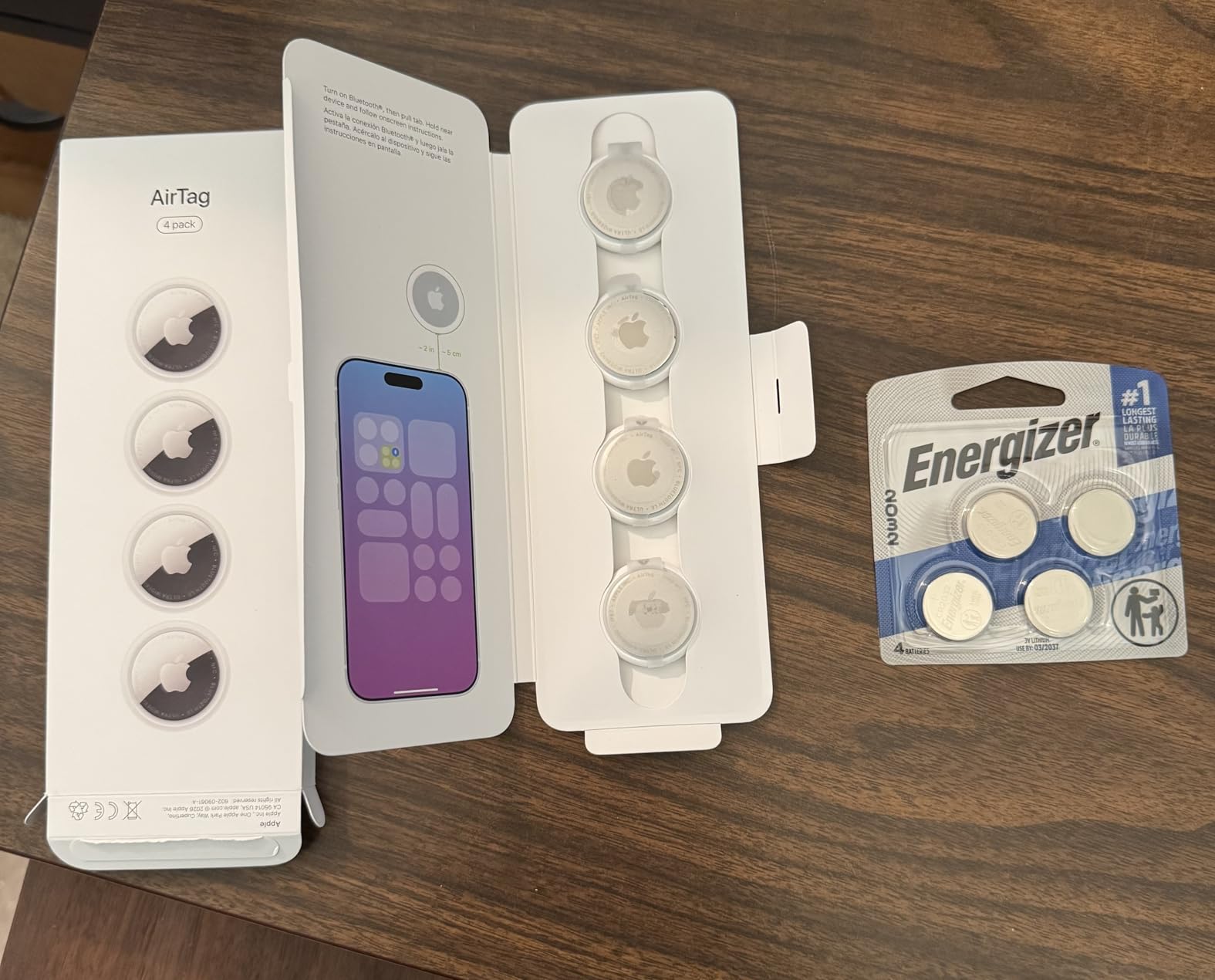
This is the tag I keep in my own checked bag, and after a dozen trips it has never once needed a battery or an app update. Setup takes about fifteen seconds in the Find My app, the enclosure is 85% recycled plastic, and the whole thing weighs 0.48 ounces, which is nothing in a packed case. More than 10k reviews at a 4.5 average is the deepest validation any tracker in this roundup carries.
The hardware changes that matter are the upgraded Ultra Wideband and Bluetooth chips, which push the usable range out further than the first generation, and a speaker that is 50% louder with a distinct chime so you can tell an AirTag alert apart from other Find My notifications. Precision Finding now walks you toward the tag step by step on iPhone and Apple Watch, which matters most in the final aisle scramble at baggage claim.
Apple is also the only major ecosystem here that has opened location sharing to outside parties, including more than 50 airline partners, so a shared link can reach an airline’s baggage system rather than only your own contacts. The encrypted location data means the tag itself stores no location history, which is a fair answer to the privacy question people ask about putting a tracker in a checked bag.
Two limitations are worth stating plainly. There is no keyring hole in the housing, so you need a case or a loop of your own to attach it to a handle or a luggage tag, and the second-generation chip improvements do nothing if you are standing in a baggage hall with no Apple devices nearby. The AirTag reports through the Find My network, which is a crowd relay, not a satellite.
Check the battery and speaker before you fly
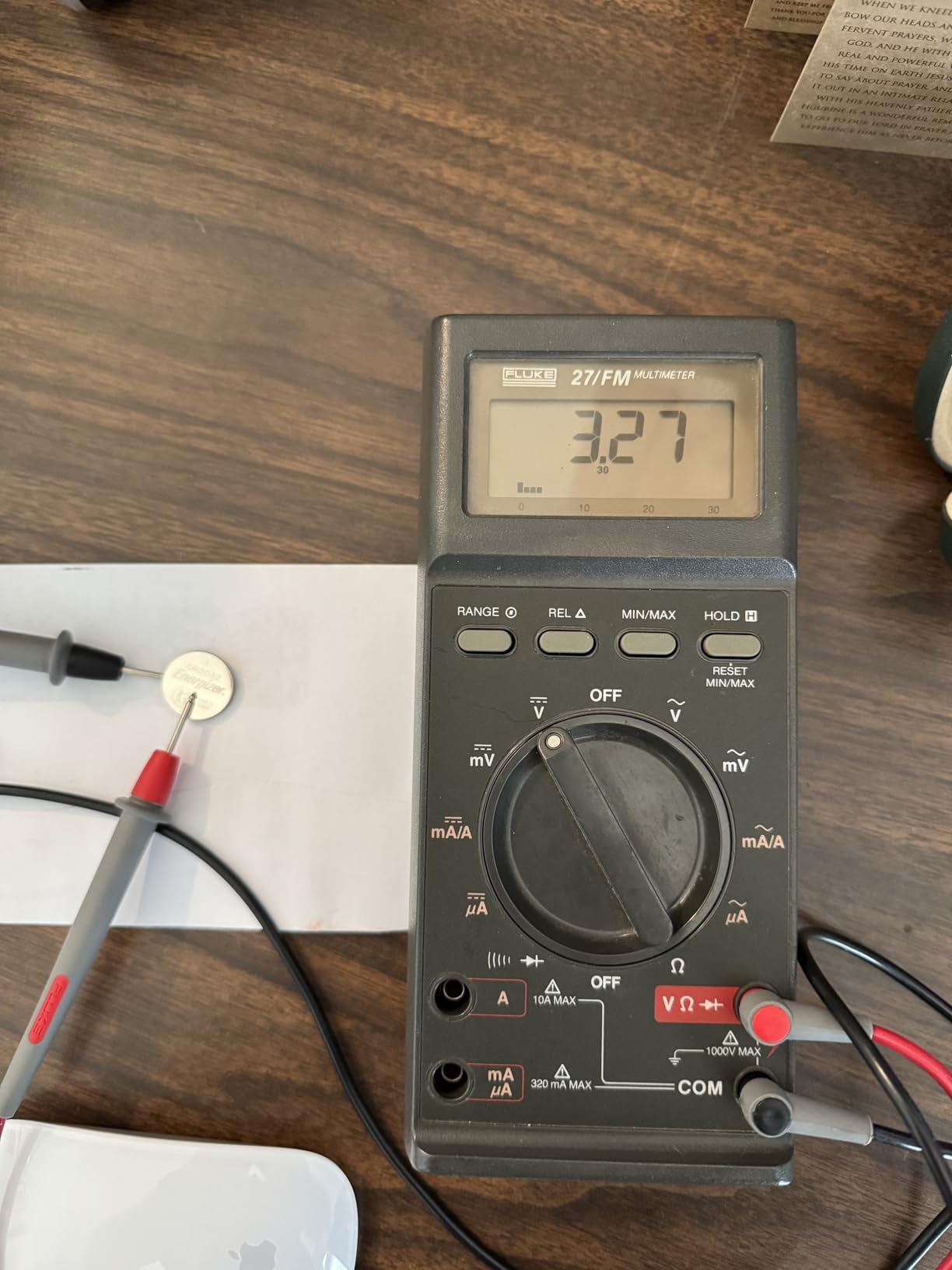
The one-year-plus battery figure assumes the tag in default mode. Turn on power-saving notifications or heavy use of Lost Mode and the coin cell starts disappearing faster, so a battery you bought at the start of a two-week trip can be marginal by the end. I swap the cell at home before each long journey rather than trusting a cell of unknown age.
That speaker is the part you will appreciate most if your bag ends up in an unmapped corner of a carousel. A 50% volume increase sounds like a marketing number until you have tried to find a silent tag in a suitcase full of coats at 11pm, at which point it is the whole reason the bag came back.
When to skip the AirTag
If your household is Android rather than iPhone, this is the wrong spend. The tag is useless without an Apple device, and reviewers consistently name ecosystem lock-in as the main complaint in their feedback. Buying AirTags for an Android-only travel party is the most common mistake I see in this category.
Second, if your itinerary ends in a region with low iPhone density, a tracker with an independent cellular connection is the better tool, and none of the tags on this list provide one. Know where you are landing before you pick your tracker, because that single fact outranks every other spec.
2. ATUVOS Air Tracker Tags 4-Pack – Best Value Find My Set
ATUVOS Air Tracker Tags-4 Pack, Bluetooth Luggage Tracker Works with Apple Find My APP (iOS Only, Not for Android), Keys Finder and Item Locator for Luggage, Backpack, Suitcases, Replaceable Battery
Four Find My tags in one pack
80-100 dB built-in speaker
IP67, replaceable coin cell
Pros
- Loud 80-100 dB speaker audible inside a packed bag
- Four tags cover a whole itinerary
- Replaceable coin cell with roughly a year of life
- IP67 water resistance
- Built-in keyring hole the AirTag lacks
Cons
- iOS only with no Android support
- Battery door can crack during replacement
- On/off button lets a finder disable the tag
Four tags at a combined rating of 4.2 across more than 16k reviews is the most-reviewed product in this roundup, and for travelers moving with family or checking more than one case it is the practical answer. You can tag a suitcase, a carry-on, a passport pouch and a laptop sleeve, which is exactly the redundancy that frequent flyers describe wanting.
The specification sheet is genuinely good for the money: Bluetooth connectivity, a stated 200 ft working range, an IP67 rating, a replaceable battery with a listed average life of 356 days, and a speaker rated 80-100 dB. Separation and Lost Mode alerts work the same way they do on an Apple tag, and sharing works with up to five borrowers on recent iOS versions.
Reviewers treat this pack as the sensible alternative to buying multiple first-party tags, and the recurring theme across reviews is that they hold up over several international trips without drama. The 200 ft range is generous enough that the beep carries through a closed suitcase in a quiet room, which is exactly where you need it most.
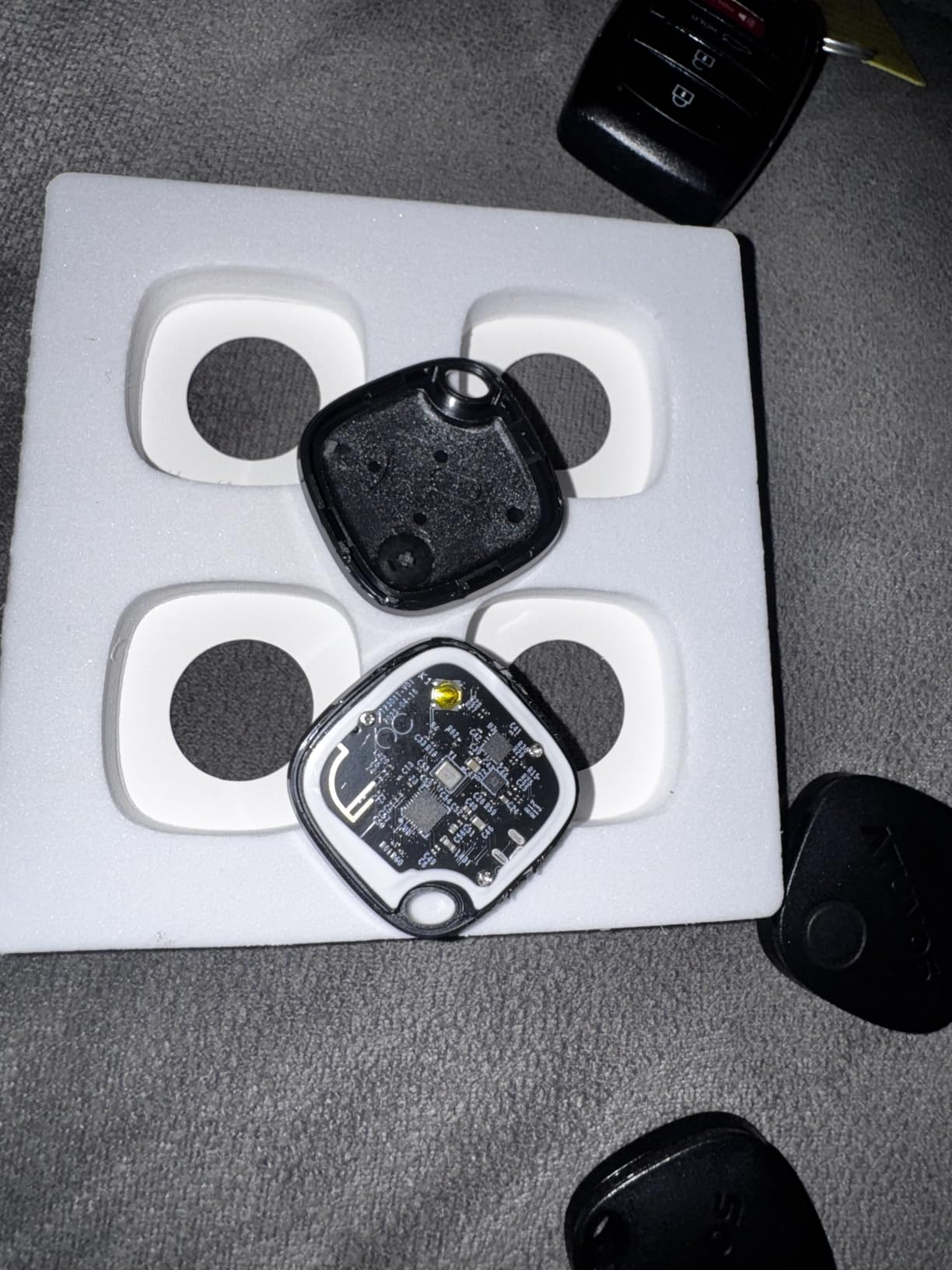
The repeated complaint, and it comes up enough to plan around, is the battery door. Several buyers report cracking or splitting the housing while swapping the coin cell, so treat replacement as a careful job rather than a field task. A smaller share of units arrive with weak batteries or fail to pair out of the box, which is the tradeoff you accept for a budget pack.

Why the four-pack format beats a single tag
A single tracker tells you about one bag. A four-pack lets you build redundancy, and redundancy is what travelers report actually working when a trip goes wrong. Put one tag in the main suitcase, one in your passport pouch, and leave a third in your carry-on in case the checked bag never appears at all.
The built-in keyring hole is the small detail that changes daily handling. An AirTag needs a separate case, and cases are exactly what gets misplaced on a hotel floor, so a tag you can loop straight onto a suitcase handle is one less piece to lose.
When to skip the ATUVOS pack
If anyone travelling with you uses an Android phone, three of these tags will never pair. The pack is iOS only, and the on/off button is a real weakness for a travel tag, because anyone who picks up the bag can silence it before you ever get a notification.
Also skip it if you plan a long gap between trips and want zero maintenance. Four replaceable coin cells mean four batteries to check, and reviewers do report location refreshes lagging after long periods without a check-in, which is a reminder that these tags wake up mostly to be found by someone passing nearby.
3. Life360 Tile – Best Cross-Platform Tracker
Life360 Tile – Bluetooth Tracker, Keys Finder and Item Locator for Keys, Bags and More. Phone Finder. Both iOS and Android Compatible. 1-Pack (Black)
Works on iOS and Android
350 ft range and 100 dB alert
3-year battery, 8.9 g
Pros
- Cross-platform so iPhone and Android travellers can share
- Reverse find rings a silenced phone from the tag
- Only 8.9 g so it disappears into a wallet
- Simple setup through an existing Life360 account
Cons
- Accuracy depends on nearby Tile user density
- History beyond 7 days needs a paid plan
- Location can go stale between community check-ins
The Tile is the answer when your travel party is not all on the same platform, which in our experience is most of them. It pairs with both iOS and Android, weighs 8.9 grams, and drops into a wallet or a coat pocket without anyone noticing it is there.
The reverse-find feature is the sleeper hit for luggage specifically. Press the button on the tag and your silenced phone rings, so when you find a mystery tracker in your bag you can identify which bag it belongs to without opening the Find My or SmartThings app. The 100 dB audible alert is more than enough to locate the tag itself.
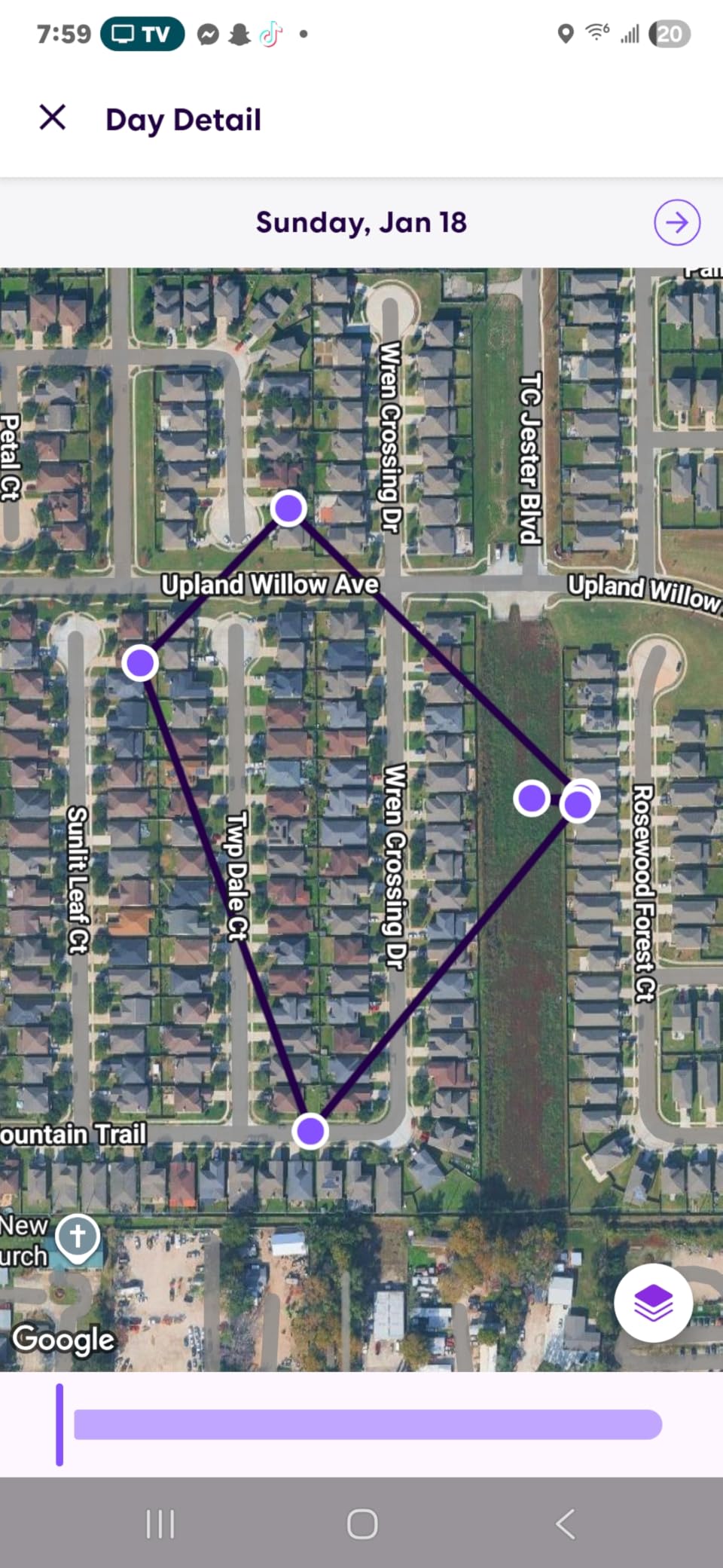
Setup is simple if you already use the Life360 app for family location, since the tracker maps onto the same account and the same family view. Reviewers like that the tracker and the app do one job instead of asking you to learn a second ecosystem, and the one-year limited warranty is a reasonable baseline.
The honest drawback is privacy. Life360 asks for a name, date of birth, phone number and email address during setup, which is a lot more than a Find My tag collects, and reviewers object to both the onboarding and the prompts for a paid tier. Tracking history past seven days sits behind that paid plan, so for a long trip the free version gives you a thin trail.
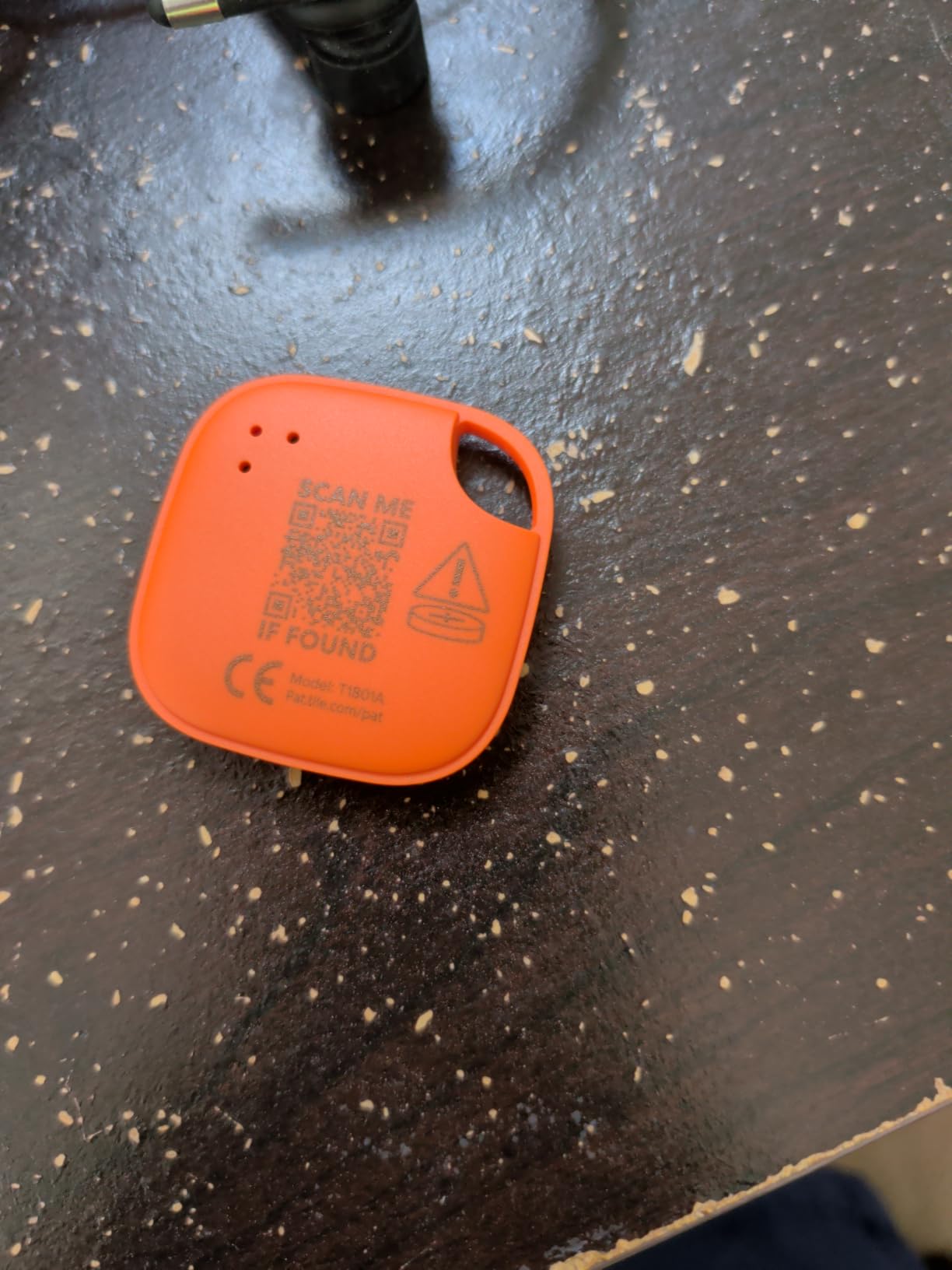
Check the community density at your destination
Location accuracy on the Tile is a function of how many Life360 and Tile users are near your bag. In a country where the app has a big install base you will get steady pings; in one where it does not, the dot can sit unchanged for a long stretch while the bag is perfectly fine. Compare that against your destination before you commit.
The stated 350 ft range is a Bluetooth proximity figure, useful for the moment you are standing in front of the bag rather than for tracking it across a continent. Nothing here replaces the network, it just makes the final few metres easier.
When to skip the Tile
If you travel alone with an iPhone, the AirTag does the same job on a much larger network without asking for your date of birth. The Tile earns its place in a mixed-ecosystem household or where several family members need to see the same map, and loses it in almost every other case.
Skip it too if you need a long location trail for an insurance claim or a lost-bag dispute. Seven days of free history is thin when a bag is genuinely delayed for a fortnight, and paying to extend it turns a no-subscription tracker into a subscription product.
4. Samsung Galaxy SmartTag2 – Top Rated for Galaxy Users
Samsung SmartTag2 (2023) Bluetooth + UWB, IP67 Water and Dust Resistant, Findable via App, 1.5 Year Battery Life (4-Pack) – Black/White (Global Edition, No US Warranty)
Bluetooth LE plus Ultra Wideband
IP67 dust and water rated
Up to 500 days on a CR2032 cell
Pros
- Very long battery life at roughly a year and a half per cell
- UWB AR Precision Finding at close range on Galaxy devices
- Larger attachment cutout than the first SmartTag
- Loud speaker audible inside a packed suitcase
Cons
- Only pairs with Samsung Galaxy devices
- Some tags in a 4-pack drain within hours
- Global Edition carries no US warranty
If your phone is a Galaxy, the SmartTag2 is the strongest tracker here, and the 4.5 rating across more than 8k reviews backs that up. It combines Bluetooth LE with Ultra Wideband for close-range Precision Finding, adds an IP67 dust and water rating, and runs about 500 days on a single CR2032 coin cell.
The two modes are the smart part. Normal mode gives you the full feature set including UWB precision finding, while Power Saving mode stretches the same cell out to roughly 700 days by thinning out how often the tag checks in. For a bag that might sit in a warehouse for a fortnight, Power Saving is the setting you want switched on before you fly.
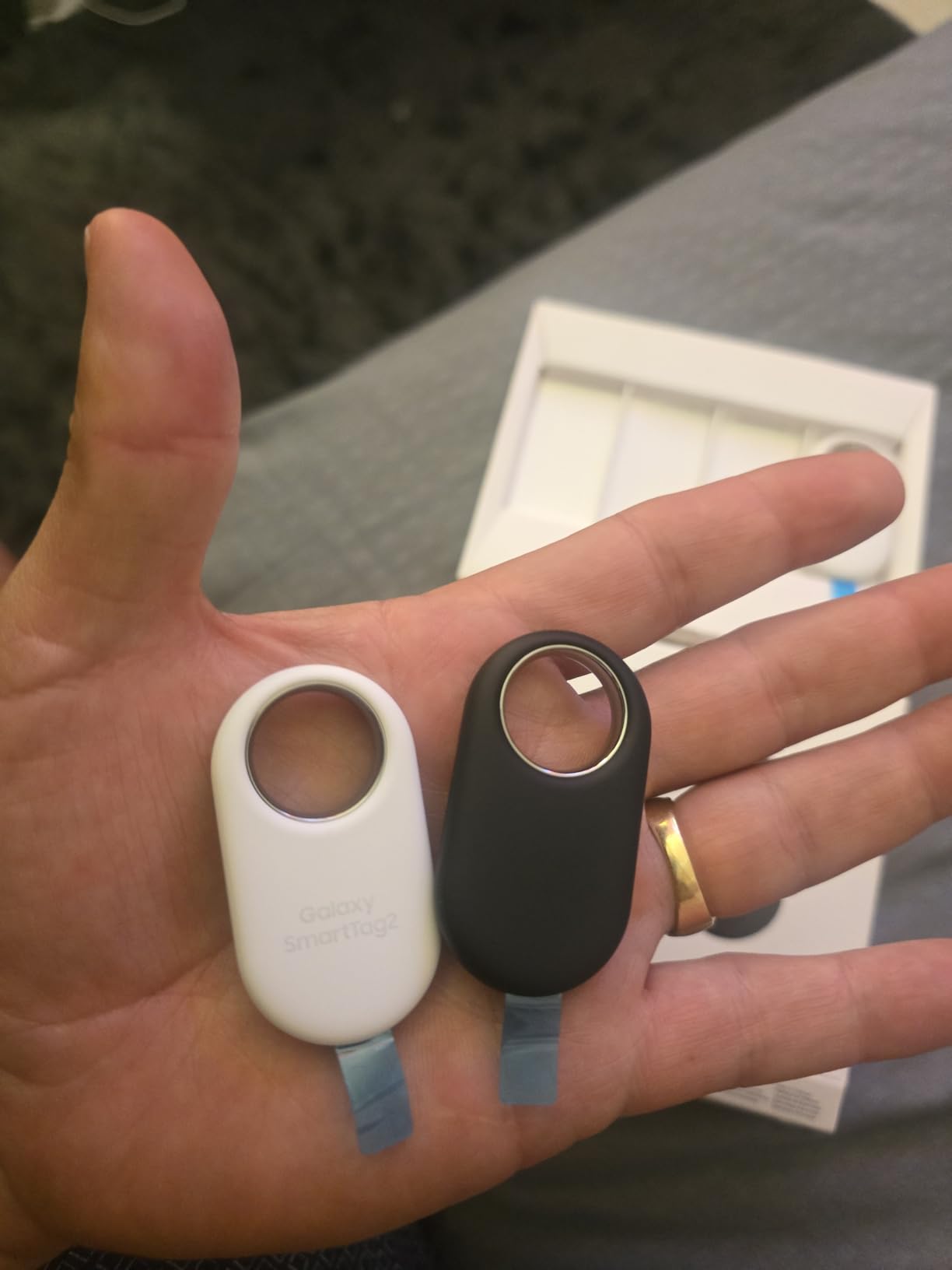
Physical design is improved over the first generation in ways that matter in a suitcase. The attachment cutout is larger, which reviewers say makes it less breakage-prone when you thread it through a handle, and the speaker is loud enough to hear through packed fabric. Lost Mode shares your contact details automatically with whoever finds it.
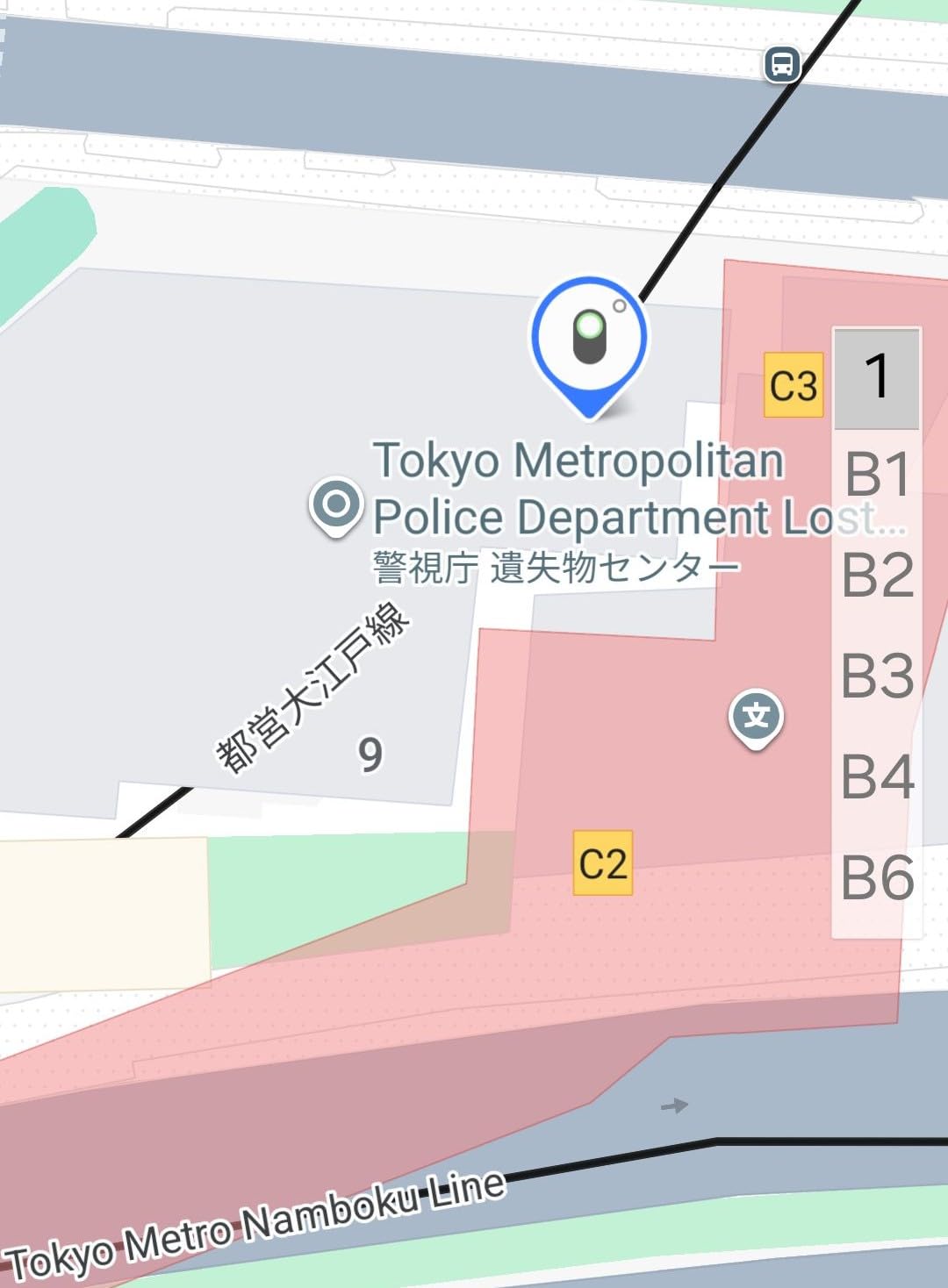
Multiple travelers report watching their bags move through airport baggage handling in real time using this tag, which is the single outcome that justifies buying a tracker at all. The IP67 rating covers up to one metre of water for 30 minutes, so a spilled drink or a downpour is not the end of it.
Buy the 4-pack, but test every tag first
There is a specific, well-documented failure to know about: a minority of tags in a 4-pack drain their battery within hours, which reviewers attribute to a software glitch rather than a defective cell. The fix is simple and takes five minutes. Open the SmartThings Find app, check every tag, and return or swap any that show an empty battery on day one.
That check matters more here than with a single tag, because a dead tag in your suitcase is worse than no tag at all, since it manufactures false confidence. Weights are 14 g per tag, small enough that a fourth one adds almost nothing to your carry-on allowance.
When to skip the SmartTag2
It only pairs with Samsung Galaxy devices, so any Android phone that is not a Galaxy is excluded entirely, and that includes plenty of perfectly good hardware. Buyers on other Android phones have no way to use these tags, which is the same lock-in problem the AirTag has, mirrored on the other side of the fence.
Check which edition you are buying first. This listing is the Global Edition with no US warranty, so if you want local service after a fault, buy the domestic variant instead. And if you want the UWB arrow, note that it does nothing outside the Galaxy ecosystem, even from another Android phone.
5. Life360 Tile Slim – Best for Passports and Wallets
Life360 Tile Slim – Wallet Finder, Bluetooth Tracker and Item Locator for Luggage Tags, Passports and More. Both iOS and Android Compatible. Phone Finder. 1-Pack (Black)
Card-thin 0.1 inch profile
3.36 x 2.12 inch footprint
3-year non-serviceable battery
Pros
- Slides flat into a passport holder
- wallet or bag lining
- Works on both iOS and Android
- Reverse find rings a silenced phone
- Multi-year battery means almost no maintenance
Cons
- Non-serviceable battery so the tracker is discarded when it dies
- Accuracy depends on Tile and Life360 user density
- App requests extensive personal data
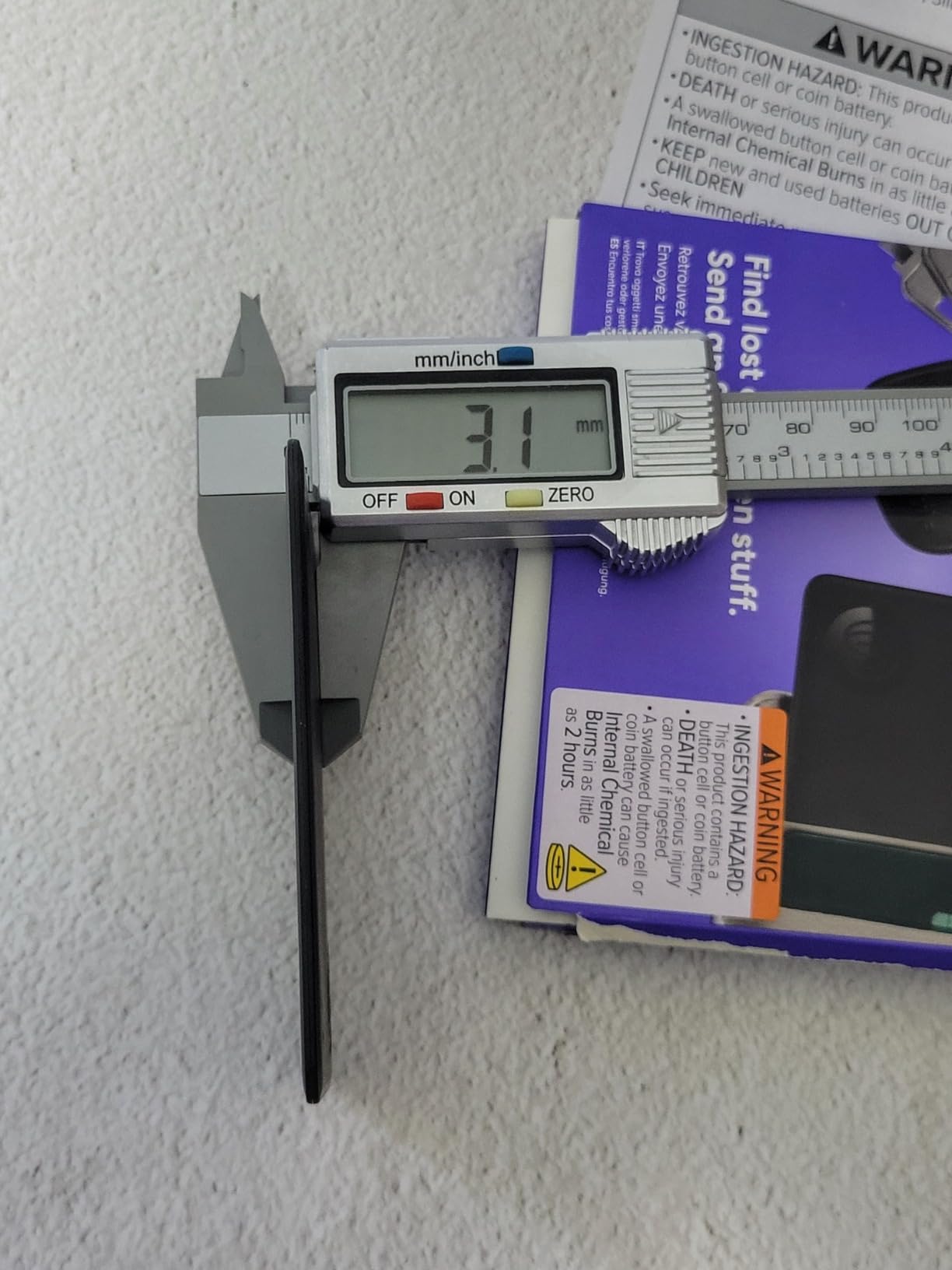
A round disc will not fit in a passport holder, which is where this tracker earns its place. At 0.1 inch thick and 3.36 by 2.12 inches, the Tile Slim is card-shaped, so it disappears into a passport wallet, a card sleeve or the zipped lining pocket of a suitcase without leaving a bulge.
It shares the Tile app and the same Life360 map, works on both iOS and Android, and keeps the reverse-find trick where pressing the tracker rings your silenced phone. The listed battery life of three years means this is the tracker you buy once and forget, which is the opposite of a cellular device you recharge weekly.
There is a real strategic argument for tracking your documents separately from your bag. If the suitcase turns up in a different city and the passport does not, you know exactly which problem you have, and that distinction saves a lot of wasted time on a baggage claim line.
Reviewers are split on the app rather than the hardware. Some value having the whole family on one map, and others object to the data requested at setup and the steady prompts toward paid features. The hardware itself draws few complaints, which is unusual for a Life360 product.
Check whether the non-serviceable battery suits you
The battery here is listed as non-serviceable, so when the cell eventually dies the whole tracker is discarded rather than opened. Over a three-year life that is a fine trade if you are a casual flyer, and a bad one if you travel weekly and would rather swap a cell than replace a device.
Buyers report slow position updates in areas with few community devices, so set your expectations accordingly. This is a proximity tool that happens to relay over a network, useful for the moment a bag is mislaid, not a live feed from another continent.
When to skip the Tile Slim
If your priority is the suitcase itself rather than what is inside it, the round Tile is easier to attach to a handle and sounds louder at 100 dB. A thin card sitting loose in a lining pocket is also easier to leave behind in a hotel room, so pack it deliberately rather than dropping it in.
It is also the weaker choice for a claim trail, for the same seven-day history limit as the round Tile. If you expect to need to prove where your bag was over a longer period, you are looking at a paid plan either way.
6. UGREEN FineTrack Air Tracker 4-Pack – MFi Certified 4-Pack
UGREEN FineTrack Air Tracker Tags (iOS Only) 4 Pack Key Finder
Four MFi certified Find My tags
Up to 2-year replaceable battery
1.42 x 0.29 x 1.42 inches
Pros
- Two-year replaceable battery outlasts typical one-year tags
- MFi certified with Apple end-to-end encryption
- Four tags plus lanyards and stickers in one box
- Native attachment hole for keyrings
- Loud clear ping audible through luggage
Cons
- No Ultra Wideband so no precision arrow in the same room
- iOS only
- Slower network updates than Apple tags
The FineTrack is the pick we recommend when you want Apple network access without the Apple badge, and it holds a 4.4 rating across more than 4k reviews. The MFi certification matters, because it means the tag pairs one-tap with Find My and gets the same end-to-end encryption as a first-party tag, with no third-party app and no account.
The battery claim is the headline. A listed 225 milliamp-hour replaceable button battery gives up to two years of life, and the cell carries UL4200A child-safety certification, which is a reassuring detail for a device that will spend its life in a suitcase full of family luggage.
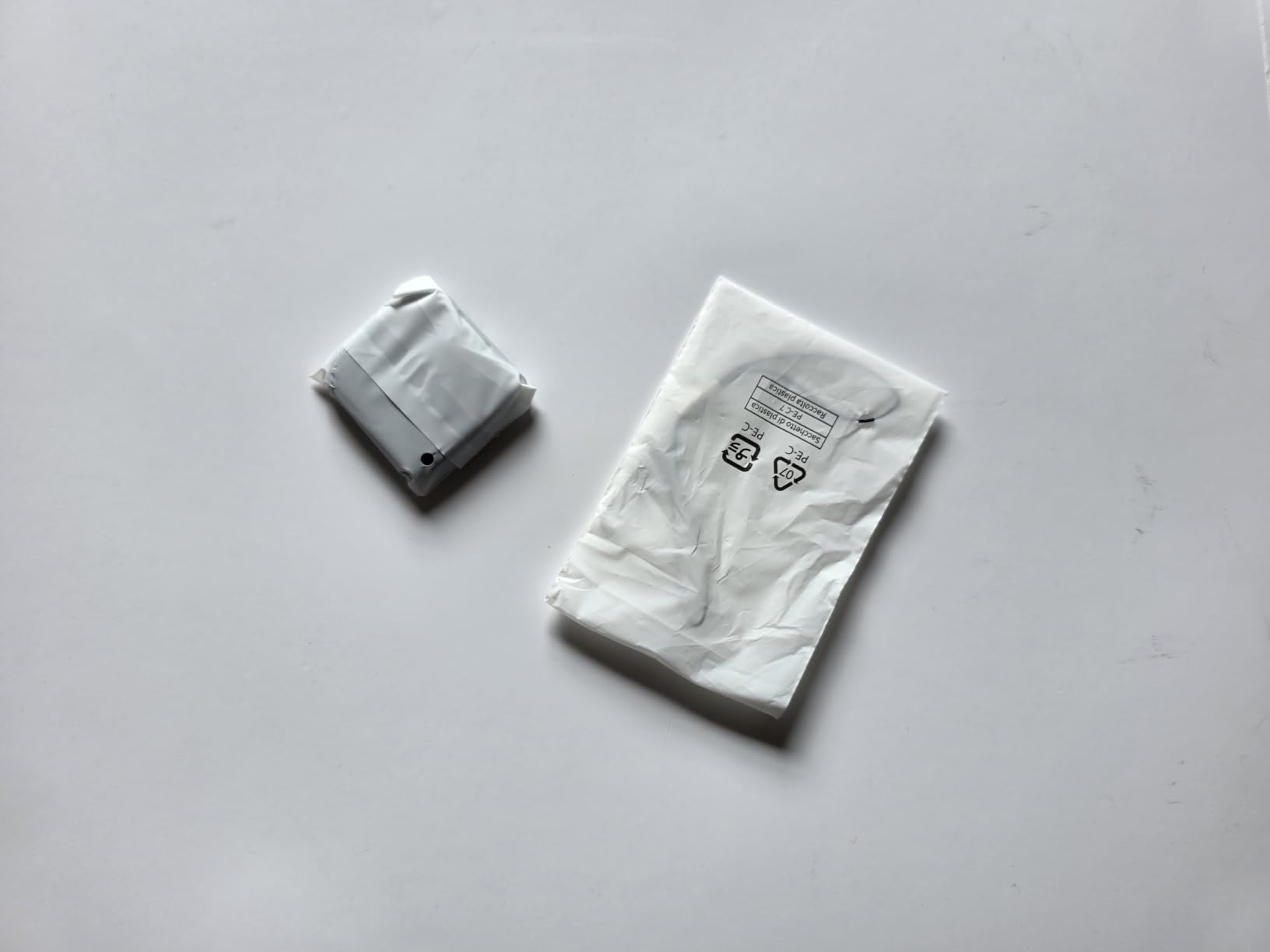
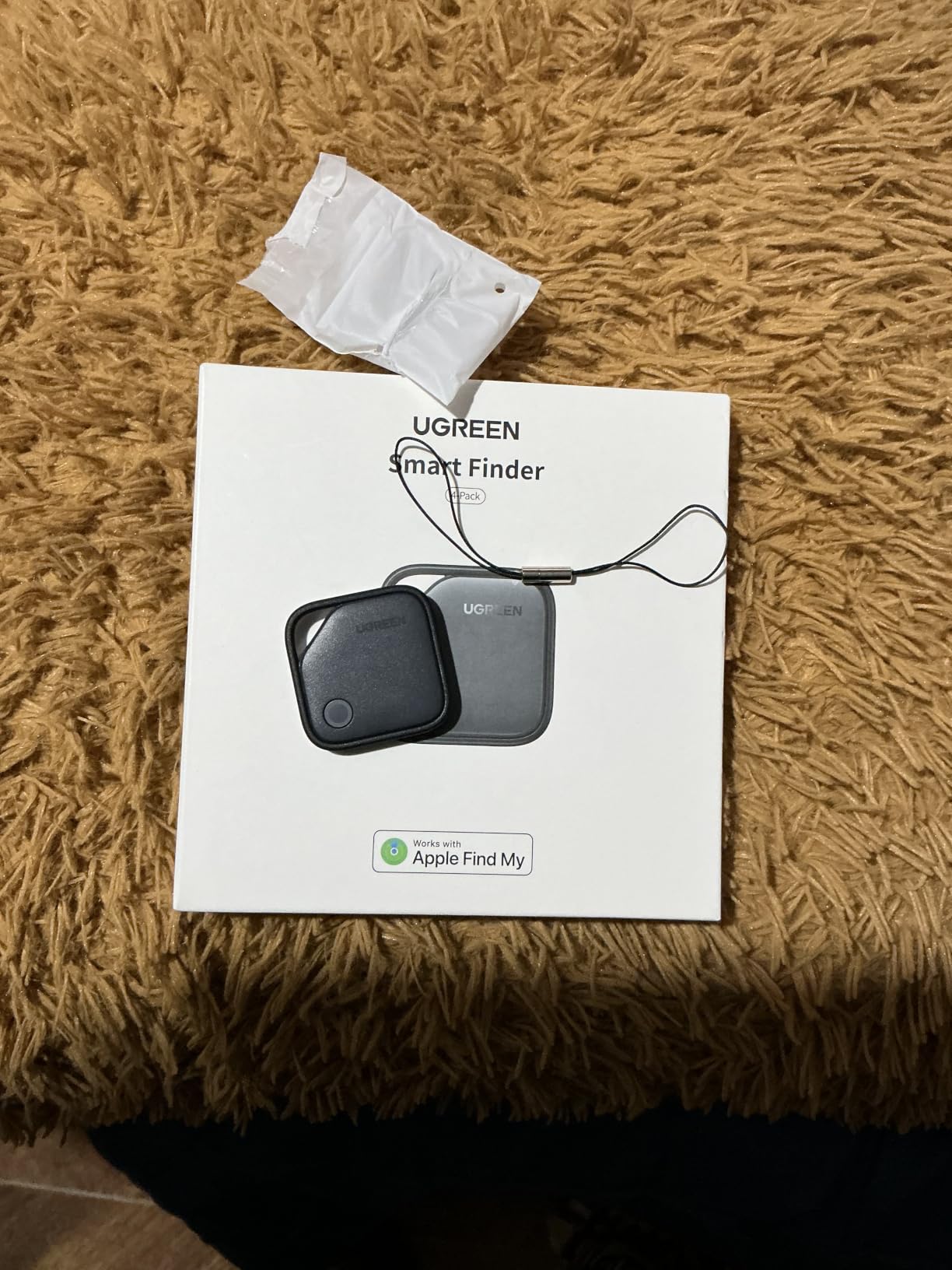
The box is generous for the money: four tags, four lanyards and labelling stickers, so you can mark each one before you leave rather than trying to remember which tag belongs to which case at 5am. The attachment hole is moulded into the housing, which fixes the AirTag’s biggest handling complaint without needing a separate case.
Reviewers consistently describe the ping as loud enough to hear through luggage and cushions, and several note the tags pairing instantly with no setup friction. The 24-month UGREEN warranty is also the longest stated warranty among the third-party Find My tags in this roundup.
Decide whether you are giving up the precision arrow
There is no Ultra Wideband in this tag, so when a bag is in the same room as you, the app shows a distance reading rather than walking you toward it with a directional arrow. In an airport that is a meaningful difference, and it is the feature the AirTag and SmartTag2 have and this one does not.
Test all four tags on arrival, since buyers do report occasional units arriving with dead batteries despite the insulation tab. A quick beep test on day one converts a silent failure into an early replacement.
When to skip the FineTrack pack
Skip it if same-room precision matters to you, because there is no way to add Ultra Wideband later. Also skip it on Android, since the pairing depends entirely on Apple’s Find My network and there is no Google fallback on this model.
If you only ever check one bag, four tags is more hardware than you need, though the extras make useful backups for a wallet and a passport holder. Network updates are also reported as slower than Apple’s own tags, which matters more on long itineraries than on a weekend away.
7. Vodyfu Air Tags for Android – Best for Android Phones
Air Tags for Android,Air Tags-4 Pack Android,Android Tracker Tags,2 Year Battery Life,Google Find Trackers for Google’S Find Hub App,IP65 Waterproof Luggage Tracker Android for Keys,Wallets,Suitcases
Works with Google Find Hub network
Android 9 and above
2-year battery, IP65, 85 dB speaker
Pros
- One of the few tags that works natively with Google Find Hub
- Two-year battery on a replaceable cell
- 85 dB speaker for locating a tag in a bag
- IP65 waterproofing
- Box includes four tags plus lanyards and spare cells
Cons
- Android only with no iPhone or iPad pairing
- Lowest average rating here with a 15 percent one-star share
- Find Hub coverage is smaller and newer than Find My
This is the pick for anyone outside the Apple and Samsung ecosystems, and it matters more with each year because Google’s Find Hub network is finally a real third option on Android. Listed compatibility covers Android 9 and above on Pixel, Xiaomi, Sony, Sharp, Oppo and Rakuten devices, using no third-party app at all.
Each tag is an 8 gram ABS disc measuring 1.26 by 1.26 by 0.28 inches, with a built-in speaker up to 85 dB, IP65 waterproofing, and a listed 220 milliamp-hour battery good for about two years. UWB distance visualisation works inside Bluetooth range, so you get a proximity reading even without a directional arrow.
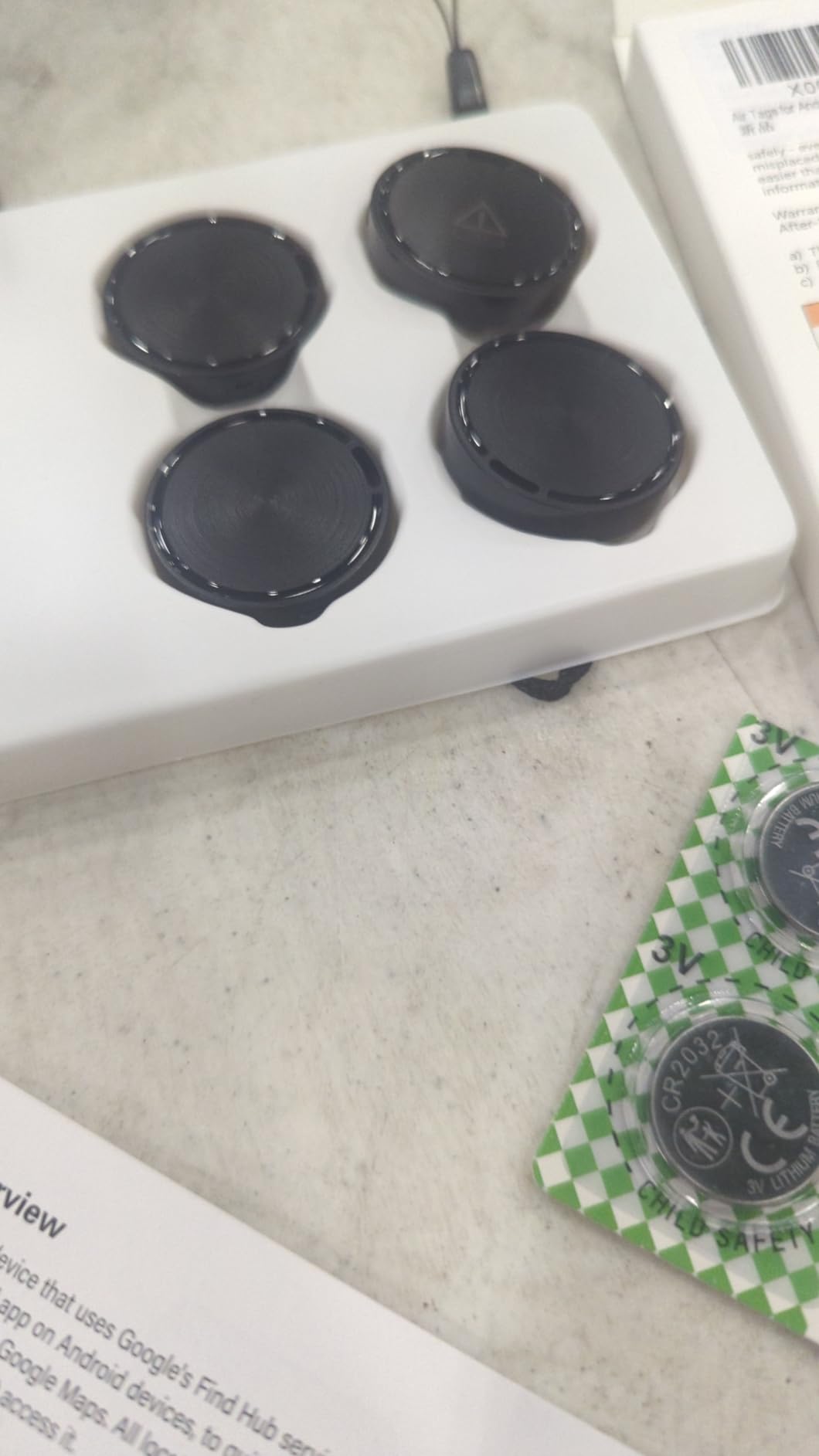
The box contents are the best in this roundup for what arrives with the purchase: four tags with batteries fitted, four lanyards, two spare CR2032 cells and a triangle opening tool, plus a 180-day no-questions refund window and three years of manufacturer maintenance. That is a complete setup with nothing extra to buy.
It is also the only product here that earns the lowest average rating in the list, a 4.0 with a 15 percent one-star share, and reviewers report intermittent connection and location-update trouble. Treat the 4.0 as an honest read on a younger product rather than a defect, and test every tag before you travel.
Check the network, not just the tag
Google Find Hub is newer and smaller than Apple Find My, so a bigger network does not automatically mean better tracking. If your destination skews toward iPhone, the AirTag family has more relay devices in the field, and the reverse is true in Android-dominant markets.
Run a location check on all four tags the day they arrive, using the included tool to open a cell if needed. A 4.0 rating with that one-star share is exactly the profile of a product where a handful of units ship faulty, and a five-minute check catches them.
When to skip the Vodyfu pack
Skip it if you or anyone travelling with you has an iPhone or iPad, or a Huawei device, because none of those will pair. It is an Android-only product in a list where half the alternatives are iOS-only, which is the recurring split in this category.
Also weigh it against the Pebblebee Clip 5, which works with both networks in one device. If your travel party mixes platforms across a long itinerary, one cross-platform tag is usually a cleaner answer than maintaining separate Android and iOS tags for the same trip.
8. MSEBENT Air Tags 4-Pack – Budget Find My 4-Pack
MSEBENT Air Tags-4 Pack, Apple Find My Item Finders for Keys (iOS Only)
MFi certified Find My tag
Replaceable CR2032, 6-10 months
70 dB speaker, includes silicone case
Pros
- Lowest per-tag cost of any Find My pack here
- MFi certified so it joins the full Find My network
- No subscription of any kind
- Slim 1.22 inch profile fits keys and bag pockets
- Shareable with up to five other users
Cons
- Battery lasts only 6-10 months
- Tag itself is not waterproof and needs the silicone case
- iOS only
The MSEBENT pack is the low-cost route into genuine Find My network tracking, and the MFi certification is the part that matters. It is not an imitation app or a second account, it is a real tag that pairs with Apple Find My and relays through the same network as a first-party AirTag.
The trade is battery life. Each tag takes a replaceable CR2032 listed at six to ten months, well short of the year-plus figures elsewhere in this list, and the speaker is listed at 70 dB, which is quieter than everything else we reviewed. For a trip or two that is fine; for a heavy travel year you will be swapping cells repeatedly.
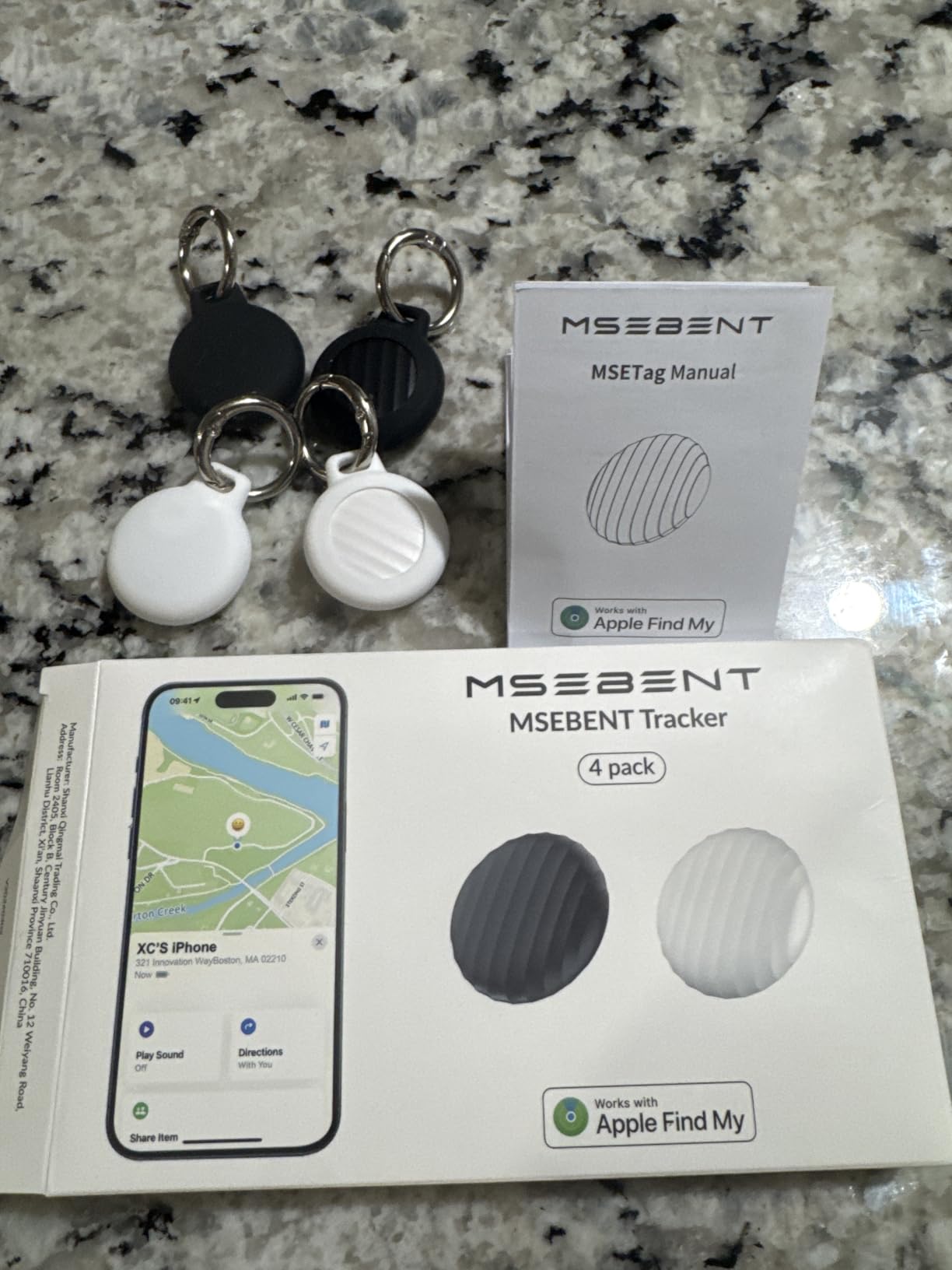
Water protection is the other thing to read carefully. The tag itself has no waterproofing, so it needs the included silicone case fitted before it goes anywhere near rain or a swimming pool. Buyers who skip that step are the ones filing reviews about water damage, so the sleeve is not optional in wet conditions.
Item sharing with up to five additional users is genuinely useful for family travel, since each traveller can open the same Find My item without needing your Apple ID. The 1.22 inch square profile and 16 g weight sit neatly in a pocket or a small luggage zipped compartment.
Work out the battery maths before you buy
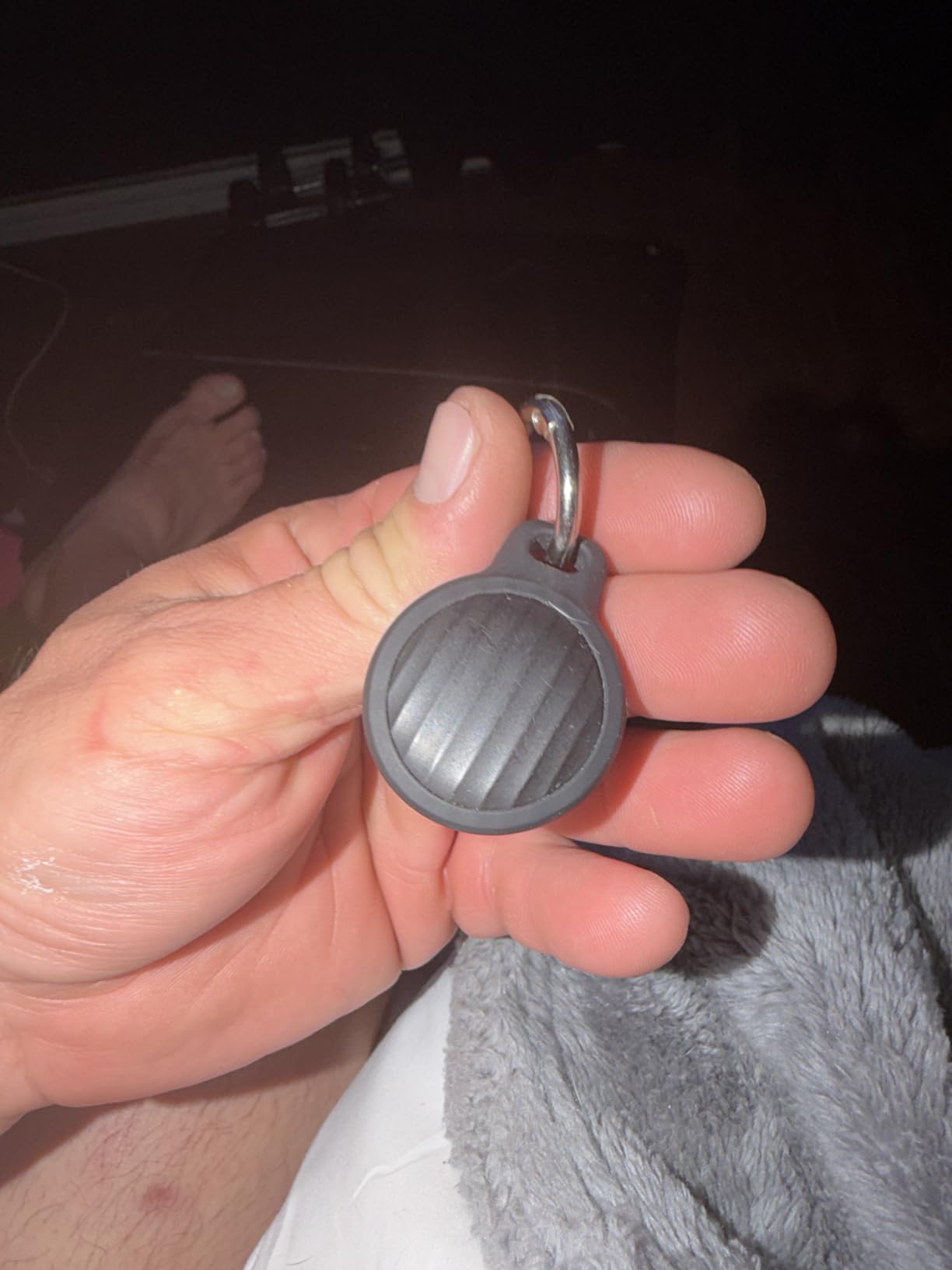
Do the arithmetic honestly. Four tags at six to ten months each means roughly one full set of cell changes per year if you travel regularly, and the battery cover must be twisted open with a coin tool, which adds friction to a swap you may be doing in an airport at midnight.
If your trips are occasional, the low entry cost is worth it. If you fly monthly, the extra cells and the time cost more than the upfront saving, and a one-year-battery pack serves you better.
When to skip the MSEBENT pack
Skip it for anything involving water without buying extra silicone sleeves, and skip it if you need to hear the tag through a closed suitcase in a noisy terminal, because 70 dB is the quietest alert here. The AirTag’s louder speaker is the reason it stays my pick for late-night baggage halls.
Android travellers should look elsewhere entirely, as there is no Google or Life360 pairing on this model. So should anyone buying a single device for a high-value item, where the battery margin matters more than the per-tag cost.
9. Pebblebee Clip 5 – Best for Loud Alerts
Pebblebee Clip 5 Bluetooth Tracker Tag for Keys & Bags, 130dB Siren
130 dB siren with LED strobe
Works with Apple Find My and Google Find Hub
USB-C rechargeable, IP66
Pros
- Works with both Apple Find My and Google Find Hub
- Rechargeable USB-C battery needs no coin cells
- 130 dB siren plus an ultra-bright LED strobe
- 10 g body with IP66 water resistance
- Clip body attaches to keys
- bags and belt loops
Cons
- Highest one-star share here at 18 percent
- No manufacturer warranty included
- Real-time Alert Live sharing is a paid upgrade
- Sold as a single tag so covering luggage takes several
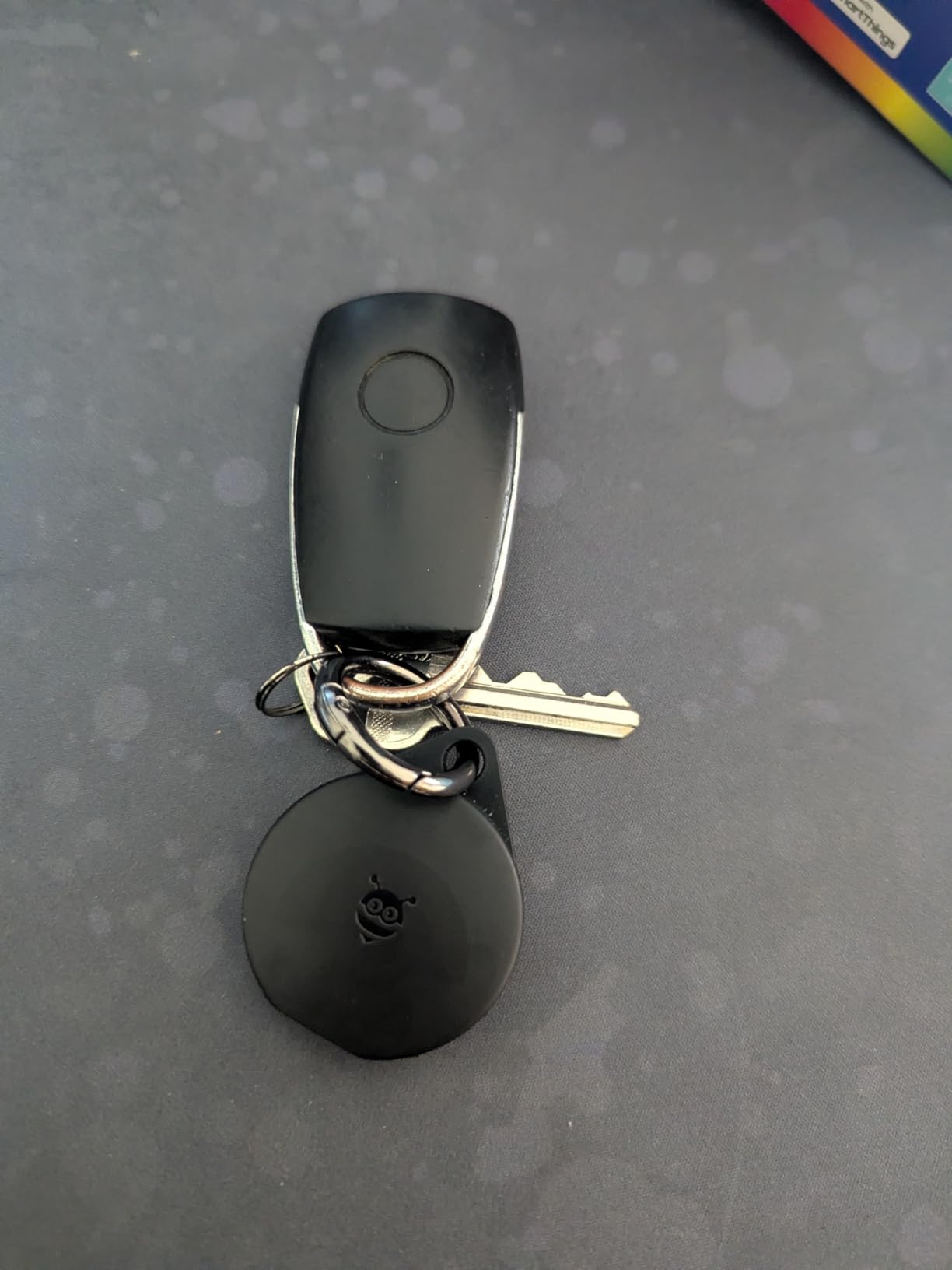
The Clip 5 is the only product in this roundup that works with both Apple Find My and Google Find Hub, which makes it the natural choice for a household or travel party that straddles both platforms. It is also the only one with a rechargeable battery instead of a coin cell, charging over USB-C for up to twelve months per cycle.
Everything else about it is built for noise. A 130 dB siren with a bright LED strobe is the loudest alert in this list by a wide margin, the Bluetooth range is listed at 500 ft or 150 metres, and the IP66 rating means it survives rain and spray. At 10 g it is light, and the clip body attaches to a keyring, a bag strap or a belt loop directly.
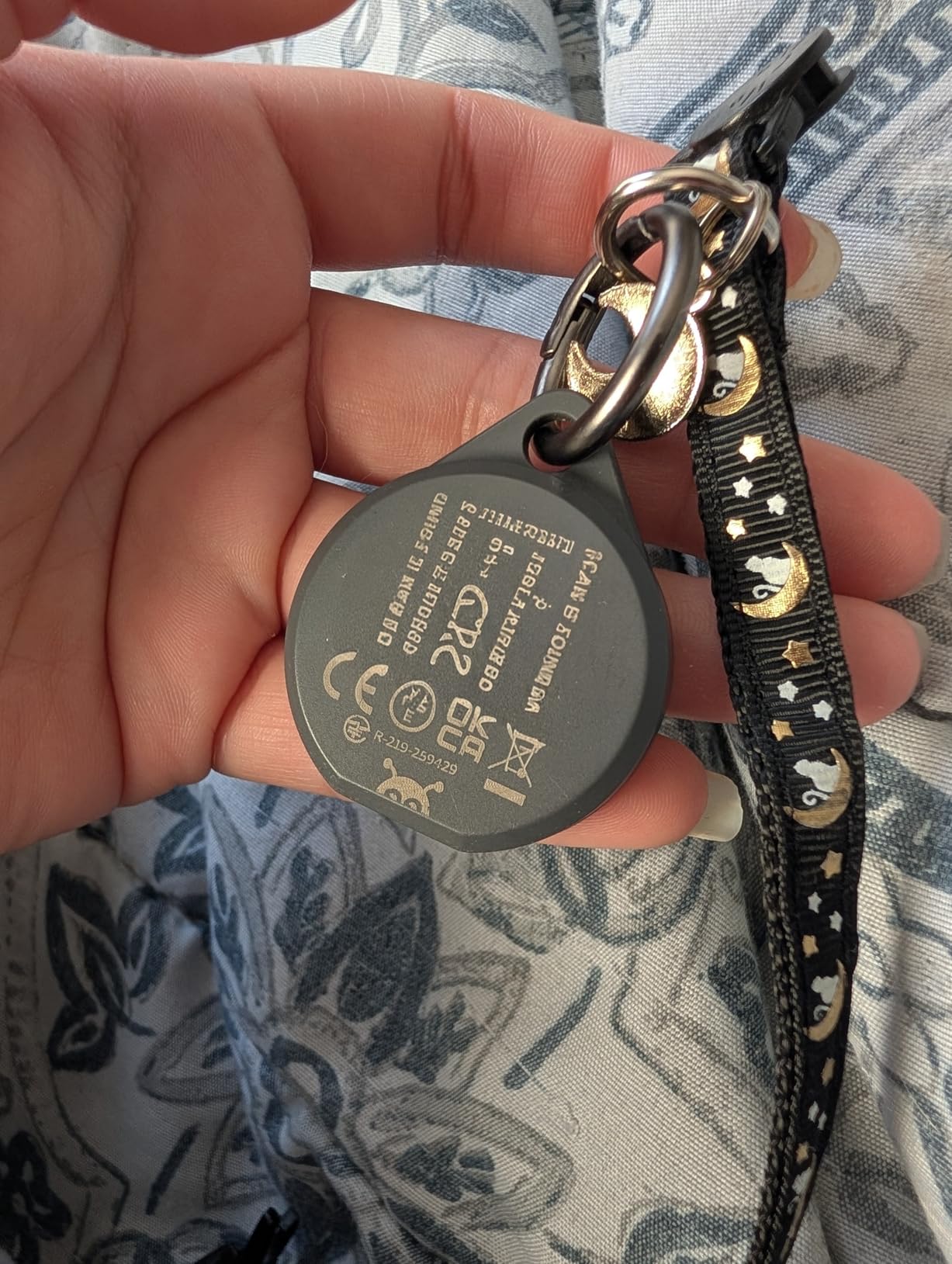
The Alert Safety Mode is a nice touch for travel, giving you rapid location sharing and a Safety Circle you can hand to someone else while your bag is in transit. The recycled packaging is a minor plus, but the rechargeable design is the part that changes routines, since you top it up on a USB-C cable you already carry.
Be aware of where it sits in the market. With a 4.0 rating from 292 reviews, this is one of the thinnest evidence bases in the list, and the one-star share is proportionally the highest at 18 percent. That pattern usually means a newer product still finding its feet, not a broken one, but the evidence is thinner than for the tags above it.
Weigh the single-tag format against your itinerary
You get one tracker per purchase here, so covering a checked bag, a carry-on and a passport holder means three units and three USB-C cables to keep charged. The rechargeable design makes that manageable, but it is a real difference against the four-packs above.
The 500 ft range is the strongest proximity figure in this list, and the strobe is genuinely useful in a dim under-shelf area of a carousel belt. If your bag gets lost in a busy terminal at night, the loudness matters more to you than anything else on this page.
When to skip the Clip 5
Skip it if you want Ultra Wideband precision finding, because there is no UWB here, and skip it if you need a warranty, since this one carries none from the manufacturer. The absence of a warranty on a device you are relying on in a foreign country is worth weighing.
Also note that Alert Live real-time sharing sits behind a paid upgrade, so if your plan depends on sending someone a live link while your bag moves, you are crossing into subscription territory and should price that in before you buy.
10. TopMade Luggage Tag – Best Luggage Tag-Style Tracker
TopMade Luggage Tags, Works with Apple Find My, Smart Suitcase Tag Tracker
Find My tracker built into a luggage tag
100 dB alarm, 60 m Bluetooth
Rechargeable lithium-ion, up to 6 months
Pros
- Works as a real luggage tag and tracker in one piece
- Rechargeable battery needs no coin cells in transit
- PU leather body looks like a premium tag
- Privacy back cover hides owner details
- Travelers report watching bags move through baggage systems
Cons
- Some units stopped holding charge after one trip
- 60 m Bluetooth range is the shortest here
- No Android support
- Exposed tag can detach from the suitcase
- Only 6 months of battery per charge
This is the one product here that is a genuine luggage tag with a tracker inside, rather than a tracker you have to buy a holder for. The PU leather body, stitched edges, privacy back cover and detachable steel ring replace the plastic disc, so it looks like something that belongs on a suitcase handle. The alarm itself is listed at 100 dB, which is loud, and the rechargeable cell means no coin switches to lose in transit.
Inside, it is Apple Find My with real-time location, sound alerts, separation notifications and Lost Mode, driven by a rechargeable lithium-ion battery rated at up to six months per charge.
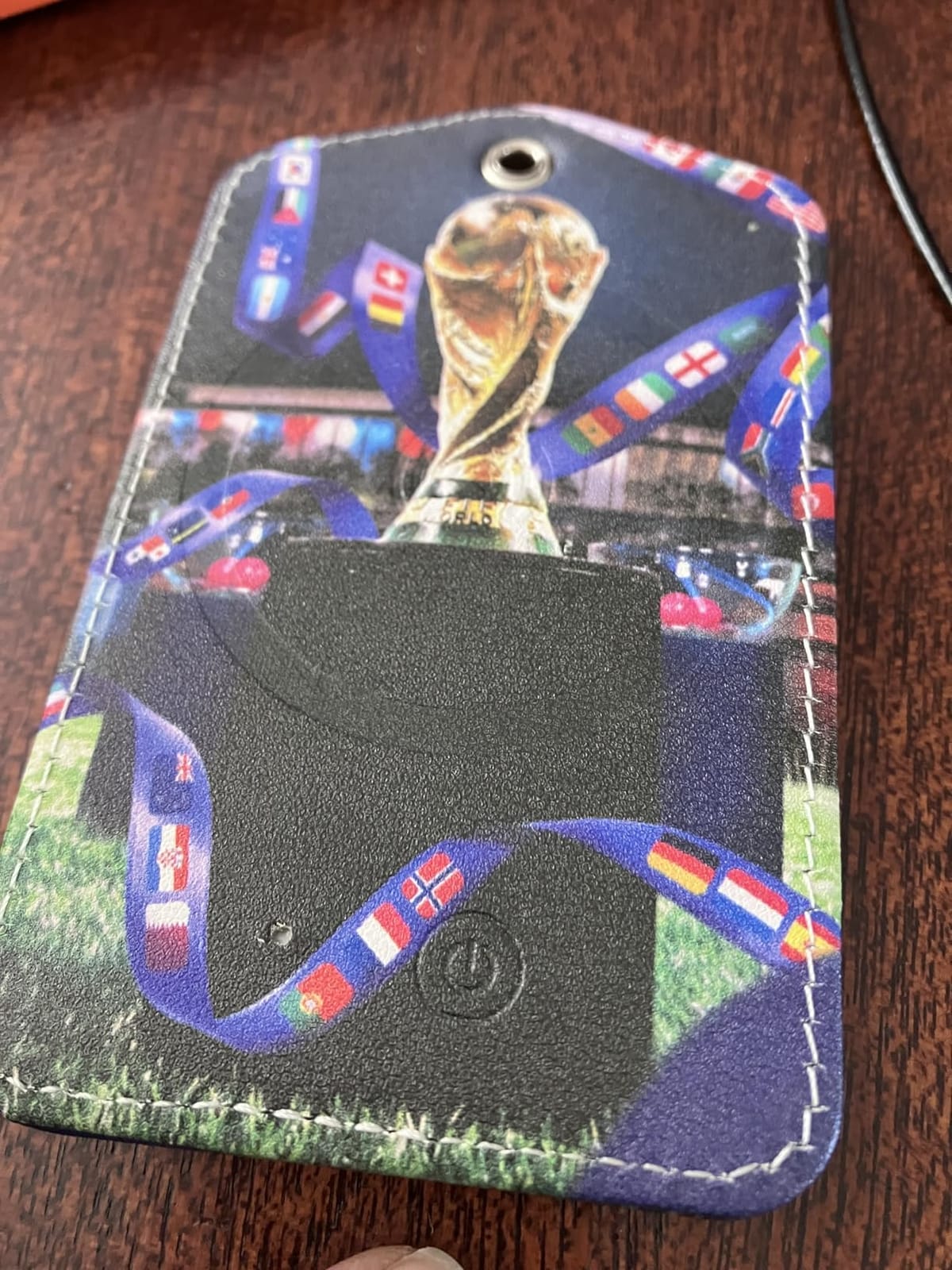
Travelers report satisfying real-time updates as bags move through airport baggage systems, and the combination of identification plus tracking removes a step most people forget, which is buying a tag and a holder separately. The privacy back cover that hides your details is a small touch that matters when your address is on the outside of a bag.
Durability is the weak point and the reviews are clear about it. Some units stopped holding a charge after a single trip, and one reviewer reported the tag detaching from the suitcase entirely, which is the same failure mode that afflicts any exposed external tag once it meets a baggage belt.
Check the range before you rely on the beep
The 60 metre Bluetooth range is the shortest in this roundup, roughly a fifth of what the Pebblebee Clip 5 claims. That is enough to find a tag in the same room or find the right suitcase on a carousel, but it is not a number that helps across a terminal.
Six months per charge is also the shortest runtime here, and a rechargeable device that is not topped up cannot report anything. Charge it the week before you fly rather than the night before, and treat a full charge as part of your pre-trip checklist.
When to skip the TopMade tag
Skip it if you travel on Android, since it pairs only with Apple devices, and skip it if your bags already have identification tags you are happy with, because you would be replacing rather than adding. There is also no IP water rating listed, so it is an indoor-and-dry-bag product.
Because it hangs on the outside, it carries the risk that a belt tears it off. Whatever you choose, treat an external tag as a backup identifier rather than your only tracker, and keep a second device inside the case.
Bluetooth Tracker vs GPS Tracker: What GPS Actually Means
Almost nothing sold as a GPS tracker for luggage is a GPS tracker. The ten products above all locate using Bluetooth, and none of them contains a SIM card, a cellular modem or a satellite receiver. They broadcast a short-range signal that a nearby compatible phone picks up and relays to a cloud service, which is why the term people search for and the hardware they receive are two different things.
A true GPS or cellular tracker carries its own SIM and reports its position over 4G/LTE directly, so it updates on its own schedule regardless of who is standing nearby. That independence is genuinely valuable in places with thin crowdsourced coverage. The costs are a monthly subscription, frequent recharging and more attention to airline battery rules, and none of that is worth paying for on most domestic itinerates.
How it locates: nearby phones relay a Bluetooth signal to a cloud map, versus a true cellular tracker whose own SIM reports position over 4G/LTE.
Update reliability: depends on the density of nearby compatible phones, versus consistent updates while the device has signal and power.
Subscription: none on all ten picks in this roundup, versus a monthly plan normally required.
Battery: coin cell or rechargeable, one year or more typical, versus days to a few weeks between charges.
Best fit: most domestic and hub-connected routes, versus low network density and long remote itineraries.
The practical consequence is that a frozen location does not mean a lost bag. One traveler described an AirTag updating reliably only about five percent of the time across a trip through Eastern Europe, and the tag was not broken, there were simply too few nearby iPhones to relay it. Another put the local phone ratio at roughly ten Android phones for every iPhone in part of Mexico, producing long stretches with no update at all.
That is the honest version of this category. A tracker tells you where your bag probably is, and that is a genuinely useful thing that no airline app will do for you. What it does not do is make an airline hand the bag back, and treating those as the same outcome is the most common misunderstanding we encounter.
Where to Put the Tracker in Your Suitcase
Put the tracker inside the case, not on the outside. External luggage tags get torn off by automated belt systems, and when that happens the tracker goes with them, so the device that was meant to protect the bag quietly leaves it. Every tracker we reviewed is small enough for an internal pocket or a zipped lining compartment.
Best placement is a zipped pocket on the inside face of the main compartment, near the top of the bag. The top matters because luggage is stacked, and a tracker buried under a full case of shoes may be shielded by the bag itself. A side pocket near the handle is the next best spot, provided it is zipped.
Wrap the tag in a small piece of clothing or a padded sleeve to stop it rattling against hard contents. A tag that slides to the bottom of a case is a tag you will not find quickly, and the speakers on most of these are designed to cut through fabric, not through a laptop and three pairs of shoes.
Whatever else you do, put a paper card with your name, phone number and email inside the bag, and repeat it outside. Multiple recoveries reported in traveler forums came from a person reading a card rather than from anyone opening a map, and it costs nothing.
What Travelers Report About These Trackers
Traveler forums split cleanly on the same axis. People who want independent live updates argue for cellular tracking; people who value no monthly fee and a coin cell that lasts a year choose smart tags, and several describe double-tagging a bag with an Apple tag plus a Samsung-network or Tile tag because no single network covers every country a real itinerary touches.
On the AirTag specifically, travelers report a bag sitting motionless showing Terminal 1, Frankfurt for two full days before suddenly moving, which reads as a relay gap rather than a stalled bag. Another account describes a sixteen-day recovery at a major US hub where the AirTag location was accurate the whole time but nothing changed until a person physically went and retrieved the bag.
The airline-action gap is the recurring theme. Travelers report handing over shared location links only to be told the location does not exist, or that front-line agents cannot open a link in their own system. Plan for that: a tracker narrows the search, the airline report file is what actually starts a claim, and a phone card inside the bag is what gets it physically returned.
In r/Flights, the question that comes up most is whether a smart tag is enough for an international trip or whether you need real cellular tracking, and the answer is usually that the tag is enough provided the route passes through cities with dense phone coverage. On travel.stackexchange.com, the most common advice for long itineraries is redundancy, because the real failure mode is a device that stayed silent in a baggage hall for four days while everyone assumed the worst.
How to Choose a Luggage Tracker in 2026
Start with your phone, not with the specs. Every tracker here is locked to one ecosystem, and the iPhone versus Android decision eliminates most of the list before you read a single specification. If your household or travel party mixes platforms, the short list shrinks to two products: the Life360 Tile, which is cross-platform, and the Pebblebee Clip 5, which talks to both Apple and Google networks.
Second, think about where you land rather than where you fly. Bluetooth trackers relay through nearby phones, so the density of the matching network at your destination decides whether updates flow. Apple-heavy destinations suit Find My tags, Android-heavy destinations suit the Google Find Hub option, and mixed or unfamiliar regions are where redundancy stops being optional.
Third, budget for the number of bags, not the number of trips. If you check one case, a single tag from the AirTag, Tile or SmartTag families is enough. If you check two, travel with family, or want a passport tracked separately, the four-packs are more economical and let you build in a backup that costs nothing extra to run.
Fourth, look at battery life against your travel frequency. One year on a coin cell suits someone who flies a few times a year. Two-year cells suit frequent flyers. Six months on a rechargeable cell only works if you charge before you leave rather than when you remember.
Fifth, check the speaker, because the loudest feature is the one you use. Everything from the 130 dB Pebblebee siren down to the 70 dB MSEBENT tag can be found in a quiet room, but only the top of that range cuts through a packed suitcase in a loud terminal at midnight.
Sixth, and this is where most guides go quiet, think about what you want the tracker to do. If you want to know where your bag is, any of these does the job. If you want an airline to retrieve it faster, no consumer tracker reliably does that, and you should pair whatever you buy with a paper identification card inside the case.
Airline and Battery Rules for Trackers in Checked Bags
Yes, you can put a GPS tracker or a Bluetooth tag in checked luggage, and you do not need to notify anyone first. There is no airline rule prohibiting personal item trackers in a checked bag. The confusion comes from a widely repeated phrase, because TSA does not approve or certify any tracker brand, so a listing described as TSA approved is marketing rather than a clearance.
The real constraint is the FAA lithium battery rule, and a coin-cell tracker sidesteps it entirely. Installed button cells such as the CR2032 used in the AirTag, SmartTag2, ATUVOS, UGREEN, MSEBENT and Vodyfu tags are permitted in checked baggage without a declaration. That is the single strongest practical argument for a Bluetooth tag over a cellular tracker, which uses a far larger lithium-ion battery.
Rechargeable devices are treated differently, and this is where the Pebblebee Clip 5 and the TopMade luggage tag deserve care. A lithium-ion battery installed in a device is generally allowed in checked baggage when it is protected against accidental activation and the device is not the sole means of tracking your luggage. Spare cells are the part with real limits, so pack no loose spare lithium cells in the same bag.
Airline policies on location sharing have moved more than the battery rules. More than 50 airline partners are named as able to receive shared item location from Apple tags, but integration is uneven, and one major European carrier briefly restricted AirTag use before reversing course. Assume nothing about your airline and ask at the check-in desk if it matters to your itinerary.
Finally, on anti-stalking safeguards. Apple and Android both alert you when a tracker follows you for an extended period, and that is a feature. Travelling with a tracker in your own bag is ordinary; never place one in someone else’s luggage without telling them, because that is the behaviour these alerts exist to catch.
Frequently Asked Questions
Can I put a GPS tracker in my luggage?
Yes. There is no rule against personal trackers in checked luggage, and you do not need to notify the airline. The constraint that actually matters is the FAA lithium battery rule, which a coin-cell Bluetooth tag such as the Apple AirTag or Samsung SmartTag2 satisfies because installed button cells are allowed in checked baggage without a declaration. Rechargeable devices such as the Pebblebee Clip 5 are permitted when protected from accidental activation.
Which is better, an AirTag or a GPS tracker?
For most trips, an AirTag. It has a coin cell that lasts over a year, no subscription, a loud speaker, and access to the largest crowdsourced network in the category. A cellular GPS tracker wins only when your destination has thin phone coverage, because it reports over 4G/LTE on its own schedule instead of relying on nearby phones to relay a signal.
What is the best tracker for luggage without a monthly subscription?
Every tracker in this roundup works with no monthly fee, and the best of them depends on your phone. For iPhone users the Apple AirTag is the strongest single option; the ATUVOS and UGREEN FineTrack 4-packs cover several bags for less. For Android users the Vodyfu Find Hub tags avoid a subscription, and the Life360 Tile works on both platforms, though its history beyond seven days sits behind a paid tier.
Which tracker is best for international travel?
Pack redundancy rather than one clever device, because no single crowdsourced network has broad coverage in every country an itinerary touches. A common approach is a Find My tag plus a Samsung-network or Tile tag in the same bag. If your destination has low iPhone density, add a cellular tracker with its own SIM, since those report independently of who is nearby.
Will showing the airline my tracker location get my bag back faster?
It can narrow the search, but travellers report mixed results handing over shared location links, with some front-line agents unable to open a link in their own system. A tracker tells you where your bag probably is; the airline report you file is what starts a formal claim. Keep a paper card with your contact details inside the case, since a person reading a card often recovers a bag that a map did not.
Is a GPS tracker better than an AirTag?
Only in low-coverage situations. A GPS or cellular tracker carries a SIM and reports directly, so it updates regardless of how many compatible phones are nearby. An AirTag depends entirely on the Find My network relaying a Bluetooth signal, which means it can go quiet for days in a baggage hall with few iPhones nearby without anything being wrong with the device.
Where should I put a tracker in my suitcase?
Inside the case, in a zipped pocket near the top, wrapped in a bit of clothing so it does not slide to the bottom. Avoid the outside: automated belt systems tear external tags off, and the tracker leaves with them. Repeat the same advice for a paper identification card, which is worth placing both inside and outside the bag.
The Best GPS Trackers for Luggage: Our 2026 Verdict
The Apple AirTag (2nd generation) remains the best GPS tracker for luggage in 2026 for anyone in the Apple ecosystem, and nothing else in this list matches the combination of a 4.5 rating across more than 10k reviews, a 50 percent louder speaker and more than a year of battery life. Galaxy owners get the same quality story from the Samsung SmartTag2, and Android owners outside Samsung get the Vodyfu Find Hub tags, though with a thinner review base.
Choose by your phone first, your destination second and your number of bags third. Travelling as a mixed group, look at the Life360 Tile or the cross-platform Pebblebee Clip 5. Checking several bags, buy a 4-pack so you have a spare inside every case. And if you need to hear a tag in a noisy terminal at midnight, pay attention to the decibel rating rather than the battery figure.
Last thing. A tracker tells you where your bag is; it does not make an airline hand it back. Pair whichever device you choose with a paper card inside the case, file the airline report the moment your bag does not appear, and treat a frozen map as a network gap rather than proof that your bag is gone. Prices and availability in this category shift constantly, so check current figures before you buy.