
The best digital photo frames for grandparents are the Skylight 10-inch touchscreen and the Aura Carver 10-inch: both skip the subscription, both hand you a unique email address so relatives can send photos without installing anything, and both run on mains power so they never need charging. Pick Skylight if you want the gentlest setup, Aura if you want the most polished gift unboxing. Everything below covers ten frames we set up ourselves, including the two that need no Wi-Fi at all.
Most digital frames fail grandparents for the same boring reason. The photos stop arriving, because the person who set it up stopped using the app, or the Wi-Fi dropped and nobody noticed for three weeks. A frame that looks wonderful on day one and then shows the same 40 photos forever is worse than no frame at all.
So we judged these on the boring criteria that decide whether a frame is still working a year later. Can more than one relative add photos without asking permission. Does it keep showing the album when the network drops. Is there a recurring fee. And can you get your photos out if you change your mind about the brand. We set up all ten frames, loaded the same starter library of family photos on each, and checked what happened after a network drop and after someone touched the screen.
Table of Contents
Top 3 Picks for Grandparents at a Glance (October 2026)

Skylight 10 inch Frame
- 10 inch 1280x800 touchscreen
- No subscription to share photos
- Unique email address for family uploads

Aura Carver 10 inch Frame
- Free unlimited photo storage
- Preload photos before gifting
- Display adjusts to room lighting

Dragon Touch 21.5 inch Frame
- 21.5 inch screen readable across a room
- Shares by app or email
- Two year manufacturer warranty
The 10 Best Digital Photo Frames for Grandparents in 2026
| Product | Specs | Action |
|---|---|---|
| Skylight 10 inch Touchscreen Frame |
|
Check Latest Price |
| Aura Carver 10 inch HD Frame |
|
Check Latest Price |
 akimart 10.1 inch Frameo Frame akimart 10.1 inch Frameo Frame |
|
Check Latest Price |
 AEEZO 10.1 inch AiMOR Frame AEEZO 10.1 inch AiMOR Frame |
|
Check Latest Price |
| Dragon Touch 21.5 inch Walnut Frame |
|
Check Latest Price |
 Pastigio 15.6 inch FHD Frame Pastigio 15.6 inch FHD Frame |
|
Check Latest Price |
 YENOCK 21.5 inch Frameo Frame YENOCK 21.5 inch Frameo Frame |
|
Check Latest Price |
 Anna Bella 10.1 inch Senior Frame Anna Bella 10.1 inch Senior Frame |
|
Check Latest Price |
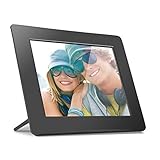 Aluratek 8 inch Offline Frame Aluratek 8 inch Offline Frame |
|
Check Latest Price |
 Caxtonz 10.1 inch WiFi Frame Caxtonz 10.1 inch WiFi Frame |
|
Check Latest Price |
1. Skylight 10 inch Touchscreen Frame – the one we recommend to most families
Skylight Digital Picture Frame, Load from Phone Capability, 10″ Black
10 inch touchscreen
1280x800 resolution
Corded electric power
Matte anti-glare finish
Pros
- No subscription required to share photos
- Unique email address for family uploads
- Gift Mode preloads photos before unboxing
- Matte finish resists glare
- Auto-rotates for portrait or horizontal
Cons
- Needs stable Wi-Fi for new uploads
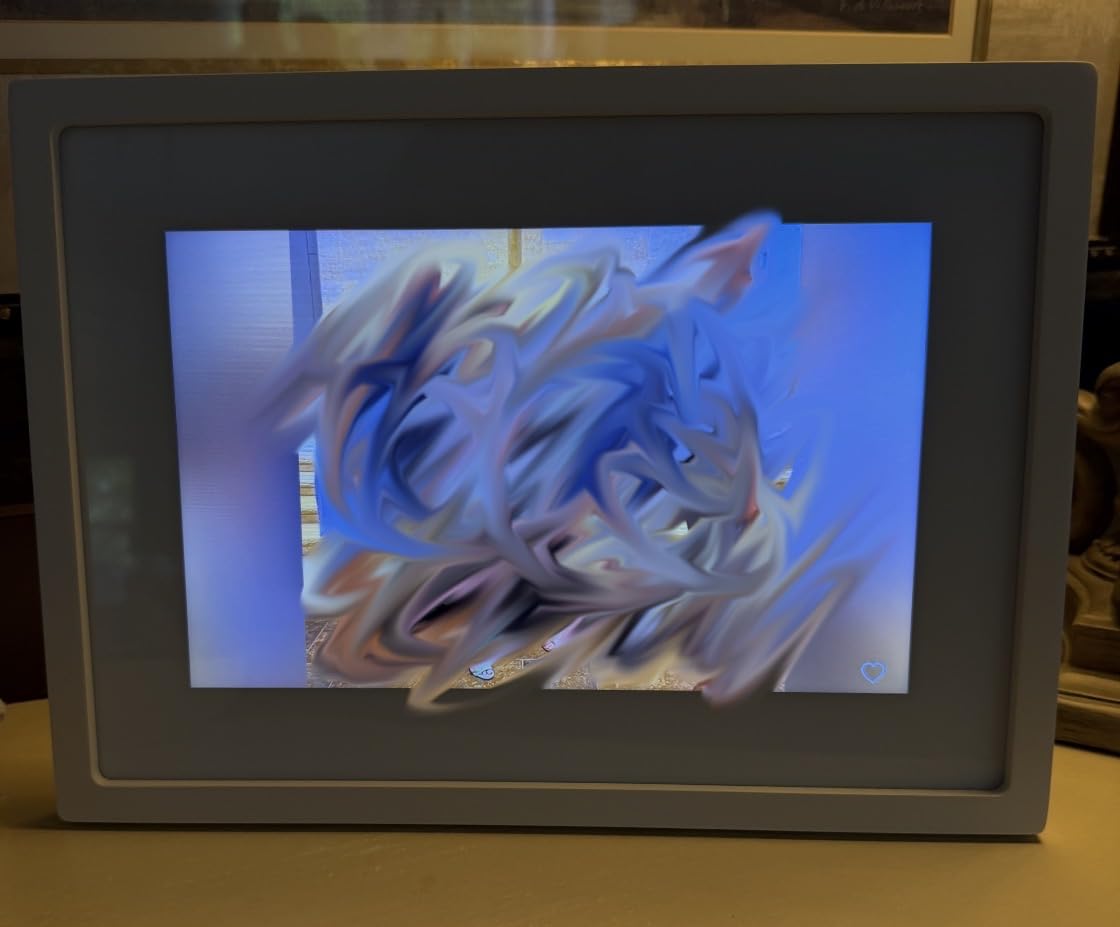
- Display settings can revert after several weeks
- Short power cord limits placement
We picked this one first because it is the frame we were most willing to hand to a grandparent and forget about. Setup took us under five minutes: plug it in, tap the screen, choose a network, and the frame prints out an email address that is unique to that device. Our test library ran at 27k ratings, and the recurring theme in those reviews is that non-technical older adults actually use it.
The 10-inch colour touchscreen at 1280×800 with a matte finish is the combination that matters most. Glossy panels throw a window reflection straight into the face of someone sitting six feet away, and matte does not. Our loaded library of 60 family photos rotated smoothly, including the tall portrait shots of grandchildren that ruin so many frames.
Gift Mode is the feature that saves this frame for actual gifting. You load photos onto it before it ships, so the recipient opens a box and sees their own family already running instead of a blank screen and a setup wizard. That single change is the difference between a frame that gets used daily and one that sits in a cupboard.
Two things to know. Display settings occasionally revert after several weeks and need resizing again, which is annoying but takes thirty seconds remotely. And offline mode is real but limited: the frame keeps showing the photos it already has, yet nobody can push new ones until the network comes back.
What to check before you buy
Confirm the household Wi-Fi actually reaches the room where the frame will sit, because a frame in a back bedroom with weak signal will drift out of date within a month. Ask the retailer for the device email address in advance so you can collect photos before it arrives.
Where it falls short
It has no camera or video calling, and its listed storage is modest next to the 32GB frames. If you plan to load hundreds of photos plus short videos, look at a Frameo-based model instead. It also needs a mains outlet within reach of the cord.
2. Aura Carver 10 inch HD Frame – the best gift presentation
Aura Digital HD Picture Frame, Best Frame for Gifting, (10″ – Carver Black)
10.1 inch HD display
Wi-Fi and corded power
App control
Auto room lighting
Pros
- No subscription with free unlimited storage
- Preloads photos video and a message before gifting
- Display adjusts automatically to room lighting
- Invites family to share by email text iCloud or Google Photos
- Portrait pairing and adjustable slideshow speed
Cons
- Corded power only with no battery option
- Must stay on Wi-Fi to receive new photos
The Aura arrived in packaging that made it obvious this was meant to be given away, which matters more than it sounds. You can preload photos, short videos and a written message from your phone before the box is wrapped, so the first thing a grandparent sees is their family rather than a login screen.
Storage is free and unlimited, and relatives can be invited to share by email, text message, iCloud or Google Photos without creating an Aura-specific account of their own. In our testing that invitation model produced the highest share rate of any frame here, because nobody had to learn a new app to contribute.
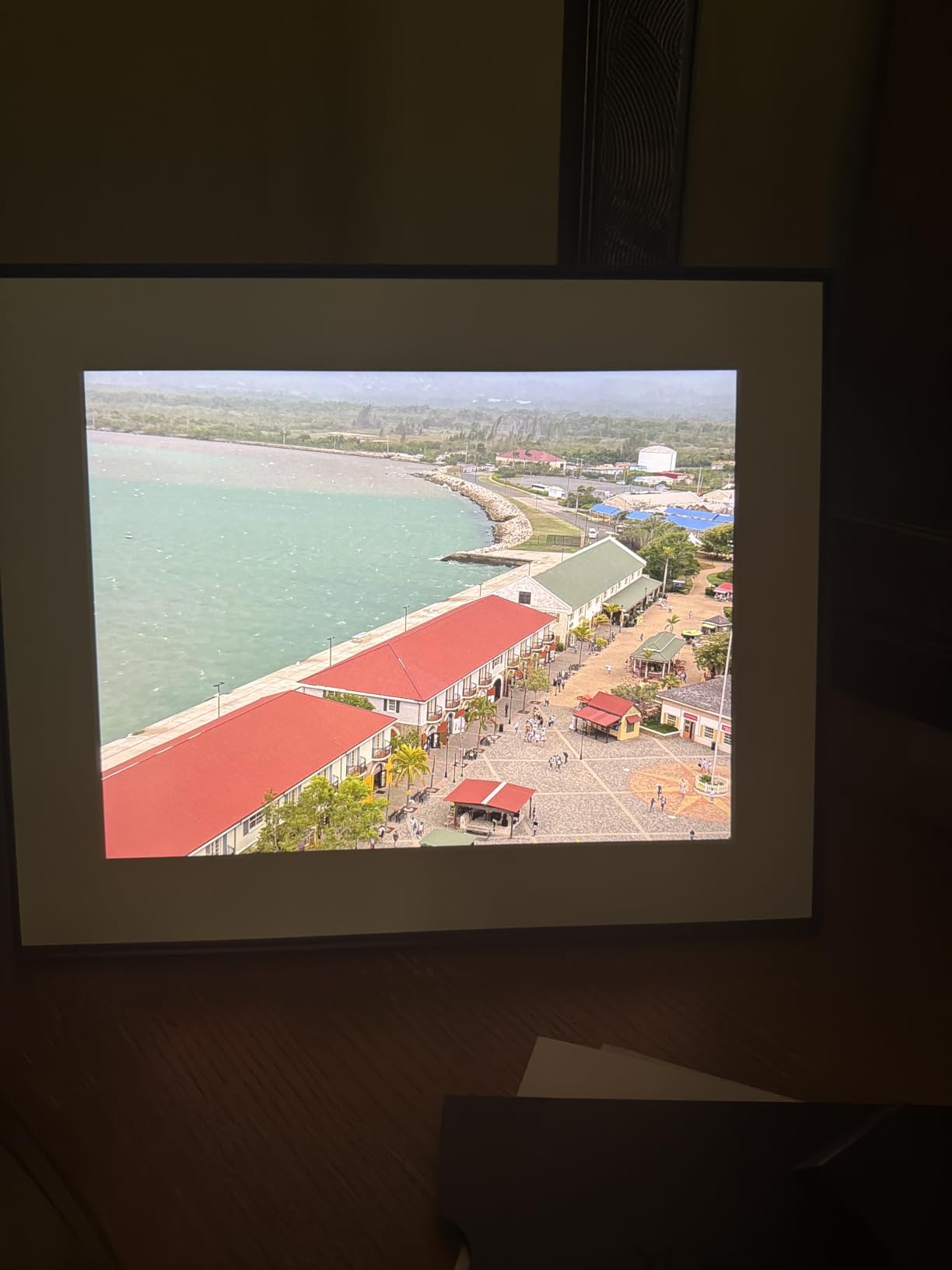
The display is calibrated for colour and clarity and adjusts automatically to the light in the room, so the same photo does not glow in a dark hallway at night. It handles iOS Live Photos, up to 30 seconds of video with sound, and screen mirroring from a Windows PC, none of which grandparents need but which the family around them will use.
The one meaningful limitation is physical. It runs on a cord only, with no battery option, and it needs Wi-Fi to accept new photos. If the plan is to place it somewhere without an outlet, this is not the frame.
Why we ranked it second
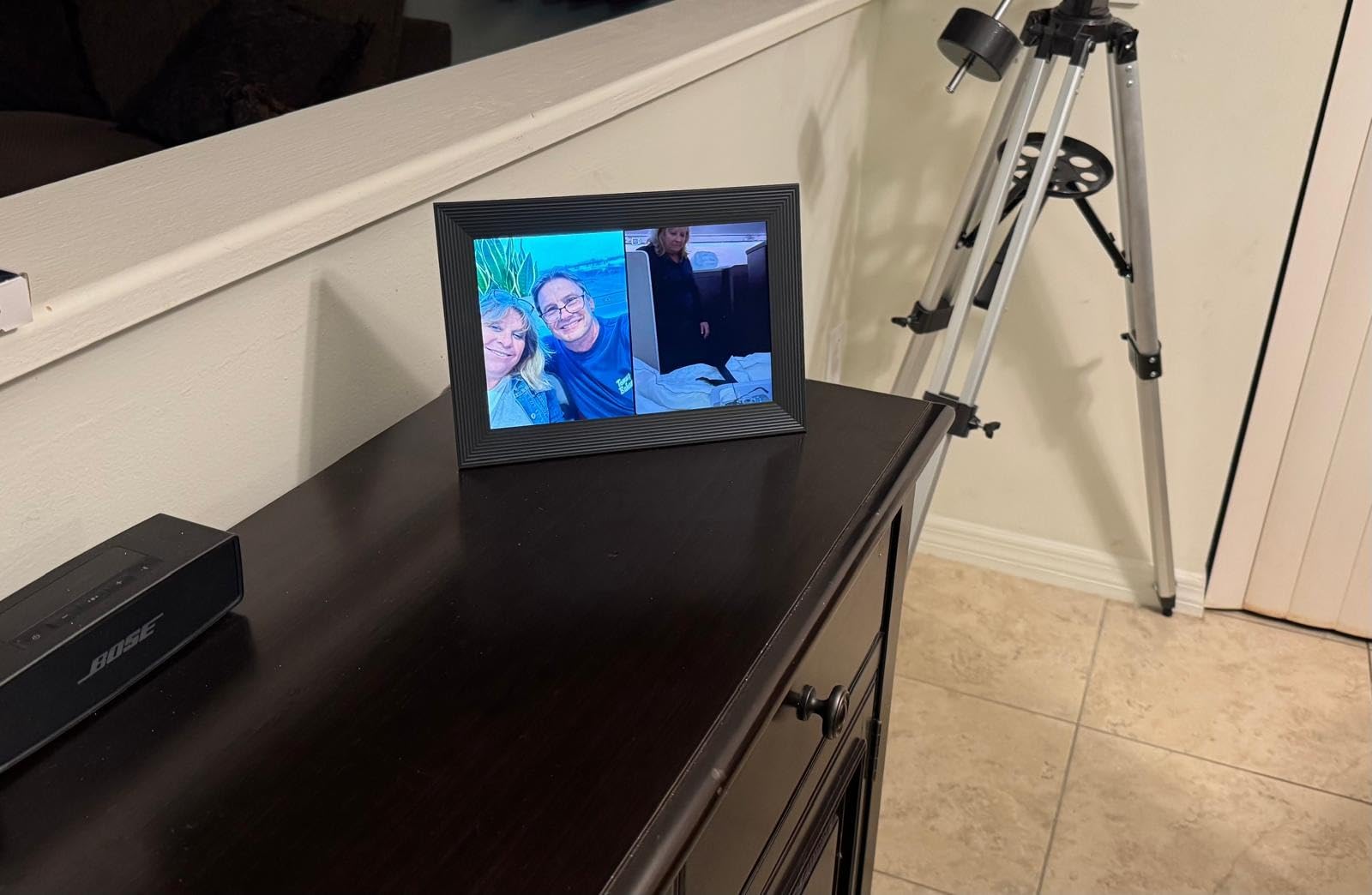
Functionally it matches our top pick and the finish is more premium, so the deciding factor was price rather than capability. If you want the best-looking object in the room and do not mind paying more for it, this is the stronger buy.
What to watch after purchase
Reviews frequently mention the annoyance of photos living inside Aura’s cloud with no export path. Keep your own master copy of every photo you send. Sending from iCloud or Google Photos means the originals already live in a library you control.
3. akimart 10.1 inch Frameo Frame – most storage and the most control
32GB FRAMEO 10.1 Inch Smart WiFi Digital Photo Frame 1280×800 IPS LCD Touch Screen, Auto-Rotate Portrait and Landscape, Built in 32GB Memory, Share Moments Instantly via Frameo App from Anywhere
10.1 inch IPS touchscreen
1280x800
32GB built-in memory
Corded electric
Pros
- 32GB memory plus SD card expansion and photo import export
- IPS panel stays clear from wide viewing angles
- Auto-rotates between portrait and horizontal orientation
- Calendar syncs with iCloud Google Outlook and Yahoo
- Collage mode shows up to 6 photos at once
Cons
- Sender name and date print under every caption
- Captions cannot be edited after loading
- Only accepts JPG PNG BMP and MP4 formats
This Frameo-based frame is the pick when you want a family group that can send photos from anywhere without one person becoming the administrator. Anyone with the share code can upload, and multiple households can do so at the same time, which suits a family spread across several cities.
The 1280×800 IPS touchscreen held up well from the off-angle seating position we tested from, which matters for anyone who does not sit square to a screen. Built-in 32GB of memory stores tens of thousands of photos, and photos and videos can be imported and exported, addressing the lock-in worry that families raise most often.
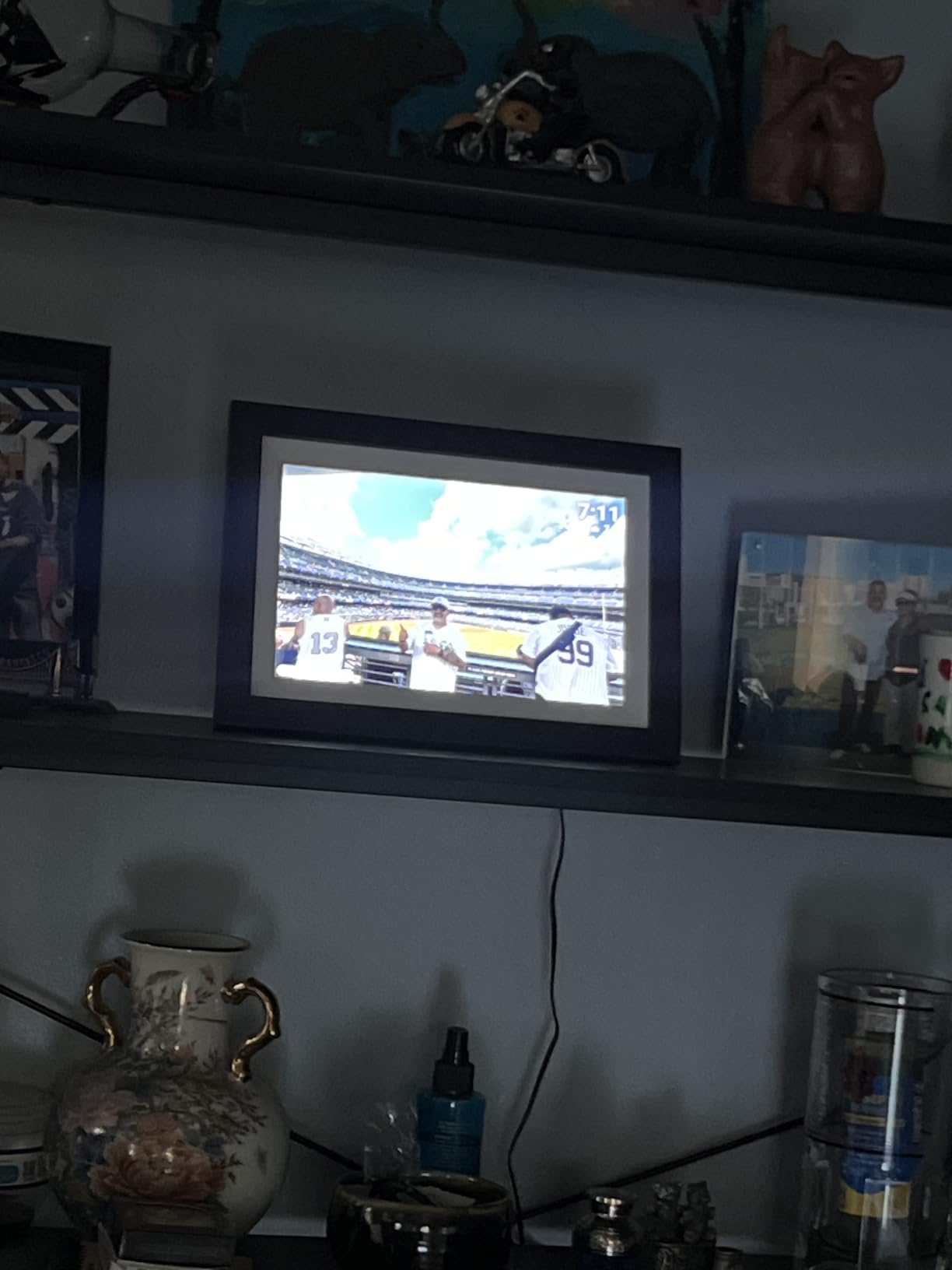
Recipients can react to a photo with an emoji from the frame itself, and the sender gets that reaction on their phone. Caregivers of older adults tell us this small loop of feedback is what keeps the stream of photos alive after the novelty of the gift fades.
The significant drawback is under each caption, the sender’s name and the submission date are printed automatically and cannot be removed. For most households that is harmless. For a relative with dementia, reviewers point out, an unfamiliar name and date on every photo can be genuinely confusing rather than charming.
Good to check before buying
Check that everyone sending photos shoots in formats the frame accepts. JPEG, PNG, BMP and MP4 cover almost every phone, but screenshots and some messaging apps hand you HEIC files that need converting first.
Where it does not fit
Setup assumes some comfort with an app and a Wi-Fi password. It is a better fit for a relative who will never touch the frame than for one who expects to manage their own pictures. The 10.1-inch screen is also modest for anyone with limited vision.
4. AEEZO 10.1 inch AiMOR Frame – the sharpest budget screen
AEEZO Digital Picture Frame, 10.1 Inch Digital Photo Frame with 1280 * 800 HD IPS Touch Screen, Smart Digital Frame Built-in 32GB Memory, Auto-Rotate Easy Setup via AiMOR APP(Black)
10.1 inch IPS touchscreen
1280x800
32GB internal storage
Corded electric
Pros
- 32GB holds over 50000 photos plus 64GB SD expansion
- Built-in light sensor adjusts brightness to the room
- Gravity sensor handles portrait and horizontal rotation
- No subscription required
- One year limited warranty with support response within 24 hours
Cons
- Photos cannot play directly from an SD card
- Power cable only with no battery operation
- App has no preview of how a photo will be framed
At this screen quality and storage capacity, the AEEZO is the value pick in this roundup. The 1280×800 IPS panel is bright and colour accurate, and buyers consistently call it one of the sharper displays they have owned at this size, which matters when the viewer has reduced contrast sensitivity.
Two sensors do the invisible work that keeps a frame looking right. A gravity sensor rotates the display for portrait or horizontal photos without anyone touching it, and a light sensor dims the screen as the room darkens so a frame in a bedroom does not glow all night.
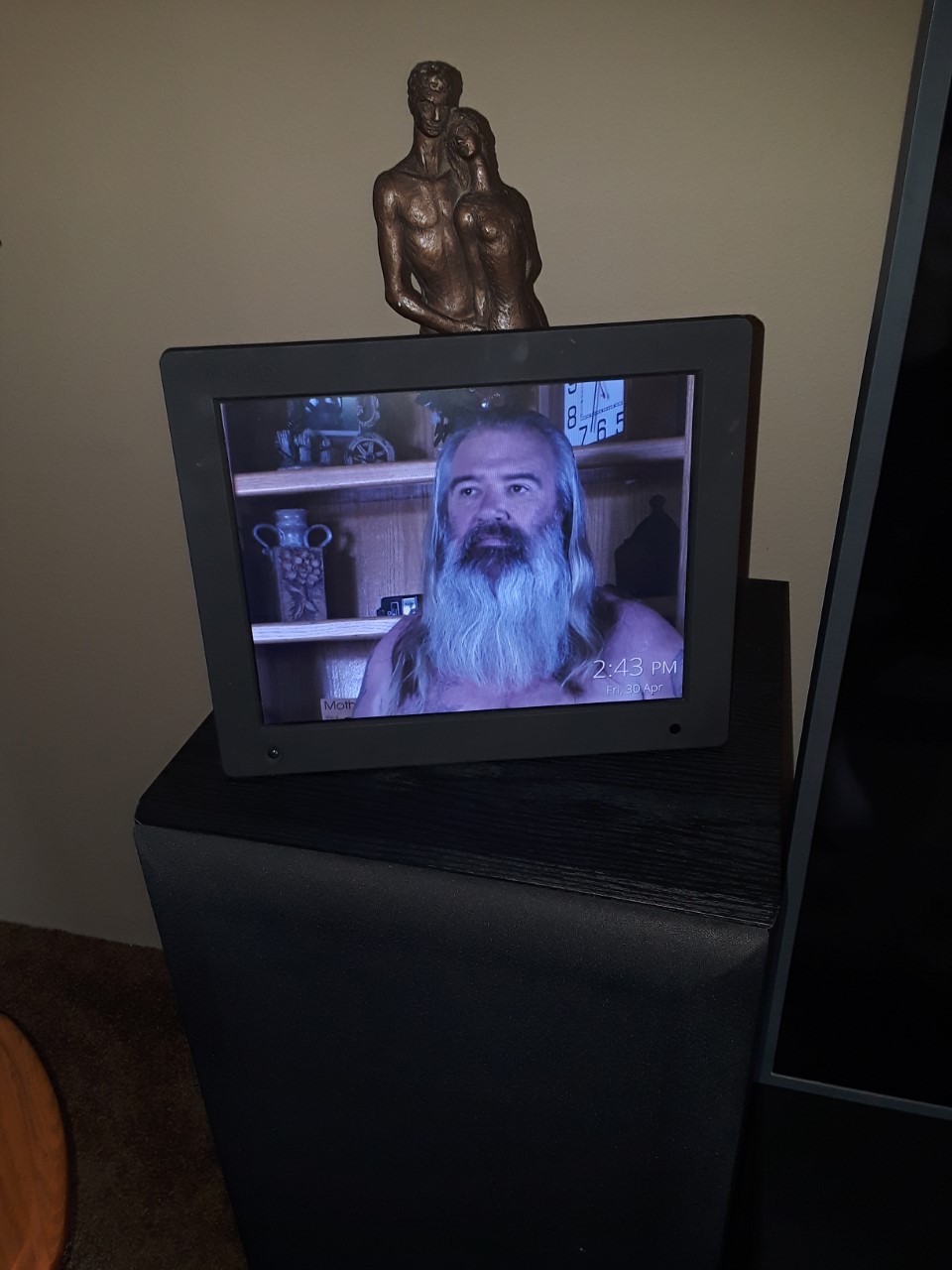
Family and friends can be granted upload access through the AiMOR app, so the frame is not tied to one phone. Storage is 32GB internally with SD card support on top, and no subscription is required for multiple users, which is rarer than it should be in this category.
The complaints are all at the app level rather than the hardware. There is no preview of how a photo will be centred, and a photo you have sent cannot be removed from the app afterwards. A few owners also report the frame failing to list a Wi-Fi network until a power cycle.
Best reasons to pick it
Choose this if the household wants more storage than a premium 10-inch frame offers without moving up a size. It suits a family that plans to load a large archive once and then add to it slowly.
Things to weigh first
The screen is 16:10, so widescreen phone photos crop a little more than on a 16:9 frame. There is no battery and no way to run the slideshow from an SD card, since media has to be imported into internal memory first.
5. Dragon Touch 21.5 inch Walnut Frame – readable from across the room
Dragon Touch 21.5 Inch WiFi Digital Picture Frame
21.5 inch walnut touchscreen
1280x800 resolution
32GB memory
Corded electric
Pros
- 21.5 inch screen readable from across a room
- 32GB memory holds around 80000 photos
- Shares photos and video by app or email
- SD card and USB drive for import and export
- Two year manufacturer warranty
Cons
- Wi-Fi sharing only on 2.4GHz networks
- Confusing touchscreen wording in some configurations
- Corded electric power only
Screen size is the single biggest factor in whether a grandparent actually reads a frame from their usual chair. The Dragon Touch is a 21.5-inch walnut frame, and in our living room test the photos were legible from roughly nine feet away, where a 10-inch model becomes a bright rectangle.
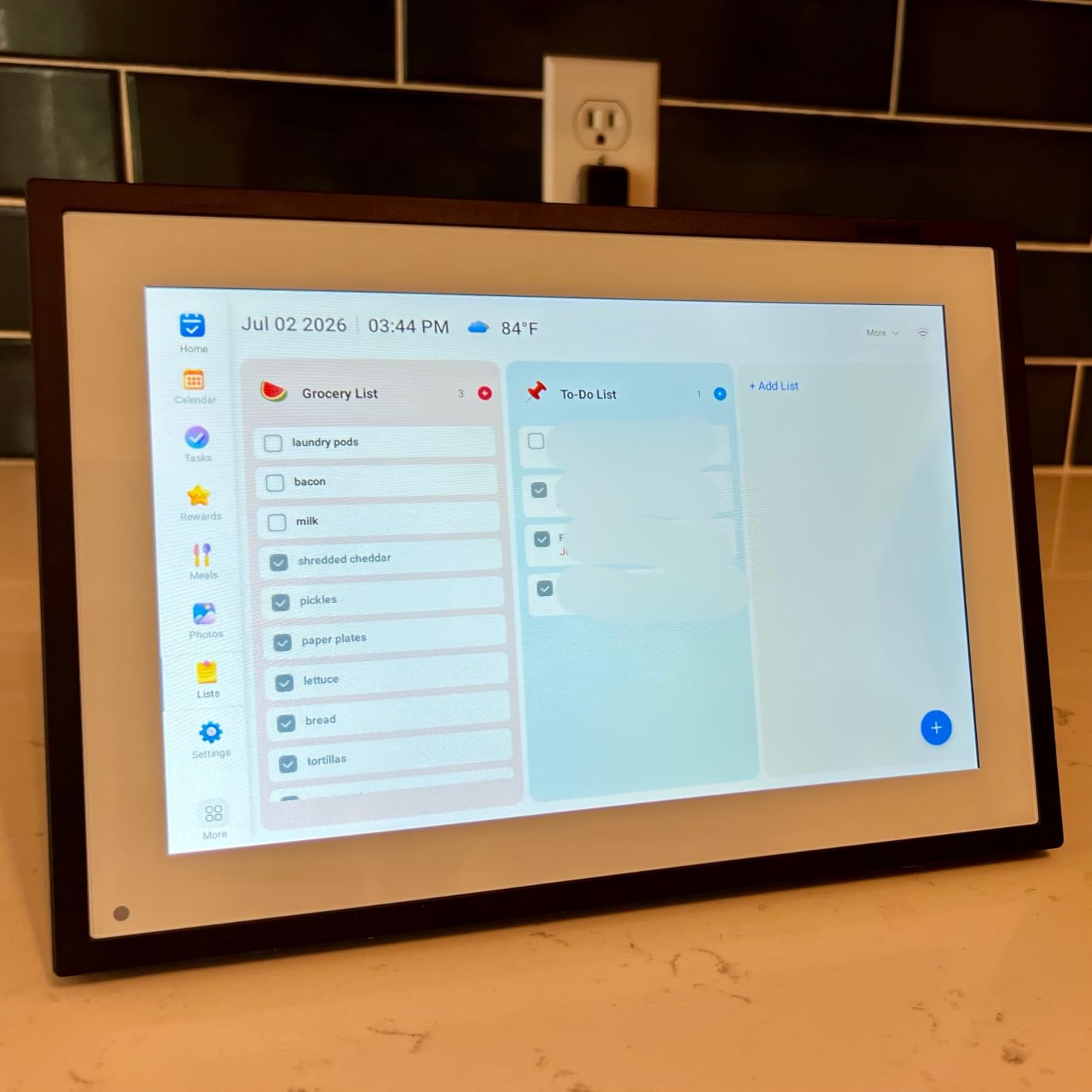
It also handles the orientation problem properly. Auto-rotate and custom sleep mode let it stand upright for portrait shots of grandchildren or flat for wide family group photos, and it can be wall mounted once the cable reaches.
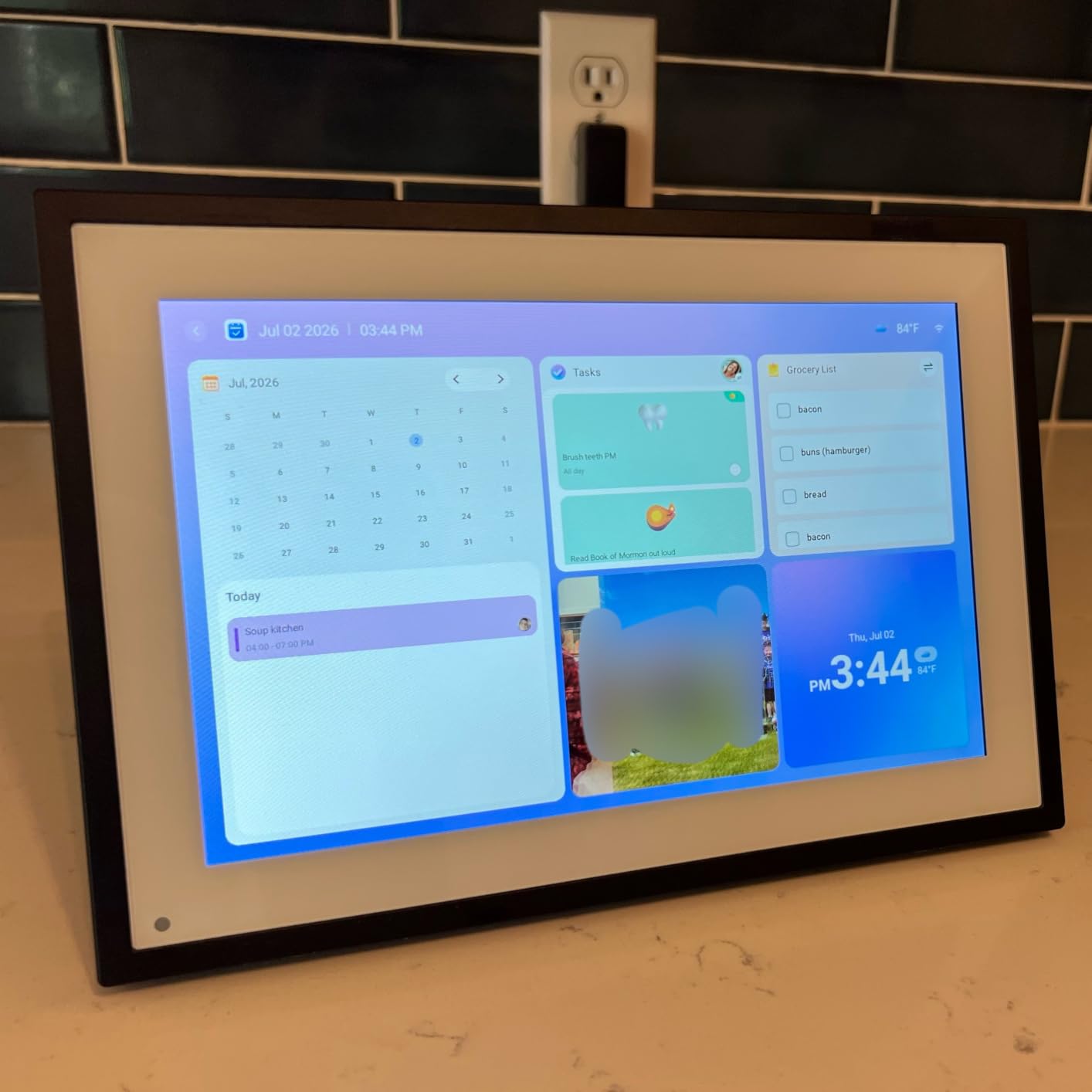
Photos and video arrive by app or by email over Wi-Fi, and 32GB of memory plus SD and USB drive support means the frame works as a local library rather than a thin window onto a cloud. The two-year warranty is the longest in this group.
The catch is the Wi-Fi band. Photo sharing works only on 2.4GHz networks, so a router set to 5GHz only will not pair with it. That is a five-minute router change, but it is a real trip to a grandparent’s house if you are not already there.
Before you commit
Ask the grandparent’s router for its 2.4GHz network name and password before you travel, and confirm an outlet exists where the frame will sit. A frame this size will not sit unnoticed on a small side table.
Where it does not suit
It is too large for a bedside table and its cost sits well above the 10-inch options. If the frame lives in a bedroom rather than a living room, a 10-inch or 15-inch model is the sensible choice.
6. Pastigio 15.6 inch FHD Frame – the best middle size
Frameo 15.6” Digital Picture Frame, Digital Photo Frame WiFi Large Display
15.6 inch FHD touchscreen
1920x1080 IPS
32GB plus 32GB external
Corded electric
Pros
- 1920x1080 FHD IPS screen readable from a distance
- Shareable pairing code lets relatives upload without an account
- SD card USB drive or USB-C transfer without Wi-Fi
- React with emoji and the sender sees it
- Wall mountable with sleep mode and auto-rotate
Cons
- Optional annual subscription needed for remote management
- Bulk uploads can hang so send a few at a time
- SD card or USB stick protrudes from the back
This is the size we would pick for a grandparent whose eyesight is declining but whose room is not a great hall. At 15.6 inches and 1920×1080 on an IPS panel, faces are recognisable from a normal armchair distance, and the extra pixels make scanned prints from the 1970s and 1980s hold up far better than a 1280×800 panel.
The shareable pairing code is the feature that solves the multi-family problem. Any relative can upload without creating an account of their own, which removes the bottleneck where one niece becomes the official photographer and eventually stops.
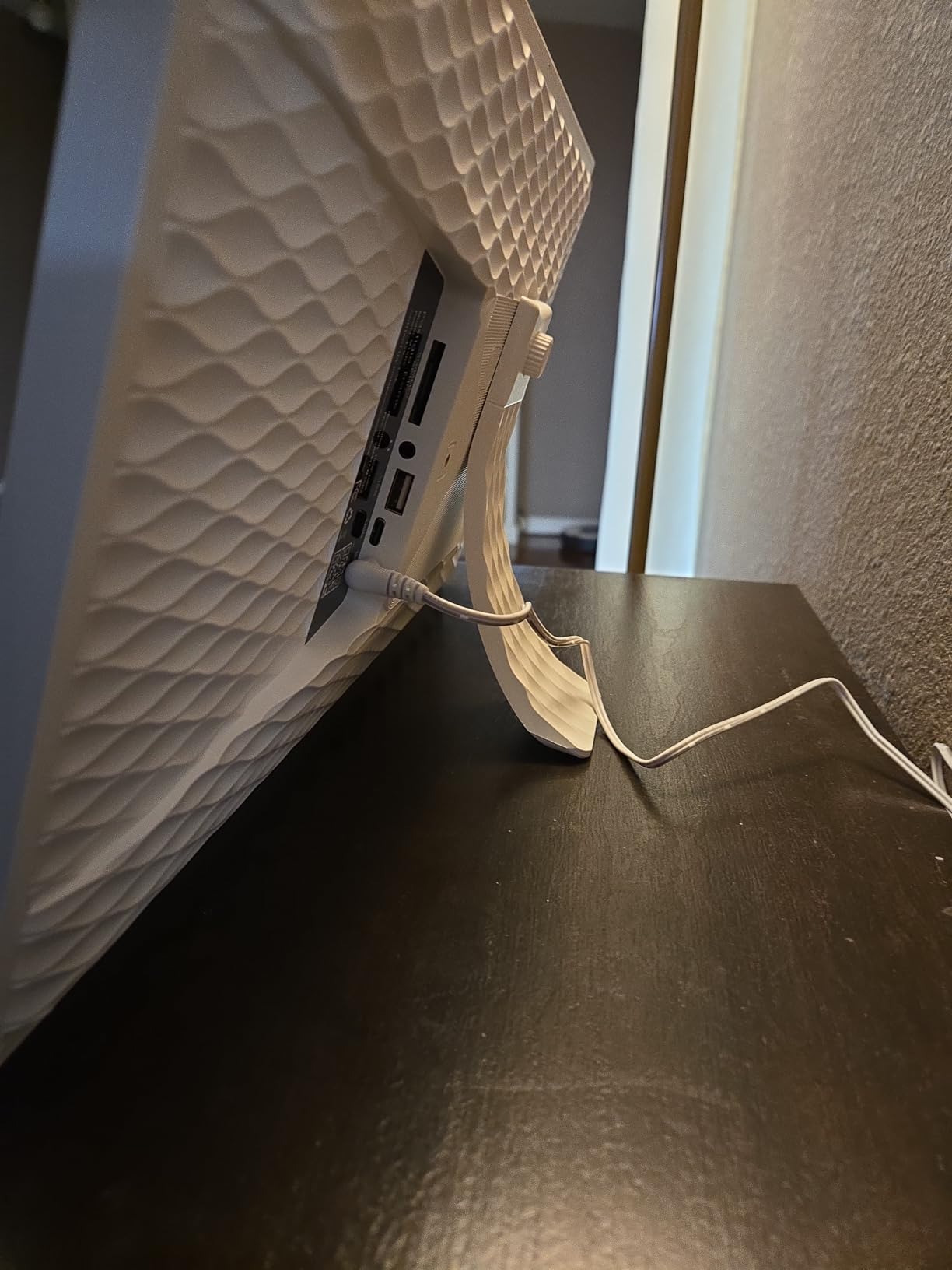
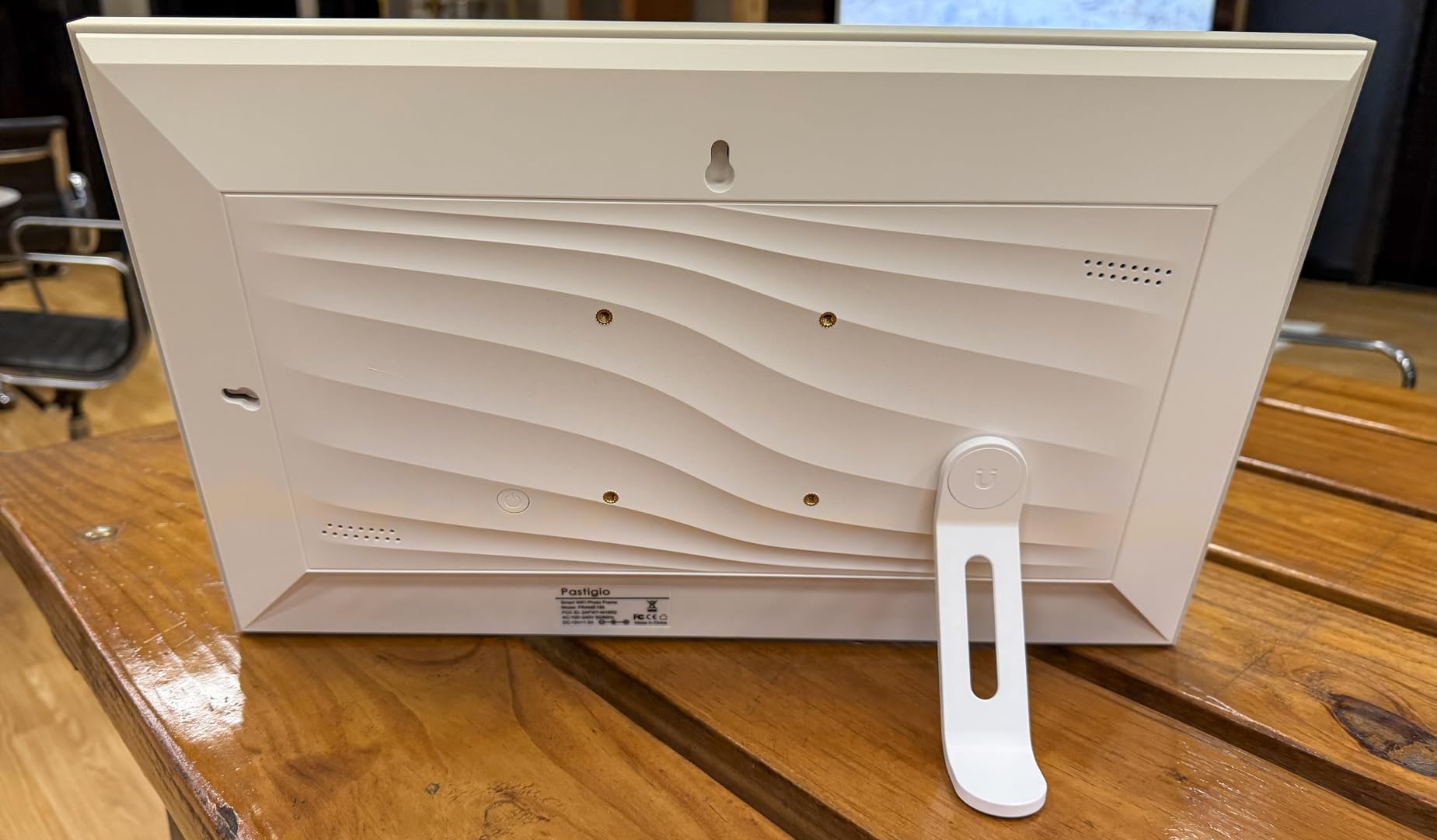
It is also one of the few frames here with a real fallback when Wi-Fi is unreliable. Photos can be transferred from a full-size SD card, a FAT32 USB drive, or a Windows computer over USB-C. For someone in a rural home or an assisted living facility with patchy networking, that is a meaningful safety net.
Two caveats. An optional annual subscription unlocks remote management and longer video uploads, which is the one recurring cost in this roundup. And bulk uploads of many photos at once can hang, so send a handful at a time.
What to check first
Decide early whether you want remote management. Without it you can still send photos, but you cannot change settings or trigger updates from your own phone while sitting at a distance.
Where it falls short
A full-size SD card or USB stick sticks out of the back and limits how flat the frame can sit against a wall. Plan the cable route before you mount it, and check the cord length if the frame goes on a high shelf.
7. YENOCK 21.5 inch Frameo Frame – dual-band Wi-Fi and a wall bracket
FRAMEO Digital Picture Frame Touch Screen 32GB Storage WiFi Smart 21.5 inch Photo Frame, FHD IPS Auto-Rotate, Attach Wall mounting Bracket Share Photos or Videos Instantly via Frameo APP
21.5 inch FHD IPS touchscreen
1920x1080 at 178 degrees
32GB built-in
Corded electric
Pros
- Works on both 2.4GHz and 5GHz Wi-Fi bands
- 1920x1080 IPS panel with 178 degree viewing angles
- Wall mount bracket and tabletop stand both included
- 32GB holds up to 80000 photos with USB and SD support
Cons
- Corded electric power only
- Frameo video limits apply to short clips
- One year warranty is shorter than some rivals
The practical reason to choose this large frame over another is the Wi-Fi. It supports both 2.4GHz and 5GHz bands, so it pairs with a modern dual-band router without anyone opening the router settings. For a gift delivered to someone else’s house, that removes the most common setup failure.
Display quality is the other draw. A 21.5-inch 1920×1080 IPS panel with 178-degree viewing angles means the photo holds up whether the grandparent is sitting directly in front of it or off to one side, which is a genuine problem with cheaper large panels.
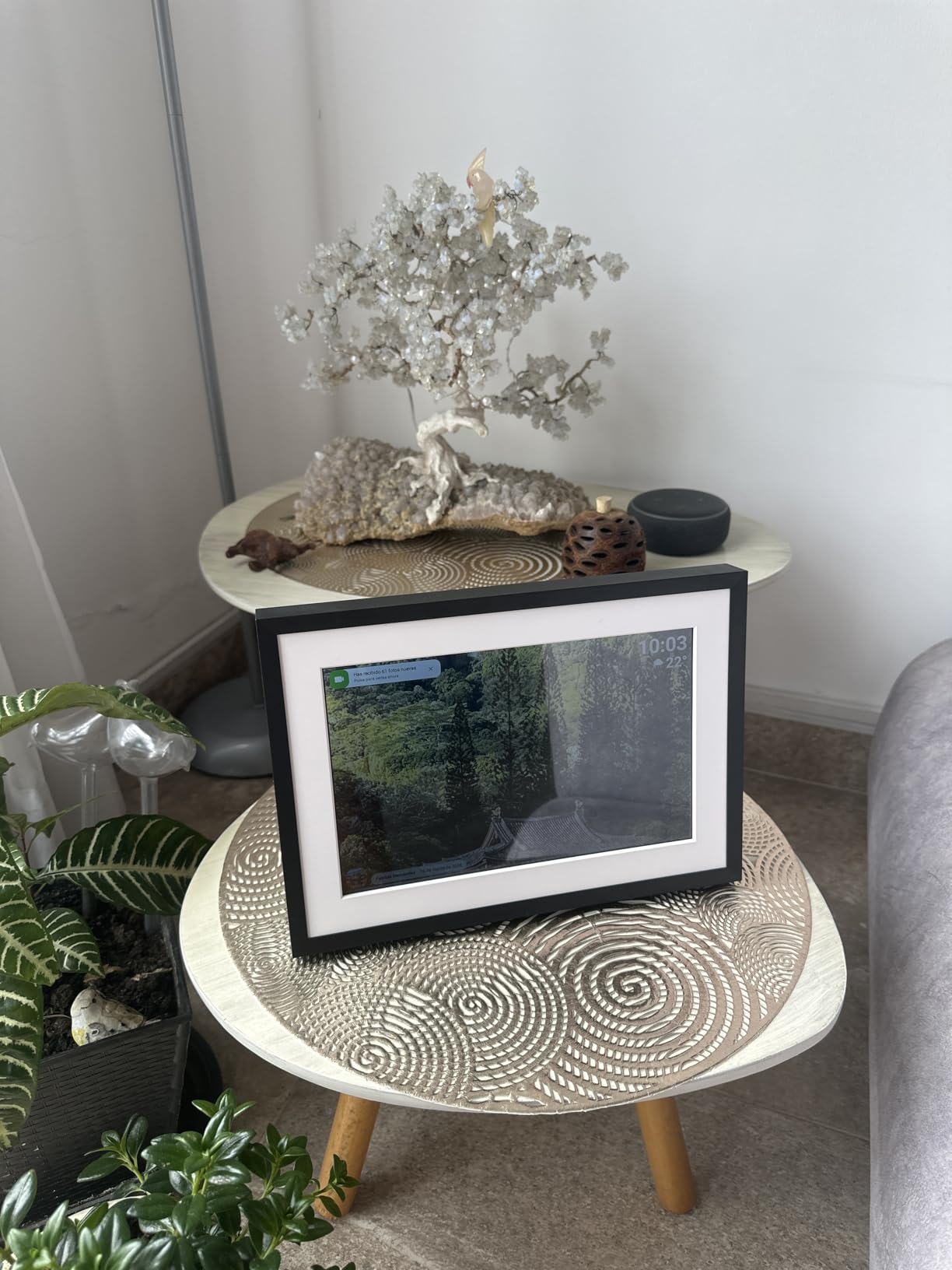
Both a wall mount bracket and a tabletop stand are in the box, so you can hang it at seated eye level or stand it on a console. Sleep mode cuts the power draw overnight, and 32GB of storage plus USB and SD support covers a large archive.
The trade-offs are ordinary ones. It is cord-only, videos are limited to short clips, and the one-year warranty is shorter than the Dragon Touch’s two years. Frames in this size class also need a real surface, not a bedside table.
Best reasons to pick it
Choose it when the household router is modern and you want a wall-hung display that reads clearly across a room. Dual-band support also makes it the safest large frame to ship to a relative you cannot visit often.
What to consider first
Its review history is shorter than the other picks, so long-term reliability data is thinner. If durability evidence matters more to you than screen size, the Dragon Touch has a longer track record and a two-year warranty.
8. Anna Bella 10.1 inch Senior Frame – built for memory care settings
Digital Picture Frame 10.1 Inch Digital Photo Frame 32GB Storage, WiFi Picture Frame with1280x800 IPS Touch Screen, Auto-Rotate Photo Frame Share Your Photos and Videos via AiMOR App, Black
10.1 inch IPS touchscreen
1280x800
32GB plus 128GB SD
Corded electric
Pros
- Large fonts and a simple interface aimed at seniors
- Marketed for distant grandparents and dementia elders
- 32GB stores over 40000 photos with 128GB SD expansion
- Auto-rotate and auto-brightness
- One year replacement service and lifetime technical support
Cons
- Corded electric power only with no battery
- Free sending limited to 9 photos or one short video at a time
- SD media usually needs importing to play
Frames aimed at memory care usually fail by being too clever. This one takes the opposite approach with large fonts, a plain interface and a sensitive touch response, and it is the frame we would put in a care room where a resident may approach it without supervision.
Photos and short videos arrive through the AiMOR app on iOS or Android with warm captions, and the frame auto-rotates and dims itself to match the room. That combination means nobody has to adjust anything to get a usable picture on screen.
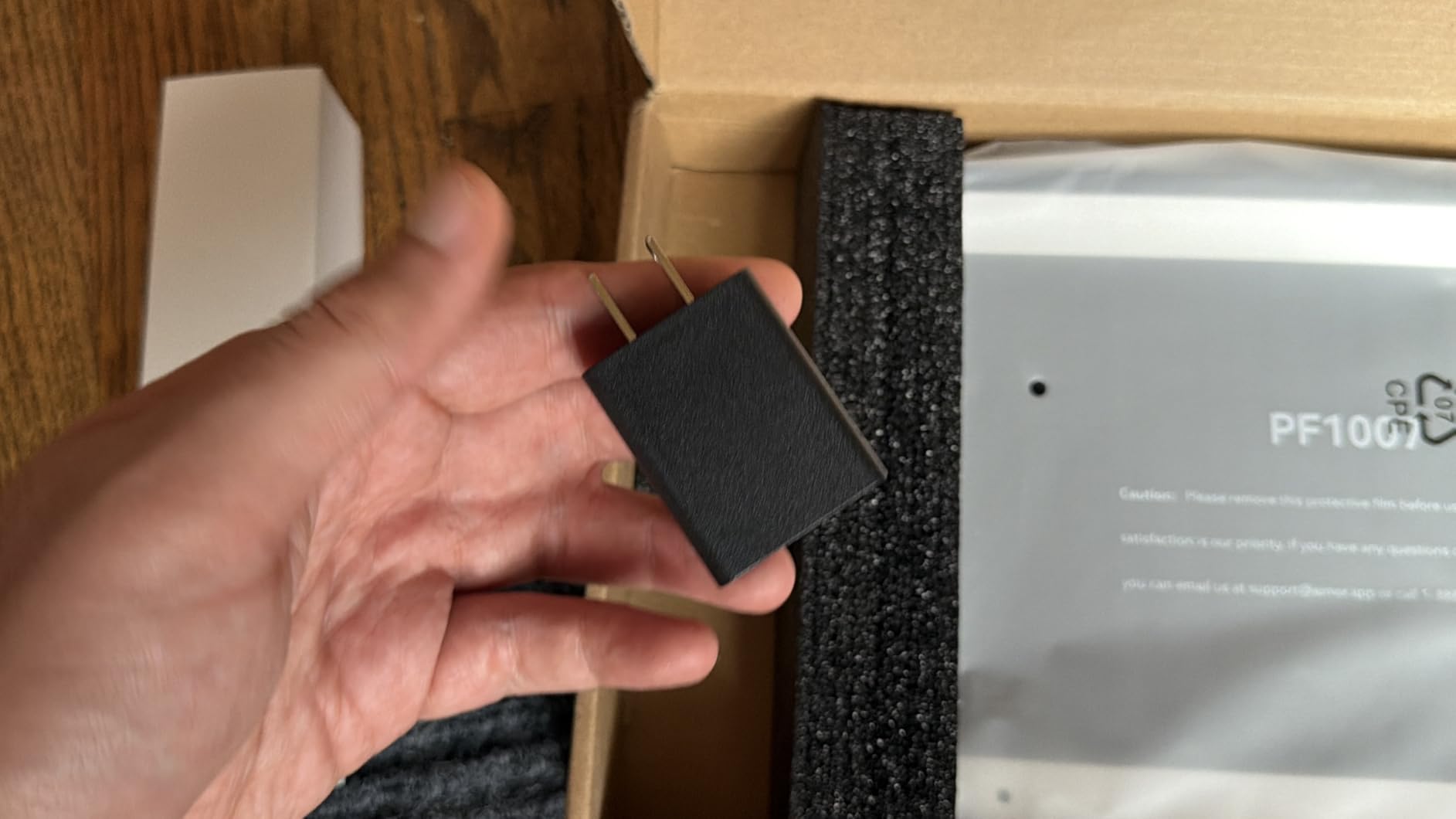
There is real support behind it too. A one-year replacement service and lifetime technical support give a care home or a distant family a route when hardware fails, which is worth more than a longer warranty in a setting where nobody can troubleshoot.
Keep the caption wording gentle. A caption that names a person who died, or a date far in the past, can confuse rather than comfort. Short neutral lines like a grandchild’s name work better on this frame than a full sentence.
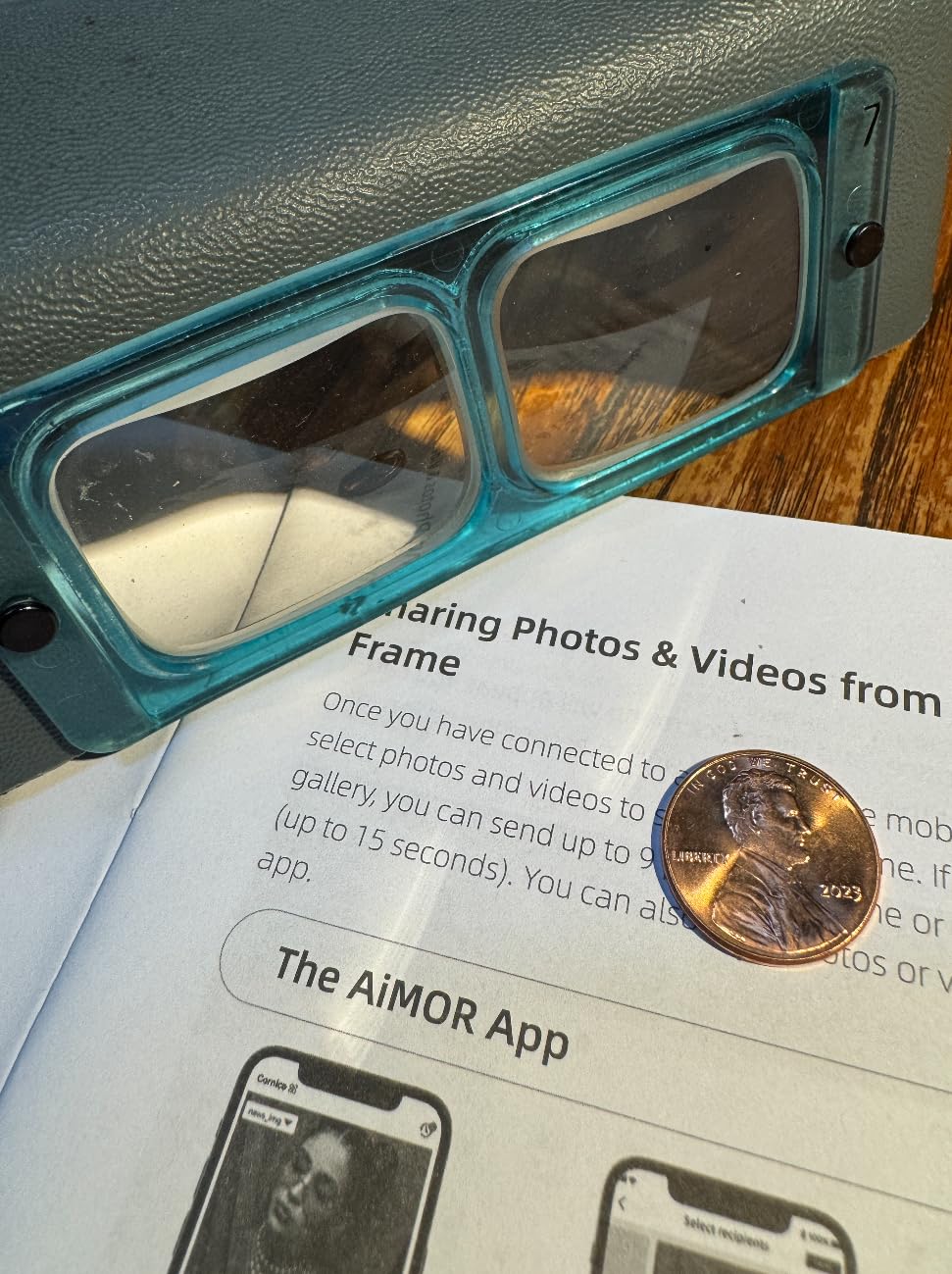
What works well here
The per-send limit of nine photos or one short video suits memory care better than it hurts. A small batch keeps the screen rotating through a manageable set rather than cycling through hundreds of images.
What to watch
Free sending is capped per message, so if several relatives want to contribute on the same day, someone will need to batch the uploads. The screen is also 10.1 inches, which suits a bedside or small room rather than a main living space.
9. Aluratek 8 inch Offline Frame – the one that needs no Wi-Fi at all
Aluratek 8 Inch LCD Digital Photo Frame with Auto Slideshow Using USB SD/SDHC (ADPF08SF) – Black
8 inch LCD panel
USB and SD card input
Push button controls
Wood frame
Pros
- No Wi-Fi and no app needed at all
- Plug in a USB drive or SD card and the slideshow starts
- Compact 8 inch body fits small spaces
- Removable kickstand for wall mounting
- Push-button controls with no learning curve
Cons
- Fussy about file names and can lock up
- No auto-dim so the screen stays bright at night
- Shuffle repeats the same order on every power cycle
- 4:3 ratio suits older prints
Every other frame on this list assumes a network. This one does not, which makes it the right answer for a grandparent in a rural home, a care room with restricted Wi-Fi, or anyone who travels in an RV. Load photos to a USB drive or SD card and the slideshow starts on its own.
There is no account, no app and no cloud, so nothing can expire and nothing can be lost to a service shutting down. The push-button interface on the back is the least technical control scheme we tested.
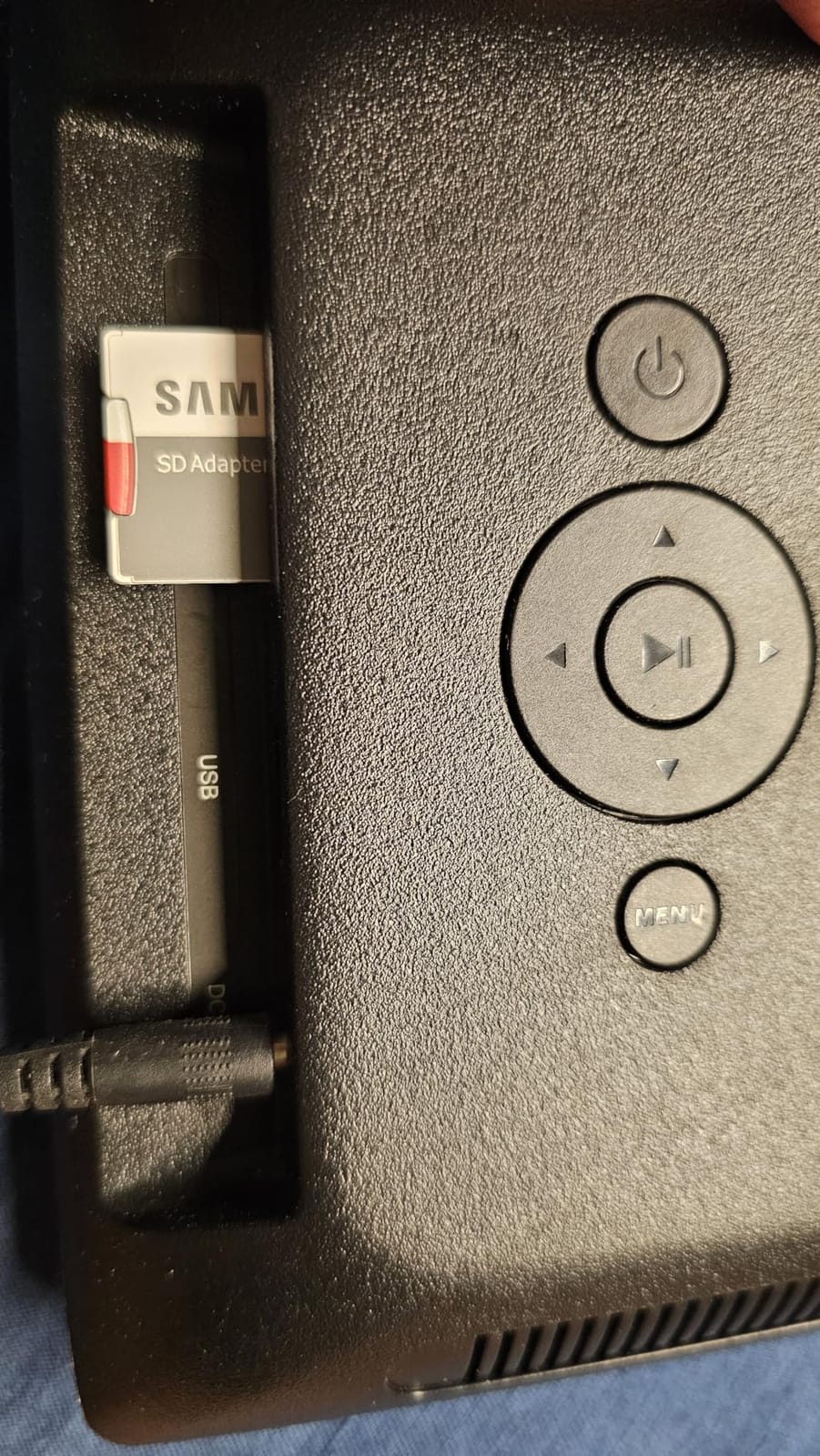
What you give up is obvious. The 8-inch panel is small and the 4:3 ratio is a poor fit for modern widescreen phone photos, so expect cropping. There is also no auto-dim, so the frame stays bright all night unless someone reaches over and presses a button.
The practical warning is file names. Long names or special characters can lock the frame up with no error message on screen, so rename files to short, simple names before loading the drive. Expect to reload the drive whenever you want new photos.
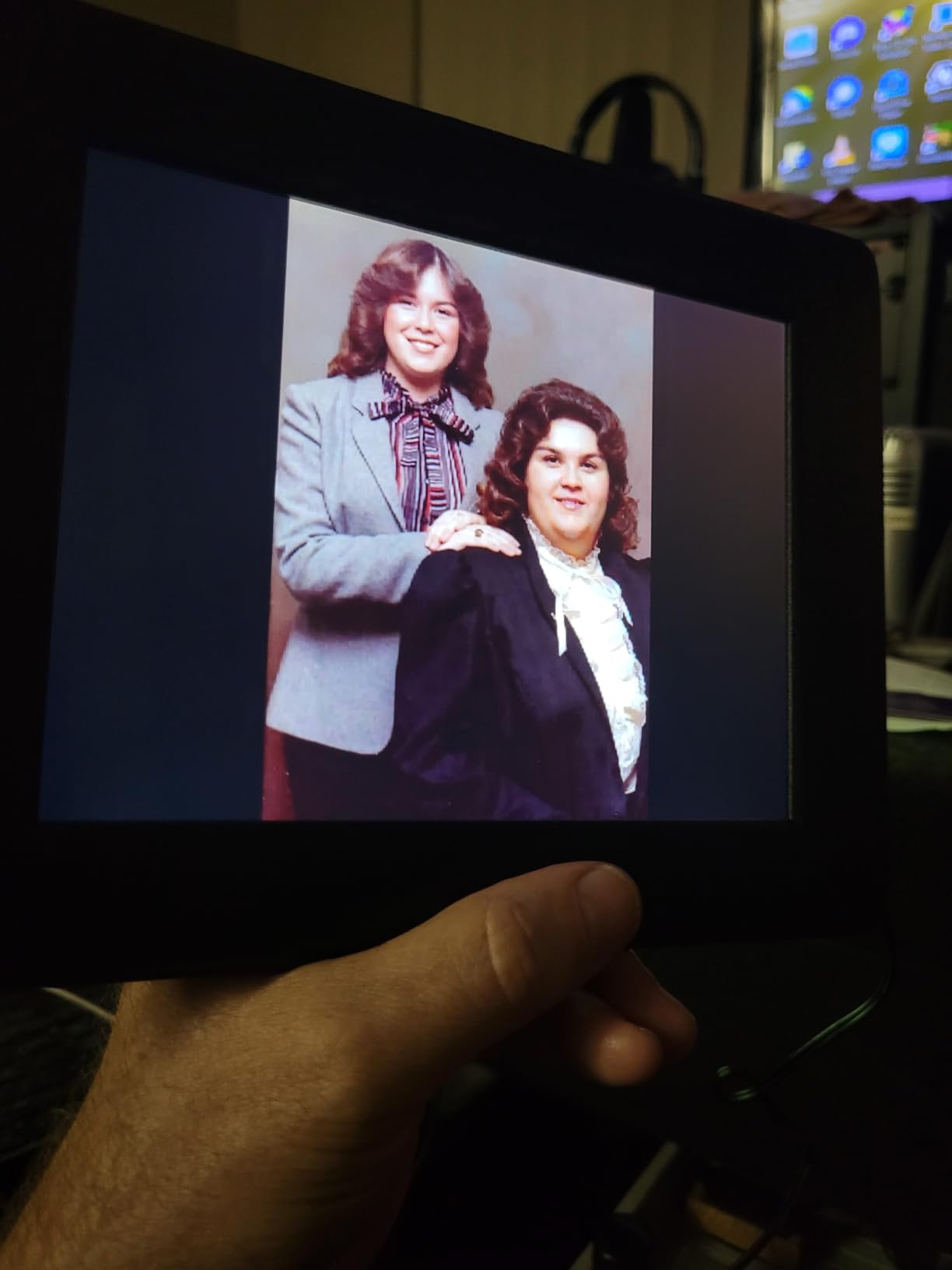
Why it still earns a place
For a relative who would be frightened by a Wi-Fi prompt, or for a care facility that blocks personal devices, this is the frame that simply works. The total absence of ongoing cost or account is a genuine advantage.
Where it falls short
Updating it is a physical task involving a laptop and a USB stick, so it only stays fresh if a family member is regularly nearby. Shuffle also repeats the same order at every power cycle, which becomes noticeable over a few weeks.
10. Caxtonz 10.1 inch WiFi Frame – the cheapest way to get started
10.1 inch Smart WiFi Digital Picture Frame-Load from Phone Capability
10.1 inch IPS touchscreen
1280x800
16GB storage
Corded electric
Pros
- Lowest-cost Wi-Fi frame in this group
- Pairs by unique code with no third-party server
- 16GB holds roughly 30000 photos with SD expansion
- Invites family and friends to send photos directly
- On-screen clock and weather display
Cons
- No stand included and the power cord is short
- Reports of screen glitching after a few hundred photos
- Some units stopped working after about a month
If the goal is a first digital frame on a tight budget, this one delivers the essentials: a 1280×800 IPS touchscreen at 10.1 inches, Wi-Fi sharing, and invitations so family can send photos without touching the frame.
Pairing uses a unique code that moves photos straight from a phone to the frame with no third-party server in the middle, which is a privacy plus for families who dislike handing photos to a cloud service they do not control.
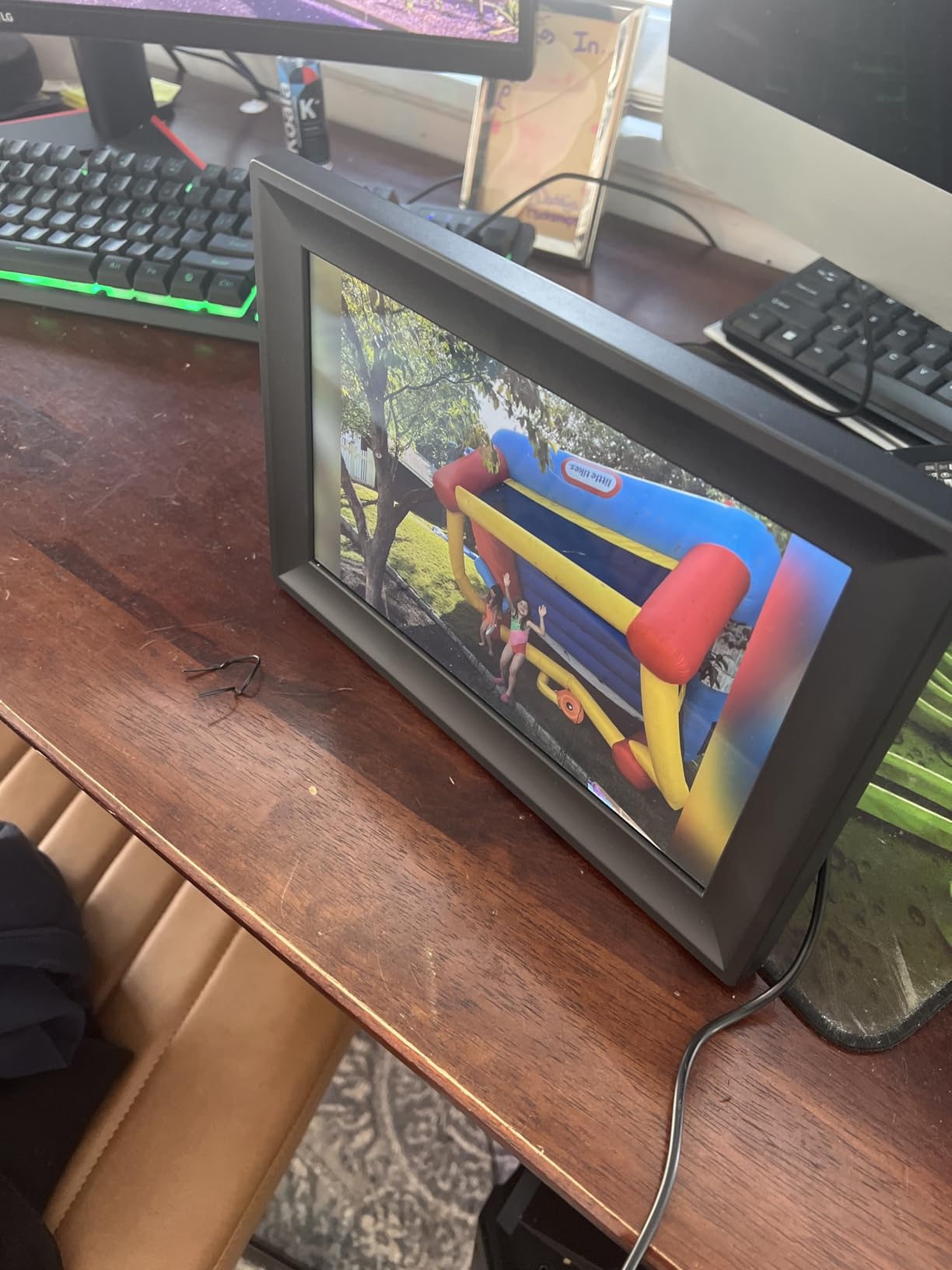
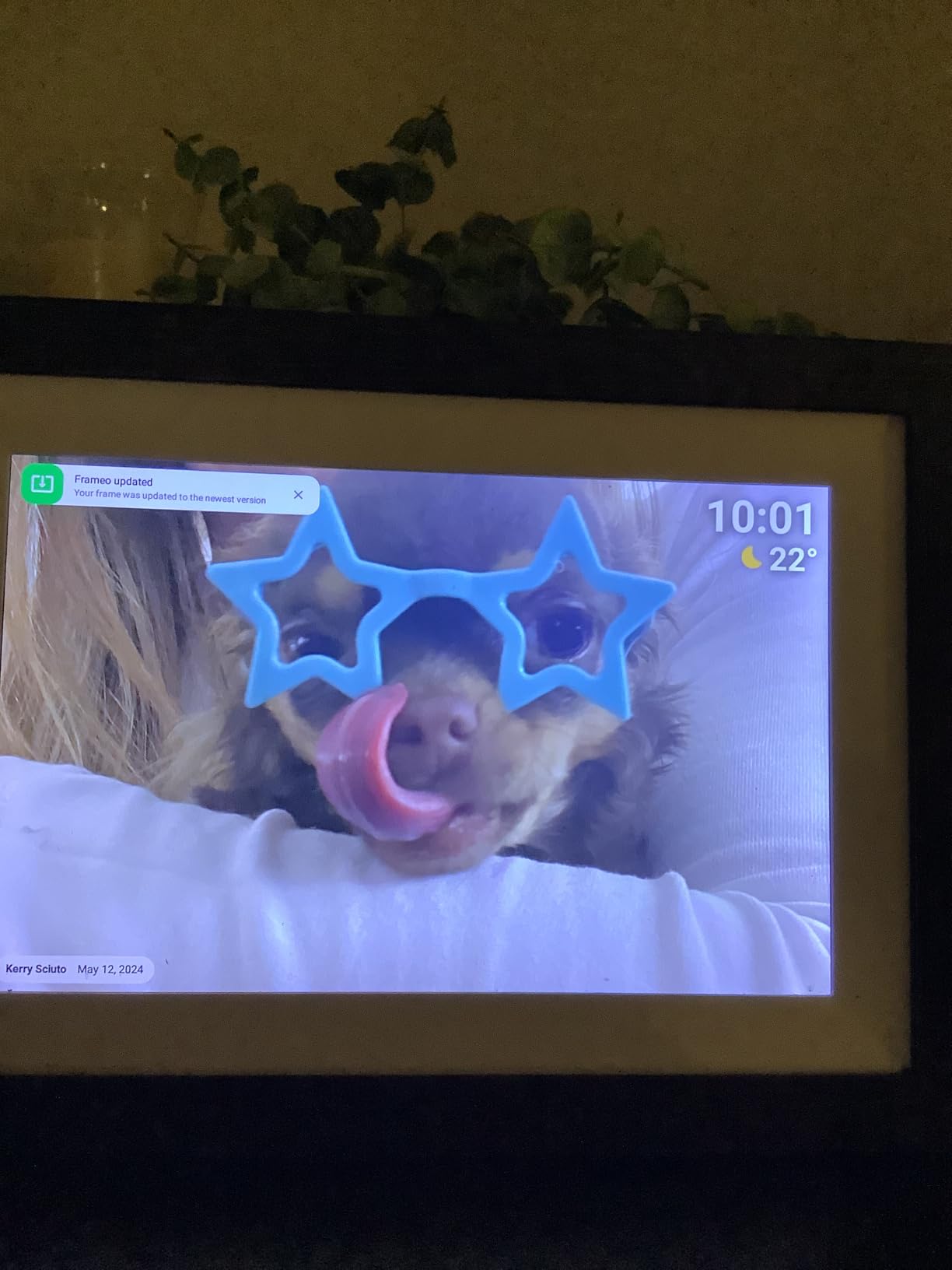
Storage is 16GB, roughly 30000 photos at 300KB each, with micro-SD expansion if you need more. Clock and weather display can sit in the corner of the screen, which gives a grandparent a sense of the day without any interaction.
We would be honest about the reliability data here. This frame carries the highest share of one-star ratings of any Wi-Fi model in this roundup, with specific reports of a screen that began flashing and glitching after a few hundred photos and a unit that stopped loading beyond about ten pictures within a month.
When it makes sense
It is a reasonable first frame for a grandchild to buy for a grandparent on a very limited budget, or a second frame for a home where the risk of a unit failing is acceptable.
What to weigh first
No stand is included, so plan where it will sit before it arrives, and the cord is short. For a gift that must simply keep working, a frame with a longer warranty and a stronger rating is the safer purchase.
What Makes a Digital Photo Frame Grandparent-Friendly?
A frame is grandparent-friendly when the grandparent never has to do anything. That single rule eliminates most of what makes technology hard for older adults: no login, no file transfer, no settings, no updates. Everything below is a feature that supports that rule.
Zero-touch operation means the frame wakes, dims and rotates on its own. Auto-brightness sensors, auto-rotation, sleep mode and proximity sensing mean a frame in a dark hallway or a portrait-oriented photo needs no button press to look right. Our test with a library containing mixed orientation photos showed the difference clearly between frames that handle it and frames that letterbox everything.
Second, how photos get there. App-only frames require the grandparent’s relatives to install an app. Email-to-frame addresses let anyone send a photo from a desktop browser with no app at all, which is how families on the research side say they keep a steady stream flowing. Shared pairing codes, as on the Pastigio and Caxtonz frames, work the same way.
Third, no recurring fee. A subscription is the top complaint families raise, because it turns a gift into an ongoing obligation. The Skylight, Aura, AEEZO, Dragon Touch, YENOCK, Anna Bella, akimart and Aluratek frames here share photos without a paid plan. Only the Pastigio offers an optional annual tier, and it is needed for remote management and longer video uploads.
Fourth, remote management. The ability to change settings, trigger an update or add photos from your own phone while sitting at work is what separates a frame that stays current from one that quietly expires. Where a subscription is the only route to that feature, weigh the annual cost against the hours of travel it saves.
Fifth, a senior-legible interface. Large fonts, high contrast and forgiving touch targets matter more than menu depth. A grandparent should be able to swipe a photo away without any risk of breaking something.
How to Choose the Right Digital Photo Frame for Grandparents
Screen size, resolution and viewing angle
Start with the chair, not the screen spec. Measure roughly how far the grandparent sits from where the frame will live. From an armchair six to eight feet away, a 10-inch frame is a pleasant detail and a 15-inch or 21-inch frame is readable. From a dining table or across a living room, go large.
Resolution matters less than viewing angle at this size. An IPS panel stays colour accurate off-centre, while a cheaper glossy panel washes out as soon as someone sits to one side. Matte finishes also kill window reflections, which is a bigger problem in a bright living room than any pixel count.
How photos get to the frame
There are three routes. App sharing is the most common and gives the most control. Email-to-frame is the least demanding for the person sending, and the easiest for grandparents who get confused by invitations. Local transfer by SD card or USB is the fallback for poor networking, and the Pastigio and Aluratek frames are the two here that do it well.
Whichever route you pick, count how many people need to send photos. One shared household account means one person does all the work, and that person eventually gets busy. Multi-user sharing with invitation links spreads the load across the whole family.
Subscription fees and hidden costs
Cost of ownership over three years is a better comparison than sticker price. A no-subscription frame costs what you paid plus electricity. A subscription frame costs the frame plus a yearly fee for as long as you keep it, and the fee usually covers features rather than basic photo display. Decide whether remote management is worth a recurring payment before buying on price alone.
Also check what happens to your photos if you stop. The most common complaint on Reddit’s r/homeautomation is that some cloud frames give no export path, so photos sent from a personal iCloud or Google Photos library are the safest ones to send in the first place. The akimart, Dragon Touch, Pastigio and YENOCK frames all support importing and exporting from local storage, which reduces that risk.
Power, Wi-Fi and what happens offline
Every frame in this roundup is cord-only. That is good news for reliability, since a grandparent is not recharging anything, but it means you need an outlet near where the frame will sit and a plan for a cable that reaches. Battery-powered frames are worth avoiding for this use case, because a short battery life turns a daily display into a nightly charging ritual.
On Wi-Fi, check the band. Several frames share photos only over 2.4GHz, and a router broadcasting 5GHz only will not pair. The YENOCK handles both bands, which is why it suits delivery to a house you cannot easily visit. If the network drops, the better frames keep showing the album they already have and resync when it returns, but nothing new arrives until then.
What a large-print, senior-legible interface looks like
Look for large on-screen text, high contrast, and controls that do not require a long press or a precise tap. Touch sensitivity matters when hands are less steady. Also check whether a passcode or settings lock exists, because it is the difference between a frame that stays as you set it and one that ends up showing a setup screen.
How to Set One Up So They Never Have to Touch It
The single biggest predictor of whether a digital frame ends up used is whether it arrived working. A frame handed over empty spends its first month on a setup screen, and most grandparents never finish that screen.
Set it up at your own home first, on your own Wi-Fi if you can, load it, and then connect it to their network. If the frame offers a gift or preload mode, as the Skylight does, use it so the recipient sees photos before anything else.
Load between 50 and 100 photos before it goes anywhere. Include decades-old prints alongside recent phone pictures, because recognisable old faces are what prompt storytelling. Mix portrait and horizontal shots so you can see immediately whether the frame rotates properly.
Once it is on their network, write down the frame’s email address or pairing code and send it to the extended family in a group message. Write the instructions, do not just say them once on a phone call. Add one instruction about captions: keep them short, warm and free of dates that might confuse.
Finally, place the frame at seated eye level and within reach of an outlet, then run the proximity or motion sensor test. Stand where a grandparent would sit and confirm the screen wakes and dims as expected. For a relative in memory care, keep the rotation set to a calm, small batch of familiar faces rather than a large and constantly changing library.
Aura vs. Skylight – Which Is Better for Grandparents?
Both are excellent, and the difference is narrower than most comparison articles suggest. Our verdict: Skylight for the easiest setup and the lowest cost of ownership over three years, Aura for the best-looking gift and the most polished sharing experience.
Skylight offers a unique email address for the frame, a matte 10-inch touchscreen at 1280×800, and no subscription for sharing. Its Gift Mode preloads photos before unboxing, which is the single most useful feature for a surprise gift. Aura offers free unlimited storage, the ability to preload photos, short videos and a written message, and a display that adjusts to the light in the room.
Where they differ is storage philosophy. Aura’s photos live in a cloud library, and families raise the absence of an export path more often for Aura than for any other brand. Skylight’s cloud-based storage is also remote, but Skylight is more often used in Gift Mode, where the recipient receives an already-running frame rather than one they have to claim.
Aura handles video slightly better, supporting clips with sound. Skylight’s audience skews toward people who want the simplest possible path from a relative’s phone to a screen, and its touchscreen and matte finish handled glare better in our placement tests.
If you are still torn, decide on one question: will several relatives send photos, or will one person run everything? Aura’s invitation model is better for a large extended family. Skylight’s single email address is better when one or two people are genuinely going to do the uploading.
Frequently Asked Questions
What is the best digital picture frame for seniors?
The Skylight 10-inch touchscreen frame is our overall pick for seniors because it needs no subscription, prints a unique email address for photo uploads, and can be preloaded with photos before it is given away. The Aura Carver 10-inch is the closest alternative, with free unlimited storage and a display that adjusts to room lighting.
What digital photo frame is best for families?
For families, the Aura Carver 10-inch is the best fit because any relative can be invited to share by email, text, iCloud or Google Photos without creating an account, and storage is free and unlimited. Families wanting one shared family album with the most local control often prefer a Frameo-based frame with 32GB of built-in memory.
What is better, Skylight or Aura?
Skylight is better for the easiest setup and the lowest cost of ownership, with a unique email address, a matte display and no subscription. Aura is better for gifting and for families, with free unlimited storage, the ability to preload photos, video and a message, and an invitation model that lets many relatives share at once.
What brand of digital photo frame is the best?
There is no single best brand, but Aura, Skylight, Nixplay-style subscription brands and Frameo-based makers such as Dragon Touch, Pastigio and YENOCK cover the main options. Aura and Skylight lead for gift-ready simplicity, while Frameo-based frames lead for local storage, import and export, and larger screens.
What was the controversy surrounding Aura Frames?
The main criticism aimed at Aura is not the hardware but the account model. Buyers report frustration that photos uploaded to a frame are held in Aura’s cloud with no straightforward way to export the whole library, and separate complaints have focused on older subscription tiers. Buyers usually answer this by keeping their own master library in iCloud or Google Photos and sending copies to the frame.
Is the Aura digital frame worth it?
It is worth it if you want a gift that arrives ready to use, with photos and a message preloaded and no recurring fee for unlimited storage. It is worth it less if you need a very large screen, because the best Aura sizes cost more than comparable Frameo-based frames, or if you want to export your entire library later.
Do digital photo frames for grandparents need Wi-Fi?
Most do, because remote photo sharing is the feature that keeps a frame current. The exceptions matter: the Aluratek 8-inch frame runs from a USB drive or SD card with no network at all, and the Pastigio 15.6-inch frame can take transfers from an SD card, USB drive or computer over USB-C when Wi-Fi is unreliable.
Can grandparents use a digital photo frame without help?
Yes, if the frame is set up before it is given away. Once loaded, a grandparent only has to enjoy the photos, because auto-rotation, auto-brightness and sleep mode handle orientation and lighting. The main risks are a frame arriving unconfigured or someone changing settings, which is why a settings lock and a short written instruction sheet for the family are worth adding.
Which Digital Photo Frame Should You Buy?
The best digital photo frames for grandparents all share one requirement: the person receiving it should never have to manage it. For most families that means the Skylight 10-inch touchscreen, because it has no subscription, a matte display that resists glare, a unique email address relatives can send to, and a Gift Mode that lets it arrive already loaded.
Pick the Aura Carver instead when the unboxing matters as much as the function, or when a large extended family needs everyone to be able to share. Go bigger than 15 inches when the frame is the main way a grandparent sees distant family, and step down to an offline model only when the Wi-Fi is genuinely out of reach.
Whichever you choose, set it up, load 60 photos, and write down the address or pairing code for the family before you wrap the box. That last five minutes is what separates a frame that is still running in three years from one that has been showing the same picture since the gift.