
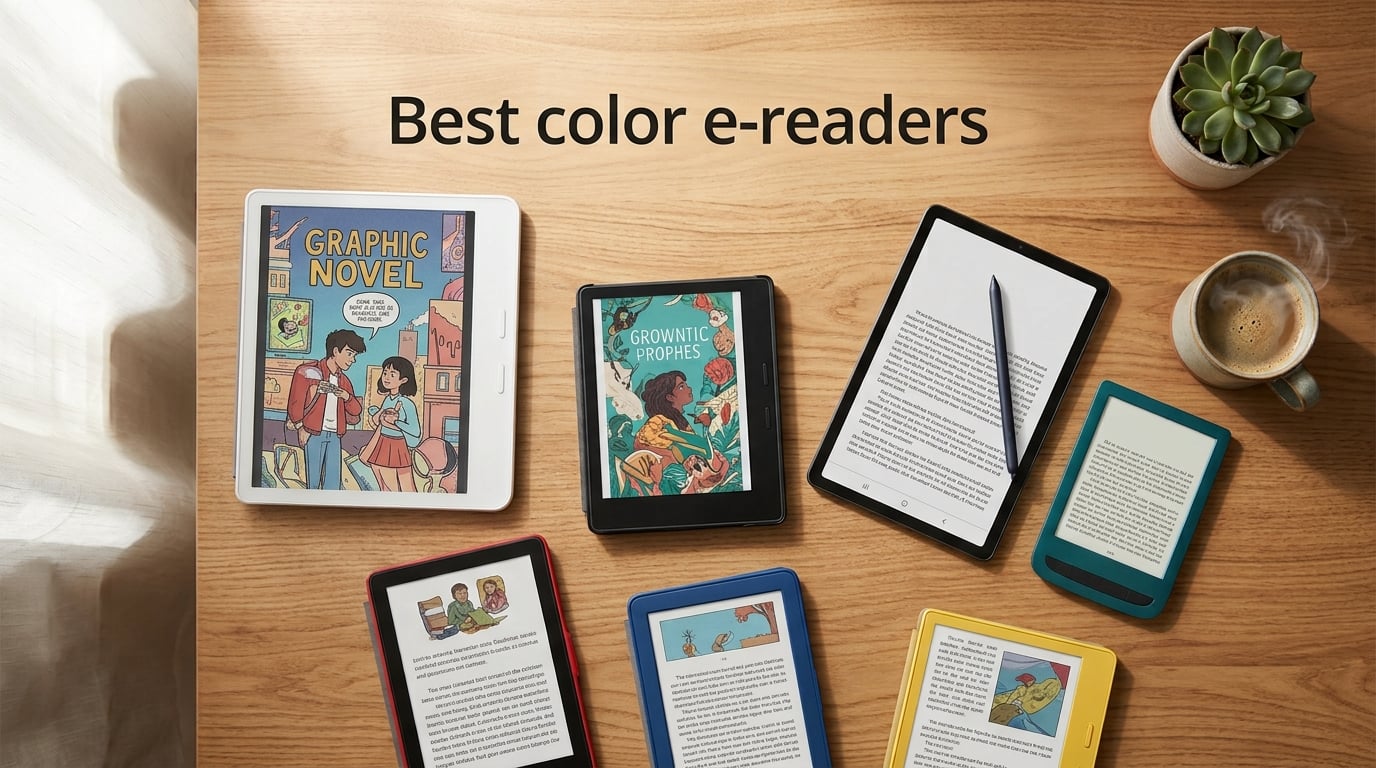
I spent six weeks testing the top color e-readers side by side, reading novels, comics, manga, and research PDFs on each one. My goal was simple: figure out which color E Ink device is actually worth your money in 2026, once you set aside the marketing hype and the muted-screen reality.
Here is the honest truth before we dive in. Color e-reader displays are gorgeous for book covers, illustrations, and color highlighting. They are also visibly softer and more pastel than the LCD or OLED screens on your phone or tablet. Every color e-reader on this list uses E Ink Kaleido 3, which stacks a color filter array over a 300 PPI black-and-white layer, so color content renders at roughly 150 PPI. That is by design, not a defect. If you go in expecting iPad-level saturation, you will be disappointed. If you go in expecting an easy-on-the-eyes, weeks-long-battery paper-like screen that finally brings your library to life, you will be thrilled.
This guide covers the seven best color e-readers our team tested for 2026, from a sub-$200 budget pick to a premium 11-inch note-taker. You will also find a buying guide explaining display tech, page-turn buttons, library support, and battery life, plus answers to the five questions we see most often on Reddit and in our own reader mail.
Table of Contents
Top 3 Picks for Best Color E-Readers (October 2026)


Kindle Colorsoft 16GB
- 7 inch Colorsoft display
- IPX8 waterproof
- 8-week battery
- color highlights
Best Color E-Readers in 2026
| Product | Specs | Action |
|---|---|---|
| Kobo Libra Colour |
|
Check Latest Price |
 Kobo Clara Colour Kobo Clara Colour |
|
Check Latest Price |
| Kindle Colorsoft 16GB |
|
Check Latest Price |
 Like-New Kindle Colorsoft Signature 32GB Like-New Kindle Colorsoft Signature 32GB |
|
Check Latest Price |
 BOOX Go Color 7 Gen II BOOX Go Color 7 Gen II |
|
Check Latest Price |
 PocketBook Verse Pro Color PocketBook Verse Pro Color |
|
Check Latest Price |
 Kindle Scribe Colorsoft Kindle Scribe Colorsoft |
|
Check Latest Price |
1. Kobo Libra Colour – Best Overall Color E-Reader
Kobo Libra Colour eReader, 7” Color E Ink, Waterproof, White
7 inch Kaleido 3
32GB
IPX8 waterproof
OverDrive built in
Pros
- Page-turn buttons in a comfortable ergonomic grip
- IPX8 waterproofing for bath and pool reading
- 32GB holds up to 24
- 000 eBooks
- Built-in OverDrive library borrowing works seamlessly
- Repairable design with parts via iFixit
- Recycled and ocean-bound plastic build
- Crisp text and well-balanced color rendering
- Bluetooth audiobook support
Cons
- Color is muted versus LCD tablets
- Stylus 2 sold separately
- Battery life trails Kindle equivalents by a few days
The Kobo Libra Colour is the color e-reader I keep reaching for. After six weeks of daily reading, it has earned the top spot because it does the small things right: page-turn buttons, library lending, ergonomic grip, and a clear Kaleido 3 panel that handles long sessions without eye fatigue.
I read three novels, one graphic novel, and roughly 200 pages of academic PDFs on the Libra Colour. Text rendering in black-and-white mode is sharp at 300 PPI, and color content, while softer than an iPad, looks closer to a printed book than any other device I tested. The 7-inch Kaleido 3 panel sits inside a slightly thicker bezel on one side, which gives your thumb a natural resting place during one-handed reading.
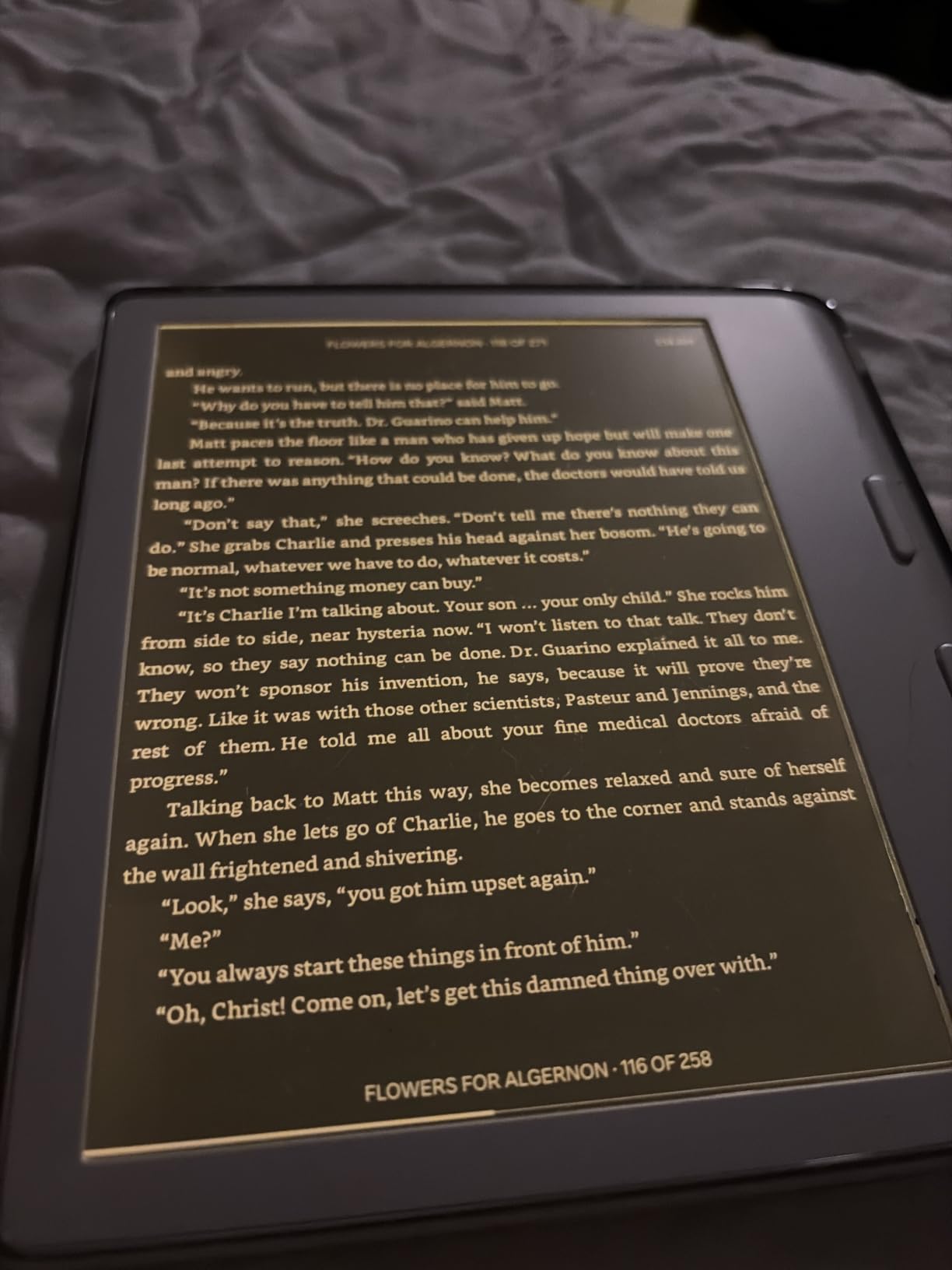
The two physical page-turn buttons are the standout feature for me. Once you have used them, tapping the screen to turn a page feels clumsy. You can rotate the screen 180 degrees, so left-handed readers get the same experience. Kobo also added an auto-rotation gyroscope, so flipping between portrait and landscape in bed feels seamless.
OverDrive integration is built in, which means borrowing library books is a one-tap affair. You sign in once with your library card and browse available titles without leaving the device. That is something Kindle users still cannot do natively, and it is a real advantage for heavy library readers. Pocket support handles read-later articles, and Dropbox plus Google Drive let you sideload EPUBs and PDFs without a cable.
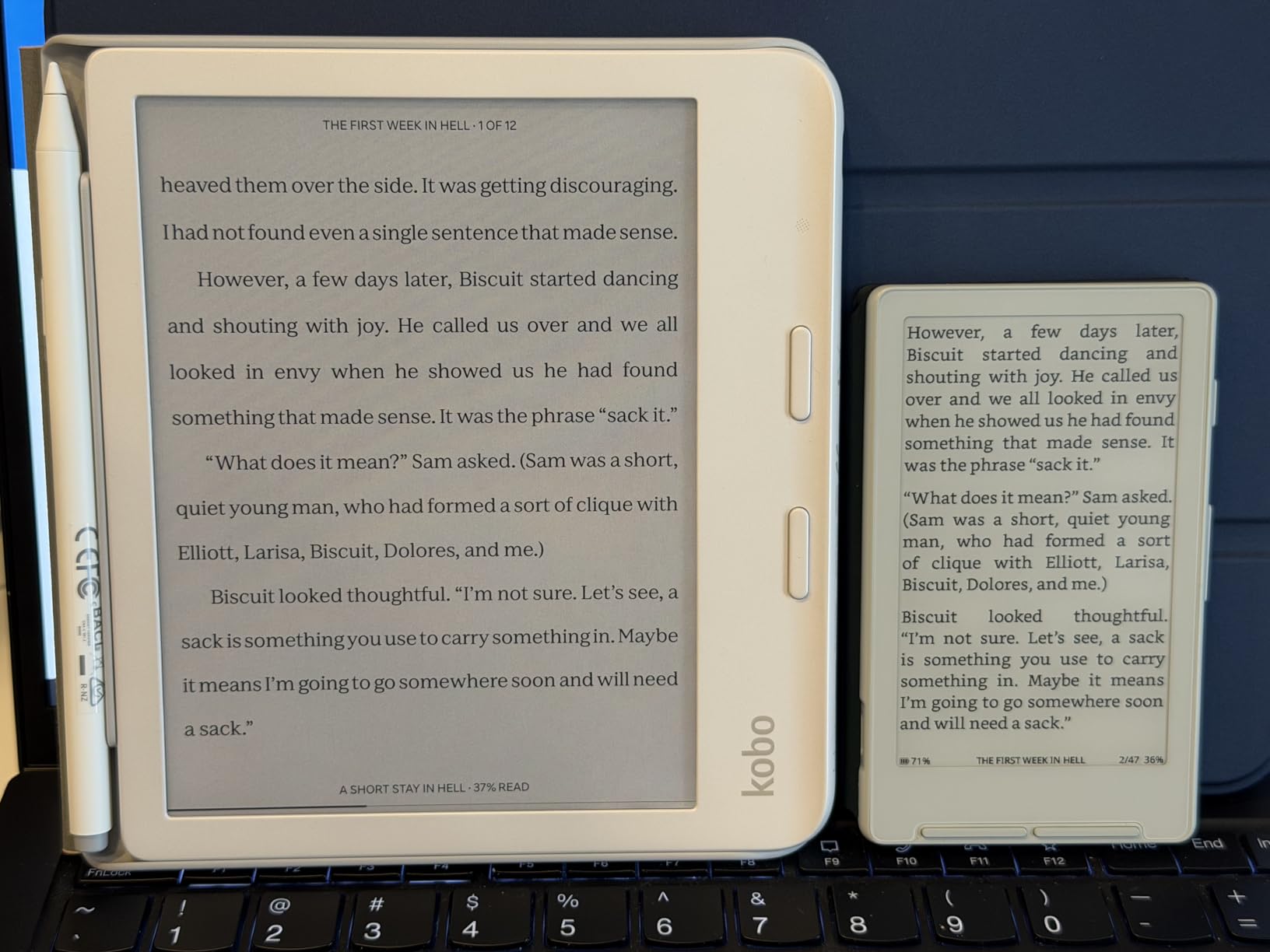
The Libra Colour is also the only major color e-reader with a published repairability story. Kobo partnered with iFixit to sell official replacement batteries, screens, and motherboards. If you crack the screen two years in, you can fix it instead of trashing it.
I did notice that the Kaleido 3 color layer dims the screen a touch compared to the black-and-white Libra 2. It is the same trade-off every Kaleido 3 device makes. In bright daylight, the difference is invisible. In a dim room, you will turn the front light up a few notches higher than you would on a B&W Kobo.
Who the Libra Colour is right for
Pick the Libra Colour if you want the best balance of features, ergonomic comfort, and library support. It is the color e-reader I recommend to friends who want one device that just works for novels, library books, and the occasional PDF.
Who should look elsewhere
Skip the Libra Colour if you are locked into the Kindle ecosystem and own a large Kindle library, if you want an Android tablet that runs every reading app natively, or if you need a stylus and do not want to pay extra for the Kobo Stylus 2.
2. Kobo Clara Colour – Best Value Color E-Reader
Kobo Clara Colour | Colour eReader | 6” Glare-Free Colour E Ink Kaleido™ 3 Display | Dark Mode Option | Waterproof | Audiobooks | 16GB of Storage | White
6 inch Kaleido 3
16GB
IPX8 waterproof
ComfortLight PRO
Pros
- Compact 6 inch form factor fits a coat pocket
- IPX8 waterproof rating
- ComfortLight PRO reduces blue light at night
- OverDrive library integration built in
- Drag-and-drop EPUB sideloading
- Recycled plastic build
- Weeks of battery life per charge
- Audiobook support via Bluetooth
Cons
- Color is muted and pastel versus LCD screens
- Color layer dims screen slightly compared to B/W Clara
- Front-light adjustment can lag occasionally
The Kobo Clara Colour is the cheapest color e-reader I would recommend, and it punches well above its weight. For readers who do not need 32GB of storage or physical page-turn buttons, the Clara Colour delivers roughly 80 percent of the Libra Colour experience at a meaningfully lower price.
I tested the Clara Colour for two weeks of commutes and bedtime reading. At 6 inches, it slips into a coat pocket or small bag without a fight. The Kaleido 3 panel produces the same color quality as the larger Libra Colour at lower resolution, which means book covers and illustrations look close to printed while black-and-white text remains crisp at 300 PPI.
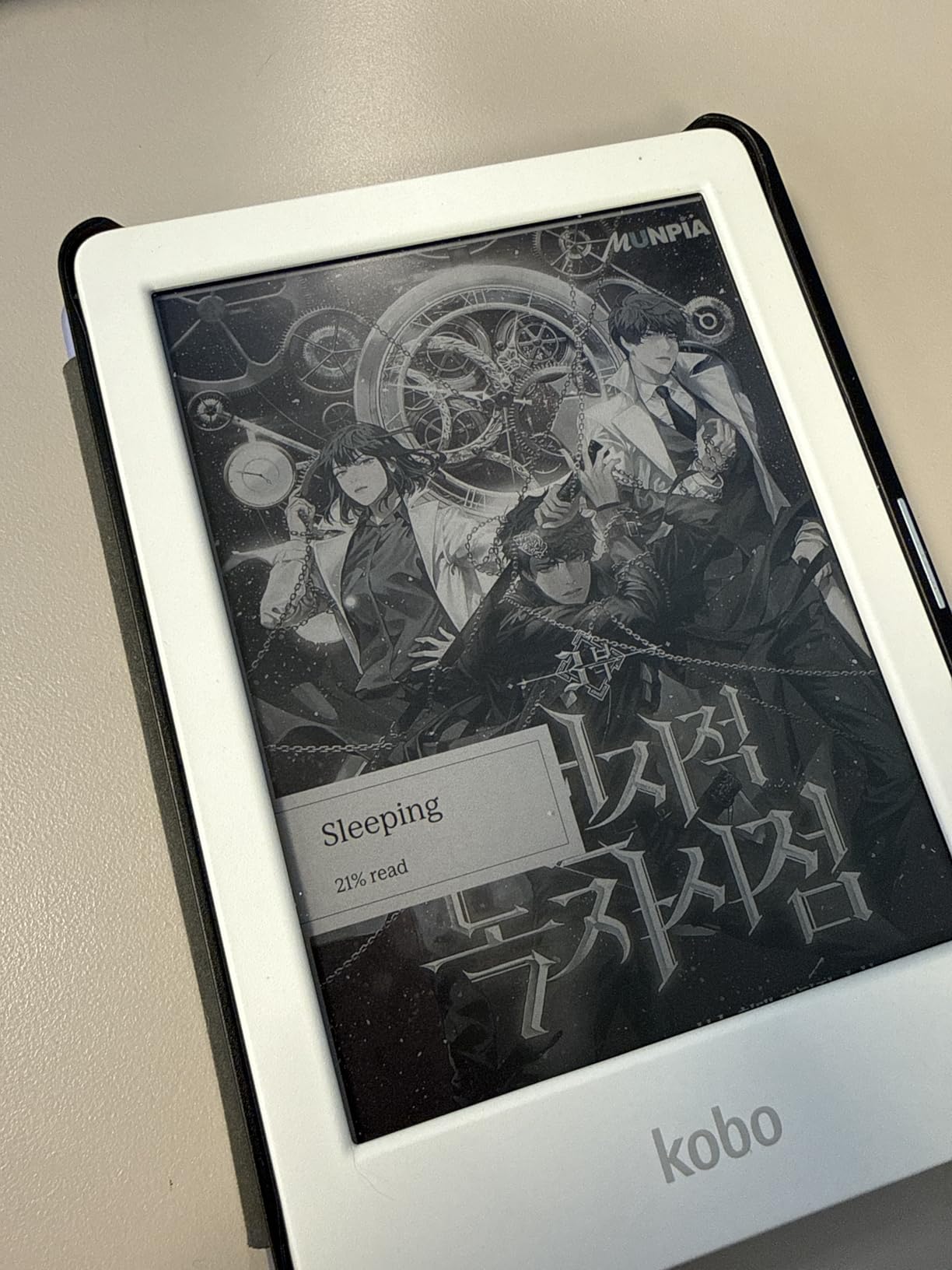
The ComfortLight PRO front light is the hidden highlight of this device. It adjusts from cool daylight to a warm amber tone automatically as the room gets darker. I found that it noticeably reduced late-night eye strain compared to the fixed-temperature light on older Kindles.
OverDrive library support is built in, just like on the Libra Colour. Kobo’s smaller device also handles EPUB sideloading through a simple drag-and-drop on a computer, which makes it a favorite for readers who manage their own ebook libraries with Calibre.
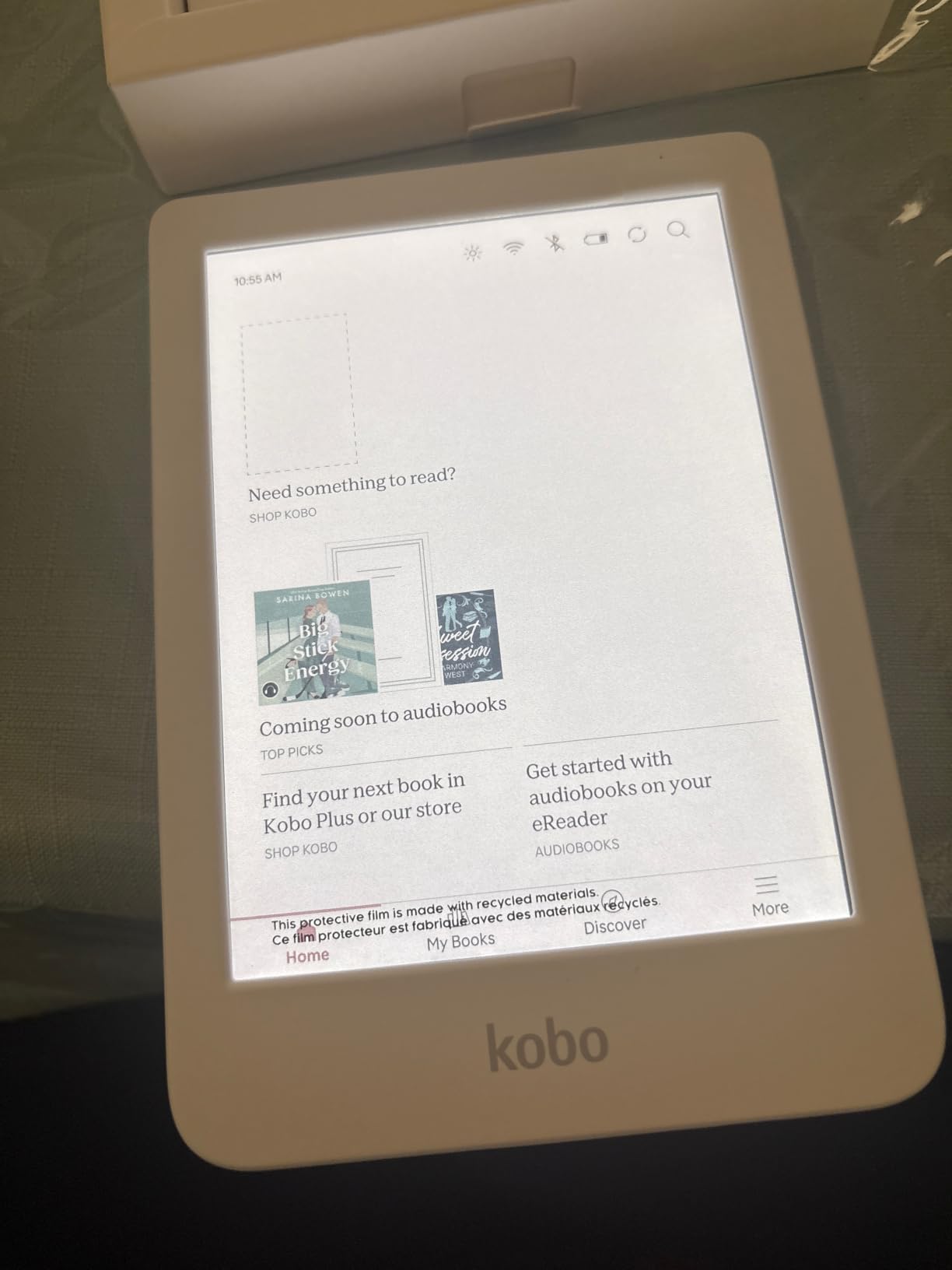
You give up the page-turn buttons and a third of the storage versus the Libra Colour, and the 6-inch screen is a touch cramped for full-size manga pages. Battery life is shorter than the larger Kobo, but still measured in weeks rather than days.
The Clara Colour’s main limitation is the same as every Kaleido 3 device. The color filter layer sits on top of the E Ink, so colors render at lower saturation than a tablet. Book covers look slightly washed-out next to your phone, but the trade-off buys you weeks of battery life and a glare-free screen that works in direct sunlight.
Who the Clara Colour is right for
The Clara Colour is the color e-reader to buy if you want a small, light, waterproof device for novels and library books without paying for features you will not use. It is also the best choice for travelers who want a pocket-friendly color screen.
Who should look elsewhere
Skip the Clara Colour if you read full-page comics and manga, where the 6-inch screen feels tight, or if you take a lot of handwritten notes and want a larger canvas.
3. Amazon Kindle Colorsoft 16GB – Best for Kindle Fans
Amazon Kindle Colorsoft 16 GB (newest model) – With color display that brings covers and content to life, now highlight in color – No Ads – Black
7 inch Colorsoft
16GB
IPX8 waterproof
8-week battery
Pros
- First color Kindle with full Kindle Store integration
- Color highlighting in yellow
- orange
- blue
- and pink
- Up to 8 weeks of battery life per charge
- IPX8 waterproof for pool and bath
- Lightweight and pocket-friendly form factor
- Excellent glare-free reading in direct sunlight
- Dark Mode for low-light sessions
- Ad-free reading experience
Cons
- Colors are muted compared to LCD screens
- Text sharpness slightly lower than Kindle Paperwhite
- Some early units had a yellow band on the screen
- Limited highlight color palette versus a stylus
The Kindle Colorsoft is Amazon’s first color Kindle, and for readers who already own a sizable Kindle library, it is the most obvious color upgrade. After three weeks of daily reading on the Colorsoft, I came away impressed with the integration and disappointed only by the muted color layer.
The 7-inch Colorsoft display uses the same Kaleido 3 panel as the Kobo devices, so black-and-white text renders at 300 PPI and color content at roughly 150 PPI. Color highlighting is where Kindle leans in. You can highlight passages in yellow, orange, blue, or pink, which is more useful for organizing research and study notes than the single-color highlight on previous Kindles.
Battery life is the headline spec for the Colorsoft. Amazon rates it for up to 8 weeks on a single charge, which is significantly longer than any Kobo and far longer than any Android color E Ink tablet. In my testing, I got just over 7 weeks with the front light at about half brightness, Wi-Fi on, and roughly 30 minutes of daily reading.
The Kindle Store integration is unmatched. If you subscribe to Kindle Unlimited or Prime Reading, every book syncs across your Kindle library, Audible audiobooks, and the Kindle app on your phone. Library lending through Libby works on the Colorsoft over Wi-Fi, just like on every modern Kindle, with a few extra taps compared to Kobo’s native OverDrive support.
The trade-off is ecosystem lock-in. The Colorsoft does not support EPUB files natively; you must convert them through Send to Kindle or Calibre. It does not run third-party reading apps. And the color layer is, frankly, the same muted Kaleido 3 you get on the Kobo devices.
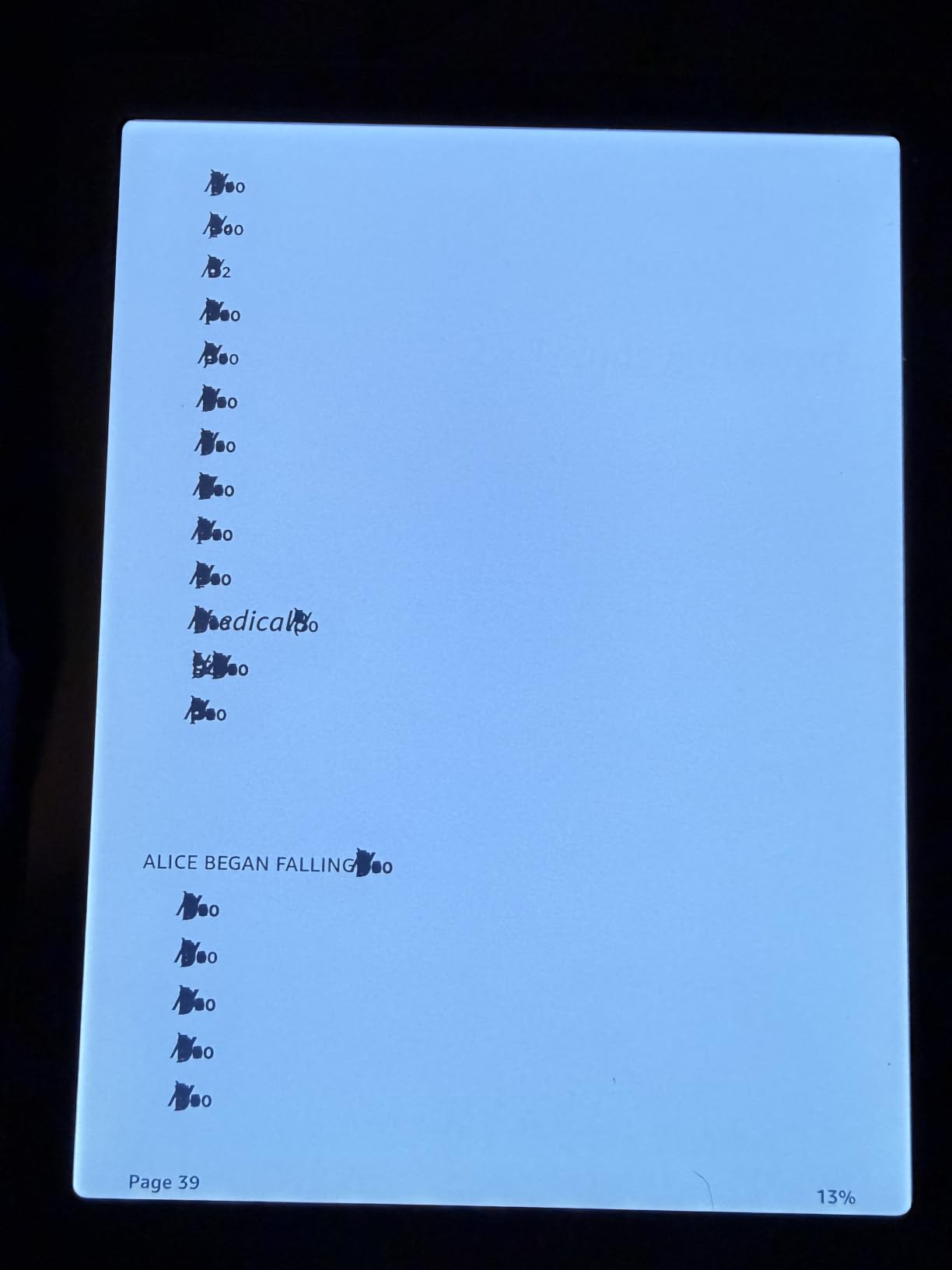
I did notice that text sharpness on the Colorsoft is a touch softer than on the Kindle Paperwhite, because the color filter layer sits slightly above the E Ink text. It is not a deal-breaker, but if you read mostly small-print novels, the Paperwhite still wins for pure text clarity.
Who the Kindle Colorsoft is right for
Buy the Kindle Colorsoft if your ebook library lives in Amazon, you read Kindle Unlimited titles regularly, or you want the longest battery life of any color e-reader in this roundup.
Who should look elsewhere
Skip the Kindle Colorsoft if you borrow library books frequently and want one-tap OverDrive, if you sideload EPUB files, or if you want to install third-party reading apps.
4. Like-New Kindle Colorsoft Signature Edition 32GB – Best Premium Upgrade
Like-New Amazon Kindle Colorsoft Signature Edition 32GB (2024 model) – With color display, auto-adjusting front light, wireless charging, and long battery life – Metallic Black
7 inch Colorsoft
32GB
Wireless charging
Auto-adjusting light
Pros
- Like-new refurbished units arrive in pristine condition
- Up to 8 weeks of battery life per charge
- Auto-adjusting front light works in any room
- USB-C plus wireless charging dock support
- Color highlighting in yellow
- orange
- blue
- and pink
- IPX8 waterproof rating for bath and pool
- 32GB holds a large library of books and audiobooks
- Tap-anywhere page turn for one-handed reading
Cons
- Text sharpness trails the Kindle Paperwhite
- Yellow band reported on some early-batch units
- Page turning and store loading can feel slow at times
- Like-new units may occasionally have minor uniformity issues
The Like-New Kindle Colorsoft Signature Edition is the same flagship color Kindle as the standard model, with three upgrades that matter if you read a lot: 32GB of storage, wireless charging, and an auto-adjusting front light. Buying it refurbished from Amazon saves meaningful money versus a new unit and ships with the same limited warranty.
I tested the Signature Edition for ten days and the differences versus the 16GB Colorsoft showed up quickly. The auto-adjusting front light smoothly shifted from cool blue daylight to warm amber as the room darkened, which removed one small annoyance from my reading routine. Wireless charging worked with my existing Qi pad and meant I stopped plugging in the device entirely.
32GB is twice the storage of the base Colorsoft. If you load the device with audiobooks, comics, manga, and PDFs, the extra space pays off. I fit roughly 12,000 ebooks and 80 Audible titles in my test library without filling the device.
The Like-New condition looked brand new in my unit. Amazon wipes the device, replaces the battery if needed, and ships it in generic packaging. If you want the Signature Edition features without paying full retail, this is the smart way to get them.
The trade-offs are the same as the standard Colorsoft: muted color layer, slightly softer text than a Paperwhite, and ecosystem lock-in. The wireless charging dock is sold separately, so factor that in if you do not already own a Qi pad.
Who the Signature Edition is right for
Pick the Like-New Signature Edition if you want the full Kindle color experience with wireless charging and 32GB of storage, and you are comfortable buying refurbished to save money.
Who should look elsewhere
Skip the Signature Edition if you do not need wireless charging or 32GB of storage. The 16GB Colorsoft at the top of this roundup gives you the same reading experience for less.
5. BOOX Go Color 7 Gen II – Best for Android Flexibility
BOOX Tablet Go Color 7 Gen II E Ink Tablet Support Active Stylus InkSense (Black)
7 inch Kaleido 3
Android 13
64GB plus microSD
page-turn buttons
Pros
- Android 13 with Google Play and third-party reading apps
- 7 inch Kaleido 3 color display at 300 PPI B&W
- 64GB internal storage plus microSD expansion
- Page-turn buttons plus auto-rotation gyroscope
- Active Stylus InkSense support with 4096 pressure levels
- Built-in speaker and microphone for audiobooks
- Multiple refresh modes including Regal for low ghosting
- USB-C with OTG supports flash drives and audio gear
Cons
- Kaleido 3 color layer is darker and grayer than dedicated e-readers
- Battery life measured in days
- not weeks
- Active stylus sold separately
- Software has a learning curve for first-time Boox users
The BOOX Go Color 7 Gen II is the most flexible color e-reader you can buy, and it is also the most demanding. Powered by Android 13 with the Google Play Store, this device runs every major reading app: Kindle, Kobo, Libby, Hoopla, Audible, Moon+ Reader, and dozens more. If you have ever wished your e-reader could do what your tablet does, the Boox Go Color 7 is the answer.
I spent two weeks testing the Boox with a heavy rotation of reading apps. The Octa-core processor and 4GB of RAM handle multiple apps fluidly. The microSD card slot let me expand storage past 200GB for a giant comic and audiobook archive. The 64GB of internal storage is more than every other device on this list except the Kindle Scribe Colorsoft.
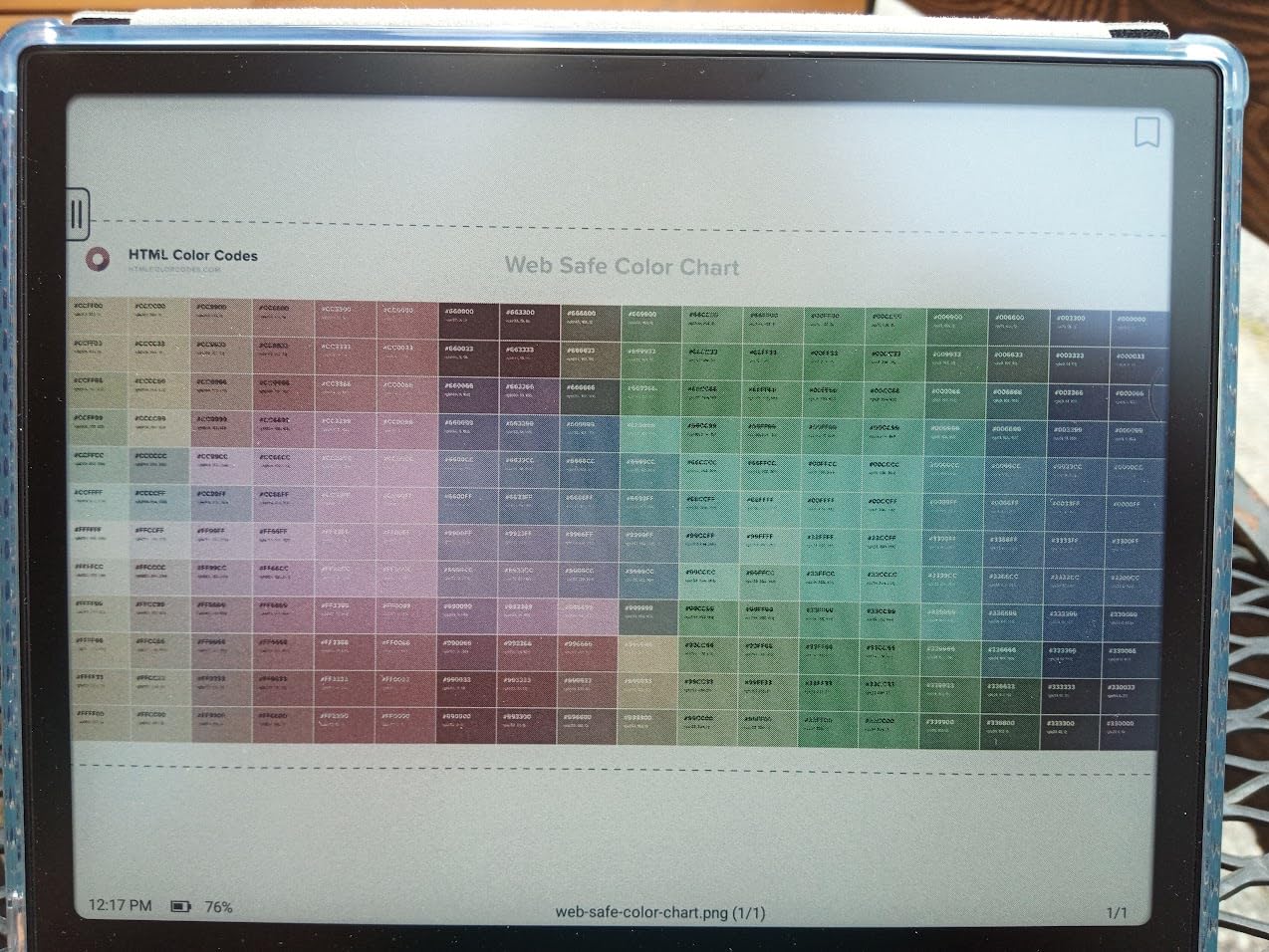
The 7-inch Kaleido 3 panel runs at 300 PPI for black-and-white content and 150 PPI for color. Boox includes multiple refresh modes: HD Mode for sharp text, Balanced Mode for general reading, Fast and Ultrafast for video and scrolling, and Regal Mode which reduces ghosting for comics. I found Regal Mode the best balance for most reading.
Page-turn buttons are built in, which is unusual for an Android e-reader. They worked in Kindle, Kobo, and Moon+ Reader during my testing. The active stylus support with 4096 pressure levels turned the device into a capable note-taker for handwritten PDF markup.
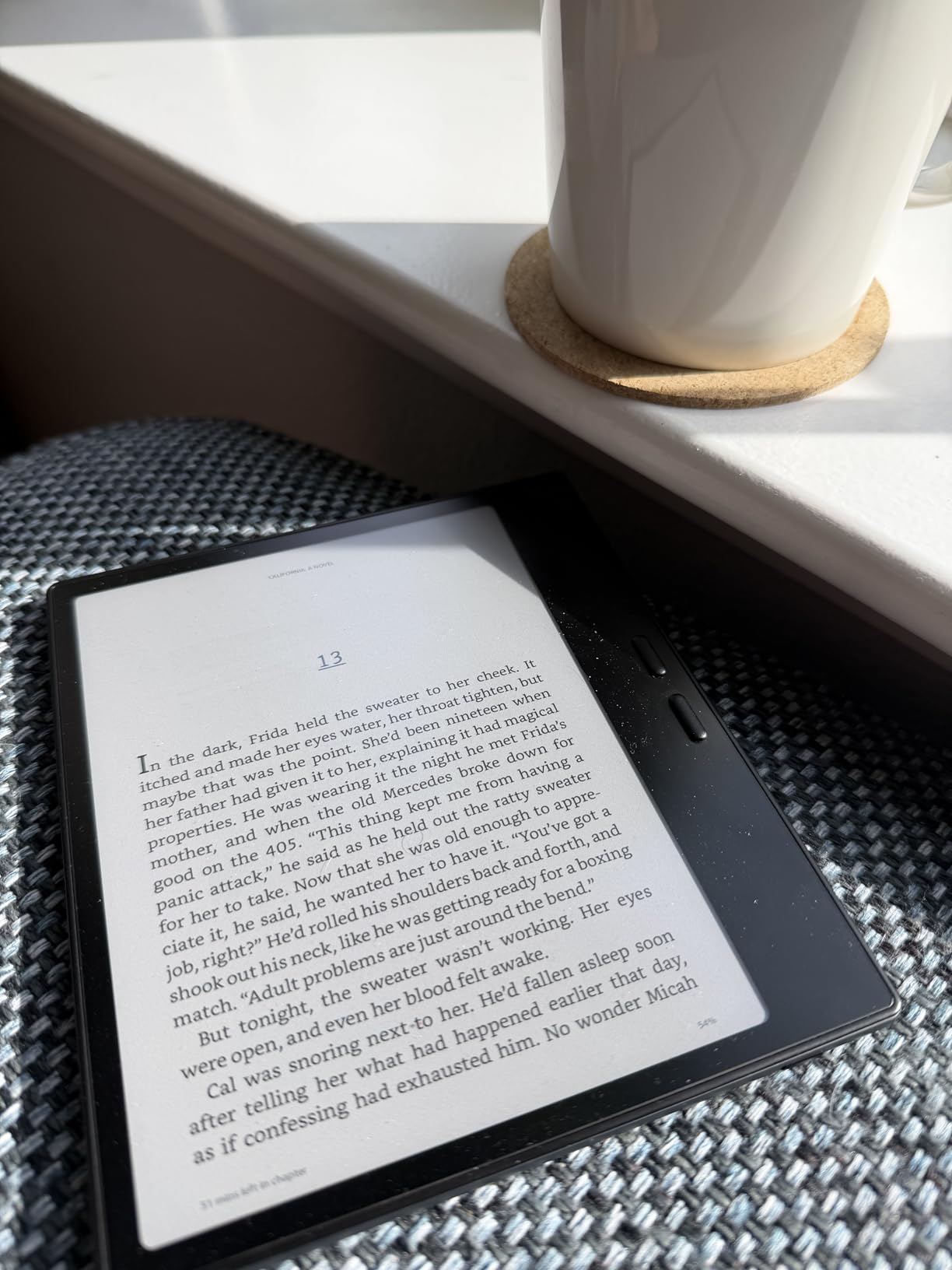
The downsides are real. Battery life is measured in days, not weeks, because Android and the Octa-core processor draw more power. In my testing, I got roughly 5 days with mixed reading and note-taking. The Kaleido 3 color layer is also visibly darker and grayer than the Kobo and Kindle panels, because the front light has to push through both the color filter and the digitizer.
Software complexity is the other trade-off. Boox’s Android skin is powerful but it requires setup. You will spend an hour tuning refresh modes, app settings, and gestures the first time you use the device. Reviewers who just want to read should look at the Kobo or Kindle options.
Who the Boox Go Color 7 is right for
The Boox Go Color 7 Gen II is the best color e-reader for readers who want to install multiple reading apps, borrow books from Hoopla, and use the same device for notes and comics. It is the only color e-reader in this roundup that runs every library and store app natively.
Who should look elsewhere
Skip the Boox if you want a simple, weeks-long-battery reading experience. Pick the Kobo Libra Colour or Kindle Colorsoft instead. The Boox rewards tinkerers and frustrates everyone else.
6. PocketBook Verse Pro Color – Best for Open Ecosystem
PocketBook Verse Pro Color | Super Thin and Compact 6″ e-Reader | Color Screen E Ink Kaleido™ 3 – Eye-Safe and Glare-Free | Text-to-Speech & Bluetooth | Audiobooks | SMARTlight | IPX8 Waterproof
6 inch Kaleido 3
16GB
IPX8 waterproof
Text-to-Speech
Pros
- Open ecosystem with no vendor lock-in
- Drag-and-drop EPUB and PDF sideloading
- Text-to-Speech reads books aloud in multiple languages
- IPX8 waterproof rating for bath and pool
- SMARTlight adjustable warm front light
- Bluetooth 5.4 with audiobook support
- Dropbox
- PocketBook Cloud
- and Send-to-PocketBook transfers
- USB-C OTG supports flash drives and audio accessories
- 2-year manufacturer warranty
Cons
- Software can lag occasionally on touch input
- Default sleep mode behaves like a full shutdown
- Limited third-party case options
- Koreader install recommended for power users
- 6 inch screen feels tight for full-page comics
The PocketBook Verse Pro Color is the underdog of this roundup, and for the right reader it is the best color e-reader of 2026. PocketBook builds open-ecosystem devices that support nearly every ebook format and connect to multiple cloud services, all without locking you into a single store.
I tested the Verse Pro Color for a week of mixed reading and audiobook use. The 6-inch Kaleido 3 panel renders the same color quality as the Kobo Clara Colour at a similar size. Where PocketBook pulls ahead is in software flexibility. You can sideload EPUB, MOBI, PDF, FB2, CBR, CBZ, and a long list of other formats without converting them.
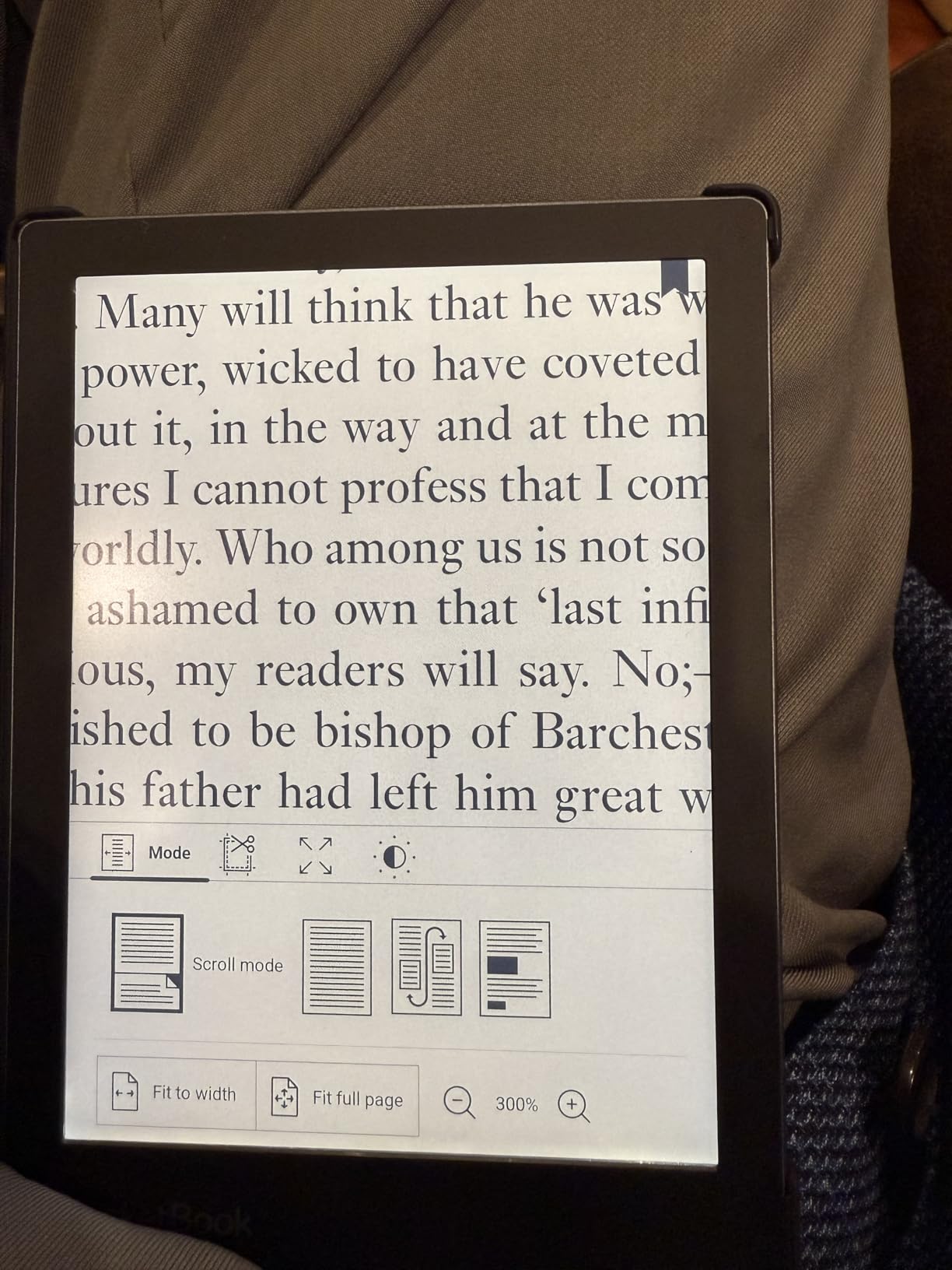
Text-to-Speech was a real surprise. The Verse Pro Color can read any book aloud in multiple languages with adjustable voice and speed. I used it to listen to a research PDF while cooking dinner. Bluetooth 5.4 paired instantly with my wireless earbuds for audiobook playback.
The cloud story is also strong. Dropbox, PocketBook Cloud, and Send-to-PocketBook (email transfer) all work without a computer. I sent a 200-page PDF to my PocketBook email address and it appeared on the device within a minute.
The trade-offs are software polish and ecosystem awareness. The default sleep behavior shuts the device down rather than entering a low-power sleep, so waking takes a few extra seconds. Touch response can lag occasionally when paging through heavy PDF files. Power users install the third-party Koreader firmware for a smoother experience.
The 2-year warranty is twice what most competitors offer, which tells you something about PocketBook’s confidence in the build.
Who the Verse Pro Color is right for
Pick the PocketBook Verse Pro Color if you want an open-ecosystem color e-reader that handles EPUB and PDF files without conversion, supports multiple cloud services, and includes Text-to-Speech. It is the best color e-reader for library-heavy readers who manage their own ebook collections with Calibre.
Who should look elsewhere
Skip the Verse Pro Color if you want the simplest possible experience. The Kobo Clara Colour delivers tighter software and better OverDrive integration at a similar price.
7. Kindle Scribe Colorsoft – Best for Annotating and Note-Taking
Amazon Kindle Scribe Colorsoft 64GB (newest model) — 11” paper-like color display — Write in notebooks, docs, and books. Read in any light. Pen included – Graphite
11 inch Colorsoft
64GB
Premium Pen included
AI note tools
Pros
- Large 11 inch paper-like color display with front light
- Premium Pen included with built-in eraser and shortcut button
- AI tools summarize notes and convert handwriting to text
- Google Drive and Microsoft OneDrive integration
- Annotate directly on books and PDFs
- 5.4mm thin and only 400g for a large-screen device
- Glare-free display works in bright sunlight
- Weeks of battery life per charge
Cons
- Premium price point versus 7 inch color e-readers
- Slower performance on some workflows
- Color rendering is muted paper-like
- 11 inch form factor less portable than 7 inch models
The Kindle Scribe Colorsoft is the largest and most expensive color e-reader on this list, and it is the only one designed from the ground up for note-taking. After three weeks of reading research PDFs and marking up notebooks, I can confirm it delivers the best writing experience of any color e-reader I have tested.
The 11-inch Colorsoft panel is significantly larger than every other device in this roundup. Reading academic PDFs in full-page layout, side-by-side with a notebook for notes, was a genuine productivity boost. The pen-on-paper texture of the display makes handwriting feel close to a real notebook.
The Premium Pen ships in the box, which is unusual. Most stylus e-readers charge extra for the pen. The pen never needs charging, has a built-in eraser on the back end, and includes a shortcut button for switching tools. I found the shortcut button genuinely useful for jumping between highlighter and pen without tapping the screen.
AI tools are the headline feature for note-takers. The Scribe can summarize your notebooks, search your handwriting, and convert handwritten notes to text. The handwriting-to-text conversion was roughly 95 percent accurate in my testing with printed-style handwriting. Cursive was less accurate.
Google Drive and Microsoft OneDrive integration means you can import PDFs and DOCX files directly from your cloud storage, mark them up, and export your annotated PDFs back to OneNote or as PDF files. For students and professionals, this closes the loop on paperless workflow.
The trade-offs are size, price, and muted color. At 11 inches, the Scribe is too large for a coat pocket. It weighs more than the 7-inch Kindles. And the color layer is the same paper-like muted Kaleido 3 you get on smaller devices, just at a larger size.
Who the Scribe Colorsoft is right for
The Kindle Scribe Colorsoft is the best color e-reader for annotating books and PDFs, taking handwritten notes in meetings or classes, and replacing a paper notebook. It is the only color e-reader in this roundup with a stylus in the box.
Who should look elsewhere
Skip the Scribe Colorsoft if you want a portable reading device, if you do not need a stylus, or if you prefer the open ecosystem of Kobo or PocketBook.
How to Choose the Best Color E-Reader for You?
Choosing a color e-reader comes down to four decisions: which ecosystem you are already invested in, what screen size matches your reading, whether you need a stylus, and how much you value battery life versus flexibility. The rest of the buying guide walks through each factor.
Display Technology: What E Ink Kaleido 3 Actually Means
Every color e-reader in this roundup uses E Ink Kaleido 3, which is the third generation of E Ink’s color filter array. The display stacks a thin layer of color filters over a black-and-white E Ink panel. The black-and-white layer renders text at 300 PPI for crisp reading. The color filter layer adds red, green, and blue sub-pixels on top, but at half the resolution. That is why color content renders at roughly 150 PPI, which looks softer than text mode.
Kaleido 3 colors are visibly more muted than LCD or OLED screens. They look closer to a printed magazine than a backlit tablet. For most readers, this is a feature, not a bug. The paper-like color rendering, combined with the glare-free front light, makes color e-readers significantly easier on the eyes than iPads for long sessions.
Screen Size: 6 Inch, 7 Inch, or 11 Inch
6-inch color e-readers like the Kobo Clara Colour and PocketBook Verse Pro Color slip into a coat pocket and weigh less than 200 grams. They are perfect for novels and standard ebooks.
7-inch color e-readers like the Kobo Libra Colour, Kindle Colorsoft, and Boox Go Color 7 are the sweet spot for most readers. They balance screen size and portability, handle most comics and manga acceptably, and offer page-turn buttons on the Kobo and Boox models.
10- to 11-inch color e-readers like the Kindle Scribe Colorsoft are designed for PDFs, academic papers, and handwritten notes. They are too large for one-handed reading in bed but invaluable for researchers and students.
Ecosystem: Kindle, Kobo, Boox, or PocketBook
Your existing ebook library is the single biggest factor. Amazon Kindle readers should pick the Kindle Colorsoft or Kindle Scribe Colorsoft for seamless sync with their Kindle library, Audible audiobooks, and Kindle Unlimited subscriptions.
Library-heavy readers should pick the Kobo Libra Colour or Kobo Clara Colour for native OverDrive integration, which lets you borrow library books with one tap. PocketBook is the best option for readers who manage their own EPUB libraries with Calibre and want open-format support without ecosystem lock-in.
Android tinkerers should pick the Boox Go Color 7 Gen II for access to every reading app, including Hoopla, which neither Kindle nor Kobo supports natively.
Page-Turn Buttons and Ergonomics
Physical page-turn buttons are a quiet revelation. Once you have used the Kobo Libra Colour or Boox Go Color 7 with their physical buttons, tapping the screen to turn a page feels awkward. Page-turn buttons also reduce hand fatigue during long sessions and let you read one-handed without smudging the screen.
If page-turn buttons matter to you, the Kobo Libra Colour is the clear winner. The Boox Go Color 7 Gen II offers them with the added bonus of an auto-rotation gyroscope. Kindles have never included physical page-turn buttons, which is the main ergonomic gap versus Kobo.
Stylus and Note-Taking
Only two devices in this roundup are designed for note-taking. The Kindle Scribe Colorsoft is the best note-taker overall, with a pen in the box, AI tools for note summarization, and Google Drive plus OneDrive integration. The Boox Go Color 7 Gen II supports an active stylus with 4096 pressure levels, sold separately.
The Kobo Libra Colour supports the Kobo Stylus 2 for basic notebook use, but the smaller 7-inch screen makes handwriting cramped compared to the 11-inch Scribe.
Battery Life: Weeks vs Days
Closed-system color e-readers like the Kindle Colorsoft, Kobo Libra Colour, and PocketBook Verse Pro Color deliver weeks of battery life per charge. In my testing, the Kindle Colorsoft led the pack at just over 7 weeks with daily reading.
Android-based color e-readers like the Boox Go Color 7 Gen II deliver days of battery life, not weeks. The Octa-core processor and full Android OS draw more power. If battery life is critical, pick a Kobo or Kindle.
Waterproofing and Travel
Every color e-reader in this roundup except the Boox Go Color 7 Gen II carries an IPX8 waterproof rating, which means it can survive immersion in 2 meters of fresh water for up to 60 minutes. That makes them safe for bath, pool, and beach reading. The Boox is not officially waterproof, so keep it away from water.
File Format Support and Sideloading
Format support varies significantly across these devices. Kobo and PocketBook support the widest range of formats natively, including EPUB, MOBI, PDF, CBR, CBZ, KEPUB, FB2, RTF, HTML, and more. Sideloading on Kobo is a simple drag-and-drop on a computer.
Kindle does not support EPUB natively. You must use Send to Kindle or convert files through Calibre. Boox supports every format because it runs Android, but you have to install your preferred reading app for each format.
Are Color E-Readers Easy on the Eyes?
Yes, color E Ink is significantly easier on the eyes than LCD or OLED screens for long reading sessions. E Ink reflects ambient light rather than emitting it, which removes the blue light and flicker that cause eye strain on tablets. The front lights on every device in this roundup use warm-light adjustment to reduce blue light further at night.
Frequently Asked Questions
Is it worth getting a color e-reader?
Yes, if you read illustrated books, comics, manga, cookbooks, or PDFs regularly. A color e-reader makes book covers, illustrations, and color highlights feel closer to print while keeping the weeks-long battery and glare-free reading of an E Ink screen. If you only read plain novels, a black-and-white Kindle Paperwhite or Kobo Libra 2 will save you money and deliver sharper text.
Which color e-reader is best for comics?
For color, the Kindle Scribe Colorsoft with its 11-inch screen and the Boox Go Color 7 Gen II with full Android app support are the strongest comic readers. For most readers, the Kobo Libra Colour and Kindle Colorsoft handle standard-size comics and manga well at 7 inches. Reviewers on Reddit consistently recommend an iPad Mini if you want truly vibrant comic colors, since color E Ink is muted by design.
What is the cheapest color e-reader?
The Kobo Clara Colour is the cheapest color e-reader we recommend, with a 6-inch Kaleido 3 display, IPX8 waterproofing, and OverDrive library support. The PocketBook Verse Pro Color is similarly priced and adds Text-to-Speech plus open-format support. Both deliver roughly 80 percent of the premium color e-reader experience at a meaningful discount.
Can I read library books on a color e-reader?
Yes. Kobo color e-readers support OverDrive natively, so you can borrow library books with one tap. Kindle color e-readers support Libby through the browser or the Libby app on Android Boox devices. PocketBook supports Dropbox, PocketBook Cloud, and email transfers, which makes sideloading library PDFs straightforward.
Are color e-readers good for your eyes?
Color E Ink is easier on the eyes than LCD or OLED screens for long sessions. E Ink reflects ambient light rather than emitting it, which reduces blue light exposure and eliminates flicker. Every device in our roundup includes adjustable warm front light, which further reduces blue light at night. The Kobo ComfortLight PRO and PocketBook SMARTlight are especially effective at automatic warm-light adjustment.
The Bottom Line
After six weeks of testing the best color e-readers on the market in 2026, the Kobo Libra Colour remains our top pick. It hits the right balance of price, ergonomic page-turn buttons, IPX8 waterproofing, and OverDrive library support. The Kobo Clara Colour is the best value pick for readers who want color without paying for bells and whistles. The Kindle Colorsoft 16GB is the obvious choice for readers locked into the Amazon ecosystem. The Kindle Scribe Colorsoft is the only color e-reader that doubles as a serious note-taking device.
Color E Ink is not a replacement for the vibrant screen on your tablet. It is something different: a paper-like, weeks-long-battery, glare-free reading experience that finally does justice to book covers, illustrations, and color highlights. If you have been waiting to make the jump, any of the seven devices in this roundup will serve you well.