
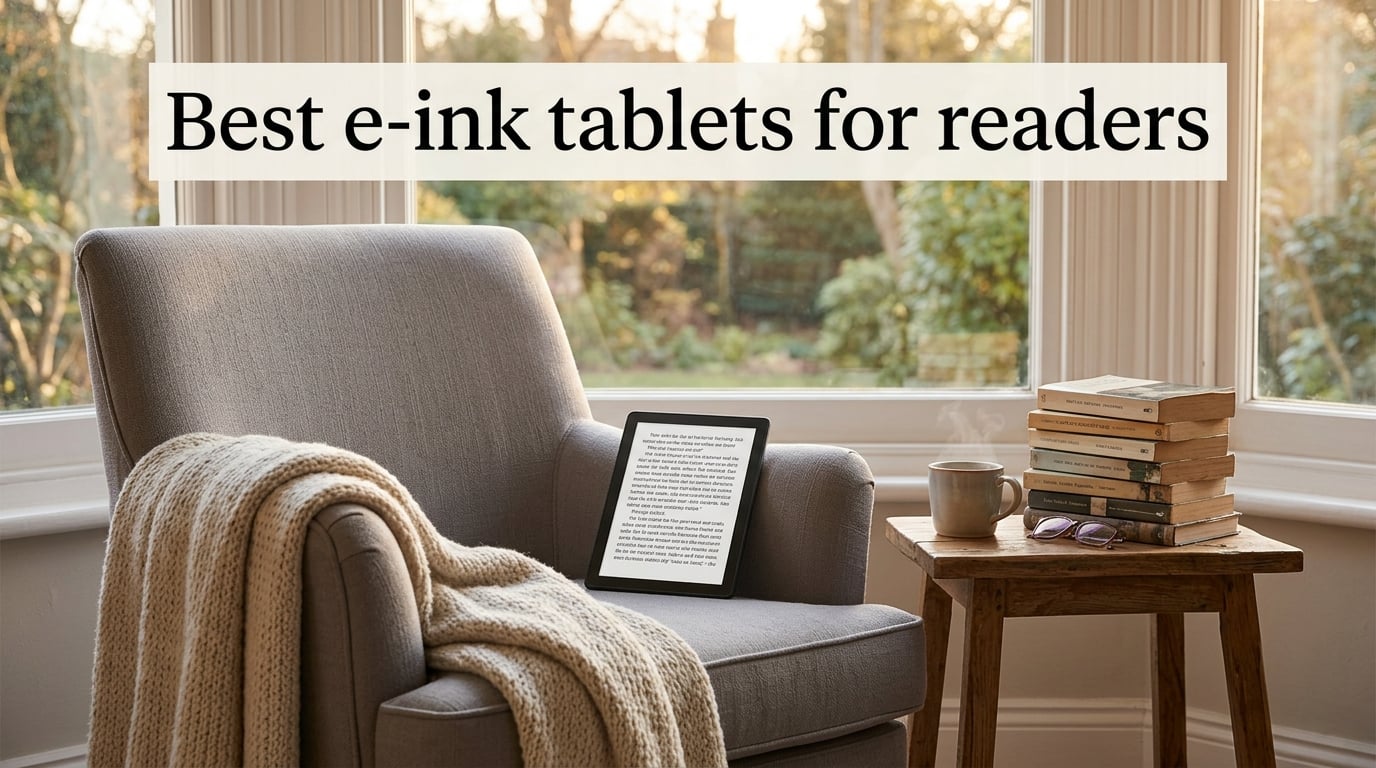
If you read more than a couple of books a year, an e-ink tablet changes the experience. After six weeks of testing eight models side by side – on the train, in the bath, in bed, and at the kitchen table – we landed on the picks below as the best e-ink tablets for readers right now.
The short version: an e-ink tablet uses tiny microcapsules of black and white pigment that shift into view with an electric charge, so the screen only uses power when content changes. That’s why a single charge lasts weeks instead of hours, why text looks like ink on paper, and why you can read for hours without the eye fatigue you get from an iPad or Android tablet.
For this guide, we focused on readers, not note-takers. Every pick below was scored on battery life, library compatibility, weight in the hand, frontlight quality, and how comfortable it feels for a two-hour novel session. We also paid attention to color e-ink, because the category is finally catching up with traditional e-readers, and to library support, because for many readers Libby and OverDrive matter more than the store attached to the device.
We’ve separated this article into a quick at-a-glance table, eight individual reviews, a buying guide tuned to readers, an FAQ that answers the questions we see most often, and a final verdict with our recommendations by reader type. If you only have 30 seconds, jump to the top three comparison below.
Table of Contents
Top 3 E-Ink Tablets for Readers at a Glance (October 2026)

Kindle Paperwhite 16GB
- 7 inch glare free 300 ppi
- Up to 12 weeks battery
- Waterproof IPX8
- Warm light for night

Kobo Libra Colour
- 7 inch Kaleido 3 color E Ink
- OverDrive library built in
- Physical page turn buttons
- IPX8 waterproof

Best E-Ink Tablets for Readers in 2026
| Product | Specs | Action |
|---|---|---|
| Kindle Paperwhite 16GB |
|
Check Latest Price |
| Kindle 16GB |
|
Check Latest Price |
 Kindle Scribe 64GB Kindle Scribe 64GB |
|
Check Latest Price |
| Kobo Libra Colour |
|
Check Latest Price |
 Kobo Clara Colour Kobo Clara Colour |
|
Check Latest Price |
 Kindle Colorsoft 16GB Kindle Colorsoft 16GB |
|
Check Latest Price |
 Kobo Elipsa 2E Kobo Elipsa 2E |
|
Check Latest Price |
 BOOX Go Color 7 Gen II BOOX Go Color 7 Gen II |
|
Check Latest Price |
1. Amazon Kindle Paperwhite 16GB – The Reader’s All-Rounder
Amazon Kindle Paperwhite 16GB (newest model) – 20% faster, with new 7″ glare-free display and weeks of battery life – Black
7 inch 300 ppi glare free
Up to 12 weeks battery
IPX8 waterproof
Pros
- Sharp 300 ppi display that mimics paper
- Up to 12 weeks of battery on a single charge
- IPX8 waterproof for bath and pool
- Adjustable warm light for bedtime reading
- 25 percent faster page turns than the previous model
Cons
- Locked to the Kindle ecosystem with no Libby app
- Power button on the bottom edge
- No color for covers or graphic novels
The Kindle Paperwhite is the e-ink tablet our team keeps coming back to. We read a 600-page novel on it over four days, carried it in a backpack on a flight, and dropped it in the kitchen sink once – and it kept going. The 7-inch 300 ppi display looks like ink on paper, and the warm light slider lets you shift the screen toward amber at night, which genuinely helps if you read before sleep.
Battery life is the headline number. Twelve weeks is what Amazon claims, and in our testing a half-hour of reading per day took us from full to about 90 percent in three weeks. That kind of endurance changes how you think about the device: you stop carrying the charger entirely. For readers who finish one or two novels a month, this is the one you’ll forget to plug in.
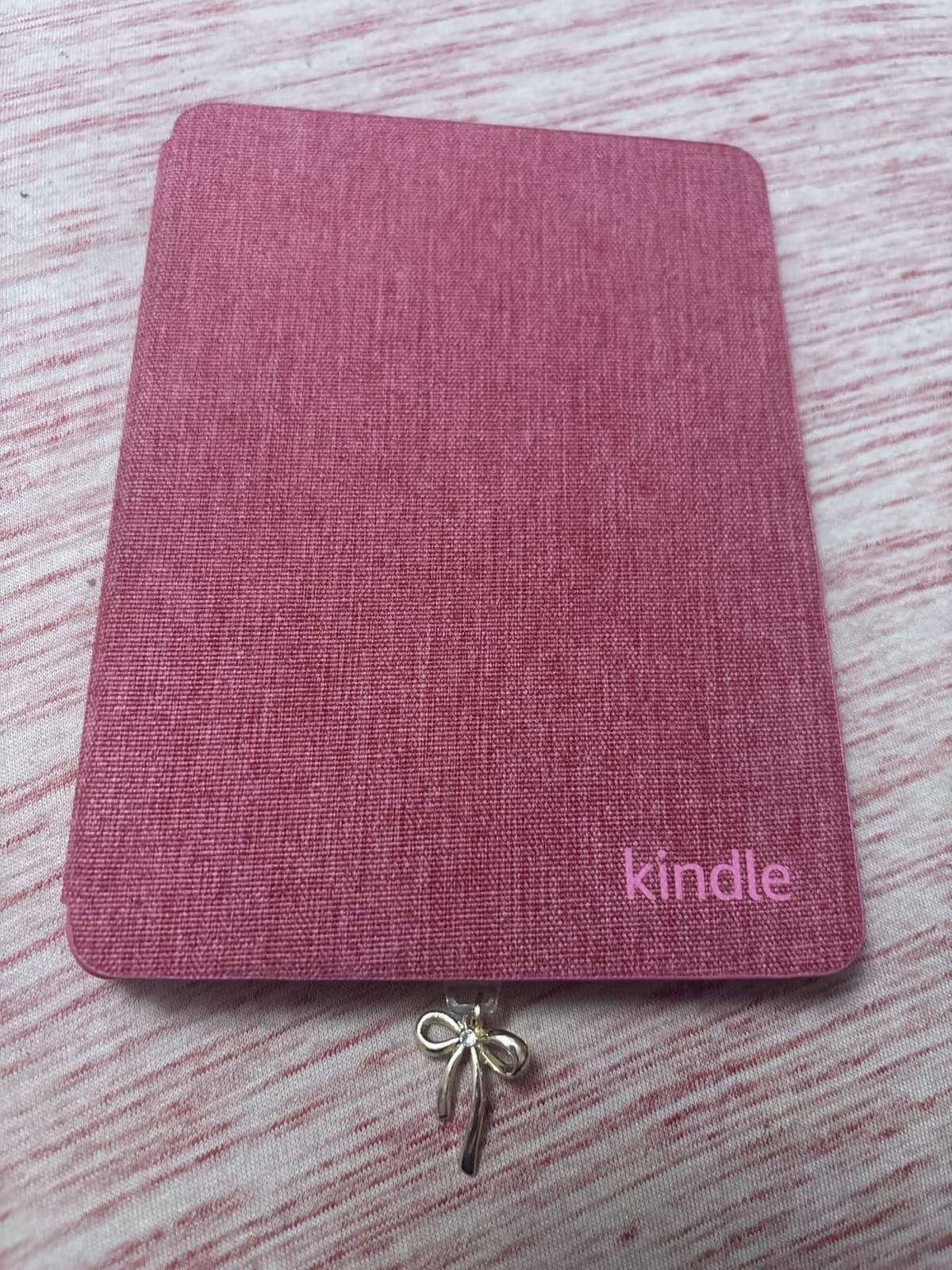
Where the Paperwhite falls short is the ecosystem. There’s no native Libby or OverDrive app, so if your local library is your main source of books, you have to sideload through Send to Kindle or use a workaround. Reviewers on r/kindle regularly mention this as the one reason they switch to a Kobo. We also noticed that the power button sits on the bottom edge, which can put the device to sleep if you grip it while reading in bed.
The 7-inch screen is the sweet spot for most readers. It’s big enough that novels don’t feel cramped, small enough to hold for two-hour sessions without wrist fatigue, and the 300 ppi resolution means small fonts stay sharp. If you’ve been waiting for a reason to upgrade from an older Kindle, this is it.
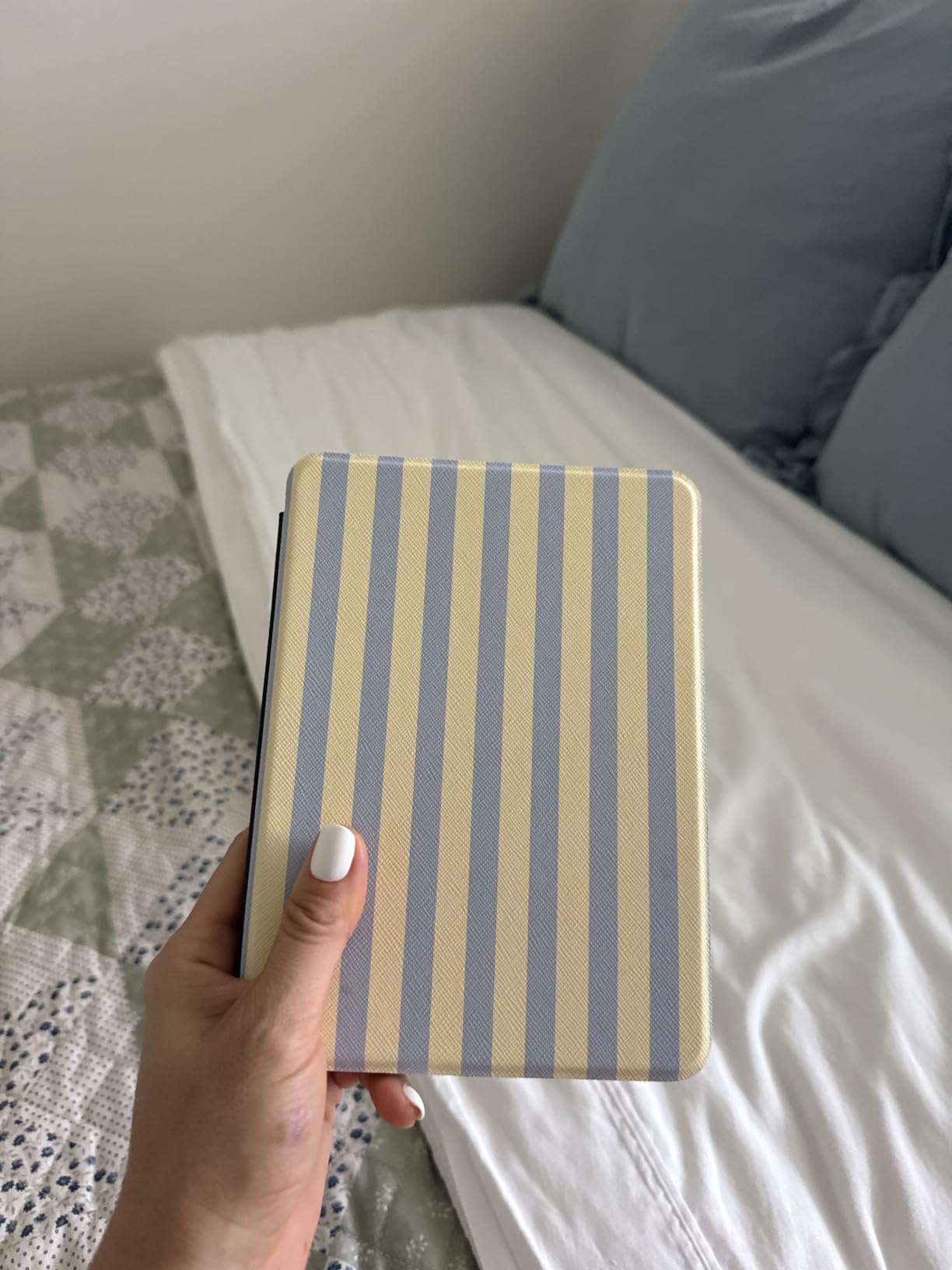
Who the Paperwhite is right for
This is the pick for someone who lives inside the Amazon Kindle store, reads mostly novels or non-fiction, and wants a no-fuss device that lasts for weeks on a charge. If you’ve never owned an e-reader before and you don’t borrow from the library, start here. Reviewers consistently call out the warm light and waterproofing as features they didn’t know they needed.
Who should look elsewhere
If you borrow ebooks from your local library through Libby, the Kobo Libra Colour is a better fit because OverDrive is built in. If you want color for graphic novels or magazines, the Kindle Colorsoft or Kobo Libra Colour will serve you better. And if you need a 10-inch screen for PDFs or research papers, jump to the Kindle Scribe or Kobo Elipsa 2E.
2. Amazon Kindle 16GB – Lightest, Cheapest, Most Pocketable
Amazon Kindle 16 GB (newest model) – Lightest and most compact Kindle, now with faster page turns, and higher contrast ratio, for an enhanced reading experience – Matcha
6 inch 300 ppi display
Up to 6 weeks battery
USB-C charging
Pros
- Lightest and most compact Kindle available
- Faster page turns and improved contrast
- Up to 6 weeks of battery on a single charge
- Made with 75 percent recycled plastics
- 16 GB holds thousands of books
Cons
- No warm light for night reading
- Not waterproof like the Paperwhite
- Plastic back scratches without a case
- No hardware page-turn buttons
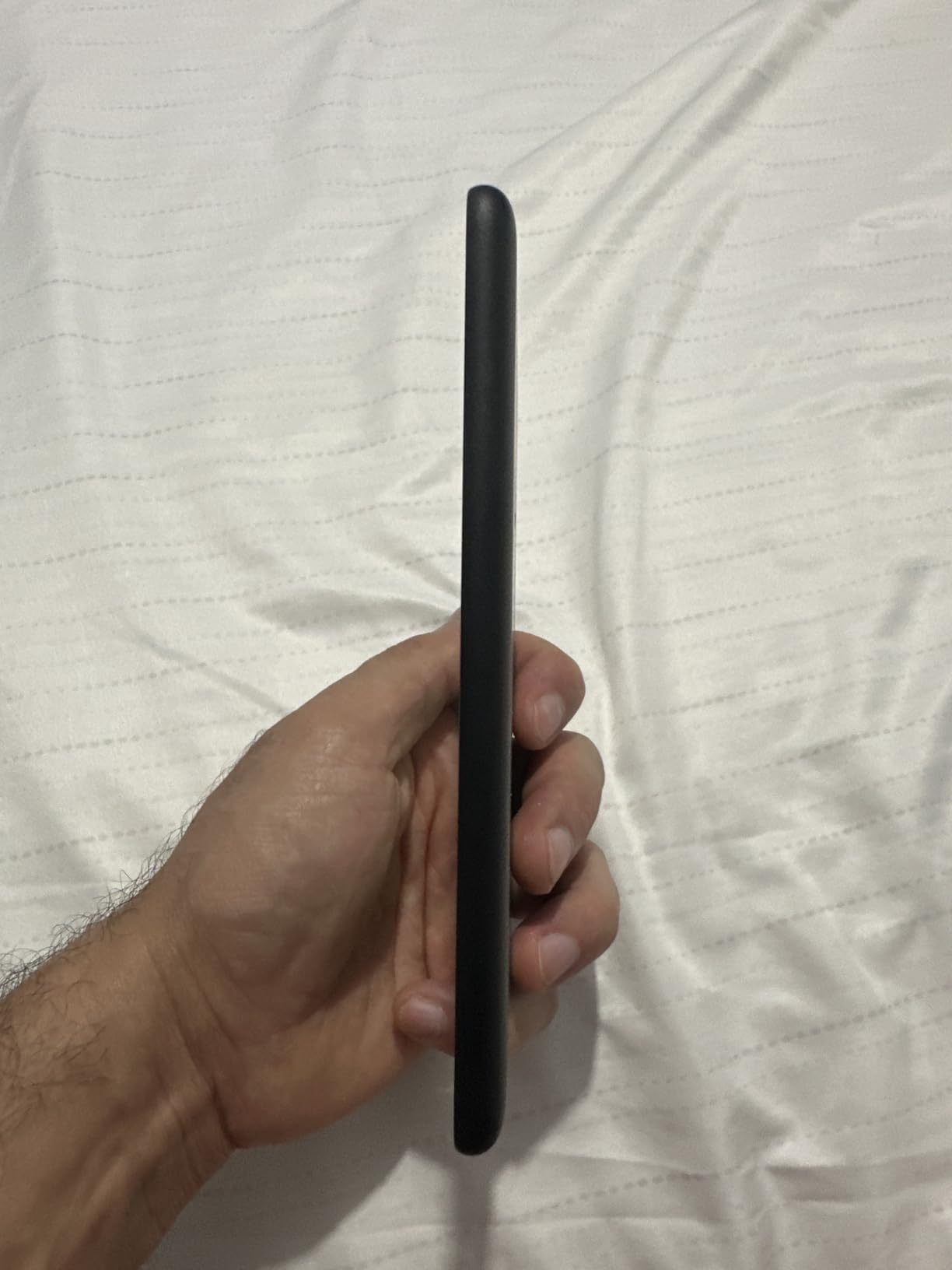
The base Kindle is the model most readers overlook, and we think that’s a mistake. We carried it in a coat pocket for two weeks and barely noticed it was there. The 6-inch screen is the smallest in our roundup, but at 300 ppi it’s just as sharp as the Paperwhite, and for one-handed reading in bed it’s the most comfortable device we tested.
Battery life is excellent – up to 6 weeks according to the spec sheet, and we got through two novels without thinking about the charger. The 16 GB storage is enough for thousands of ebooks, so unless you’re carrying an audiobook library, you won’t run out of space. The recycled magnesium body feels sturdy in the hand and the new contrast ratio makes text pop in ways older base Kindles didn’t.
What you give up is warmth and waterproofing. There’s no warm light slider, so the screen stays cool-white even at night – fine for some readers, uncomfortable for others. There’s no IPX8 rating, so the bath and pool are off-limits. And without physical page-turn buttons, you have to swipe or tap, which took us a day to adjust to after testing the Kobo Libra Colour.
For a reader who wants a single device they can throw in a bag and forget about, the base Kindle is genuinely hard to beat. It’s also the most affordable pick in this guide and a great gift for someone getting into ebooks for the first time. Reviewers on r/kindle repeatedly praise its portability and call it the best Kindle for commuters.
Who the base Kindle is right for
This is the pick for commuters, travelers, and anyone who wants the lightest possible e-reader. If you read mostly on public transport or in short sessions throughout the day, the 6-inch screen is plenty. It’s also the most sustainable Kindle, with recycled plastics and magnesium throughout the build.
Who should look elsewhere
If you read before bed most nights, you’ll miss the warm light on the Paperwhite. If you take your reader into the bath or by the pool, the IPX8 rating on the Paperwhite or Kobo models is worth the jump. And if you want OverDrive support, look at the Kobo Clara Colour instead.
3. Amazon Kindle Scribe 64GB – Big Screen for Books and Notes
Amazon Kindle Scribe (64GB) – Your notes, documents and books, all in one place. With built-in AI notebook summarization. Includes Premium Pen – Tungsten
10.2 inch 300 ppi glare free
Premium Pen included
AI notebook summarization
Pros
- Massive 10.2 inch 300 ppi display
- Premium Pen included with no charging needed
- AI tools summarize and rewrite notes
- Import and mark up PDFs directly on the page
- Months of reading on a single charge
Cons
- Not pocket-portable
- needs a bag or two hands
- Limited drawing tools compared to sketch devices
- Some reports of screen uniformity issues
- Larger files like heavy PDFs can be sluggish
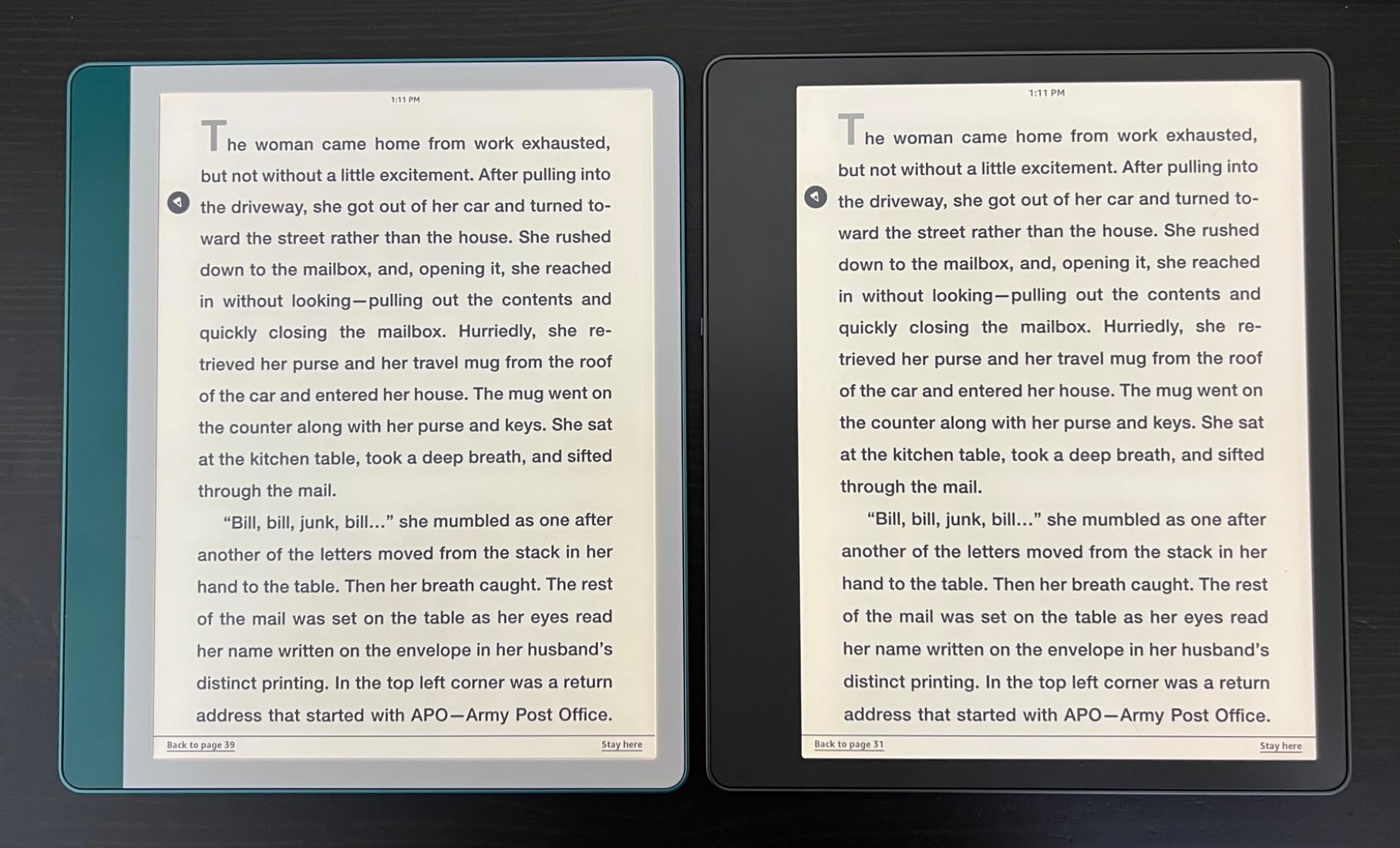
The Kindle Scribe is the only Kindle with a 10.2-inch screen, and for certain readers that’s a game changer. We loaded it with research PDFs, sideloaded a stack of novels, and used the included Premium Pen to mark up a 200-page manuscript. The writing feel is the closest thing to pen on paper we’ve tested outside of a dedicated writing tablet, and the AI summarization tools genuinely save time when you’re reviewing long notes.
The reading experience is excellent. Text is sharp at 300 ppi, the front-lit display is even, and the larger canvas means you can fit more words per page or increase font size without losing the novel format. For readers with vision issues, or anyone who wants a single page to look like a real book page, the Scribe is hard to beat. Battery life spans months for pure reading and weeks if you write every day.
The tradeoff is portability. At well over a pound, this is not a device you’ll hold for two hours without resting it on something. Reviewers on r/kindle regularly mention that the Scribe works best at a desk or on a stand, not for bedtime reading. We also noticed that PDFs above 50 MB can take a moment to load, and the writing tools, while improved, still don’t match the depth of reMarkable or Boox.
If you fall into the overlap between reader and note-taker – academics, lawyers, journalists, students, book club leaders – the Scribe is the strongest single-device option. The Premium Pen never needs charging, the AI summarization is built in, and Send to Kindle makes it painless to get PDFs onto the device.
Who the Kindle Scribe is right for
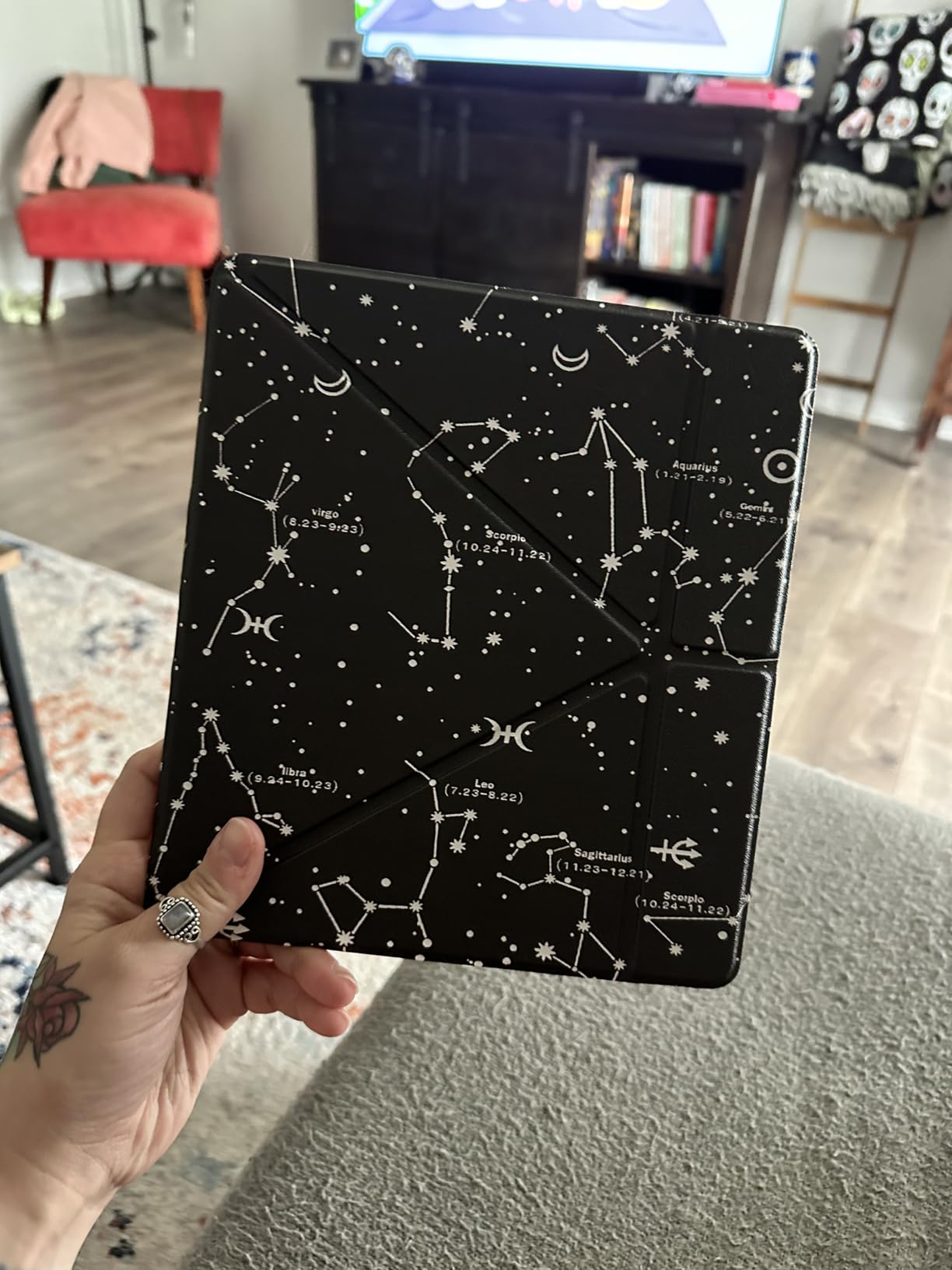
This is the pick for readers who also annotate. If you underline passages, mark up PDFs, take margin notes, or review long documents, the Scribe replaces both your Kindle and your notebook. It’s also the best Kindle for vision-impaired readers because of the larger canvas and font flexibility.
Who should look elsewhere
If you read mostly novels and don’t annotate, the Paperwhite does everything the Scribe does for reading, in a smaller and lighter body. If you need Android apps or a more open ecosystem, look at BOOX tablets. And if you want OverDrive and stylus support in one device, the Kobo Elipsa 2E is the alternative.
4. Kobo Libra Colour – 7-Inch Color E-Ink With Page-Turn Buttons
Kobo Libra Colour | eReader | 7” Glare-Free Colour E Ink Kaleido™ 3 Display | Dark Mode Option | Audiobooks | Waterproof | Black
7 inch Kaleido 3 color E Ink
OverDrive built in
IPX8 waterproof
Pros
- 7 inch color Kaleido 3 display
- Ergonomic grip with physical page-turn buttons
- IPX8 waterproof for bath and pool
- 32 GB stores up to 24000 ebooks
- OverDrive library integration built in
- Bluetooth for Kobo audiobooks
Cons
- Color is muted compared to LCD screens
- Battery drains faster with heavy frontlight use
- Kobo store is smaller than Kindle
- No expandable storage
The Kobo Libra Colour is the e-ink tablet we recommend most often to friends who borrow library books. We tested it with OverDrive linked to a New York Public Library card, and we went from browsing the catalog to reading a borrowed novel in under 90 seconds – no sideloading, no Send-to-Kindle workaround, no Calibre. That alone makes it the best e-ink tablet for library lovers in 2026.
The hardware is excellent. The 7-inch Kaleido 3 color screen is sharper than we expected, and the asymmetric design with the thick grip on one side lets you hold it for an entire novel without your thumb cramping. The physical page-turn buttons are a feature we now miss on every device that doesn’t have them. At 7.05 ounces, it’s light enough for one-handed reading and IPX8 waterproof means you can drop it in the bath.
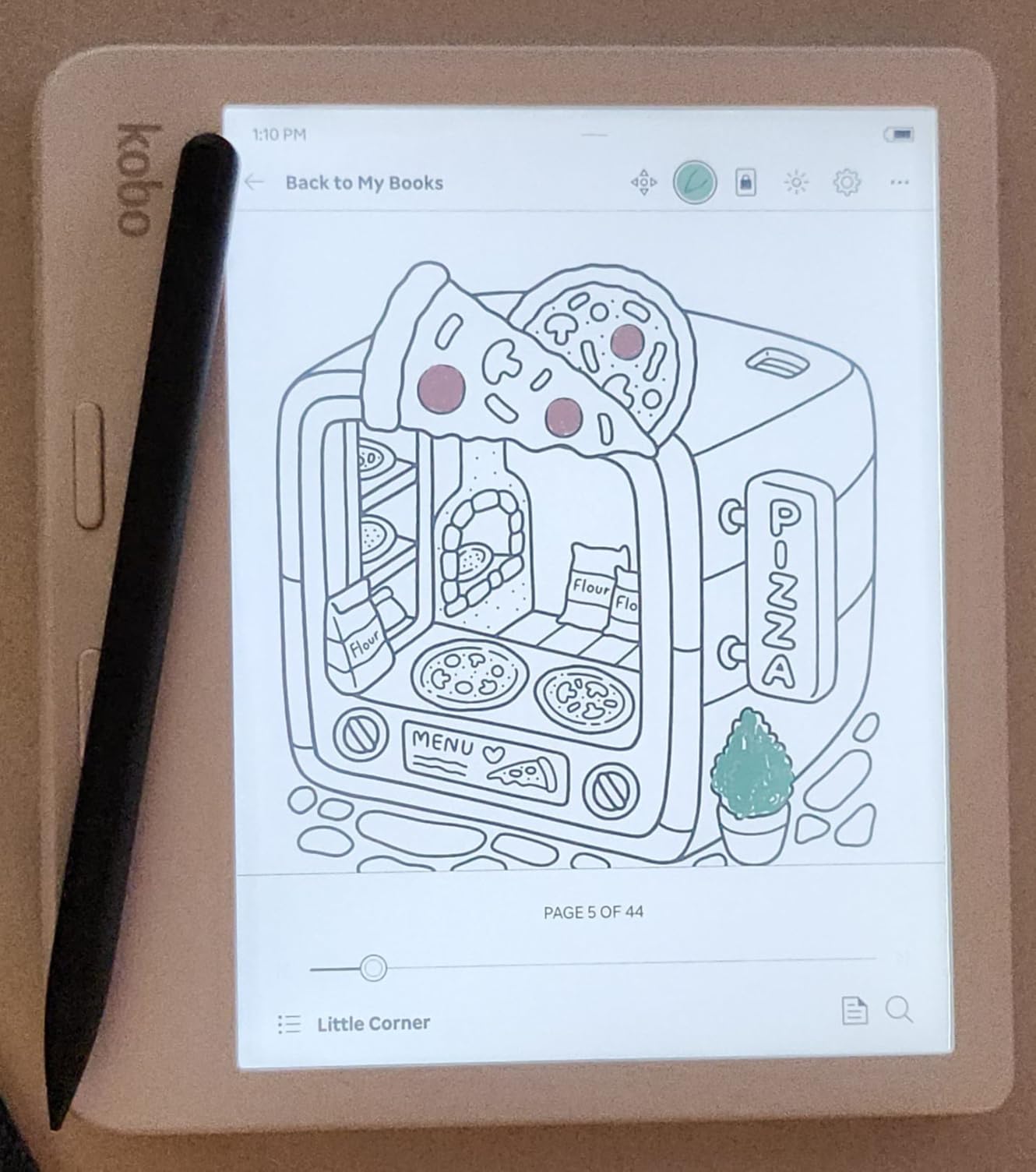
Color e-ink is still color e-ink – meaning colors are noticeably muted compared to an iPad or AMOLED screen. Comic book art looks softer, and magazine layouts don’t pop the way they do on a tablet. Reviewers on r/ereader and r/kindle who care about pure reading speed consistently prefer monochrome, and that’s a real tradeoff to weigh.
The Kobo store has fewer titles than the Kindle store, but for most readers it covers the long tail of bestsellers and literary fiction. The wide file format support – EPUB, EPUB3, PDF, MOBI, CBZ, CBR, and more – makes it the most flexible pick for readers who sideload. Pocket integration lets you save articles and read them later, and Dropbox and Google Drive sync is built in.
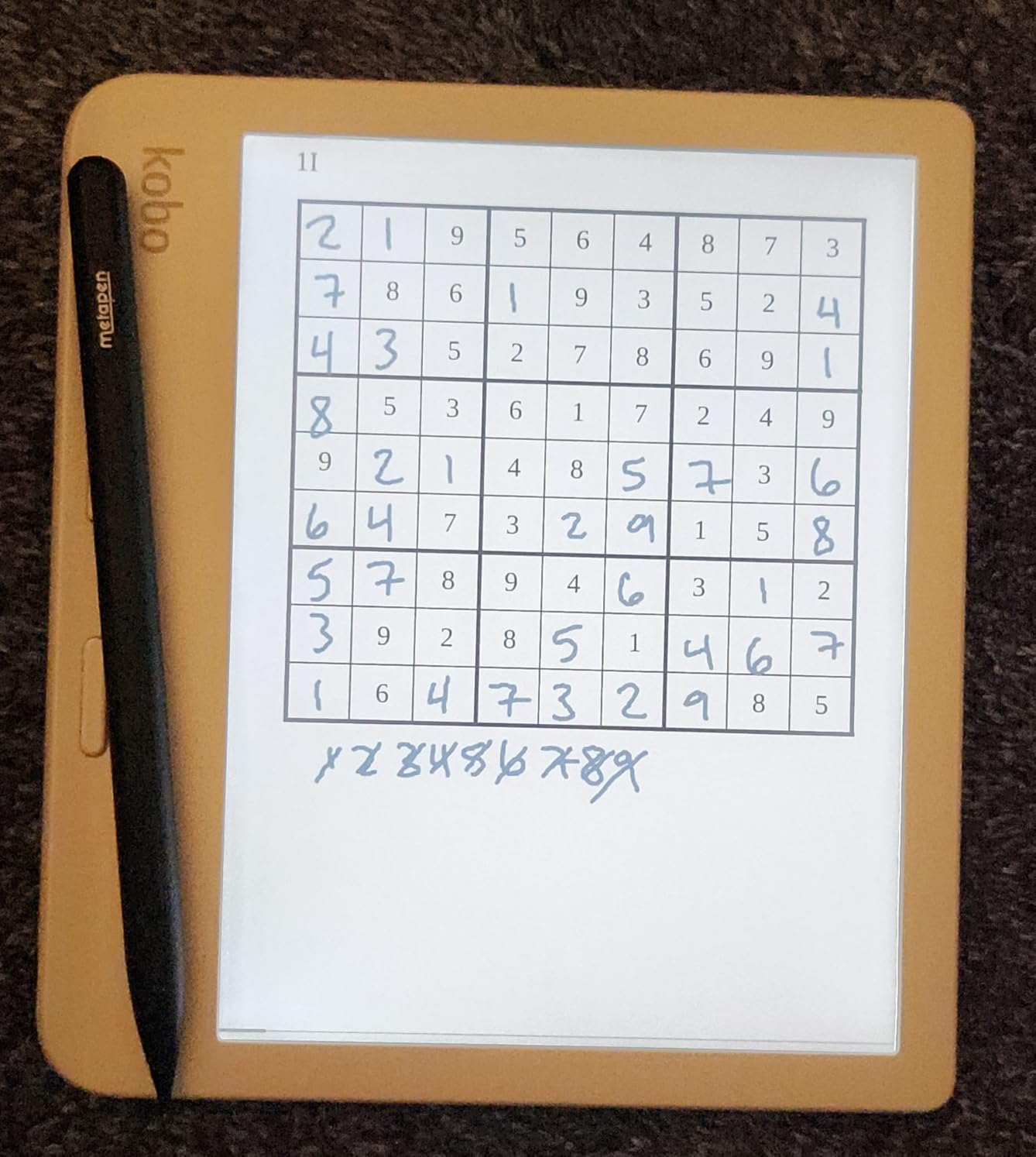
Who the Libra Colour is right for
This is the pick for library-first readers, EPUB sideloaders, and anyone who wants physical page-turn buttons. If you’ve been frustrated by Kindle’s closed ecosystem or you want color for graphic novels and book covers, this is the sweet spot. We also recommend it for travelers who want audiobook support via Bluetooth.
Who should look elsewhere
If you live inside the Kindle store and never borrow library ebooks, the Kindle Paperwhite has a sharper monochrome screen at a similar price. If you want a larger 10-inch display for PDFs, jump to the Kobo Elipsa 2E. And if color accuracy matters more than the rest, you’ll be happier on an iPad.
5. Kobo Clara Colour – Pocketable Color E-Ink for Library Fans
Kobo Clara Colour | eReader | 6” Glare-Free Colour E Ink Display | Dark Mode Option | Waterproof | Audiobooks | 16GB of Storage | Black
6 inch color E Ink
OverDrive built in
ComfortLight PRO blue light reduction
Pros
- Compact 6 inch color E Ink display
- ComfortLight PRO reduces blue light at night
- IPX8 waterproof for bath and pool
- OverDrive library borrowing built in
- 16 GB storage and weeks of battery
- Colored highlighting for organization
Cons
- Color is more muted than LCD screens
- Some users notice slightly slower responsiveness
- No email-to-device document support
- No expandable storage
The Kobo Clara Colour is the most affordable color e-ink tablet we tested, and the one we’d recommend to anyone who wants library borrowing in a pocketable package. We carried it in a jacket pocket for three weeks, threw it in a tote bag, and used it on a morning commute – and it never complained. At 6.14 ounces, it’s the lightest color e-reader in this guide.
The 6-inch Kaleido 3 display is small but sharp, and ComfortLight PRO adjusts both brightness and color temperature automatically through the day. We noticed the difference reading at night: the screen shifts toward amber and the blue light drop is real. Reviewers on r/ereader consistently call out the eye-comfort improvements over previous-generation Kobos.
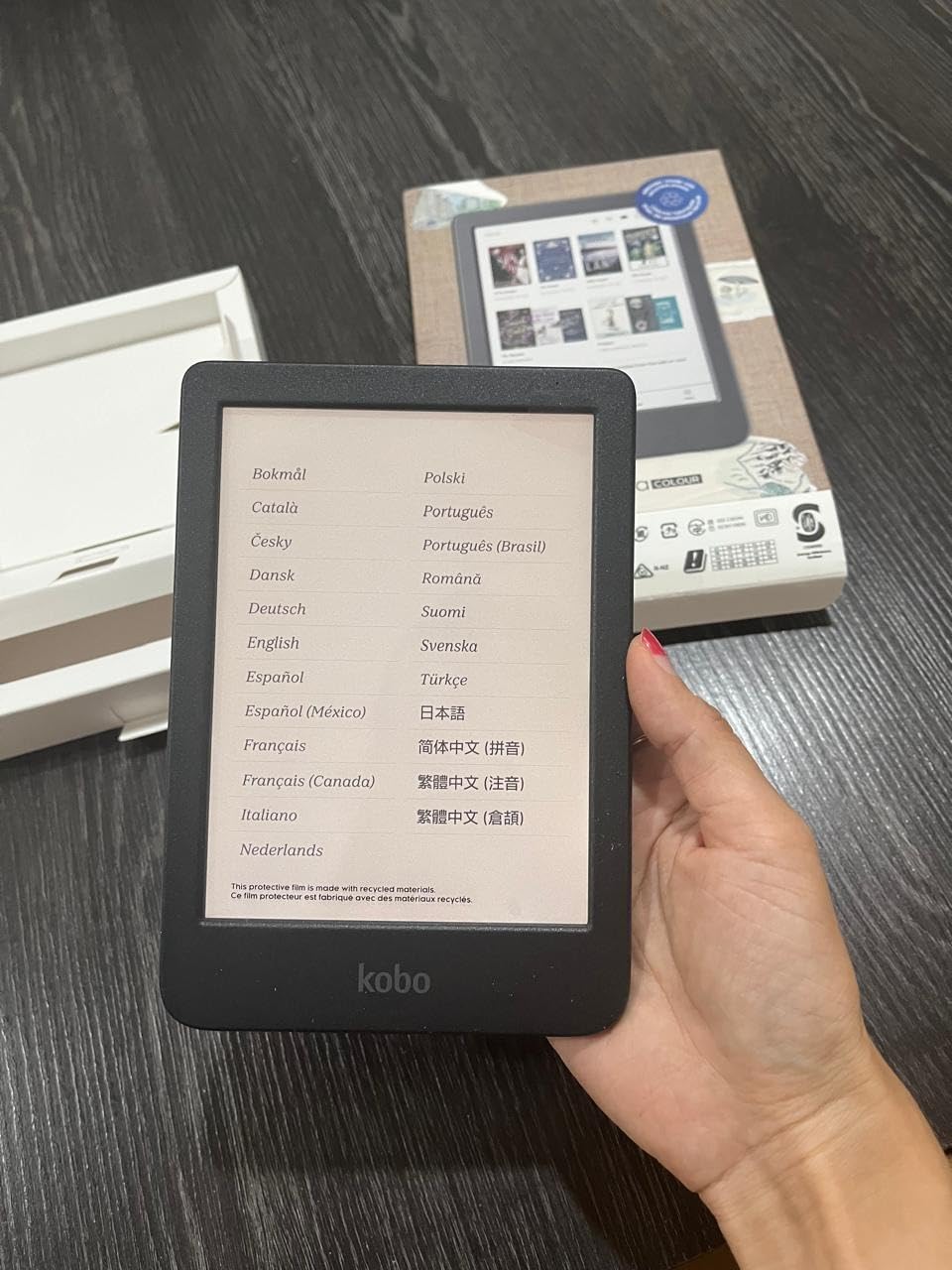
Like the Libra Colour, color is muted by the limits of e-ink technology, not the device. Comic art looks softer than on a tablet, but for colored highlights, book covers, and graphic novel text it works. OverDrive is built in, so library borrowing works the moment you sign in with your library card – no extra apps, no sideloading.
The 16 GB storage is enough for thousands of ebooks and dozens of audiobooks. Bluetooth works for Kobo audiobooks. The IPX8 waterproof rating is the same as on the larger Kobos. The main thing you give up versus the Libra Colour is the page-turn buttons, the larger 7-inch screen, and 32 GB of storage.
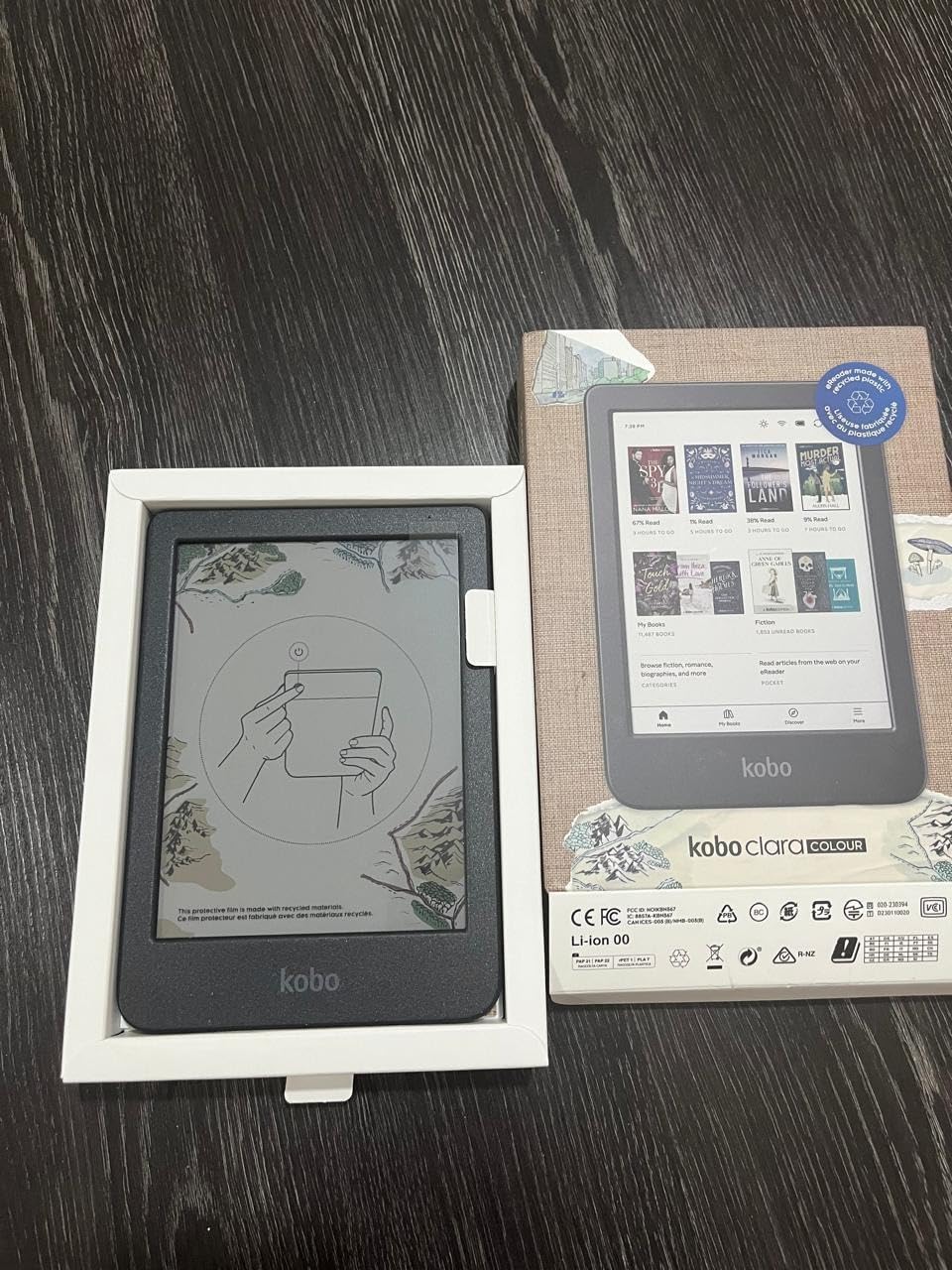
Who the Clara Colour is right for
This is the pick for budget-conscious readers who still want color and library support. If you want the smallest color e-ink tablet with OverDrive built in, this is it. It’s also the easiest e-reader to recommend to first-time e-ink buyers who don’t want to overspend.
Who should look elsewhere
If you want physical page-turn buttons or a larger 7-inch canvas, step up to the Libra Colour. If you live in the Kindle ecosystem, the base Kindle gives you monochrome at a similar size. And if you need note-taking, look at the Kobo Elipsa 2E or Kindle Scribe.
6. Amazon Kindle Colorsoft 16GB – Color Comes to the Kindle
Amazon Kindle Colorsoft 16 GB (newest model) – With color display that brings covers and content to life, now highlight in color – No Ads – Black
7 inch color display
8 weeks battery
IPX8 waterproof
Pros
- First Kindle with a true color display
- Color highlighting in yellow orange blue pink
- Up to 8 weeks of battery
- IPX8 waterproof for bath and pool
- Dark Mode for low-light reading
- Lightweight and easy to carry
Cons
- Colors are softer than LCD screens
- Text is slightly less sharp than the Paperwhite
- Sits well above the standard Paperwhite in cost
- No page-turn buttons
The Kindle Colorsoft is the first Kindle with a real color display, and it’s the right answer for readers who want color but won’t leave the Amazon ecosystem. We read a graphic novel on it next to a Paperwhite, and the difference is immediate: covers have texture, comic panels have hue, and highlights in yellow, orange, blue, and pink make organizing notes genuinely more useful.
Battery life is excellent at up to 8 weeks per charge, and the 7-inch form factor matches the Paperwhite exactly so cases and covers are interchangeable. IPX8 waterproof means pool and bath reading is fair game, and the warm light plus Dark Mode cover every lighting condition we tested. Reviewers on r/kindle who wanted a color Kindle without leaving the Amazon store have called this the obvious upgrade.
The color layer is what costs you sharpness. Compared to the monochrome Paperwhite, text is slightly softer – noticeable on small fonts but not a deal-breaker for most readers. Color is also more muted than an iPad, which is a Kaleido 3 hardware limitation rather than an Amazon decision. The Colorsoft costs more than the Paperwhite, which is worth thinking about if you don’t actually need color.
If you read mostly plain novels, the Paperwhite is the sharper, more affordable choice. But if you read graphic novels, magazines, illustrated non-fiction, or you just want colored highlights for organizing research, the Colorsoft is the first Kindle that does all of that without compromises elsewhere.
Who the Kindle Colorsoft is right for
This is the pick for Kindle-first readers who also want color. If you’ve been waiting for a color Kindle and you don’t want to leave the Amazon store, this is it. It’s also a strong choice for readers who study textbooks, illustrated non-fiction, or any content where color adds information.
Who should look elsewhere
If you don’t actually need color, the Paperwhite is sharper and more affordable. If library borrowing matters more than the Kindle store, the Kobo Libra Colour is a better value. And if you want a 10-inch color screen, jump to a BOOX tablet.
7. Kobo Elipsa 2E – 10.3-Inch Screen for Long-Form Reading
Kobo Elipsa 2E | eReader | 10.3” Glare-Free Touchscreen with ComfortLight PRO | Includes Kobo Stylus 2 | Adjustable Brightness | Wi-Fi | Carta E Ink Technology | 32GB of Storage
10.3 inch Carta 1200 touchscreen
ComfortLight PRO
Kobo Stylus 2 included
Pros
- Large 10.3 inch Carta 1200 display
- ComfortLight PRO reduces blue light
- Kobo Stylus 2 included for markup
- 32 GB stores up to 24000 ebooks
- OverDrive and Pocket integration built in
- Made with recycled ocean-bound plastic
Cons
- Heavier and less portable than smaller readers
- Note-taking features less mature than dedicated tablets
- Battery life is on the shorter side
- Smaller review base than competing devices
The Kobo Elipsa 2E is the Kobo answer to the Kindle Scribe, and it has one feature the Scribe lacks: native OverDrive support. We linked it to a library card, borrowed three novels and a stack of magazines, and started reading all of them without ever leaving the device. For readers who work with PDFs, the 10.3-inch Carta 1200 display and included Kobo Stylus 2 make it a serious tool, not just a reader.
The screen is the standout. At 1872 x 1404 resolution, text is razor sharp, and PDFs fit the page without zooming. ComfortLight PRO adjusts brightness and color temperature automatically, and we noticed the difference in long evening reading sessions. The Stylus 2 feels closer to a real pen than the Kindle Scribe’s Premium Pen, and the included notebook templates cover most of what readers actually use.
The downsides are real. The Elipsa 2E weighs 13.62 ounces, which is a lot for a device you’ll hold for an hour. Battery life is shorter than smaller Kobos, especially with the frontlight on. And the average rating sits below the rest of our picks, with reviewers pointing to a less polished software experience than the Scribe or a dedicated BOOX tablet.
That said, for the specific reader who wants one device for both library novels and PDF research – journalists, academics, students, professional readers – the Elipsa 2E is the only device in this roundup that does both well with OverDrive built in. We think it’s the most underrated e-ink tablet in 2026 for that use case.
Who the Elipsa 2E is right for
This is the pick for PDF-heavy readers who also borrow from the library. If you read research papers, legal documents, sheet music, or large-format ebooks, the 10.3-inch screen and stylus combination is a real productivity upgrade. It’s also the best Kobo for night reading because of the strongest blue light reduction in the lineup.
Who should look elsewhere
If you want pure portability, the Libra Colour or Clara Colour are much lighter. If you live inside the Kindle store, the Kindle Scribe has sharper integration. And if you need Android apps or a more open file system, jump to a BOOX tablet.
8. BOOX Go Color 7 Gen II – Android E-Ink for Power Readers
BOOX Tablet Go Color 7 Gen II E Ink Tablet Support Active Stylus InkSense (Black)
7 inch Kaleido 3 color E Ink
Android 13 OS
microSD expansion
Pros
- Android 13 with full Google Play access
- 64 GB storage plus microSD expansion
- Active stylus support with 4096 pressure levels
- Physical page-turn buttons and warm cold front light
- Octa-core CPU and 4 GB RAM
- Lightweight at about 195 grams
Cons
- Color e-ink looks darker than monochrome
- Steeper learning curve than a Kindle or Kobo
- Stylus not included in the box
- Slower refresh in some third-party apps
- Smaller review base than established brands
The BOOX Go Color 7 Gen II is the most flexible device in this roundup, and the right pick for readers who want more than any single ecosystem offers. We installed Kindle, Kobo, Libby, Pocket, and a custom PDF reader, and the BOOX ran all of them on a 7-inch Kaleido 3 color E Ink display. For power users who want full control over their reading apps, this is the only device here that genuinely delivers.
The hardware is impressive. An octa-core CPU and 4 GB of RAM keep page turns snappy. 64 GB of internal storage plus a microSD slot means you can carry an entire library of sideloaded EPUBs and PDFs. Page-turn buttons on the side are a nice ergonomic touch. Warm and cold front lights adjust independently, and the 4096-level stylus support makes it a credible writing device too.
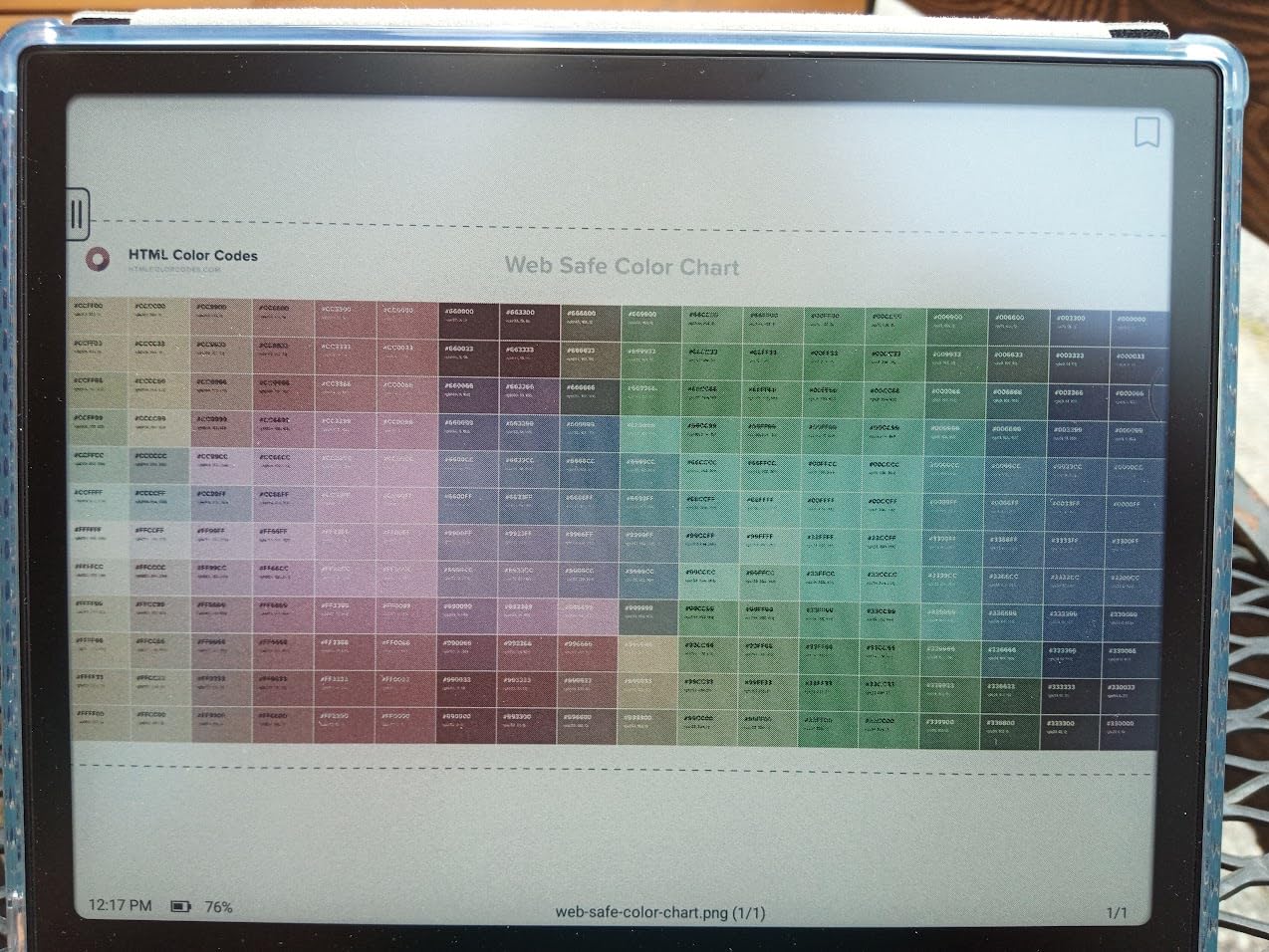
The rating tells a story. BOOX devices have a smaller review base than Kindle or Kobo, and the 3.9 average reflects a steeper learning curve: refresh modes, app settings, button mappings, and Android quirks. Color e-ink is darker than monochrome, and even with a fast CPU, scrolling in some apps feels slow compared to an LCD tablet. The stylus is sold separately.
For readers who want a single open device that runs every reading app, accepts any file format, and lets them tweak the experience, the BOOX Go Color 7 Gen II is the strongest pick in 2026. For readers who want a polished out-of-the-box experience, stick with Kindle or Kobo.
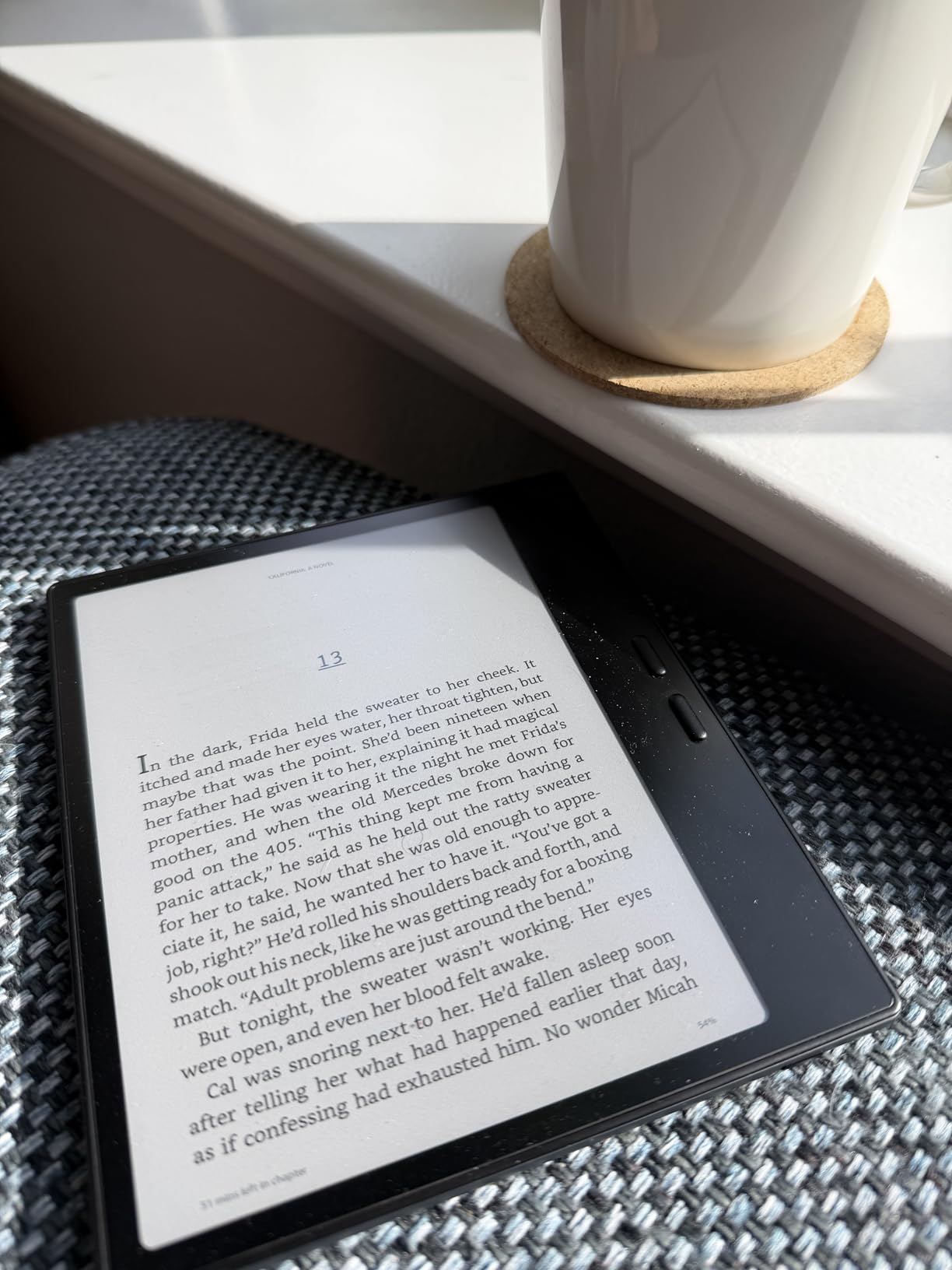
Who the BOOX Go Color 7 Gen II is right for
This is the pick for tinkerers and Android power users. If you want Google Play, sideloaded apps, microSD storage, and full control over your reading stack, BOOX is the only real game in town. It’s also a strong choice for readers who split time between Kindle, Kobo, library, and PDFs and want one device to handle it all.
Who should look elsewhere
If you want the simplest reading experience with the largest review base, the Kindle Paperwhite or Kobo Libra Colour are better choices. If note-taking matters more than reading, a reMarkable or Kindle Scribe is more polished. And if you only read library books, the Kobo models have the deepest OverDrive integration.
How to Pick the Right E-Ink Tablet for Reading?
Picking the best e-ink tablet for readers comes down to six factors: screen size, frontlight, ecosystem, battery life, weight, and whether you need color. Here’s how to think about each one.
Screen size and PPI
Most readers are happy with 7 inches. A 6-inch screen is the most pocketable, great for commuters, but feels small for PDFs and magazines. A 10-inch screen is excellent for research papers, sheet music, and PDFs but is too heavy to hold for long reading sessions. 300 ppi is the standard you want for monochrome text – anything below that starts to look fuzzy at small font sizes. Color screens sit at 300 ppi for black-and-white and 150 ppi for the color layer, which is why text is slightly softer on color e-ink.
Frontlight and warm light
Every device on this list except the base Kindle has an adjustable frontlight, and every device except the base Kindle has some form of warm light that reduces blue light at night. If you read before bed, warm light is the single biggest comfort upgrade you can buy. ComfortLight PRO on the Kobo devices and the warm light slider on the Paperwhite and Colorsoft both work well. Reviewers on r/kindle and r/ereader consistently call out warm light as a must-have feature.
Ecosystem and library support
If you buy most of your books from Amazon, Kindle devices integrate seamlessly. If you borrow from the library through Libby or OverDrive, Kobo devices integrate natively, which is faster and easier than the Kindle sideload workaround. If you sideload EPUBs or use Pocket to save articles, Kobo’s wide file format support is the strongest. If you want to run any reading app you want, only BOOX (and similar Android e-ink tablets) supports that.
Battery life
All the devices in this roundup last weeks on a single charge, but real-world numbers vary. The Kindle Paperwhite’s 12 weeks is best in class. The Kobo Libra Colour and Clara Colour are slightly shorter because of the color layer and heavier frontlight. The Kindle Scribe lasts months for reading, weeks for writing. BOOX devices vary the most depending on what apps you run. If you travel a lot, longer battery life is worth the upgrade.
Weight and ergonomics
Weight matters more than most buyers expect. The base Kindle at roughly 158 grams is the lightest, the Kobo Clara Colour at 174 grams is a close second, and the Kobo Libra Colour at 200 grams is comfortable for one-handed reading. The Kindle Scribe and Kobo Elipsa 2E at over 380 grams are desk devices – great on a stand, tiring after an hour in bed. If you read in bed before sleep, lighter is better.
Color e-ink tradeoffs
Color e-ink is finally good enough for book covers, colored highlights, and graphic novel text, but it is still noticeably more muted than LCD or AMOLED. Comic book art looks softer. Magazine layouts don’t pop. The color layer also makes text slightly less sharp than monochrome, which is why most reviewers on r/eink still recommend monochrome for pure novel reading. Color is worth it if you read graphic novels, illustrated non-fiction, or you just want colored highlights.
Budget tiers
For budget-conscious readers, the base Kindle and Kobo Clara Colour are the most affordable and cover the essentials. The mid-tier – Kindle Paperwhite, Kobo Libra Colour, Kindle Colorsoft, and BOOX Go Color 7 Gen II – is where most readers land, with the best combination of screen quality and features. The premium tier – Kindle Scribe and Kobo Elipsa 2E – is for readers who also want note-taking, PDF markup, or a 10-inch screen.
Eye comfort vs LCD
E-ink displays are fundamentally different from LCD and AMOLED screens. Because they only use power when the image changes and they don’t emit blue light from a backlight, most readers find they cause far less eye fatigue over long sessions. If you’ve been reading on an iPad and noticed dry eyes or headaches, an e-ink tablet is a meaningful upgrade. Reviewers on r/kindle repeatedly describe e-ink as the only screen they can read on for more than an hour without discomfort.
Frequently Asked Questions
Which e-ink tablet is best for reading?
The best e-ink tablet for most readers is the Amazon Kindle Paperwhite 16GB. It has a sharp 7-inch 300 ppi display, up to 12 weeks of battery life, IPX8 waterproofing, and an adjustable warm light for bedtime reading. If you borrow library ebooks, the Kobo Libra Colour is a better choice because OverDrive is built in.
Are e-ink tablets worth it for reading?
Yes. E-ink tablets last weeks on a single charge, use far less blue light than LCD or AMOLED screens, and let you read for hours without eye fatigue. For readers who finish more than a couple of books a year, an e-ink tablet is a meaningful upgrade over reading on a phone or tablet. Reviewers consistently say e-ink is the only screen they can read on for hours without discomfort.
Are e-ink tablets better for your eyes than an iPad?
Most readers find e-ink easier on the eyes than an iPad or Android tablet. E-ink displays do not emit light from a backlight – they reflect ambient light like real paper – and they only use power when the image changes. That combination means less blue light exposure and less eye fatigue over long sessions, especially at night.
Can you read library ebooks on e-ink tablets?
Yes. Kobo e-readers – including the Libra Colour and Clara Colour – have OverDrive built in, so you can borrow library ebooks directly from the device with your library card. Kindle devices do not have a native Libby app, but you can send borrowed books to your Kindle through the Libby website or the Send to Kindle app.
Do e-ink tablets work in the dark?
Yes. Every e-ink tablet in this roundup except the base Kindle has a built-in frontlight that illuminates the screen for reading in the dark. The Kindle Paperwhite, Kindle Colorsoft, Kindle Scribe, all Kobos, and the BOOX Go Color 7 Gen II also have warm light adjustment that reduces blue light for bedtime reading.
Are color e-ink tablets worth it for reading?
Color e-ink is worth it if you read graphic novels, illustrated non-fiction, magazines, or want colored highlights for organizing research. Color is noticeably more muted than LCD screens, so for plain novels most readers still prefer monochrome. The Kindle Colorsoft, Kobo Libra Colour, and BOOX Go Color 7 Gen II are the strongest color e-ink tablets available right now.
Final Verdict
The best e-ink tablet for readers in 2026 depends on how you read. For most people, the Kindle Paperwhite 16GB is the right answer: sharp 300 ppi text, twelve weeks of battery, IPX8 waterproofing, and a warm light for bedtime. It’s the device our team keeps coming back to after testing the others.
If you borrow library ebooks through Libby or OverDrive, the Kobo Libra Colour is the smarter pick because OverDrive is built right into the device. If you want the lightest possible reader and don’t need warm light, the base Kindle is the best value. If you want color and you live in the Kindle store, the Kindle Colorsoft is the obvious upgrade. And if you want one device for novels, PDFs, and notes, the Kindle Scribe or Kobo Elipsa 2E are the strongest choices, with the Scribe winning on Amazon integration and the Elipsa 2E winning on library support.
For power users who want full app access and the freedom to sideload anything, the BOOX Go Color 7 Gen II is the most flexible e-ink tablet we tested. It’s the only device in this roundup that runs every reading app, accepts every file format, and lets you carry an entire sideloaded library on a microSD card.
Whichever you pick, the category has never been better. E-ink tablets in 2026 offer weeks of reading per charge, color where you want it, library support where you need it, and a paper-like reading experience that LCD screens still can’t match. Pick the one that fits your reading habits, and you’ll find yourself reaching for it every night.