
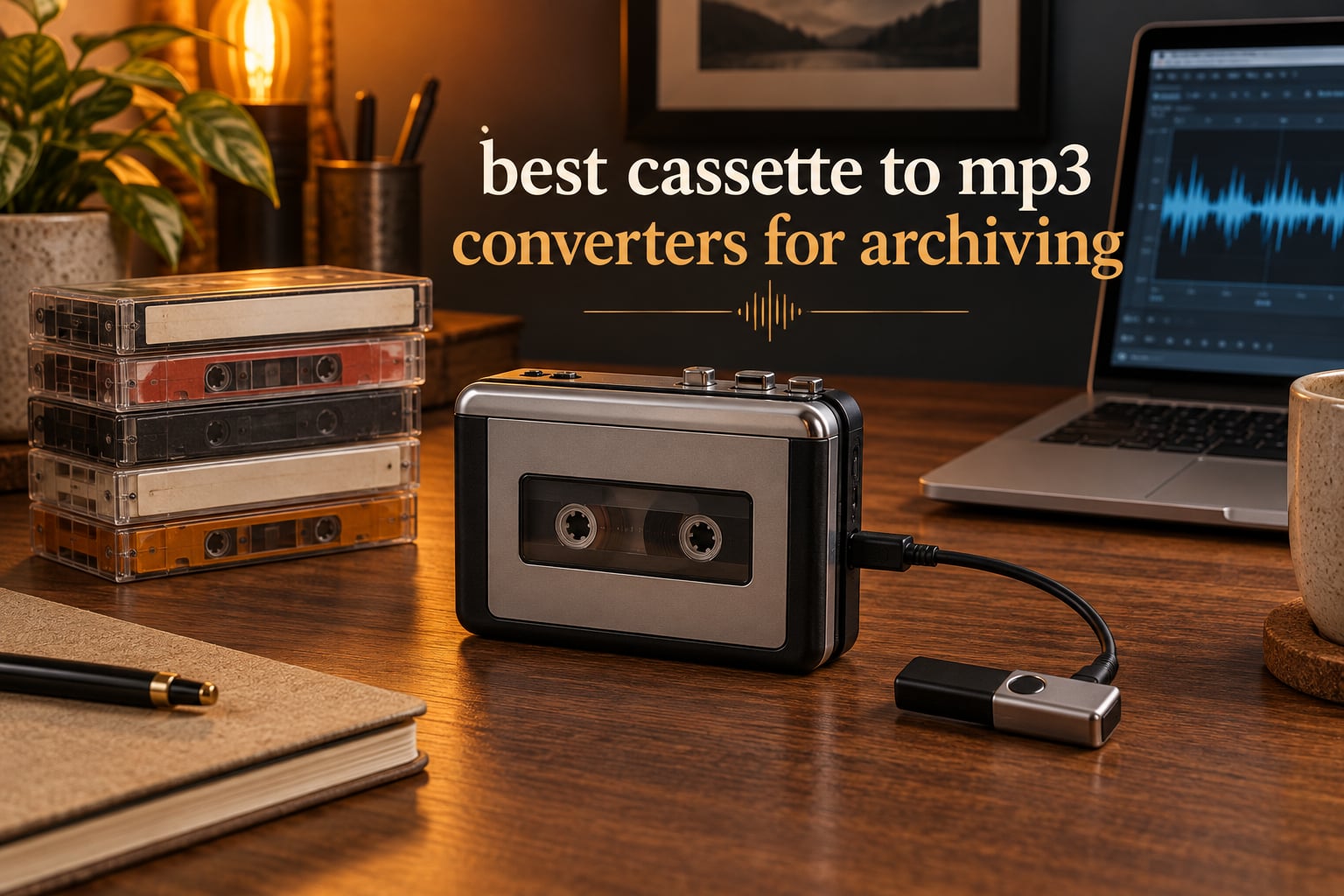
There is a particular kind of loss that never shows up as a file error. A tape that will not play, a deck that will not pinch the roller, a snapshot of a birthday from 1994 that exists in exactly one place: a plastic box in a closet. Fixing that is what the best cassette to MP3 converters for archiving are built for, and the difference between a cheap transfer box and a device you can trust with a shoebox of family recordings is larger than the spec sheets suggest.
We went through twelve cassette to MP3 converters, weighing them on the things that decide whether an archive holds up: transport speed accuracy, hiss floor, channel balance, auto-reverse, storage format limits and whether the bundled software still installs. This is a preservation job, not a listening job, and the criteria we used reflect that.
Below you will find our picks across all three converter types, a step-by-step workflow, and the troubleshooting notes that nobody in this category bothers to publish. Every recommendation names a specific model with verified specifications rather than a generic listing.
Table of Contents
What Is a Cassette to MP3 Converter?
A cassette to MP3 converter is a cassette player with a digital output. It plays your tape in real time and either streams the audio over USB to a computer or writes MP3 files straight to a USB flash drive or microSD card, so the recording survives long after the tape and the player wear out.
One thing to internalize before you buy anything: conversion is always real-time. A 60-minute tape takes 60 minutes to transfer, because the audio has to be captured at the speed the tape physically moves past the playback head. There is no shortcut, and any product implying otherwise is doing something other than a faithful capture.
That constraint shapes everything else. A 40-tape archive is roughly 40 hours of recording, which is why transport stability matters more than bitrate, and why devices that auto-reverse and auto-stop are worth their premium on long jobs.
Top 3 Picks for Cassette Archiving (October 2026)

KLIM K7 Cassette Player
- Converts to MP3 with no computer
- 16GB SD card included
- Rechargeable 1000mAh battery

DIGITNOW USB Capture Card
- 3.5mm and RCA stereo inputs
- Bundled Audacity
- No external power needed
The KLIM K7 wins this list because it removes every decision from the workflow: press record, files land on the included card, no software, no computer, no driver. The Gracioso Bluetooth converter is the pick when battery life and a loud built-in speaker matter, and the DIGITNOW capture card is the one to buy if you already own a decent deck and want a proper stereo line-level path into Audacity.
All 12 Converters Compared in 2026
| Product | Specs | Action |
|---|---|---|
| KLIM K7 Cassette Player |
|
Check Latest Price |
 SEMIER Small Cassette Tape Player SEMIER Small Cassette Tape Player |
|
Check Latest Price |
 Gracioso Bluetooth Cassette Converter Gracioso Bluetooth Cassette Converter |
|
Check Latest Price |
| DIGITNOW USB 2.0 Audio Capture Card |
|
Check Latest Price |
 Reshow Portable Cassette Player Reshow Portable Cassette Player |
|
Check Latest Price |
 MYPIN USB Cassette to MP3 Converter MYPIN USB Cassette to MP3 Converter |
|
Check Latest Price |
 BlumWay USB Cassette to MP3 Converter BlumWay USB Cassette to MP3 Converter |
|
Check Latest Price |
 DIGITNOW BR602 Cassette to MP3 Converter DIGITNOW BR602 Cassette to MP3 Converter |
|
Check Latest Price |
 HopCentury Music Digitizer HopCentury Music Digitizer |
|
Check Latest Price |
 DIGITNOW BR607 USB Cassette Player DIGITNOW BR607 USB Cassette Player |
|
Check Latest Price |
 Gracioso Cassette to MP3 Converter Gracioso Cassette to MP3 Converter |
|
Check Latest Price |
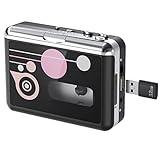 Kedok Portable Cassette Player Converter Kedok Portable Cassette Player Converter |
|
Check Latest Price |
A note on reading that table: the products split into three families. Devices with a tape transport built in (the majority), devices that capture from a source you provide (the capture card and the HopCentury digitizer), and devices that do both. The transport is the biggest single influence on final quality.
1. KLIM K7 Cassette Player – Best Overall for Archiving
K7 Cassette Player, Converts Tapes to MP3, Built-in Microphone, 16GB Card
Converts tapes to MP3 with no computer
16GB SD card and reader included
1000mAh rechargeable battery
Built-in mic and speaker
Pros
- Complete no-computer workflow
- SD card included so nothing extra to source
- Also plays SD card music and works as a plain player
- Rechargeable battery removes mid-transfer power loss
- 5-year assurance from the manufacturer
Cons
- Does not record back onto cassette tape despite the recorder styling
- Single SD slot limits dual-source recording
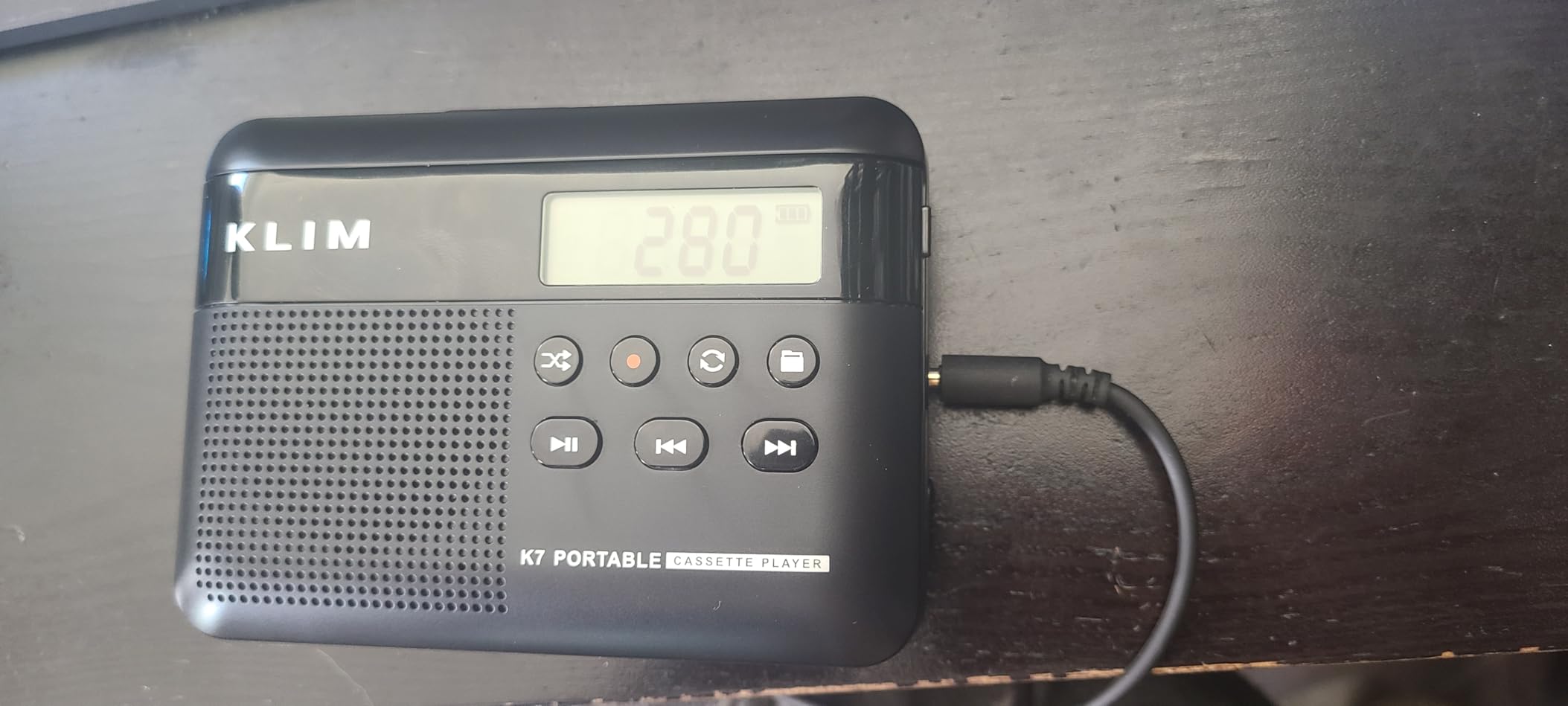
When we put this unit at the top of the list, it was because it removes every choice that trips people up. There is no app to install, no wizard to configure, no driver, and no computer involved at all. You insert a tape, press record, and MP3 files appear on the included 16GB card.
That simplicity has real archival value over a 40-tape job. Every configuration screen is a chance to get something wrong, and this device has almost none. The 1000mAh rechargeable battery also removes the most common session-killer, which is loose batteries dying partway through a side and taking the current file with them.
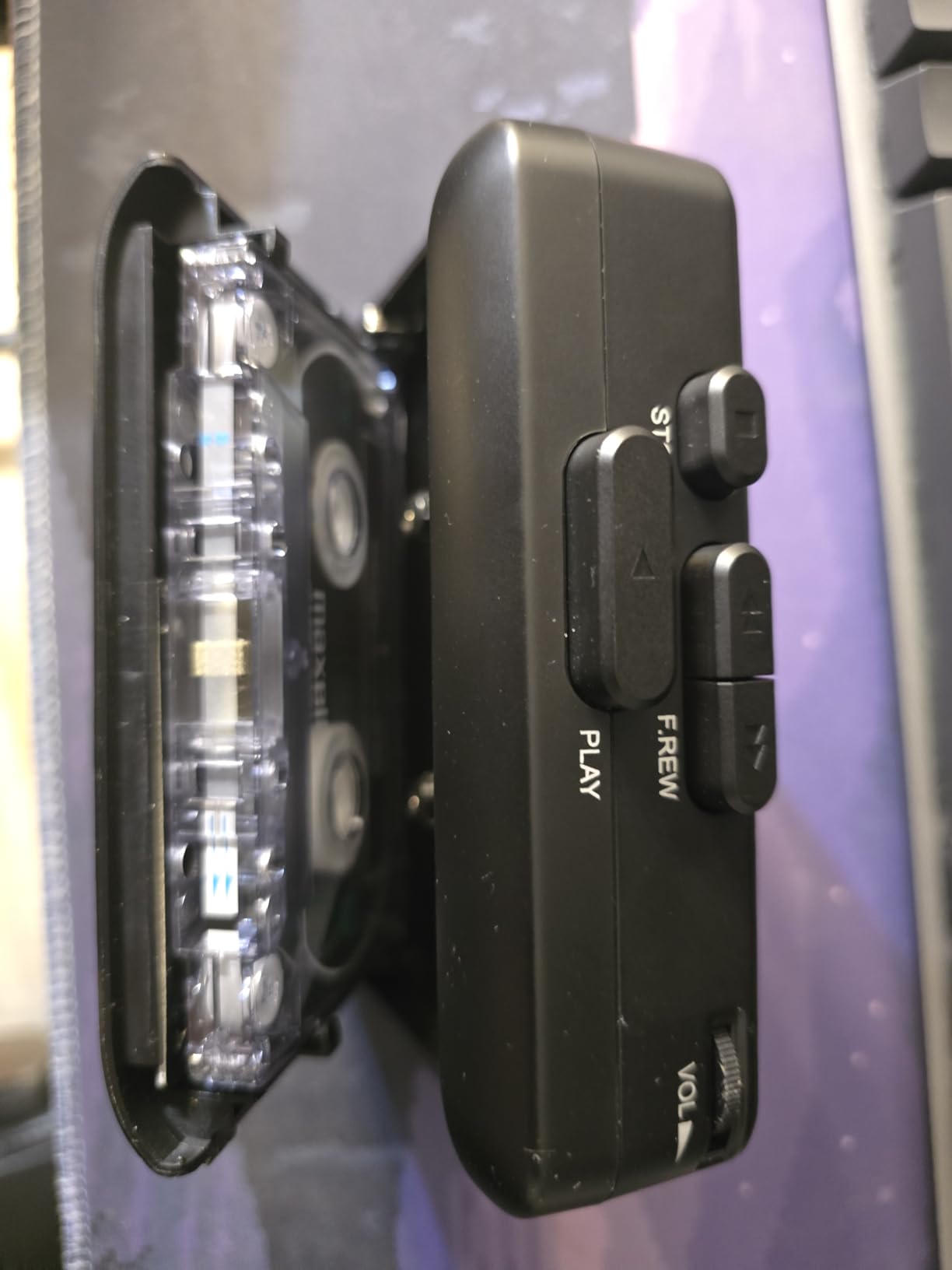
The specifications are honest for what it is. It weighs 0.22 kg, it has a 3.5mm earphone jack with earphones in the box, and it charges over Type-C in roughly two hours. The 3.5mm jack is more useful than it looks: it means you can monitor a transfer through decent headphones instead of trusting the built-in speaker.
The limitation worth knowing is that it does not record onto cassette tape. Listings call it a recorder because the built-in microphone captures meetings and voice memos, and the manufacturer states plainly that tape recording is not supported. If your archive involves dubbing family recordings back onto a fresh tape, this is not the device.
Who this is built for
This suits anyone with a handful of tapes who does not want to learn Audacity, install a driver, or troubleshoot a USB permission prompt. It is also the right pick when you are digitizing a relative’s collection and the person doing the work is not technically confident.
For spoken-word material especially, where the content matters more than fidelity, the ease of use outweighs almost every other consideration. The 5-year assurance from KLIM is longer than anything else in this roundup.
Where it falls short
The K7 has no auto-reverse, so a full tape needs a manual flip. On a small job that is nothing. On a 60-tape archive it is 60 interruptions, and each one is an opportunity to stop the recording and lose the file you were making.
There is also no line-out path and no USB capture mode, so you cannot route it through a better deck or into a proper editing session. Once the files are on the card, everything else is up to you.
2. SEMIER Small Cassette Tape Player – Best for Desktop Workflows
SEMIER Small Cassette Tape Player, USB C or SD Card Audio Cassette to MP3 Digital Converter, Record to Cassette/Computer/SD Card via Mic, Loud Speaker, Headphone Jack, 16GB SD Card for Type I Tapes
SD card or USB-C with Audacity
2W speaker and LCD screen
6.3 x 3.9 x 1.2 inches
USB-C or 4x AA power
Pros
- Two conversion paths on one device
- LCD makes navigation far less blind
- 2W speaker and 3.5mm jack
- 16GB card and converter software included
Cons
- Type I tapes only
- no Type IV or metal tape support
- Entry-level transport rather than archival grade
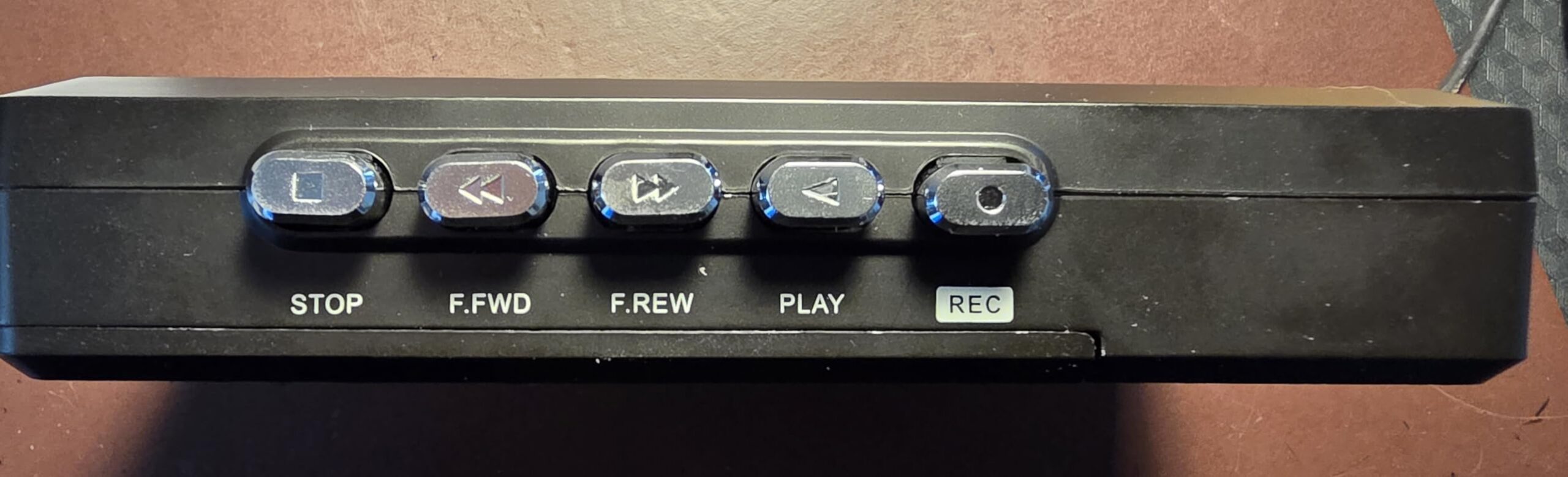
This is the rare converter that lets you choose your path per tape. It records to the included SD card with no computer, or you connect it over USB-C and capture through the bundled Audacity workflow, which is where you get track markers, level control and proper file naming.
The LCD is the feature that changes daily usability. Blind-button devices force you to guess whether recording started; a screen tells you. At 6.3 by 3.9 by 1.2 inches and 13.4 ounces, it stays on a desk rather than in a bag.
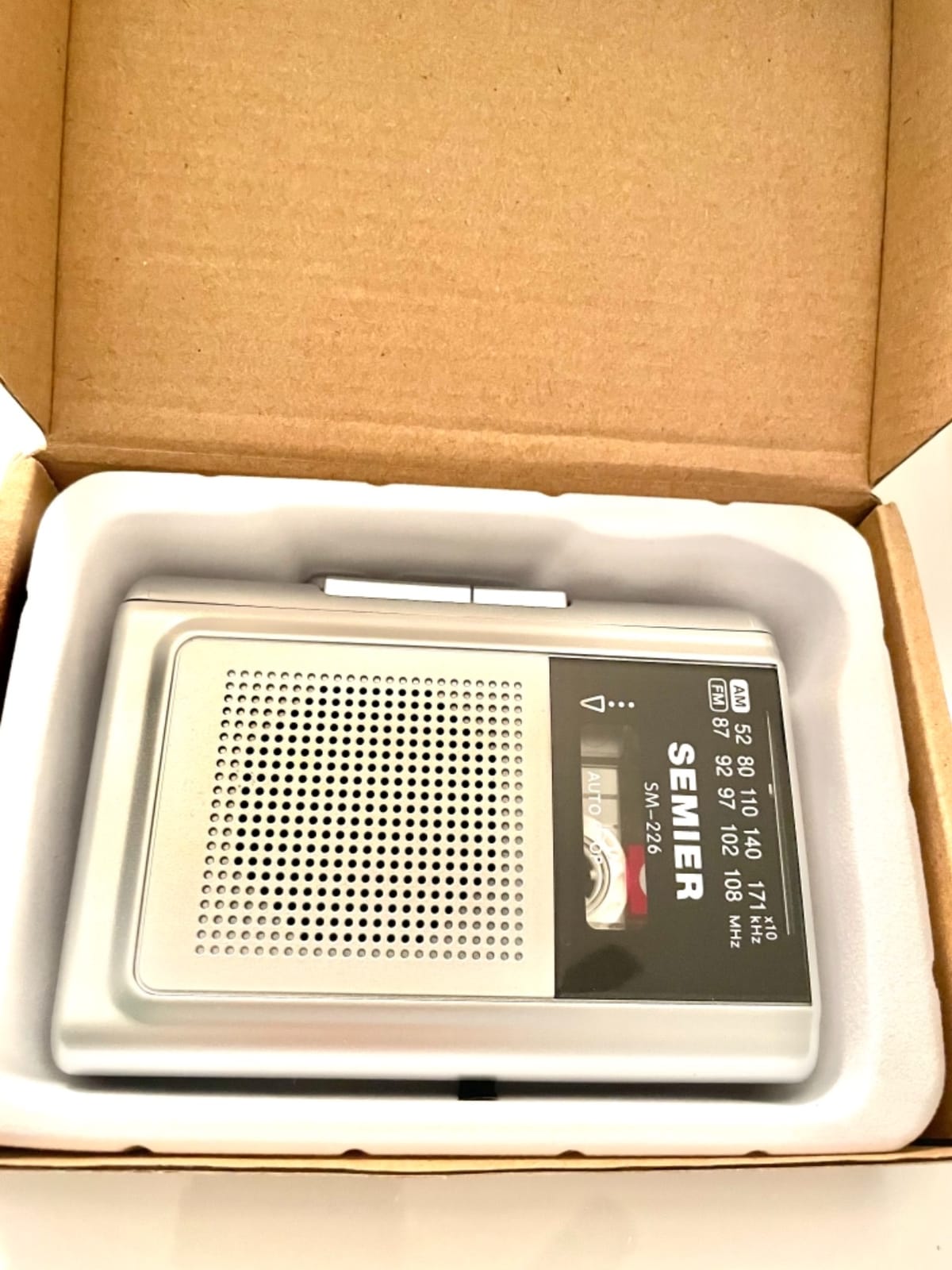
Dual power is the quiet advantage. USB-C keeps it running through a long session, and four AA batteries let you move it next to the tape box. For an archive where the deck and the tapes live in different rooms, that flexibility pays off.
Sound output is modest but functional: a 2W built-in speaker for checking playback and a 3.5mm earphone jack for anything more serious. The package includes the 16GB card, a USB reader, converter software and a 5V DC power cord.
Who this is built for
It is the pick for someone who wants both a standalone path and a proper PC path without buying two devices. If you will digitize a batch of mixtapes, then a few voice memos, this is a comfortable middle ground.
Anyone who likes to see a level and a filename on a screen rather than discovering both after the fact will find the LCD worth more than the specification suggests.
Where it falls short
The hard limit is tape type. This unit handles Type I tapes only, with no Type IV or metal support. If your collection includes chrome or metal cassettes, this device simply will not play them properly, and you will find that out mid-project.
It is also an entry-level transport. Expect the speed stability and hiss floor of a compact portable rather than anything approaching a serviced deck, which is fine for nostalgia material and not fine for irreplaceable recordings.
3. Gracioso Bluetooth Cassette Converter – Best Battery and Speaker Combo
Gracioso Bluetooth Cassette to MP3 Converter with 2000mAH Battery Bluetooth Transmitter & Receiver | Cassette Tape Player with 6W Speaker | Cassette to MP3 via USB/Tape | 3.5mm Earphone Jack
Bluetooth transmitter and receiver modes
6W built-in speaker
2000mAh battery,6 hours tape playback
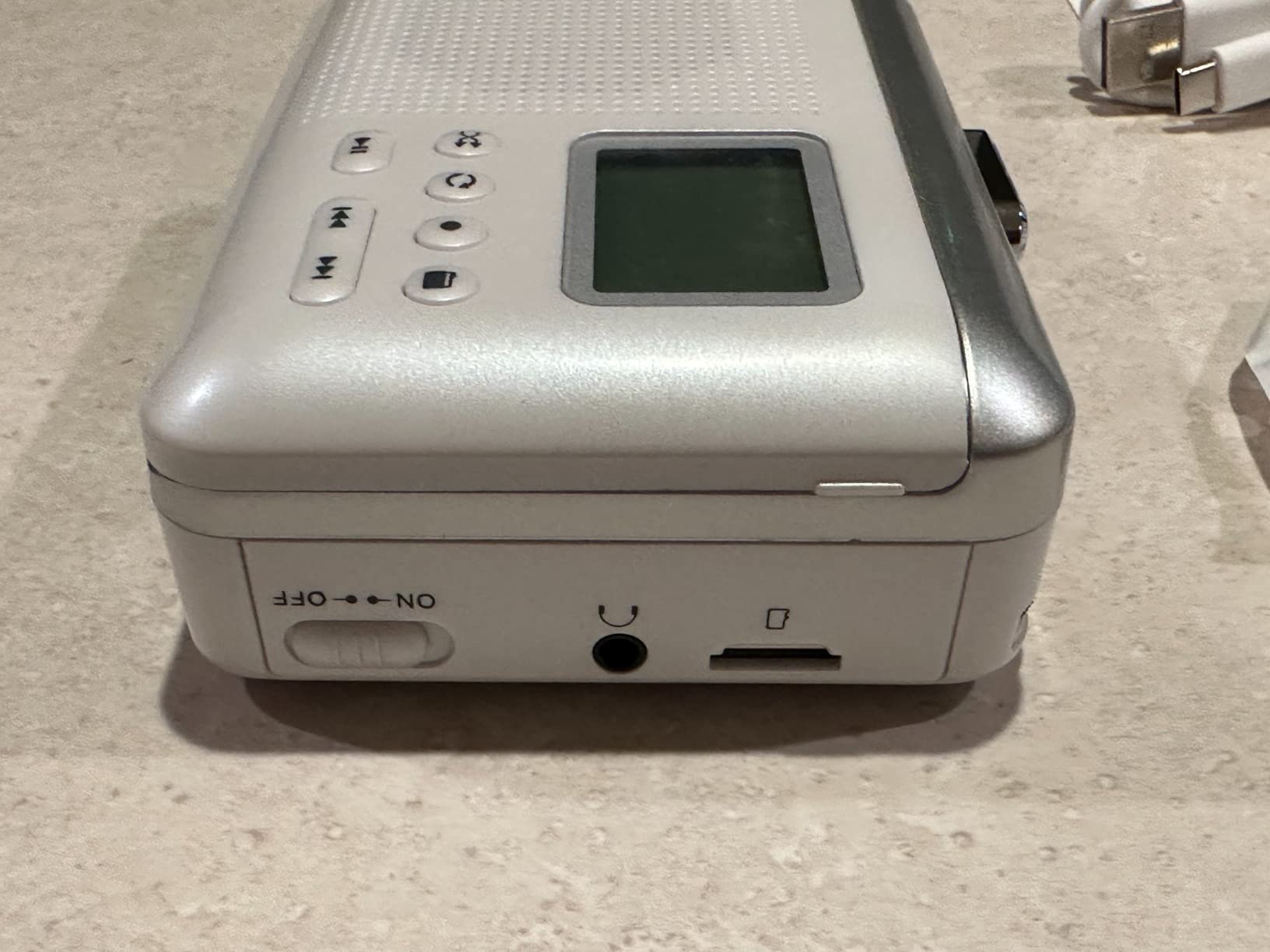
Records to FAT32 USB flash drive
Pros
- Only device here with both Bluetooth transmit and receive
- 6W speaker is double a typical portable
- 2000mAh gives roughly 6 hours of tape playback
- FAT32 4-32GB direct USB recording
Cons
- USB recording limited to FAT32 drives between 4GB and 32GB
- No SD card conversion on this model
This is the only device in the roundup that works as a Bluetooth transmitter and a receiver in the same body. Transmit mode streams tape or USB audio to wireless headphones, receiver mode plays phone or tablet audio through the built-in speaker. For a long session where you would rather not sit tethered to a cable, that is a real working change.
The 2000mAh battery is the largest here, rated at up to six hours of tape playback and ten hours in Bluetooth mode from a four-hour charge. That comfortably covers several sides before a recharge, and recharging over a full side is a non-issue.
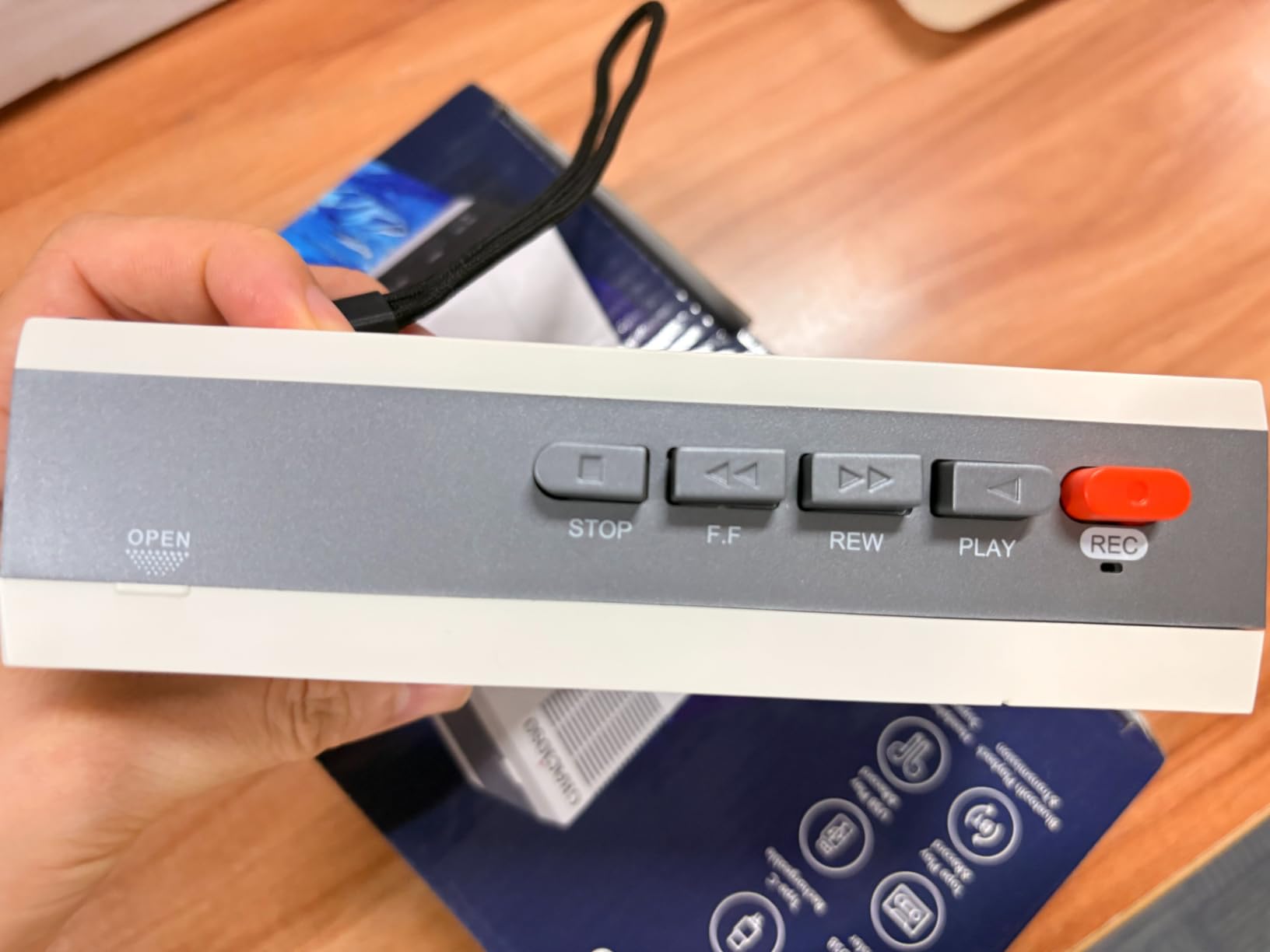
The 6W speaker is double what a typical 3W portable offers, which matters more than it sounds. Checking a transfer through the built-in speaker is how you catch a bad head alignment or a dying tape, and a louder speaker makes that check faster.
It also records digital music back onto blank cassette tapes, and it accepts a 3.5mm earphone jack. At 11.7 ounces and 6 by 3.7 by 1.6 inches it stays portable.
Who this is built for
It fits archiving sessions that happen away from a desk, and anyone who wants to listen back through wireless headphones while they digitize. The dual-Bluetooth side also makes it a genuinely useful everyday player, not just a one-project tool.
For families sharing a box of tapes across a house, a device that streams to several sets of headphones without a splitter is worth the extra capability.
Where it falls short
The FAT32 restriction is the catch. USB recording supports FAT32 flash drives between 4GB and 32GB only, and that limit is not documented loudly by every listing. Format the drive to FAT32 before you start or the device will simply not see it.
There is no microSD path on this model, which removes the cheapest way to expand storage. If your archive will exceed what a 32GB card holds, plan the rotation of drives from the beginning.
4. DIGITNOW USB 2.0 Audio Capture Card – Best for Stereo PC Capture
DIGITNOW USB 2.0 Audio Capture Card,Cassette Converter,Cassette to Digital,Cassette to MP3 Converter,Support Mac & Windows 10/8.1/8 / 7 / Vista/XP
3.5mm and RCA stereo inputs
Bundled Audacity capture software
Plug and play, no power supply
Windows 10 and macOS 10.11 plus
Pros
- No tape transport to wear out or degrade
- Works with any deck or line-out source via 3.5mm and RCA
- Plug and play with no external power
- Audacity bundled for MP3 and WAV export
Cons
- Requires you to already own a working cassette player or deck
- Cable capture from a cheap deck picks up hum needing noise reduction
This is a fundamentally different product, and for a serious archive it is the more correct one. It contains no tape transport at all. It sits between your deck and your computer, capturing a line-level stereo signal through 3.5mm or RCA inputs and handing clean numbers to Audacity.
That design removes the two failure modes that plague cheap portable players. There is no pinch roller to stretch a tape, no capstan motor whose speed drifts, and no head alignment problem. If you own a decent deck, the quality ceiling here is limited by the tape rather than by a cheap portable mechanism.
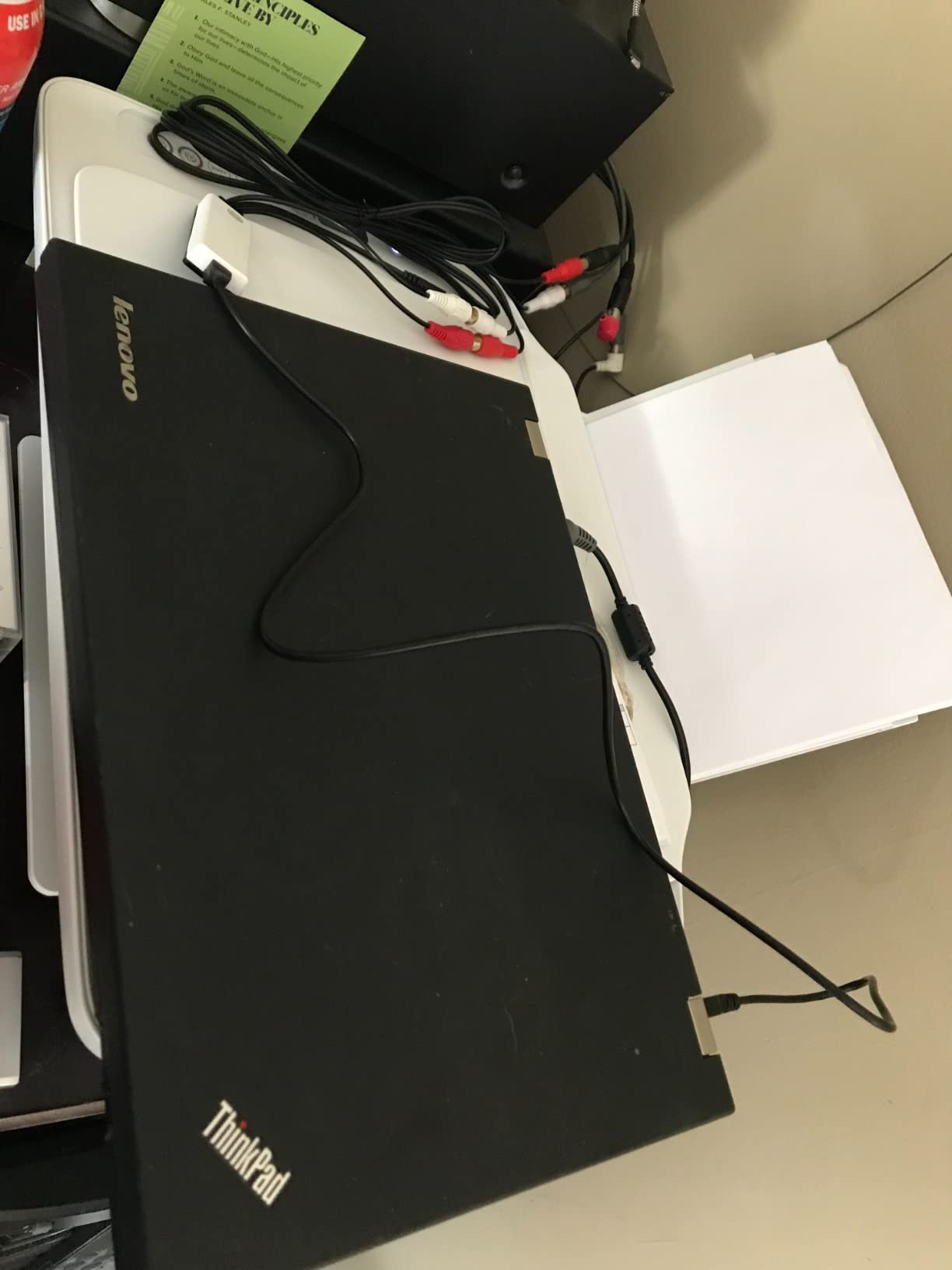
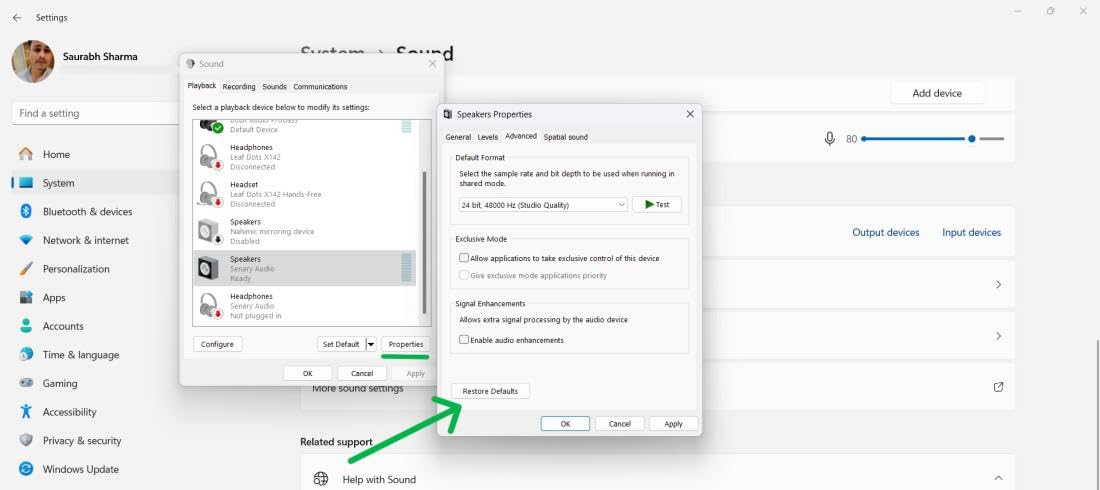
It is plug and play with no external power supply, and the bundled Audacity software gives you proper level control, a noise reduction pass and export to both MP3 and WAV. That WAV export matters for archiving, since it preserves a master you can re-encode later.
Compatibility is stated clearly: Windows 10 through XP, and macOS 10.11 and above. The listing notes it also works with a turntable or any auxiliary source, so it is not locked to cassette.
Who this is built for
This suits anyone who already has a serviceable deck, or who plans to buy one. It is also the right answer for irreplaceable tapes, where a stable transport you control is worth more than any bundled convenience.
Audacity users who like noise reduction, normalization and manual splicing will find this gives them real control instead of a one-button black box.
Where it falls short
It is useless on its own. Without a working tape player it captures nothing, which makes it a poor choice for a first-time archivist with a shoebox and no equipment.
Signal quality still depends on the source. Capturing from a cheap deck over a long unbalanced cable picks up hum that Audacity can reduce but not fully remove, and RCA inputs are the better path when your deck offers them.
5. Reshow Portable Cassette Player – Most Reviewed
Reshow Cassette Tape Player – Portable Tape Player Audio Cassette to Digital Converter, Compatible with Laptops and Personal Computers Convert Cassette Tape Recorder to iPod Format (Silver)
USB capture with Audacity
Weighs 100g
Doubles as a standard cassette player
3.5mm AUX output, 1-year warranty
Pros
- Largest review base in the roundup so failure modes are well documented
- Doubles as a normal player for auditioning tapes first
- 100g and pairs with phones and car stereos
- Audacity workflow experienced users rate as workable
Cons
- Noticeable hiss and clicking in some devices
- Fragile mini-B USB cable
- Auto-reverse switch can skip side B on certain tapes
With more than 10,800 ratings, this is the most thoroughly documented converter in the roundup, and that is genuinely useful. When a category is full of near-identical listings with fifty reviews, a large review base tells you what actually goes wrong after a few months of use.
It converts over a USB cable using Audacity and also works as an ordinary cassette player with a 3.5mm AUX output, which is genuinely useful: audition a tape first, decide whether it is worth the transfer time, then capture it. At 100g it is easy to move between a tape box and a desk.
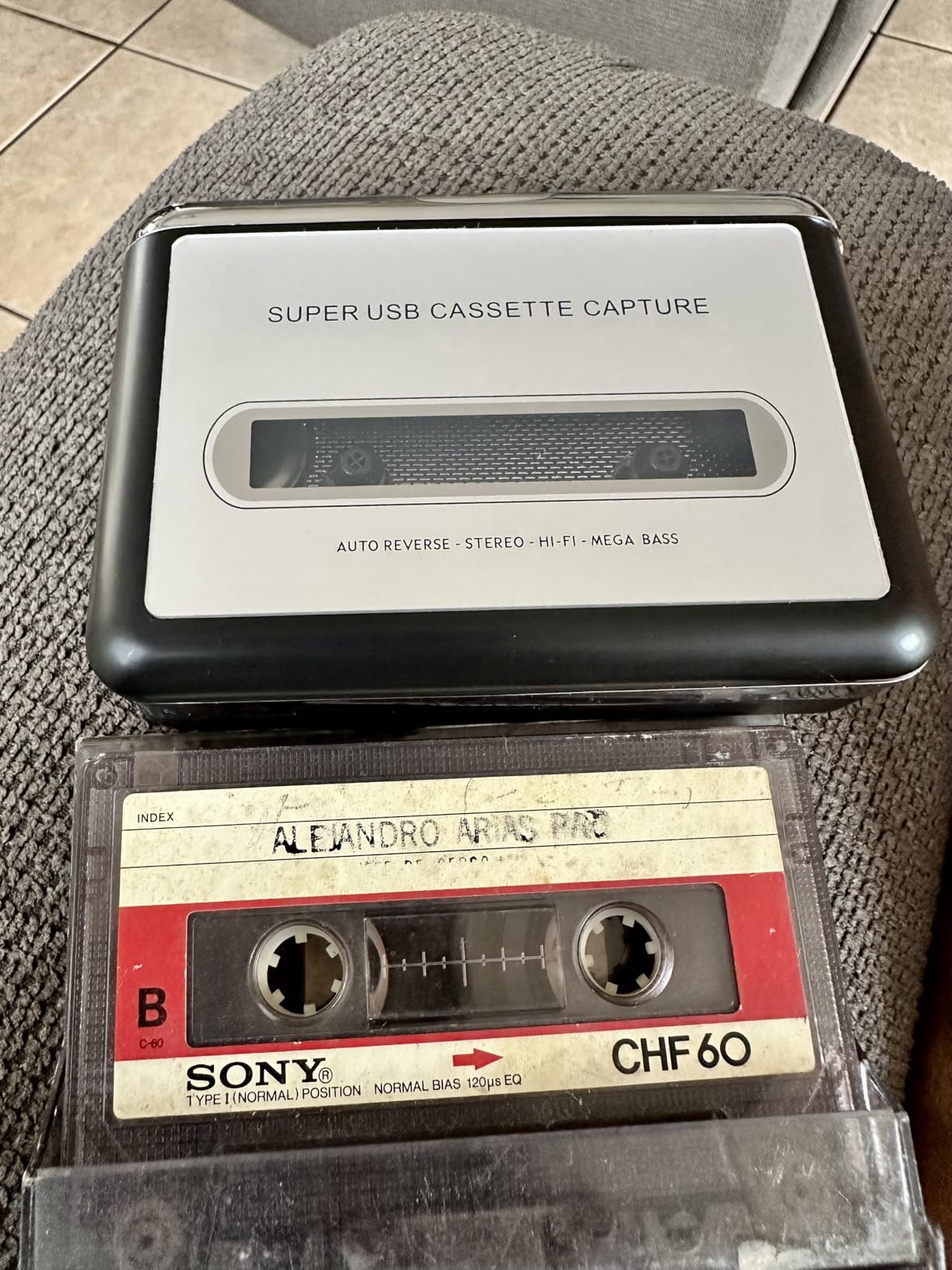
The workflow is the standard one for the hobby. Plug in, record in Audacity, apply noise reduction on a selected portion of the waveform, export. Experienced users report it works with patience, and the package includes converter software, a guide and a 5V DC USB power cord.
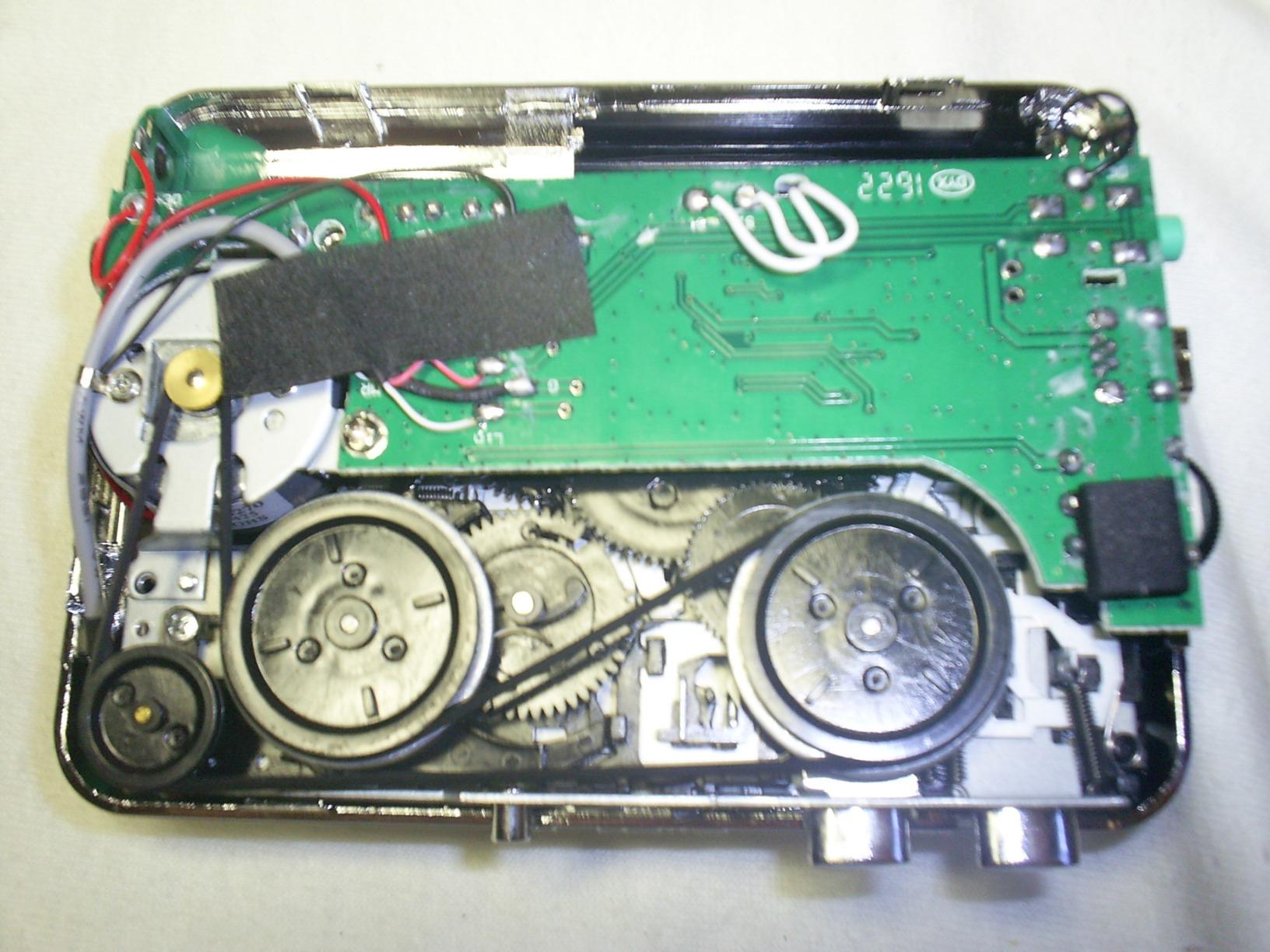
One detail worth planning around: the included cable is mini-B, and reviewers report it fraying after short sessions. Budget for a replacement cable of the same type early rather than finding out mid-project.
Who this is built for
It suits people who already use Audacity or want to learn it, and who want a device that can be auditioned and then captured with one box. The 3.5mm AUX output means it can feed a car stereo during a transfer.
If you want the benefit of a very large user base, this is where you get it. The failure patterns are known, which means you can avoid them.
Where it falls short
Notably, hiss and clicking appear in some devices and require Audacity work to remove, which adds time to every side you transfer. The bundled earphones are also of low quality.
Consistency from one device to the next is the other issue, and the auto-reverse switch has been reported to skip side B on certain tapes. For irreplaceable recordings, the low cost of the device does not compensate for that risk.
6. MYPIN USB Cassette to MP3 Converter – Best for Batch Archives
USB Cassette to MP3 Converter, Portable Cassette Tape Player No PC Required
Auto reverse during conversion
Auto and manual track splitting
FAT and FAT32 USB up to 128GB
44.1 and 48kHz at 16-bit
Pros
- Auto reverse captures both sides in one pass
- Auto mode saves each song as a separate MP3
- Accepts USB drives up to 128GB
- Volume control during recording
Cons
- Auto-split mode can cut mid-song and add blank files
- Quality depends on a fast drive and external power
- Included headphones and build are basic
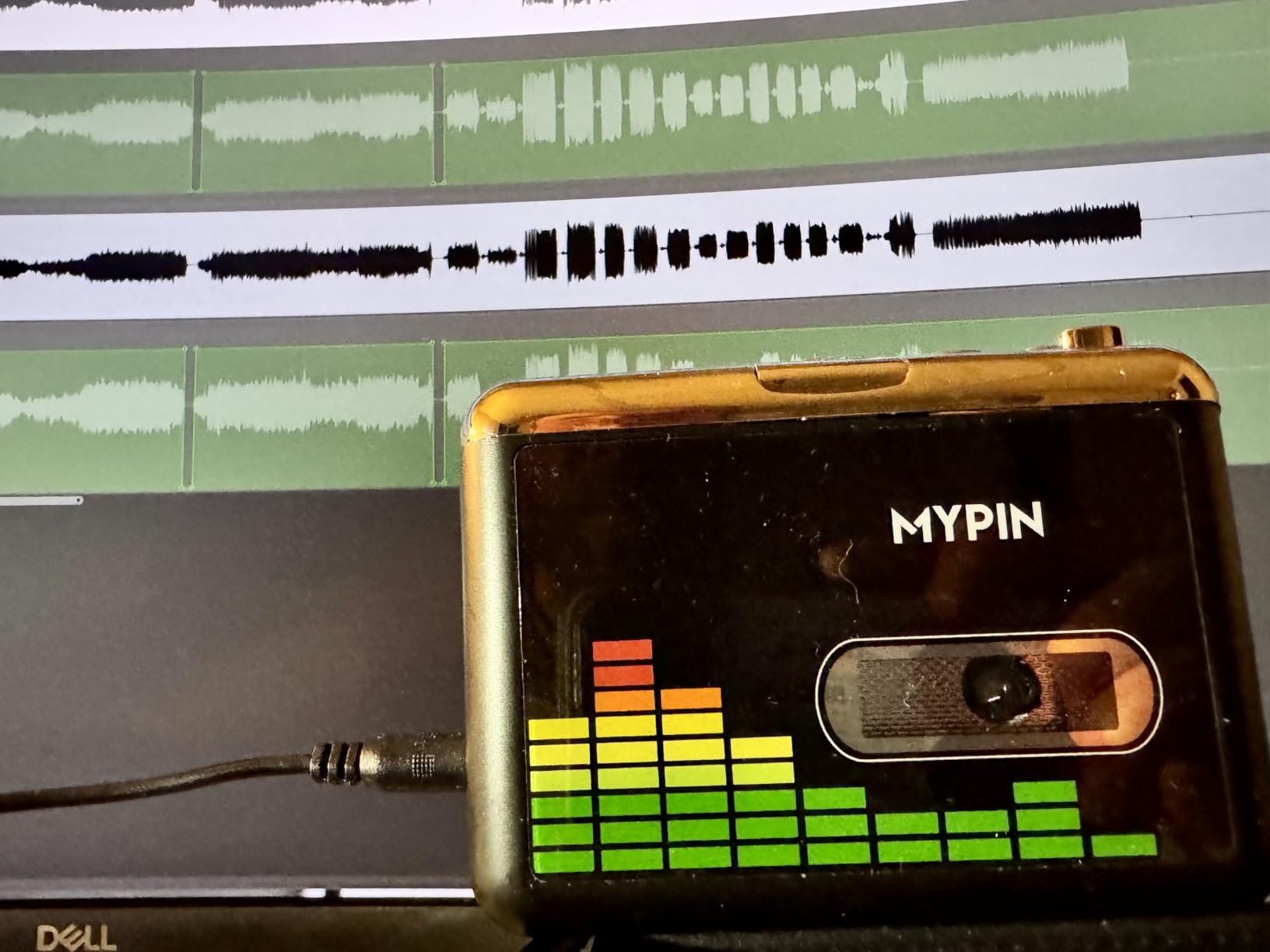
If your archive is a genuine project rather than a single shoebox, auto-reverse is the feature that changes your evening. The transport switches tape sides mid-conversion, so one press records a full tape instead of stopping at the flip.
Auto mode then splits each song into its own MP3, which is what you want for albums. Manual mode is the default, so you need to switch deliberately. Audio is captured at 44.1 and 48kHz at 16-bit, which is more than adequate for a cassette source.
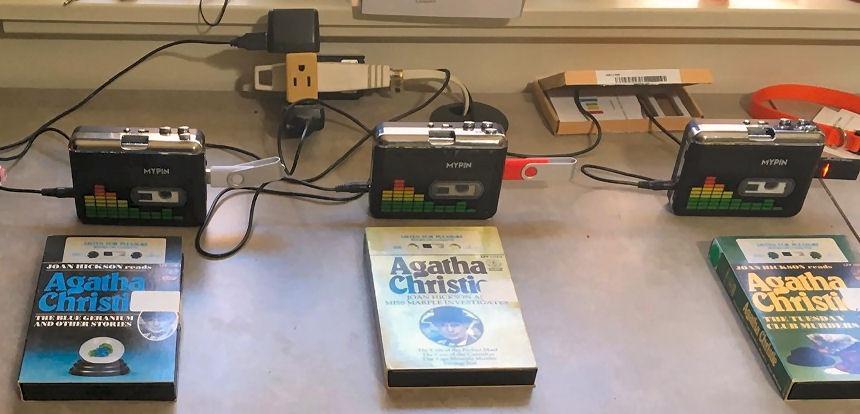
Storage is the other strength. It reads FAT and FAT32 drives up to 128GB and is compatible with both USB 2.0 and 3.0. The manufacturer recommends a fast drive in the 4-6M/S range, because a slow one causes recorded files to skip.
Power comes from a USB port or two AA batteries, and a carry bag and headphones are included. The styling is a conventional walkman with a 3.5mm AUX jack for car speakers.
Who this is built for
It suits collections of dozens of tapes where sitting through a manual flip every side is not sustainable. Mixtape archives and band demo collections benefit most, since per-song files make the finished library navigable.
Anyone who plans to keep the device as a daily player afterwards will like the walkman styling and the AUX output.
Where it falls short
Auto splitting is the trade-off. It cuts songs at pauses and applause, and it can insert breaks in the wrong places, leaving blank files behind. For spoken-word tapes it tends to split on every sentence, which is useful once and maddening twice.
Record quality also depends on following the manual’s advice about a fast FAT32 drive and USB power rather than batteries. Do that and the results are solid; ignore it and the files are quiet and uneven.
7. BlumWay USB Cassette to MP3 Converter – Best for Large USB Capacity
BlumWay USB Cassette to MP3 Converter, Cassette Tape Player, No PC Needed
No-computer recording to USB flash drive
Auto reverse and auto split mode
FAT and FAT32 up to 128GB
Supports MP3, WAV, AAC, FLAC and OGG
Pros
- Records without a computer so long unattended runs stay simple
- Auto mode gives one MP3 per song
- Reads USB drives up to 128GB in FAT or FAT32
- Full-opening tape door makes head cleaning easy
Cons
- Records at a low input level so files need gain adjustment
- Auto splitting cuts at the wrong pauses
- Fragile build and no microphone or speaker
The thing that separates this device from its lookalikes is the format list. It supports MP3, WAV, AAC, FLAC and OGG, which means you can capture a lossless master on this device instead of being locked to compressed MP3 at capture time.
It also has a fully opening cassette door. On an archive job where you clean the heads between every few tapes, being able to reach the head and pinch roller without dismantling anything is a genuine time saver.
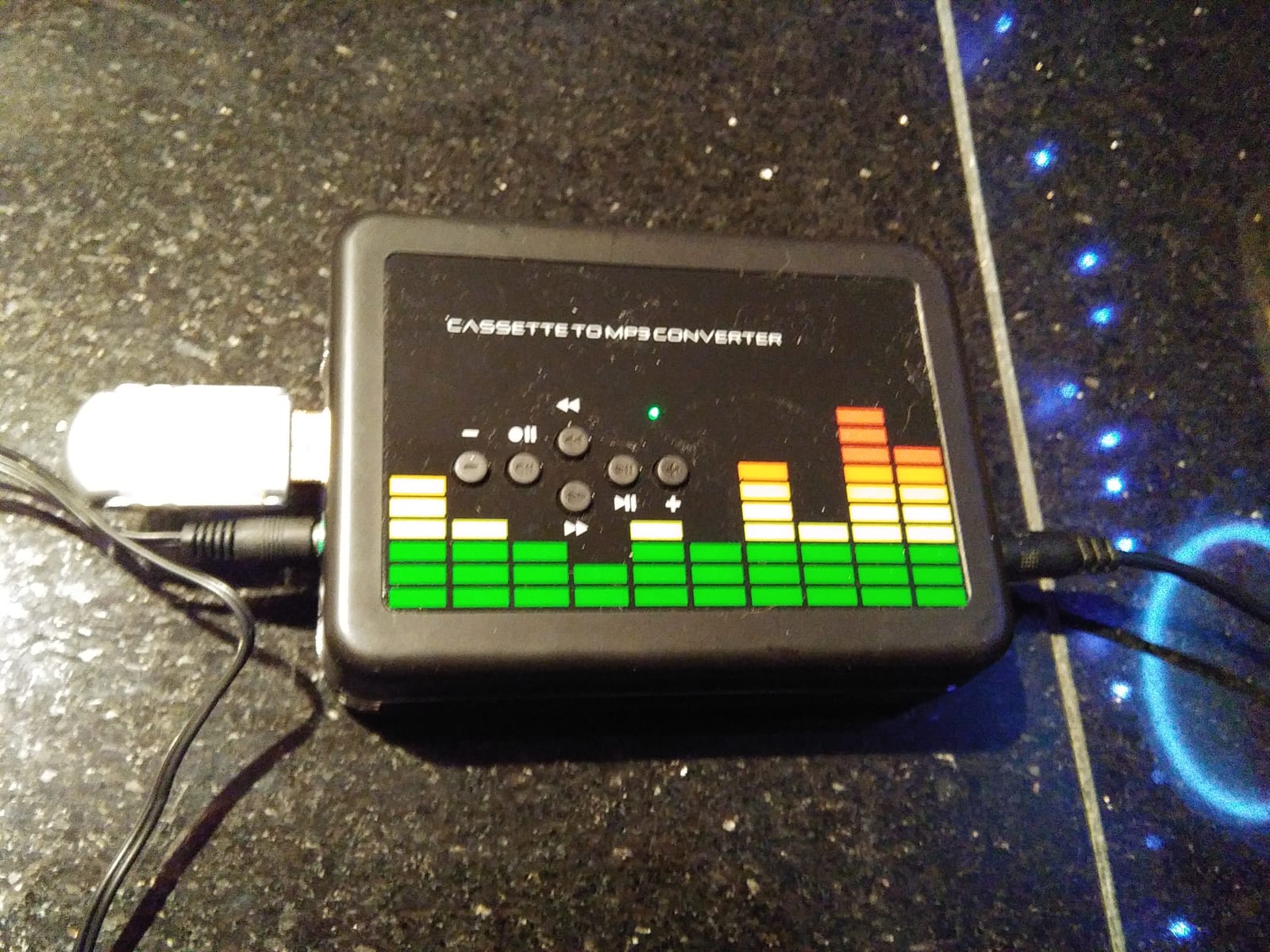
Storage runs to 128GB in FAT or FAT32, and the manufacturer specifically recommends a 32GB FAT32 drive at 4-6M/S read speed. Audio is captured at 44.1 and 48kHz at 16-bit, with auto reverse handling the side change.
Computer recording is not supported, which is a limitation if you want an Audacity path, but it is also why the device is useful: nothing ties up a laptop during a long unattended session. A carry bag and 3.5mm cable are included.
Who this is built for
This suits a long archive where you would rather not leave a laptop running for days. Recording to removable media means you can swap a full drive and keep going without interrupting anything.
Users capturing large collections report good results once they set the rotary volume high and run on USB power. The lossless format support is the deciding factor for anyone building a preservation master.
Where it falls short
The low input level is the main complaint and it is consistent. Files come out quiet and need gain adjustment afterward, which is fixable in Audacity but adds a step to every single side.
Auto splitting has the same weakness as most of this category, cutting at pauses in the wrong places. Some devices have also stopped recording to USB after a short period, and the build is fragile enough that a dropped device ends the session.
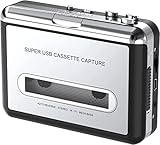
8. DIGITNOW BR602 Cassette to MP3 Converter – Best for Low-Cost PC Capture
DigitNowCassette Tape To MP3 CD Converter Via USB,Portable USB Cassette Tape Player Capture MP3 Audio Music,Compatible With Laptop and Personal Computer,Convert Walkman Tape Cassette To MP3 Format
USB capture with Audacity
7.04 ounces
No drivers to install
Battery or USB powered, 18-month warranty
Pros
- Compact and light at just over 7 ounces
- No drivers to install on PC or Mac
- Reverse switch gives manual control of tape direction
- Low-cost route into a first archive
Cons
- Unshielded signal path adds hum and clicking
- Software CD approach fails on current macOS
- Low playback and recording volume on degraded tapes
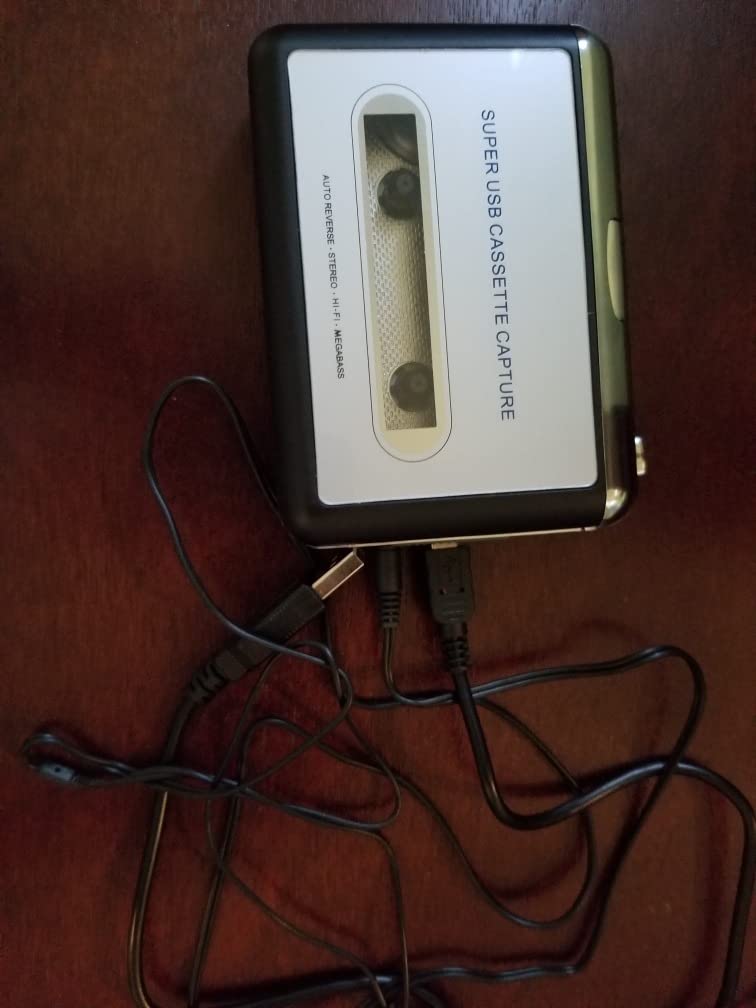
At 7.04 ounces this is one of the more portable devices here, and it moves between a deck and a computer without effort. It needs no drivers, which sounds minor until you remember how many capture devices still ship a software CD that modern macOS refuses to read.
It captures over a USB cable using Audacity and includes a reverse switch for manual control of tape direction. The package has the capture unit, a USB cable, a software disc, a 3.5mm earphone and a manual, plus an 18-month warranty.
Be clear about the intended use, though. The signal path is unshielded, and reviewers consistently report hum and clicking that shows up in the archived file. Audio technicians and archivists treat this as a rough preservation copy, not a master.
Compatibility is the weak point. The listing states Windows XP through Windows 7 and Mac older than version 10.5, and the software-disc approach does not work on current macOS releases. Confirm your operating system before buying.
Who this is built for
It suits someone starting their first archive on a Windows machine who wants a simple PC path and does not mind cleaning up the audio afterward. For family voice memos, where the words are the point, the hum is tolerable.
If you already have Audacity open and want a capture device that is small and driverless, this covers the basics with a minimal outlay.
Where it falls short
Hum and clicking from the unshielded circuitry is the defining problem, and it cannot be fully removed in post. Playback and recording volume is also low on degraded tapes, which is exactly the material most likely to be in a shoebox.
Some devices have stopped working after roughly ten tapes, and the macOS limitation is a real blocker for anyone on a current machine. If your tapes are irreplaceable, choose a device with a documented current OS path.
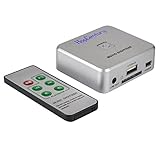
9. HopCentury Music Digitizer – Best for Line-Out Sources
Music Digitizer CD Recorder for Music Audio Capture Device Cassette MP3 Recorder Converter with 3.5mm & RCA Line Input
Records from 3.5mm or RCA line out
No computer needed
128kbps 44.1kHz dual-mono MP3
Infrared remote and line-out monitoring jack
Pros
- Drives a good external deck instead of a cheap built-in transport
- Records in real time with one button press and no software
- Monitoring jack lets you hear the recording while it runs
- Closes the file cleanly if power is lost
Cons
- Dual-mono output loses separated stereo channels
- FAT32 storage capped at 32GB
- Some devices produce audible micro-hiccups
- Requires buying your own player
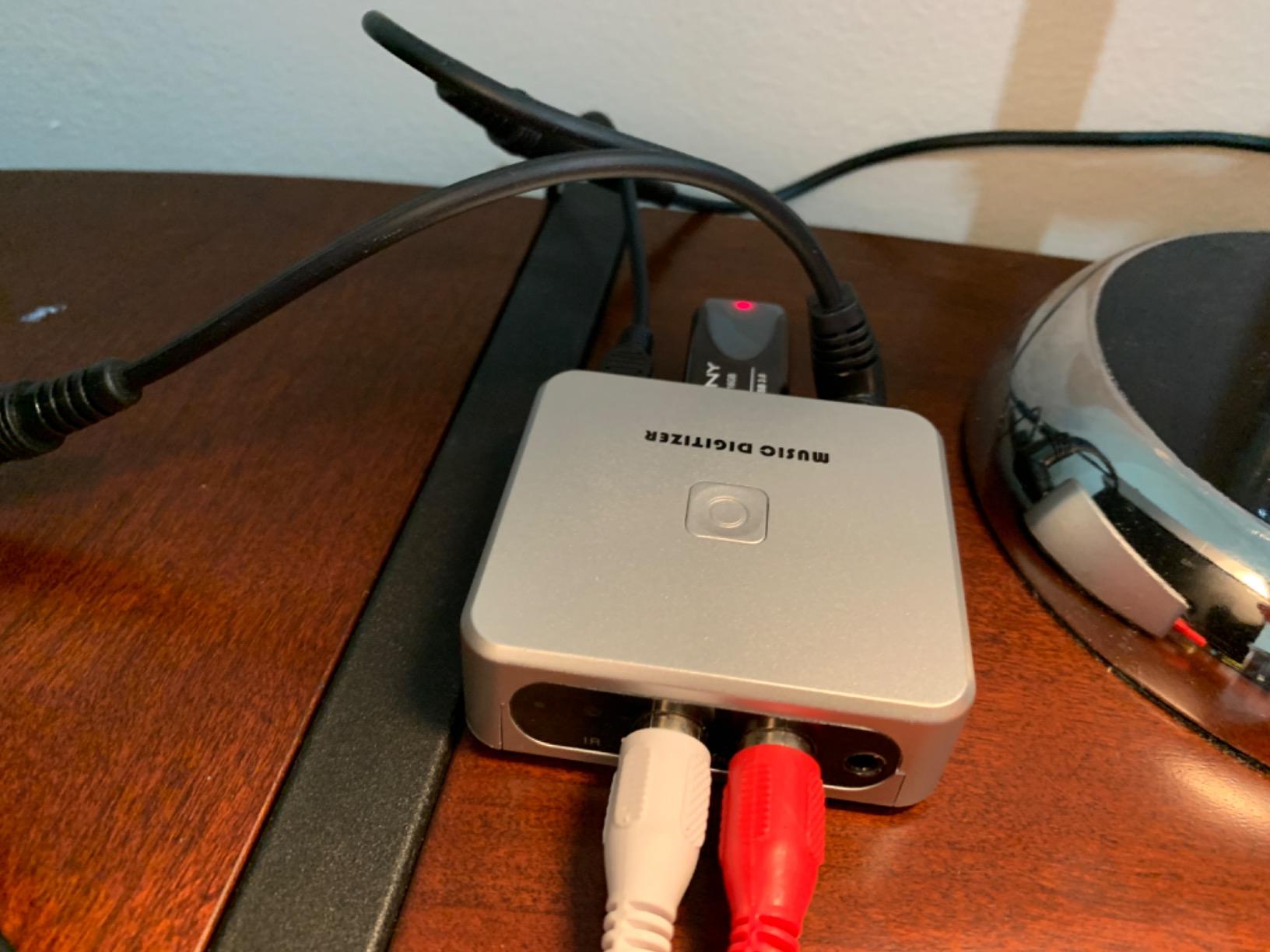
This is a capture box with no tape transport, but with something the plain capture card does not have: it does not need a computer. It records from any 3.5mm or RCA line-out source straight to an SD card or USB flash drive, so your deck does the playing and the digitizer does the writing.
That division of labour is the right shape for an archive. The source deck becomes the quality-determining component, which is exactly what you want, and you can upgrade it later without replacing the digitizer.
Two details show real design thought. There is a line-out headphone monitoring jack, so you can hear the recording live instead of trusting it blind. And the device closes the current file cleanly if power is lost, which is the failure that most often destroys a long unattended session.
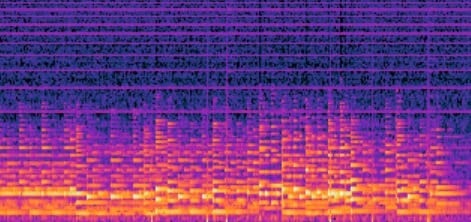
Files are 128kbps 44.1kHz dual-mono MP3, roughly 50MB per 60 minutes. An infrared remote handles start, stop, playback and volume from across a room, and the unit itself is only 1.76 ounces.
Who this is built for
It suits anyone who wants the best available deck driving their archive but does not want a laptop running beside it all day. The remote and monitoring jack make long unattended sessions practical.
It is also a general-purpose capture box: the same inputs handle a turntable, a CD player or a TV box, so the investment spreads beyond cassette work.
Where it falls short
Dual-mono is the important one. The two channels are not kept separate, so stereo imaging from the source is lost. For music archives that matters; for voice recordings it does not.
Storage must be FAT32 and is capped at 32GB, with SD and USB not to be used at the same time. Some devices have produced audible micro-hiccups, and you still need to bring your own player.
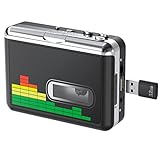
10. DIGITNOW BR607 USB Cassette Player – Best for Unattended Runs
DIGITNOW USB Cassette Player, Portable Walkman Stereo Tape to MP3 Converter, Audio Music Recorder to MP3 Digital File Converter with Earphones, No PC Required, Black, BR607
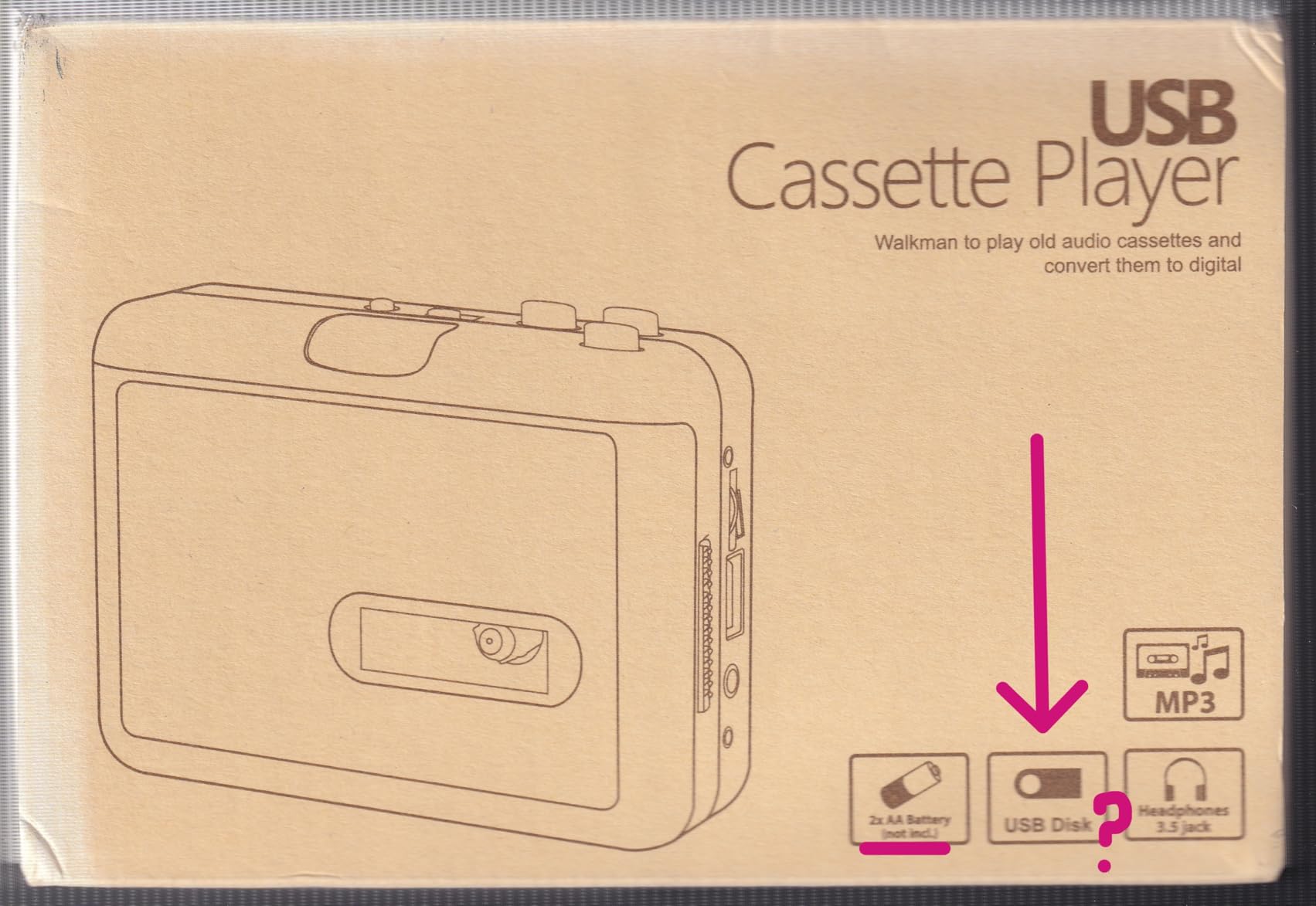
No PC required, records to USB flash drive
Auto reverse and auto track splitting
FAT32 USB up to 128GB
32kHz 128kbps L/R channels
Pros
- Simple no-PC USB stick workflow
- Auto reverse plus auto splitting lets a full side record unattended
- Accepts FAT32 USB drives up to 128GB
- Doubles as a normal walkman with 3.5mm AUX
Cons
- Weakest average score in the roundup
- USB flash drive and AA batteries not included
- Some tapes skip or stall during recording
The combination of auto reverse and automatic track splitting is what earns this device a place. Insert a drive, press record, and a full side of tape records itself into per-song MP3 files without anyone standing over it.
Storage support is generous for the class: FAT32 USB drives up to 128GB. Power comes from a USB port or two AA batteries, and the 3.5mm AUX jack lets it drive car speakers during playback.
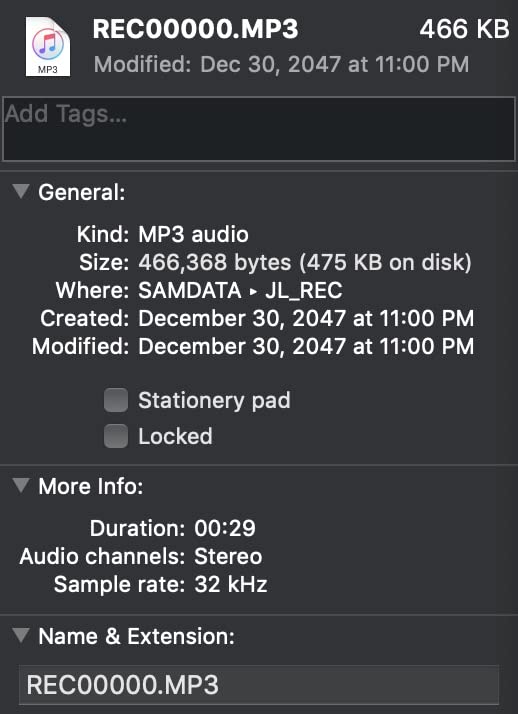
Now the honest part. This is the weakest average score in the roundup, and roughly one in five buyers gives a single star. Captured files run at 32kHz and 128kbps in separate L and R channels, which is below the 44.1 and 48kHz devices elsewhere in this list.
Neither the USB flash drive nor the AA batteries are included, so budget for both before the first session. An 18-month warranty and support are included, which helps given the rating spread.
Who this is built for
It suits someone archiving many mixtapes who values leaving the machine running over capture fidelity. Music collections where the content is known elsewhere are a reasonable fit.
If unattended recording is your top priority and the material is not irreplaceable, the convenience is worth the sample-rate compromise.
Where it falls short
Speed accuracy and reliability are the core weaknesses. Some tapes skip or stall during recording, and the 3.6 average with roughly a fifth of ratings at one star reflects that rather than a single isolated fault.
At 32kHz you are capturing well below CD quality, which is defensible for a cassette source but not for an archival master you intend to keep for decades.
11. Gracioso Cassette to MP3 Converter – Best for Spoken-Word Tapes
Gracioso Portable Cassette to MP3 Converter via U Disk/SD Card or PC
Three conversion paths including microSD
4W speaker and retractable carry handle
Built-in microphone with external mic input
USB-C or 4x C batteries
Pros
- Records straight to microSD
- described as the easiest conversion process found
- Three playback modes plus a 4W speaker for checking files
- Can also digitize over PC with Audacity
- Retractable handle and responsive support
Cons
- Records mono MPEG Layer 2 rather than MP3
- Single speaker means speaker playback is mono
- Stiff buttons and no display or tape counter
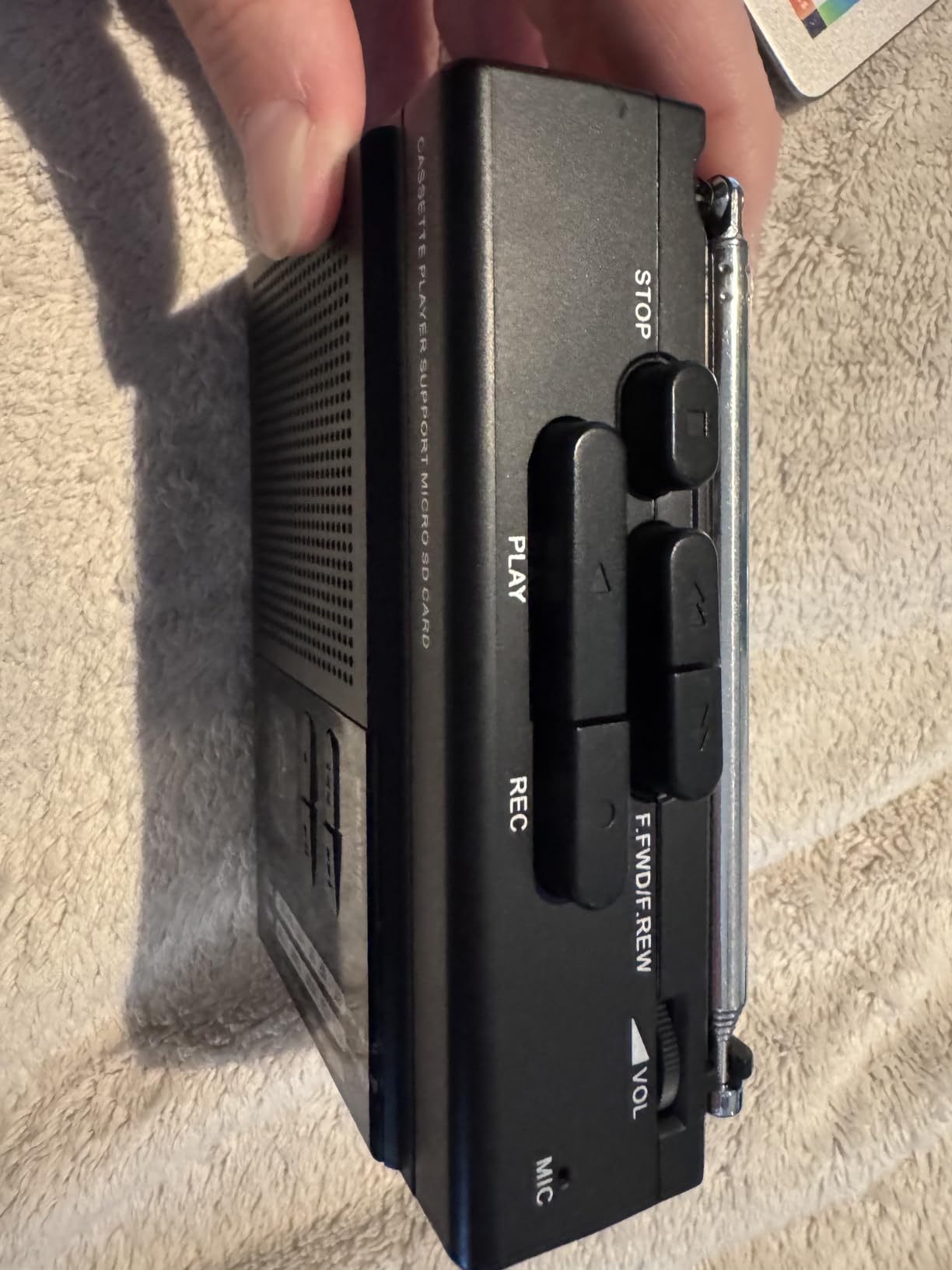
This is the most flexible device here, offering three paths: USB-to-USB PC transfer with Audacity, direct tape-to-USB or SD recording with no computer, and recording digital files onto a blank cassette. For a mixed archive of mixtapes and voice memos, having all three on one unit removes the need to guess which job you are doing.
Reviewers single out direct microSD recording as the easiest conversion process they have encountered, largely because the card format is predictable and there is no drive to format. Both USB and SD storage must be FAT32.
There are three playback modes (tape, USB and microSD), a 4W built-in speaker and a retractable carry handle, so you can review finished files on the same device that made them. The built-in microphone accepts an external mic, which is useful for adding narration or context to an archive.
Power comes from four C batteries or the included Type-C cable, and the unit carries a 12-month warranty with support behind defect claims. The 4W speaker is a step up from the typical portable.
Who this is built for
It suits educational and interview material, where clarity of speech matters more than stereo width. Anyone archiving language courses, lectures or family voice memos gets a workflow that requires no software and no computer.
At 2.01 pounds with a handle, it reads as a semi-permanent desk unit rather than a portable, which suits a dedicated archiving space.
Where it falls short
Direct SD recording captures mono MPEG Layer 2 rather than MP3, so files need converting before they will play on some devices. That is a real extra step for a long archive.
There is only one speaker, so speaker playback is mono even though headphone output from SD is stereo. Buttons are stiff, there is no display and no tape counter, and one buyer reported files vanishing from the card after a week, so copy off each card promptly.
12. Kedok Portable Cassette Player Converter – Best for Auto-Reverse
Portable Cassette Player Converter, Convert Cassette to MP3 via USB Disk, USB/Tape Audio Music Player with Earphones, No PC Required
Converts to MP3 on a USB flash drive with no computer
Automatic tape reversal
Two modes: auto song split and manual
3.5mm jack, 10.5 ounces
Pros
- No computer
- drivers or extra software required
- Automatic reversal records a full tape without flipping
- Two modes give both per-song splitting and manual control
- Lightweight and simple button layout
Cons
- Tape speed drifts on battery power
- Rewind and fast-forward buttons reportedly reversed
- Line-out impedance mismatched for many setups
- Some devices did not power from the USB cable
Automatic tape reversal on a device this simple is a good deal. The transport flips sides without a manual intervention, so a full tape records in one unattended run, and the two modes cover both per-song splitting and manual control for individual segments.
Files go straight to a USB flash drive with no computer, no drivers and no extra software, which is the cleanest possible workflow. At 10.5 ounces with a 3.5mm jack, it is easy to move around a collection.
Who this is built for
It suits a first archiving attempt on a small collection where simplicity and auto-reverse matter more than fine specifications. Anyone who does not want to deal with software at all will find the workflow refreshingly direct.
The manual mode is the right choice for spoken-word material where auto splitting would cut every sentence into its own file.
Where it falls short
Speed drift on battery power is the significant issue. Reviewers report the mechanism slowing and pitch varying, which is the exact failure that makes an archive sound wrong. Run it on mains power where you can.
Transport buttons are reportedly reversed for rewind and fast-forward, the line-out impedance is mismatched for many external setups, and some devices would not power from the USB cable at all. With 192 ratings it has the smallest evidence base in the roundup, so treat it as a backup device rather than the sole path for irreplaceable tapes.
How to Digitize Cassette Tapes: A Step-by-Step Workflow
The best way to digitize old cassette tapes is methodical rather than fast. Inspect, test, capture, name, back up. Skipping the first two steps is how irreplaceable recordings get ruined or come out unusable.
Inspect every tape before recording. Look for cracked shells, visible mold, and a sticky surface. Moldy or shedding tapes should not run; a sticky-shed tape needs baking by someone experienced or professional handling.
Rewind each tape fully to the leader. A tape recorded to its end has a stretched, compressed pack that will not play cleanly from the start.
Clean the playback head, capstan and pinch roller. Isopropyl alcohol on a swab and a demagnetizing pass every few hours of use makes a measurable difference on tired equipment.
Make a short test recording of about 30 seconds and listen back. A dull or thin sound means a dirty head; a wavering pitch means a worn pinch roller.
Set your capture level so peaks sit below clipping, then record the full side without touching anything. Conversion is real-time, so plan the session around it.
Name the file as you go, using a consistent scheme such as Year_Location_Speaker_TapeNN_SideA. Do not leave this until after forty tapes.
Copy the file to your main machine and to a second location. Verify a file plays back in full before you clear the card.
Keep the original tapes. A digital copy is a backup, not a replacement, and the physical tape still holds what a damaged or misnamed file no longer does.
On timing: a 60-minute tape takes 60 minutes, and a 40-tape collection is 40 hours of recording. Break it into sessions. Five or six tapes per evening is realistic and keeps naming and backup habits intact.
Which Converter Type Fits Your Collection?
Three converter types cover almost everything, and picking the wrong one is the most common expensive mistake in this category.
Standalone player with built-in transport. The KLIM K7, MYPIN, BlumWay, Kedok and DIGITNOW BR607 all record to a flash drive or SD card with no computer. This is the right type for small to medium collections, non-technical users, and anyone who does not want a laptop running beside a tape box.
PC-based Walkman-style player. The SEMIER and Reshow capture over USB into Audacity. This type gives you levels, track markers and noise reduction, which matters when you want control over naming and cleanup rather than a single-button file.
Deck plus a separate capture device. The DIGITNOW USB capture card and the HopCentury digitizer have no tape transport at all. This is the correct path for large or irreplaceable collections, because quality is limited by your deck rather than by a compact portable mechanism.
A simple decision path: under about 20 tapes and no computer, use a standalone SD or USB recorder. Between 20 and 100 tapes, use a standalone with auto-reverse, or a PC-based player if you want Audacity. Above that, or if the tapes matter emotionally, put a serviceable deck in front of a capture device. Forum users consistently make exactly this move once a collection becomes large.
Buying Guide: What Actually Matters in a Converter
Speed accuracy and wow and flutter. This is the most important criterion and the least advertised. A transport running fast raises pitch; one running slow lowers it. Wow and flutter describe the pitch wobble you hear as seasickness, caused by capstan and roller variation. Cheap portables are the usual offenders, which is why the Kedok’s battery-power speed drift matters.
Hiss floor. Tape hiss is inherent to the medium, but a poor playback head adds more. Players that need aggressive noise reduction to sound listenable are telling you their floor is high. Capture from a better deck through a line-level path and the same tape sounds markedly cleaner.
Channel balance. Unbalanced output means one channel sits lower than the other, which sounds wrong before you can identify why. Devices that output dual-mono, like the HopCentury digitizer, sidestep the problem by discarding stereo separation entirely.
Auto-reverse and auto-stop. For anything beyond a dozen tapes, auto-reverse is close to essential. It removes the manual flip, which is the point where recordings get truncated.
Track splitting behaviour. Auto splitting is convenient for albums and terrible for applause, quiet intros and live recordings. Devices like the MYPIN and BlumWay default to manual mode, which tells you the manufacturer expects you to control it.
Storage format limits. This catches more first-time buyers than anything else. Several devices here read FAT32 only, and two cap capacity at 32GB, while exFAT drives are frequently invisible to them. Format the drive before the session, not during it.
Power source. Rechargeable batteries or mains power beat AA cells in mid-transfer, because dying batteries are the most common cause of a corrupted or truncated file. Only the KLIM K7 and the Gracioso Bluetooth converter here run on a built-in rechargeable battery, so sessions that cannot be interrupted are easiest on those two.
Driverless USB audio class. If a device appears as a standard USB audio input with no driver, it will keep working years later. Devices that depend on a bundled disc are a maintenance liability, as the DIGITNOW BR602 demonstrates.
Bundled software and OS support. Audacity is the community standard and several devices ship it. Verify current macOS and Windows support before buying, because older helper apps break silently. Experienced buyers treat this as a hard requirement.
Troubleshooting: Why a Transfer Sounds Wrong
Your transfer sounds sped up or slowed down. This is the most reported problem in cassette forums and almost always has the same root cause: the transport is not running at the correct speed. Run the player on mains power rather than batteries, clean the pinch roller, and check the capstan. If the pitch is still off after cleaning, Audacity can correct it: use the Change Pitch effect to bring the playback rate back to normal without altering the duration. A 3% error is audible on sustained notes; a 1% error is not.
The recording stopped mid-transfer. Batteries died, or a slow USB drive stalled the write. Use a fast FAT32 drive, power the device from USB or mains, and check that free space exists before every side. The HopCentury digitizer closes the file cleanly on power loss, which limits the damage to one file rather than one tape.
Tracks are missing or split in the wrong places. Auto splitting reacts to silence, so applause, a quiet intro or a live recording confuses it. Switch to manual mode for spoken-word and live material, and delete the blank files auto mode leaves behind.
One channel is quieter than the other. Confirm the head is clean before suspecting the software, because dirty heads cause exactly this. If the imbalance persists, check your capture cable and use balanced or RCA connections where available.
Nothing appears in Audacity, or the device is not detected. On current Windows and macOS, check the privacy and microphone permission settings first, since capture devices are treated as microphones and are blocked by default in several recent releases. Then confirm the input is selected in Audacity and that the device is plugged in before you launch the application.
The device does not see your flash drive. Almost always a format problem. Reformat as FAT32 and check the documented size cap for that specific model, since several of these units refuse anything over 32GB or support FAT32 only.
File Names, Formats and Backup for a Long-Term Archive
Keep a lossless or high-bitrate master and make the MP3 your listening copy. A WAV or FLAC master preserves everything the device captured, so in ten years you can re-encode it to whatever format is current without going back to the tape. The BlumWay converter supports WAV and FLAC directly at capture time, and the DIGITNOW capture card exports both from Audacity.
Higher bitrate cannot rescue a bad source. A 320kbps MP3 of a hissy, speed-drifting transfer is a large file of the same damaged audio. Fix the transfer, then choose the bitrate.
Use a naming convention you will still understand in a decade: Year_Location_Speaker_TapeNN_SideA. Consistency matters more than elegance, because the archive’s value depends on finding a specific tape later.
Keep two copies in different places, and never delete the card until you have played a finished file back from the second copy. Keep the original tapes as well. A digital file is a backup, not a replacement.
Frequently Asked Questions
What is the best way to digitize old cassette tapes?
Clean the playback head and pinch roller, inspect each tape for mold or cracking, rewind fully, and make a short test recording before capturing a full side. Then record in real time at a level below clipping, name each file as you go, and copy it to two locations before clearing the card. Keep the original tapes as a third layer of safety.
Can you convert cassette tapes to MP3?
Yes. A cassette to MP3 converter plays the tape in real time and either streams the audio over USB to a computer or writes MP3 files directly to a USB flash drive or microSD card. The audio is captured by an analog-to-digital chip and encoded at capture time, so the recording survives after the tape and player wear out.
What is the best cassette player for digitizing audio?
For small collections without a computer, the KLIM K7 is the simplest reliable choice. For large or irreplaceable collections, the best player is a serviceable hi-fi deck feeding a USB capture card such as the DIGITNOW unit, because the transport you control determines the quality. For unattended multi-tape jobs, a standalone recorder with auto-reverse such as the MYPIN saves hours.
What is the most trusted MP3 converter for cassette archiving?
There is no single most trusted unit, because reliability splits by type. Standalone SD recorders are the most consistent for convenience, capture cards are the most trusted for audio quality when driven by a good deck, and PC-based Walkman-style players sit in between with better control but more setup. The one variable that matters across all of them is transport speed accuracy.
Do cassette to MP3 converters need a computer?
No. Standalone converters such as the KLIM K7, MYPIN, BlumWay and Kedok record straight to a USB flash drive or microSD card with no computer involved. PC-based players and USB capture cards do need a computer and Audacity, but in exchange you get level control, noise reduction and proper file naming.
How long does it take to convert a cassette to MP3?
Exactly as long as the tape plays, because the transfer happens in real time. A 60-minute tape takes 60 minutes, and a 40-tape collection is 40 hours of recording. Plan five or six tapes per session, and use an auto-reverse device so you are not stopping to flip each side.
What file format should I archive cassette recordings in?
Keep a lossless or high-bitrate master such as WAV or FLAC, and make MP3 the listening copy. The master preserves the full capture so you can re-encode later without returning to the tape. Note that some standalone devices write compressed or dual-mono files at capture time, so check what your chosen unit actually outputs before committing a large archive.
Why does my cassette transfer sound sped up?
The tape transport is not running at the correct speed, usually because batteries are dying, the pinch roller is worn, or the capstan is dirty. Clean the head and pinch roller, run the player on mains power, and check the tape is rewound fully. If the pitch is still off, Audacity’s Change Pitch effect corrects the rate without altering the duration of the recording.
The Best Cassette to MP3 Converters for Archiving in 2026
The KLIM K7 is our pick as the best cassette to MP3 converters for archiving overall, because it removes every point of failure between you and a saved file: no software, no driver, no computer and no dying batteries mid-transfer. For a first archive or a relative’s box of tapes, nothing else is this simple.
Two runners-up serve different needs. The Gracioso Bluetooth converter wins when battery life, a loud speaker and wireless headphone streaming matter across a long session. The DIGITNOW USB capture card is the correct answer once the collection grows or the tapes are irreplaceable, because a deck you control sets the quality ceiling.
Whichever you choose, the basics matter more than the hardware. Clean the heads, test-record before committing a side, name files as you go, keep two copies, and leave the original tapes in the box. A backup built on a rushed first session is not a backup.
Check the current details for any of these units before you order, since firmware revisions and storage requirements vary between production batches of the same model.