
The best wireless printers for college students are the Epson EcoTank ET-2800 for students who print constantly and want the lowest ink bill, the Canon MegaTank G3270 as the balanced sibling, and the Brother DCP-L2640DW for anyone who prints essays and lab reports in black and white at speed. All three join your dorm Wi-Fi, print without a USB cable, and refill or replace consumables on your own schedule with no subscription and no forced vendor account.
That last point matters more than anything else in this guide. A four-year degree is a long time to own a printer, and the money students agonise over is almost never the purchase price. It is the ink or toner, and the difference between a cartridge inkjet and a refillable ink tank over four years can be the difference between a few recharges and a stack of cartridges that pile up in your drawer.
Our team compared twelve wireless all-in-one and monochrome printers across the four things a student actually cares about: how cheap the pages are, whether they print two-sided without you flipping the paper, whether they scan signed assignment forms, and whether the body fits on a dorm desk. We read the customer feedback on all twelve, cross-checked the specification sheets, and ranked them on the combination that survives a real academic year rather than the spec page.
Two picks sit slightly outside the colour-inkjet crowd on purpose. If your major produces nothing but black-and-white text, a monochrome laser is faster, quieter and cheaper per page than anything with a colour tank, and we have three of them here. Models and stock change through the year, so treat this as a 2026 guide and re-check current details before you buy.
Table of Contents
Top 3 Picks for College Students (October 2026)

Epson EcoTank ET-2800
- Cartridge-free ink tanks
- Up to 4500 black pages per set
- Flatbed scanner
- Wi-Fi and USB


Brother DCP-L2640DW
- Monochrome laser
- Automatic duplex
- 50-page document feeder
- 36 pages per minute
Our top pick is the ET-2800 because it combines the lowest realistic running cost in the colour category with a flatbed scanner, a paper tray that takes a full ream, and the single largest review base in the roundup at more than ten thousand ratings. The MegaTank G3270 follows closely for students who want the same bottle-ink economics in a slightly cheaper Canon body.
The Brother DCP-L2640DW takes the premium slot because no other unit here combines a 50-page automatic document feeder, automatic duplex and 36 pages per minute monochrome output in a single box. It is the printer to buy if your degree runs on reading lists and printed articles.
The 12 Best Wireless Printers for College Students at a Glance
| Product | Specs | Action |
|---|---|---|
| Epson EcoTank ET-2800 |
|
Check Latest Price |
 Canon PIXMA TS3720 Canon PIXMA TS3720 |
|
Check Latest Price |
 Canon PIXMA TS4320 Canon PIXMA TS4320 |
|
Check Latest Price |
 Brother Work Smart 1360 Brother Work Smart 1360 |
|
Check Latest Price |
| Canon MegaTank G3270 |
|
Check Latest Price |
 Brother HL-L2460DW Brother HL-L2460DW |
|
Check Latest Price |
| Brother DCP-L2640DW |
|
Check Latest Price |
 Epson EcoTank ET-2400 Epson EcoTank ET-2400 |
|
Check Latest Price |
 Epson EcoTank ET-2980 Epson EcoTank ET-2980 |
|
Check Latest Price |
 HP LaserJet MFP M140w HP LaserJet MFP M140w |
|
Check Latest Price |
 HP LaserJet M207dw HP LaserJet M207dw |
|
Check Latest Price |
 HP LaserJet MFP M235sdw HP LaserJet MFP M235sdw |
|
Check Latest Price |
Every model in that table is cartridge-free, subscription-free or laser-based, so none of them asks you to enrol in a monthly ink plan or create a vendor account before the first page comes out. Read across the features column and the pattern is clear: ink tanks win on running cost, monochrome lasers win on speed and text quality, and cartridge inkjets win only when your total page count stays low.
Quick Picks by Student Scenario
Every bullet below names the use case first, then the model, then the reason and the drawback, so you can scan the list and stop at the one that matches your semester.
Best for low running costs: Epson EcoTank ET-2800. Cartridge-free ink tanks, up to 4,500 black pages and 7,500 colour pages per bottle set, a flatbed scanner and Wi-Fi. It suits a student printing lecture notes every week. The drawback is that it has no automatic duplex, so two-sided jobs mean flipping the stack by hand.
Best all-round colour value: Canon MegaTank G3270. Refillable GI-21 bottles, up to 6,000 black and 7,700 colour pages per set, a 1.35 inch LCD and Wi-Fi. It suits students who need colour diagrams alongside essays. The drawback is the wide 21.9 inch depth, which eats desk space, and no duplex.
Best for black-and-white essays: Brother DCP-L2640DW. Monochrome laser, automatic duplex, 36 pages per minute, a 250-sheet tray and a 50-page document feeder. It suits humanities and social science students running off reading lists. The drawback is weight, at 25 pounds, and no colour output at all.
Best duplex on a tight budget: Canon PIXMA TS4320. Refillable ink tanks plus automatic two-sided printing, dual-band Wi-Fi and a three-year warranty. It suits students who want two-sided printing without paying for a laser. The drawback is a two-cartridge colour setup, where one colour running low holds up the whole job.
Best for scanning signed forms: Brother Work Smart 1360. A 20-sheet automatic document feeder, automatic duplex, a 1.8 inch colour screen and cloud connections to Google Drive, Dropbox and OneDrive. It suits students who file paperwork weekly. The drawback is cartridge running costs that run high for the volume of features you get.
Best monochrome speed on a shelf: HP LaserJet MFP M140w. Print, scan and copy in a laser body only 10.4 inches deep, with wireless that self-resets when the network drops. It suits students in the smallest dorm rooms. The drawback is no automatic duplex and HP-only cartridge acceptance.
Best for tank printing in a small room: Epson EcoTank ET-2400. The lightest refillable option here at 8.6 pounds, with up to 4,500 black and 7,200 colour pages per bottle set. It suits students who carry their printer between rooms. The drawback is no display screen at all, only status lights, which makes troubleshooting awkward.
Best cheap ink with duplex built in: Epson EcoTank ET-2980. Supersized refillable tanks, automatic two-sided printing, borderless photo output and up to three years of ink in the box. It suits students who want both halves of the ideal tank printer. The drawback is a small screen with confusing icon buttons and weak scan quality.
Best for heavy monochrome throughput: Brother HL-L2460DW. 36 pages per minute monochrome laser, automatic duplex, a 250-sheet tray and dual-band Wi-Fi with Ethernet. It suits students who never print colour. The drawback is that it is print-only, so scanning needs a phone or a separate machine.
Best for fast quiet duplex printing: HP LaserJet M207dw. Automatic duplex at up to 28 pages per minute, dual-band Wi-Fi with self-reset, Ethernet and a first page in about seven seconds. It suits students printing late at night. The drawback is that it cannot scan or copy, and first-job startup can be slow.
Best for light weekly volume: Canon PIXMA TS3720. Print, copy and scan, dual-band Wi-Fi, a 1.5 inch LCD and a body under 9 pounds. It suits students who print a few pages a week. The drawback is a 60-sheet tray and a two-cartridge system that runs through cartridges quickly.
Best for scanning at laser speed: HP LaserJet MFP M235sdw. A monochrome laser all-in-one with an automatic document feeder, automatic duplex, 30 pages per minute and scan-to-email. It suits students handling paperwork in batches. The drawback is bulk at 21 pounds and single-sided scanning only.
1. Epson EcoTank ET-2800 – Cheapest Pages Over a Full Degree
Epson EcoTank ET-2800 Wireless Color All-in-One Supertank Printer – Black
Ink tank
10 ppm black, 5 ppm colour
100-sheet tray
Flatbed scan
11.4 pounds
Pros
- Cartridge-free bottles give the lowest cost per page in this roundup
- Flatbed scanner for signed forms
- Handles up to 8.5 x 14 inch paper
- Compact and light enough for a dorm desk
Cons
- No automatic duplex
- so two-sided jobs need manual flipping
- App and paper-type mismatch errors recur
Of the twelve printers here, the EcoTank ET-2800 produces the cheapest pages over a realistic four-year span, and for a student printing weekly that gap dominates every other consideration. The ink system is cartridge-free: Epson states one bottle set replaces roughly 90 individual cartridges and delivers up to 4,500 black pages or 7,500 colour pages.
In practice that means you unbox it, prime the tanks once, and then go most of a semester before you think about ink again. The technical details use heat-free Micro Piezo printing at a maximum colour resolution of 5760 x 1440 dpi, which is sharp enough for photo prints and more than enough for a chart in a lab report.
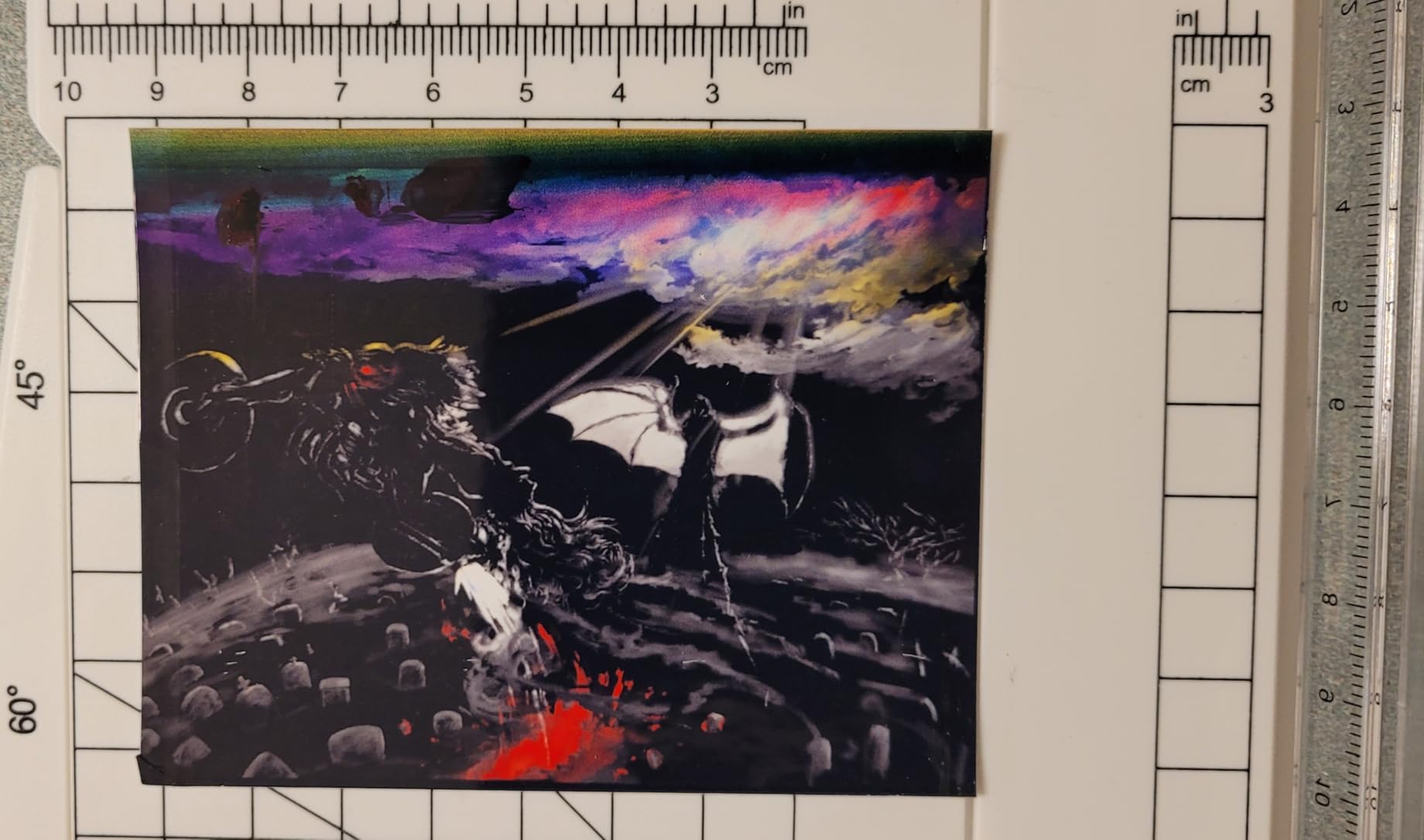
What surprised me most was the paper handling for a unit this small. The 100-sheet tray is a full ream, so you are not topping it up weekly, and the flatbed scanner handles a signed consent form or a handwritten worksheet without any fuss. Output runs at 10 pages per minute in black and 5 in colour, which is quick enough for a stack of notes before a tutorial.
The one structural gap is duplex. This is single-sided only, and for a student who double-sides every handout by hand that is a real daily inconvenience rather than a minor spec line. Reviewers also report recurring paper-type mismatch errors in the Epson app, which is annoying to troubleshoot mid-deadline.
Who the ET-2800 suits
This is the printer for a student who prints every week and stays four years. Someone in a seminar-heavy humanities programme who runs off twenty to forty pages of notes a week will go through the included ink slowly and cheaply. A student who prints a handful of pages a term will leave most of that ink sitting in the tank, which is its own waste, but it will not dry into a dead cartridge the way a sealed cartridge can.
It also suits anyone who needs colour occasionally for a presentation poster or a diagram. The 8.5 x 14 inch maximum media size covers legal-size handouts that most small inkjets refuse.
Where the ET-2800 falls short
If you print two-sided documents every day, the manual flipping gets old by week three. The printer is also noticeably loud during long jobs, which is a consideration in a shared room at midnight. A minority of owners report needing repeated head cleanings or an early end-of-life message after sustained heavy use, and the waste ink pad is not user-replaceable, so a counter reset without third-party tools is a realistic repair scenario.
Borderless photo printing is limited to 4×6 sizes, so large photo output is not the use case here. Overall, the running-cost advantage is large enough to outweigh every one of these gripes for a frequent printer.
2. Canon MegaTank G3270 – The Best Balance of Ink Economics and Size
Canon MegaTank G3270 All-in-One Wireless Color Printer
Bottled GI-21 ink
11 ppm black, 6 ppm colour
100-sheet tray
Flatbed scan
13.2 pounds
Pros
- Bottled ink lasts a very long time and refills are cheap
- Clean black-and-white text with few jams
- Included ink can cover two years of typical use
- Up to five years of spare part availability
Cons
- No automatic duplex
- Reported Wi-Fi dropouts between print jobs
- Flatbed scan quality is weaker than the printing
The MegaTank G3270 is the printer we would hand to a student who wants the ET-2800’s running-cost profile without giving up Canon ink economics and a slightly better colour yield. It refills with GI-21 bottles rather than cartridges, rated at up to 6,000 black and white pages or 7,700 colour pages per set, and Canon states up to two years of ink in the box.
Owners consistently report still using the original bottles after nearly two years, which is the single most useful data point in this roundup. It tells you what the total cost of ownership actually looks like when the ink system matches the print volume. The paper path is also reliable, with few reported jams and clean, crisp black text.
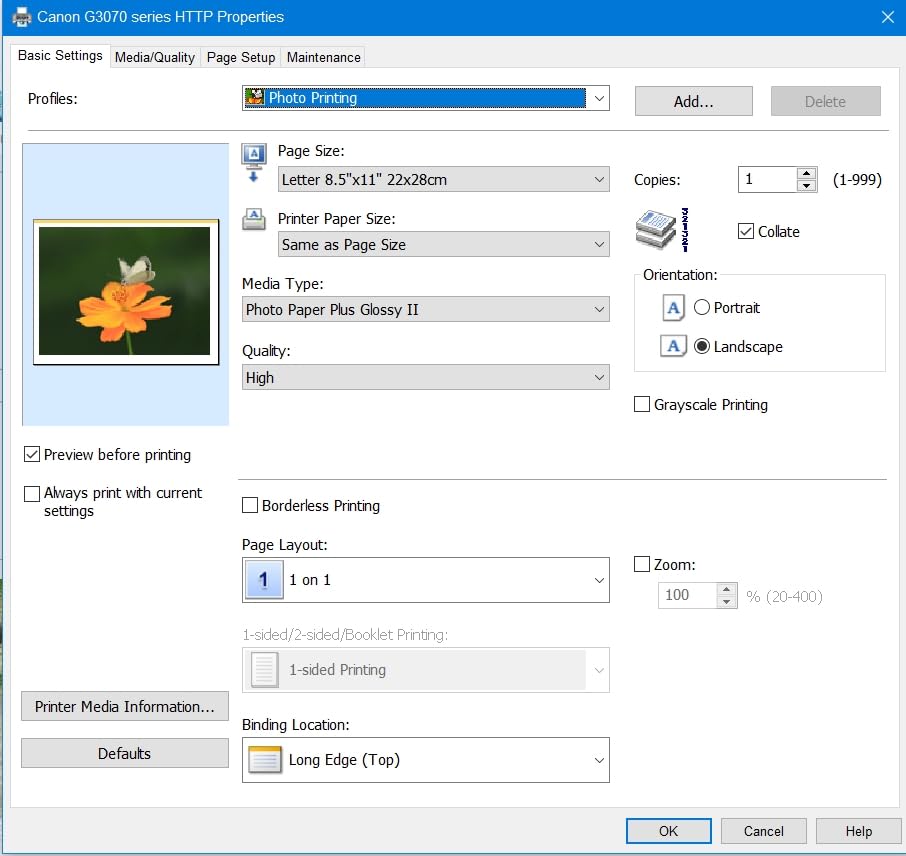
Speed sits at 11 pages per minute in black and 6 in colour, with a 100-sheet tray and a 1.35 inch square LCD for checking levels. The scanner is a flatbed, which is fine for forms but weaker than the printing itself, and the maximum media size again reaches 8.5 x 14 inch.
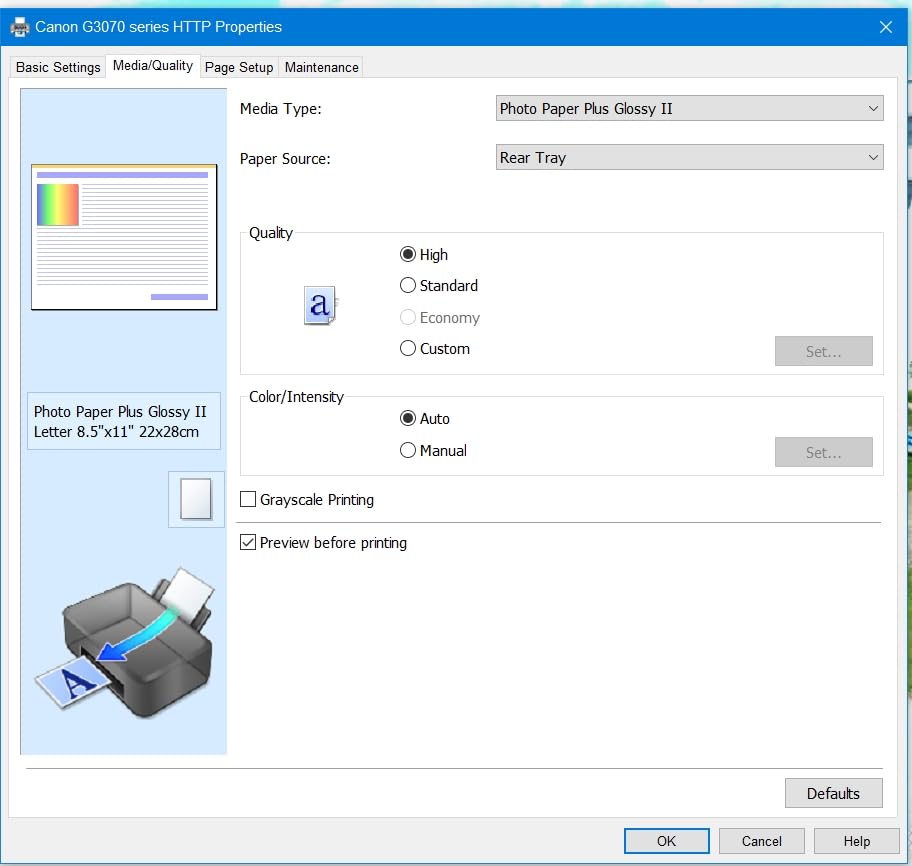
Setup runs through the Canon Windows app, which handles head alignment and initial configuration well, though reviewers find the documentation thin and in-app navigation a little confusing. Canon backs the unit with five years of spare part availability, which matters if you keep it past graduation.
Who the G3270 suits
It suits a student who prints several times a week, wants colour for coursework, and does not want to think about ink until the second year. If you are a first-year buying blind, the included bottle set usually outlasts the academic year, which removes the most common first-year printer panic.
It is also a good choice for anyone who wants a colour printer without a colour subscription, since the entire ink supply is bottled and sold on its own terms. The wide body is the trade-off against that running cost, and it needs a real surface rather than a shelf corner.
Where the G3270 falls short
Size is the first issue. At 21.9 inches deep it is one of the larger bodies here, and it needs a real surface rather than a dorm shelf corner. There is no automatic duplex, so two-sided work is manual. Some owners report wireless dropouts between print jobs, which is frustrating if you are mid-deadline, and the flatbed scanner produces weaker results than the printer does.
If your dorm desk is the constraint, the ET-2400 or the Canon PIXMA models are a better physical fit even though you pay more per page later.
3. Brother DCP-L2640DW – Monochrome Laser With a 50-Page Feeder
Brother DCP-L2640DW Wireless Compact Monochrome Multi-Function Printer, Copy, Scan, Duplex, Mobile Printing
Monochrome laser
36 ppm
50-page ADF
250-sheet tray
Automatic duplex
Pros
- Automatic duplex
- scanning and copying in one unit
- 50-page feeder suits stacks of lecture notes
- Crisp black text
- Large 250-sheet paper tray
Cons
- Heaviest unit in the roundup at 25 pounds
- Monochrome only with no colour option
- Laser toner models can cost more up front
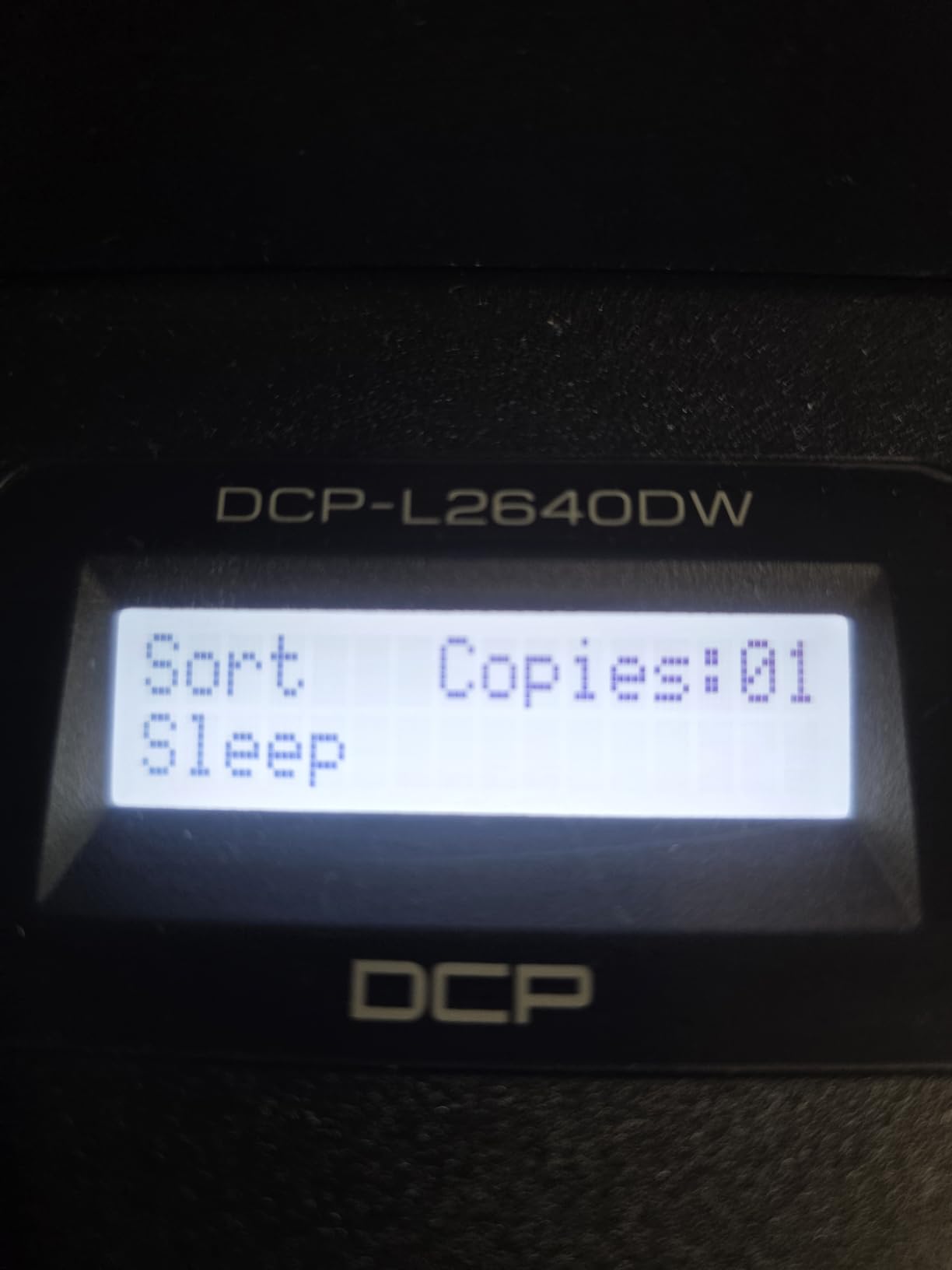
For a student who prints nothing but reading lists, essays and lab reports, the DCP-L2640DW is the printer that quietly removes printing from your list of problems. It is a monochrome laser that prints, scans and copies, with automatic duplex and a 50-page automatic document feeder on the same chassis.
The speed figure is 36 pages per minute, which means a fifty-page reading list is done in well under two minutes. Text quality is the specific thing owners praise most after switching away from inkjets: true black rather than a grey-blue tint, and crisp edges on small type in footnotes.
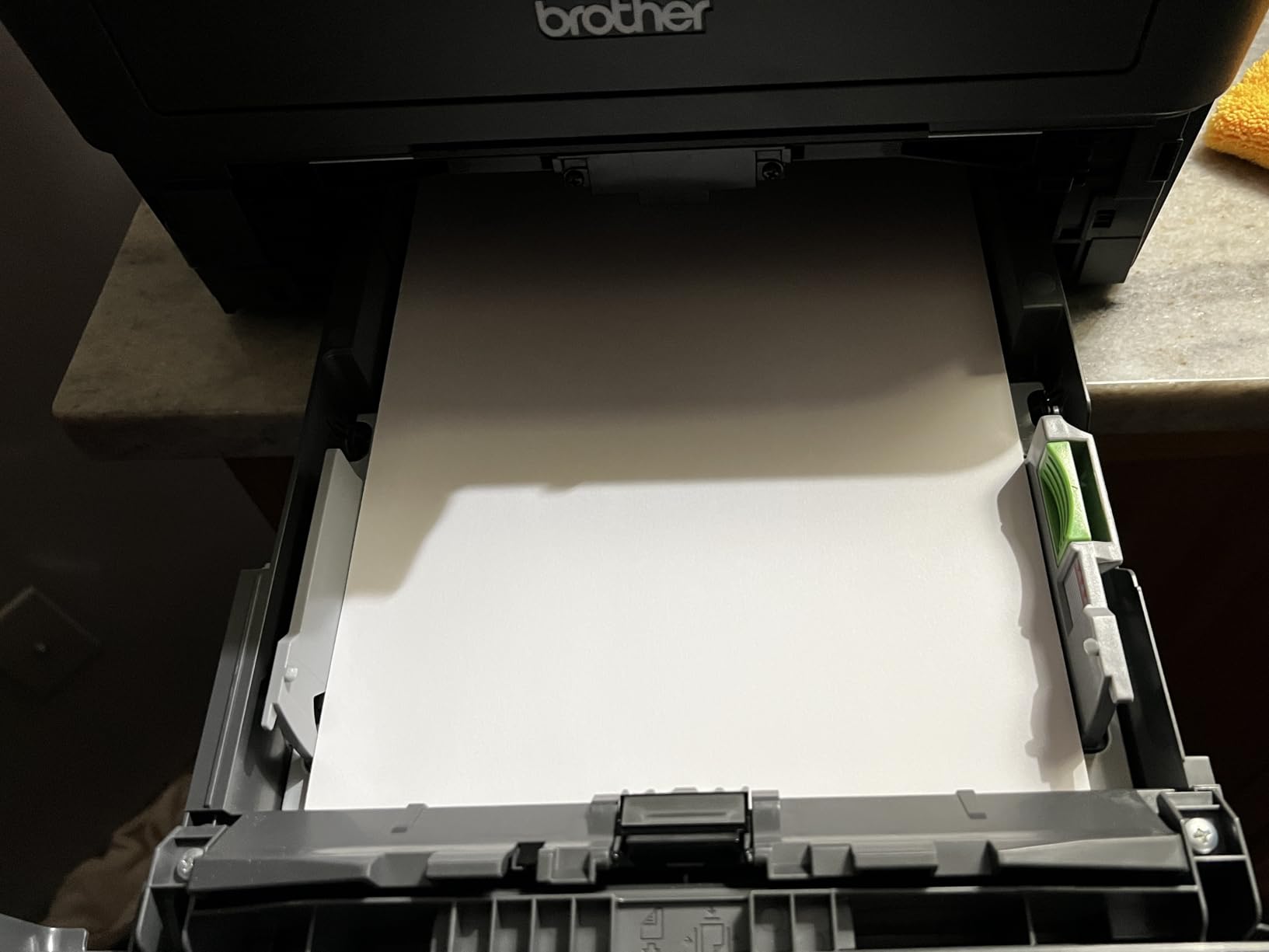
The scanner runs at up to 23.6 pages per minute in black and 7.9 in colour, and supports scan-to-email and scan-to-PDF, which is what you want for a signed lab report deadline. Connectivity is dual-band Wi-Fi at 2.4GHz and 5GHz alongside Ethernet and USB, so it joins a crowded dorm router more reliably than a 2.4GHz-only unit.
Laser toner also has a practical advantage students underestimate: it does not dry out. A printer that sits unused for a month between terms will still start when you need it, and a printer with cartridges in it may not.
Who the DCP-L2640DW suits
This suits students in law, philosophy, history, economics and any other reading-heavy programme, and it suits anyone who scans stacks of paper for a seminar. If you never print a colour image, a monochrome laser gives you cheaper pages, faster output and a feeder that no inkjet at this weight class can match.
It also suits a shared household. Four roommates splitting the cost of one printer get a machine that will not run out of ink mid-essay, and the 250-sheet tray means fewer refills across all of them.
Where the DCP-L2640DW falls short
At 25 pounds it is the heaviest printer in this roundup, and at 12.5 inches tall it wants a real desk rather than a dorm shelf. There is no colour at all, so a single required colour page means another machine entirely. Laser toner also costs more per cartridge than ink, though far less per page over volume.
If your coursework demands colour output even occasionally, the ET-2980 or the TS4320 cover both sides of that need in one box.
4. Canon PIXMA TS4320 – Automatic Duplex on a Student Budget
Canon PIXMA TS4320 – Wireless Color Inkjet Printer with Print, Copy, Scan
Refillable tanks
Auto duplex
14 ppm black, 9 ppm colour
100-sheet tray
3-year warranty
Pros
- Automatic two-sided printing is unusual at this entry level
- Refillable tanks cut ink cost well below cartridges
- Dual-band Wi-Fi for stable wireless printing
- Compact body fits a dorm desk
Cons
- Two-cartridge system lets a single low colour stall the queue
- Ink tank models need regular use to avoid clogging
- Photo output is adequate rather than impressive
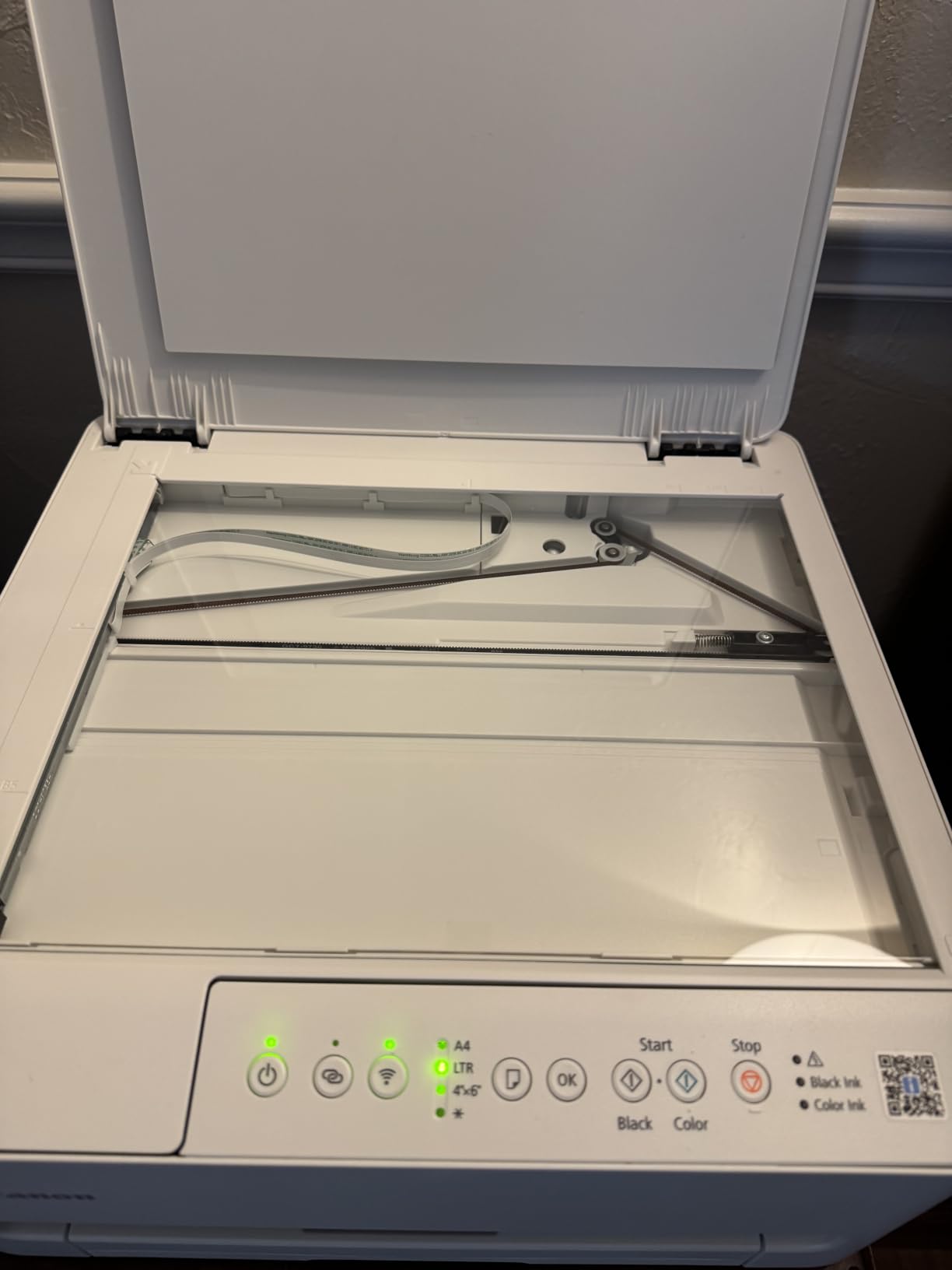
The TS4320 is the unit that answers the most common student question after price: can I get two-sided printing and cheap ink in the same machine? Refillable ink tanks and automatic two-sided printing together are rare below the laser tier, and this is the printer that puts them in a dorm-sized body.
It runs at 14 pages per minute in black and 9 in colour, with a first page out in 9.5 seconds, so short jobs start fast. The 100-sheet tray matches the ream size, and Canon backs it with a three-year manufacturer warranty, the longest in this roundup.
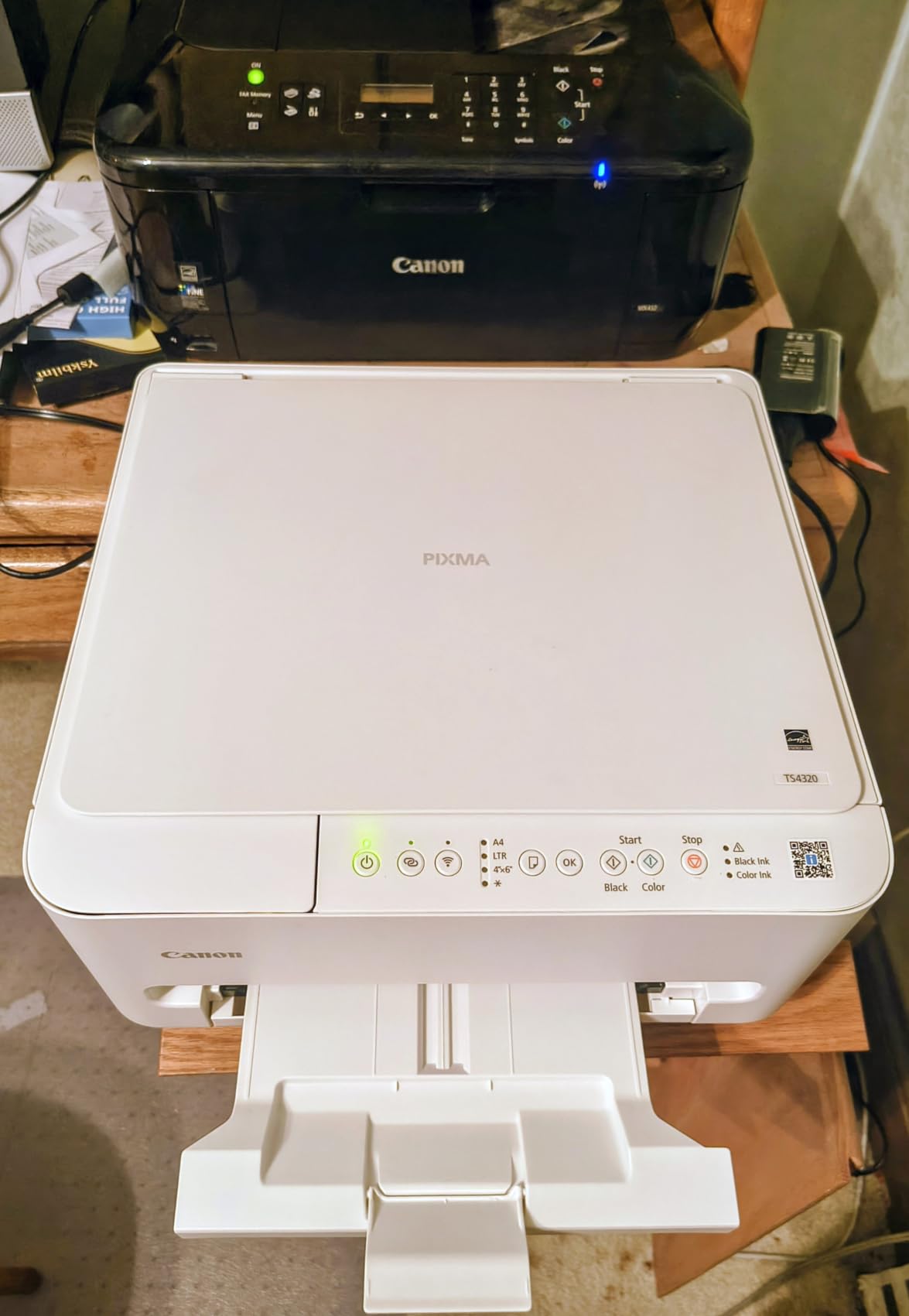
Connectivity is dual-band Wi-Fi alongside USB, which handles a busy dorm router better than a single-band unit. The flatbed scanner handles forms and handwritten pages, and the copy function covers the occasional duplicate sheet.
Colour work is supported on media up to 8.5 x 11 inch, and the unit carries EPEAT Silver and ENERGY STAR certification if your college has a sustainability requirement for purchased equipment.
Who the TS4320 suits
This suits a student who prints two-sided documents often, has limited colour needs, and wants to avoid cartridge economics without moving up to a laser. A student producing weekly seminar handouts gets the paper saving from duplex and the ink saving from tanks in the same device.
It is also a strong first printer for a first-year, because the three-year warranty covers most of the degree and the setup is straightforward enough that you can get it printing from a phone the same evening.
Where the TS4320 falls short
The two-cartridge configuration is the real limitation. When one colour runs low, the printer can stop the whole job until you replace it, which is a genuine deadline risk if you are printing charts and text together. Reviewers also note that ink tank printers need regular use, and this model is more jam-prone than Canon’s larger tank units.
Photo quality is adequate rather than good, so this is not the printer for a fine-art print. At 15 pounds or less and 14 inches deep, it still fits a dorm desk better than most tank models.
5. Brother Work Smart 1360 – Most Features Packed Into a Small Body
Brother Work Smart 1360 Wireless Color Inkjet All-in-One Print, Scan, Copy
Cartridge ink
Auto duplex
20-sheet ADF
150-sheet tray
1.8 inch color screen
Pros
- Automatic duplex
- a document feeder and a color screen in a compact body
- Cloud printing from Google Drive
- Dropbox and OneDrive
- Ink level monitoring in the Brother Mobile Connect app
- 150-sheet tray suits a week of note printing
Cons
- Lowest average rating in this roundup
- Cartridge running costs stay relatively high
- Colour output is functional rather than strong
The Work Smart 1360 is the feature-maximiser: automatic duplex, a 20-sheet automatic document feeder and a 1.8 inch colour display in a 15.4 inch wide body. That combination is unusual in the compact tier, and it is the reason this printer shows up on so many student shortlists.
It prints at 16 pages per minute in black and 9 in colour, and the flatbed scanner sits alongside the 20-sheet feeder so you can handle a mixed batch of loose pages and stapled handouts. Maximum media size reaches 8.5 x 14 inch, and the tray holds 150 sheets.
Cloud connections run through the Brother Mobile Connect app to Google Drive, Dropbox, Box and OneDrive, which saves a step when a PDF of your assignment is sitting in a shared folder. The same app reports ink levels with a page gauge, so you can see roughly how many pages remain before you start a big job.
It is also a genuinely small package at 13.5 inches deep, which is narrower than most tank printers, and USB 2.0 is available as a fallback alongside Wi-Fi.

Who the Work Smart 1360 suits
It suits a student whose coursework is document-heavy and paper-heavy, and who wants a feeder for signing and filing forms without spending on a laser. If your lab or department hands back paperwork in batches, the 20-sheet feeder removes the flatbed-and-shuffle routine.
It also suits anyone who works from cloud folders rather than a local laptop, and students who want visibility on ink levels without guessing.
Where the Work Smart 1360 falls short
It carries the lowest average rating in this roundup, with a higher share of one-star feedback than the other models, and the most common reason is running cost. Cartridge ink in a printer this capable is where the money goes, so a heavy note-printer will feel it.
Colour output is functional rather than strong, so it will not satisfy a design student. At 16.8 pounds it is also heavier than it looks. If you print often, swap it for a tank or laser model and keep the feature set.
6. Brother HL-L2460DW – Fast Monochrome Text, Print Only
Brother HL-L2460DW Wireless Compact Monochrome Laser Printer with Duplex, Mobile Printing, Black & White Output | Includes Refresh Subscription Trial(1), Works with Alexa
Monochrome laser
36 ppm
250-sheet tray
Automatic duplex
Dual-band Wi-Fi
Pros
- 36 pages per minute monochrome output
- Automatic duplex saves paper on long assignments
- 250-sheet tray cuts down on refills
- Dual-band wireless plus Ethernet for flexible setup
- Toner running cost is well below inkjet cartridges
Cons
- Print only with no scanner or copier
- Black and white output with no colour option
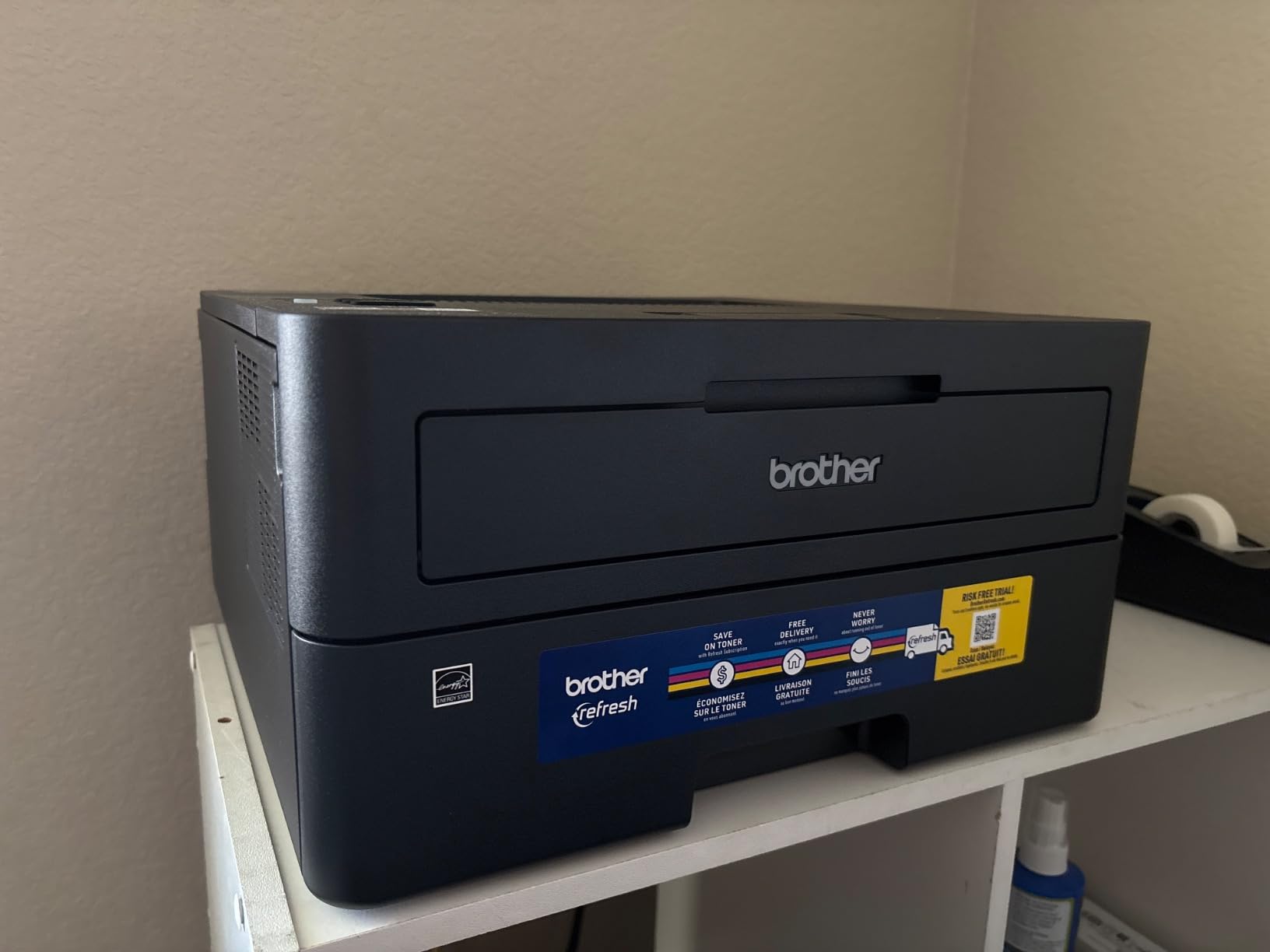
The HL-L2460DW is the fastest monochrome printer in this roundup, at 36 pages per minute, and it pairs that speed with automatic duplex and a 250-sheet paper tray. For a student running off a hundred-page reading list the evening before a seminar, that combination is the whole point.
It outputs its first page in 8.5 seconds and handles media up to 8.5 x 14 inch, with a manual feed slot for envelopes and specialty stock. The 250-sheet input tray is the second largest here, which matters when one person plus two roommates are sharing it.
Connectivity is dual-band Wi-Fi at 2.4GHz and 5GHz with an Ethernet port and USB, and setup runs through the Brother Mobile Connect app, which also tracks toner remaining. The body is 14.2 inches deep and 7.2 inches tall at 15.6 pounds, so it is a shelf unit rather than a desk-crowder.
Brother includes a Refresh EZ Print subscription trial with the unit. You do not need it, and every feature on this printer works without enrolling, but it is worth knowing it is there so you can decline it rather than discover it later.
Who the HL-L2460DW suits
It suits students who print black and white only, print in large blocks, and never scan. That combination is rarer than it sounds: most students do need to digitise something at least once a term, but a phone camera covers signed forms well enough for a submission portal.
It also suits anyone who travels between term-time and home. A laser that has sat unused for a month starts without a priming cycle, and dual-band Wi-Fi survives the move to a different router better than single-band units.
Where the HL-L2460DW falls short
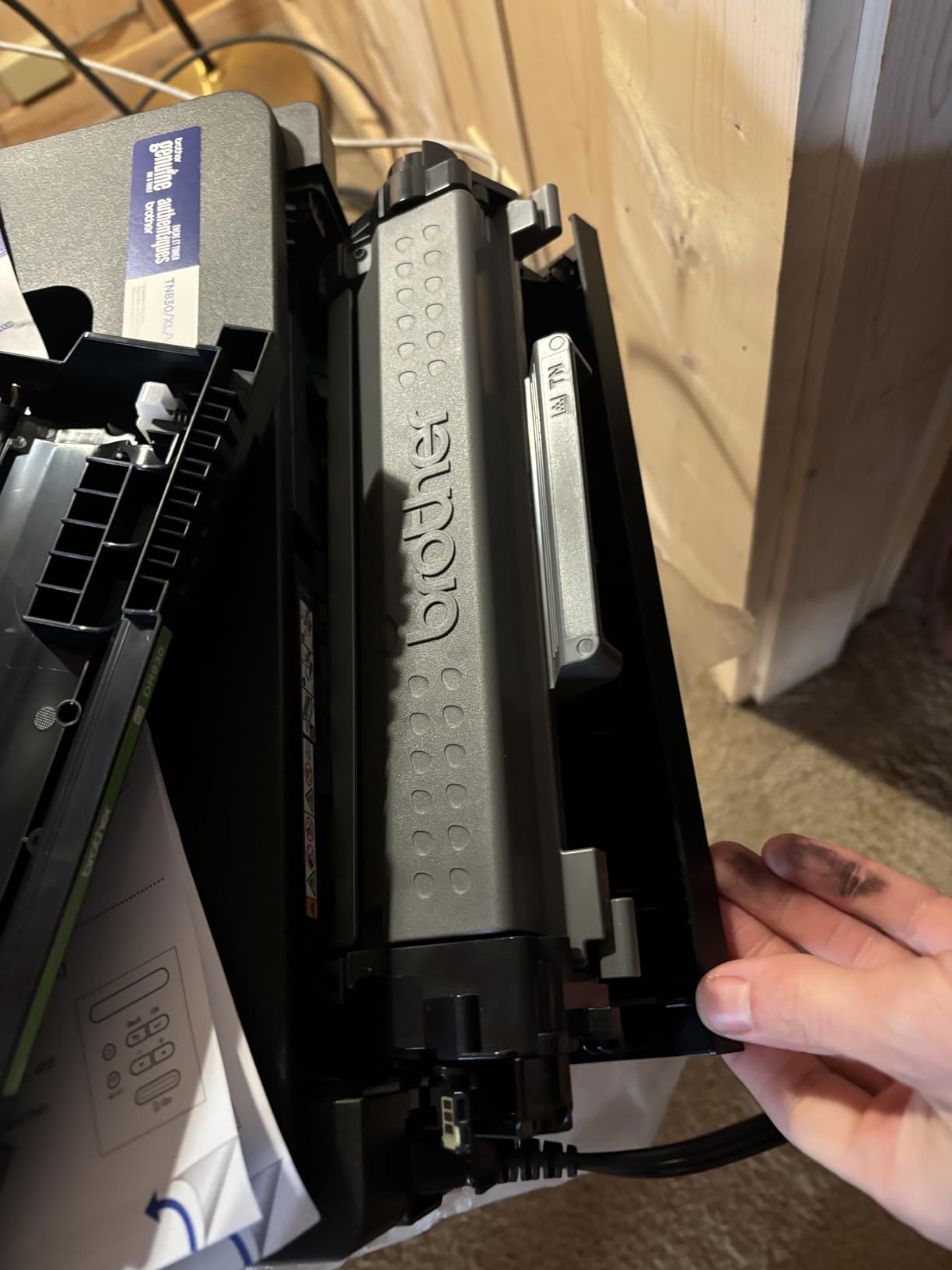
There is no scanner and no copier in this chassis, which is the dealbreaker for anyone who digitises paper regularly. It is monochrome only, so a single colour figure sends you to a library print shop. The starter toner cartridge is also small, so budget for a replacement sooner than you expect.
If scanning is non-negotiable, the DCP-L2640DW adds a 50-page feeder for a modest step up and keeps the same speed class.
7. Epson EcoTank ET-2400 – The Lightest Tank Printer Here
Epson EcoTank ET-2400 Wireless Color All-in-One Supertank Printer
Ink tank
10 ppm black, 5 ppm colour
100-sheet tray
Flatbed scan
8.6 pounds
Pros
- Refillable EcoFit bottles give very low cost per page
- Bright colour and deep blacks for figures
- Flatbed scanner produces sharp detailed scans
- Lightest refillable model at 8.6 pounds
Cons
- Manual duplex only with no automatic option
- No display screen (status LEDs only)
- Waste ink pad is not user-replaceable
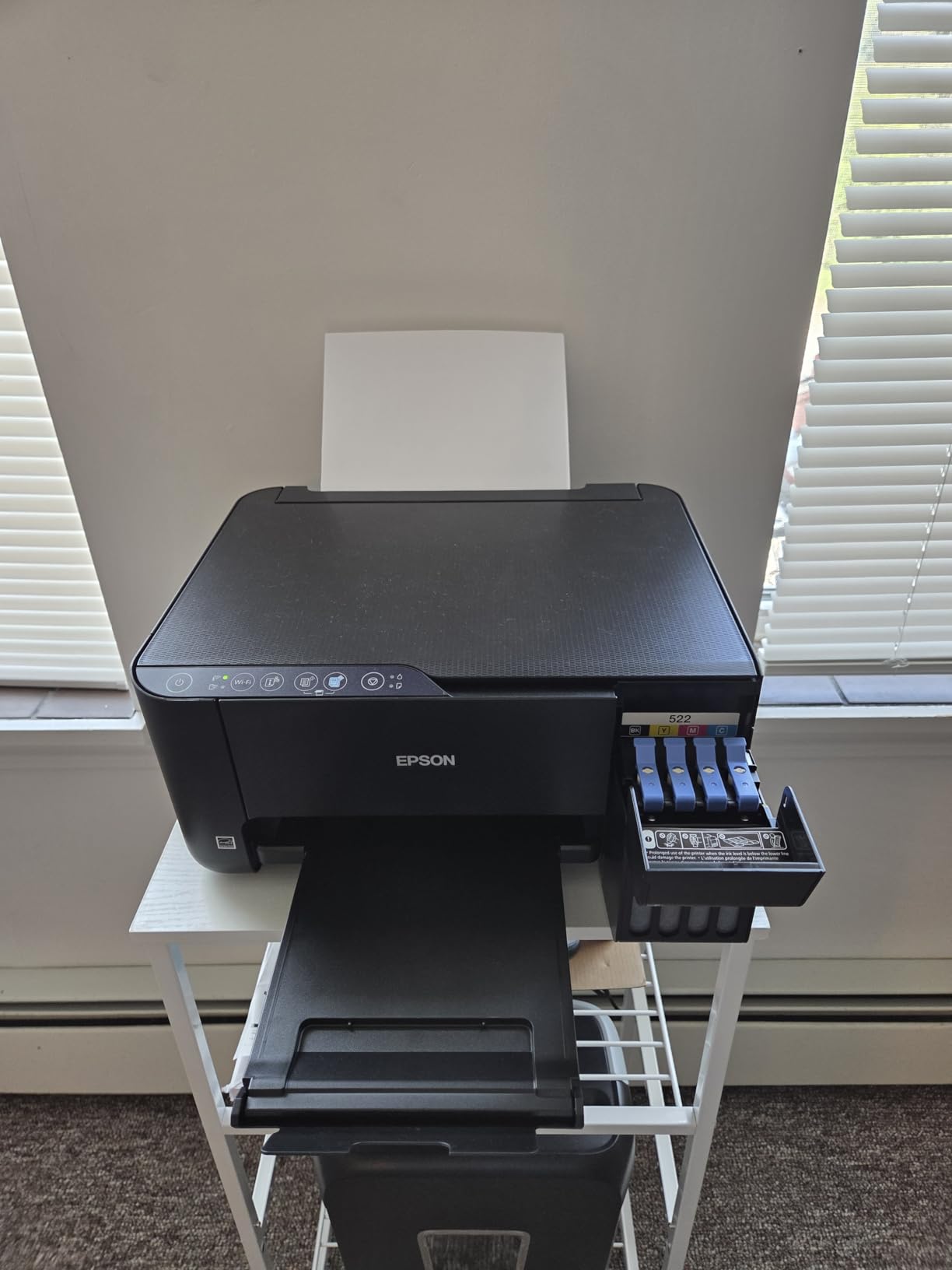
The ET-2400 is the refillable-ink option that moves. At 8.6 pounds it is the lightest printer in this roundup by a wide margin, so a student who changes rooms, carries a printer to a shared house for summer, or has no fixed desk can lift it with one hand.
The ink system is cartridge-free EcoFit with Epson 522 bottles, rated at up to 4,500 black and white pages and 7,200 colour pages per set, and Epson states roughly 80 cartridges’ worth of printing per bottle set. First page out is 7 seconds, with 10 pages per minute in black and 5 in colour.
The flatbed scanner produces sharp, detailed scans according to owners, which is unusual in a budget tank machine, and colour output is bright enough for diagrams, figures and poster work. Wireless printing from a phone or laptop is reported as reliable once the network is joined.
Paper handling is a 100-sheet input tray with a 30-sheet output tray, and maximum media size reaches 8.5 x 14 inch. Epson supports two years of spare part availability on this model.
Who the ET-2400 suits
It suits a student in a smaller room, or one who does not have a dedicated desk and works from a library or a friend’s room at different times. It also suits anyone who wants the cheapest running cost without a large footprint, since the ink economics here are close to the ET-2800’s at a smaller body.
For a design or science student producing colour figures, the combination of tank ink and a good flatbed scanner is the practical reason to choose it.
Where the ET-2400 falls short
There is no display screen, only status LEDs. That sounds minor until a paper type is mis-set or a job stalls, because you have no menu to check. Duplex is manual, the waste ink pad is not user-replaceable, and some buyers report reliability problems within the first year along with more frequent jams than Canon’s tank models.
Adjusting print settings to resolve a quality issue is also awkward on this model. If you want a screen and easier troubleshooting, step up to the ET-2800 or the ET-2980.
8. Epson EcoTank ET-2980 – Tank Ink and Duplex in One Unit
Epson EcoTank ET-2980 Wireless Color All-in-One Supertank Printer – Black
Ink tank
Auto duplex
15 ppm black, 8 ppm colour
100-sheet tray
11.5 pounds
Pros
- Automatic duplex combined with refillable supersized tanks
- Very economical per page for heavy documents
- App-guided setup is smooth and well documented
- Good output for documents and photos
Cons
- Small on-printer screen with confusing icon buttons
- Scanner software and output quality are considered weak
- Some users report paper jams during duplex jobs
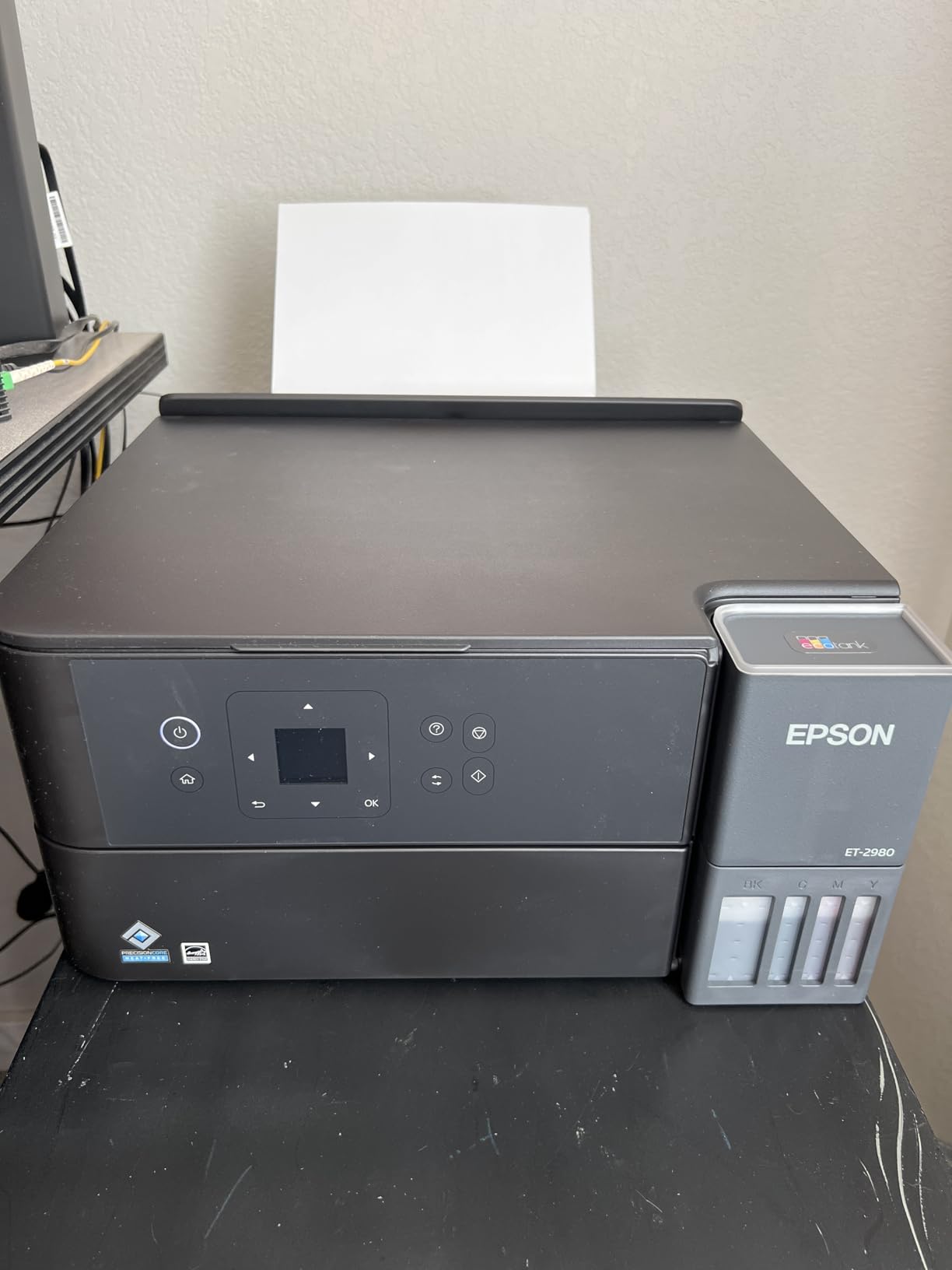
The ET-2980 is the printer that answers the objection we heard most often about tank machines: that you have to choose between cheap ink and automatic duplex. It does both, and it is the only Epson EcoTank in this roundup with two-sided printing built in.
Output runs at 15 pages per minute in black and 8 in colour, and the supersized tanks hold enough for Epson’s stated three years of included ink, roughly 6,600 black and 5,500 colour pages. One bottle set works out to about 90 cartridges.
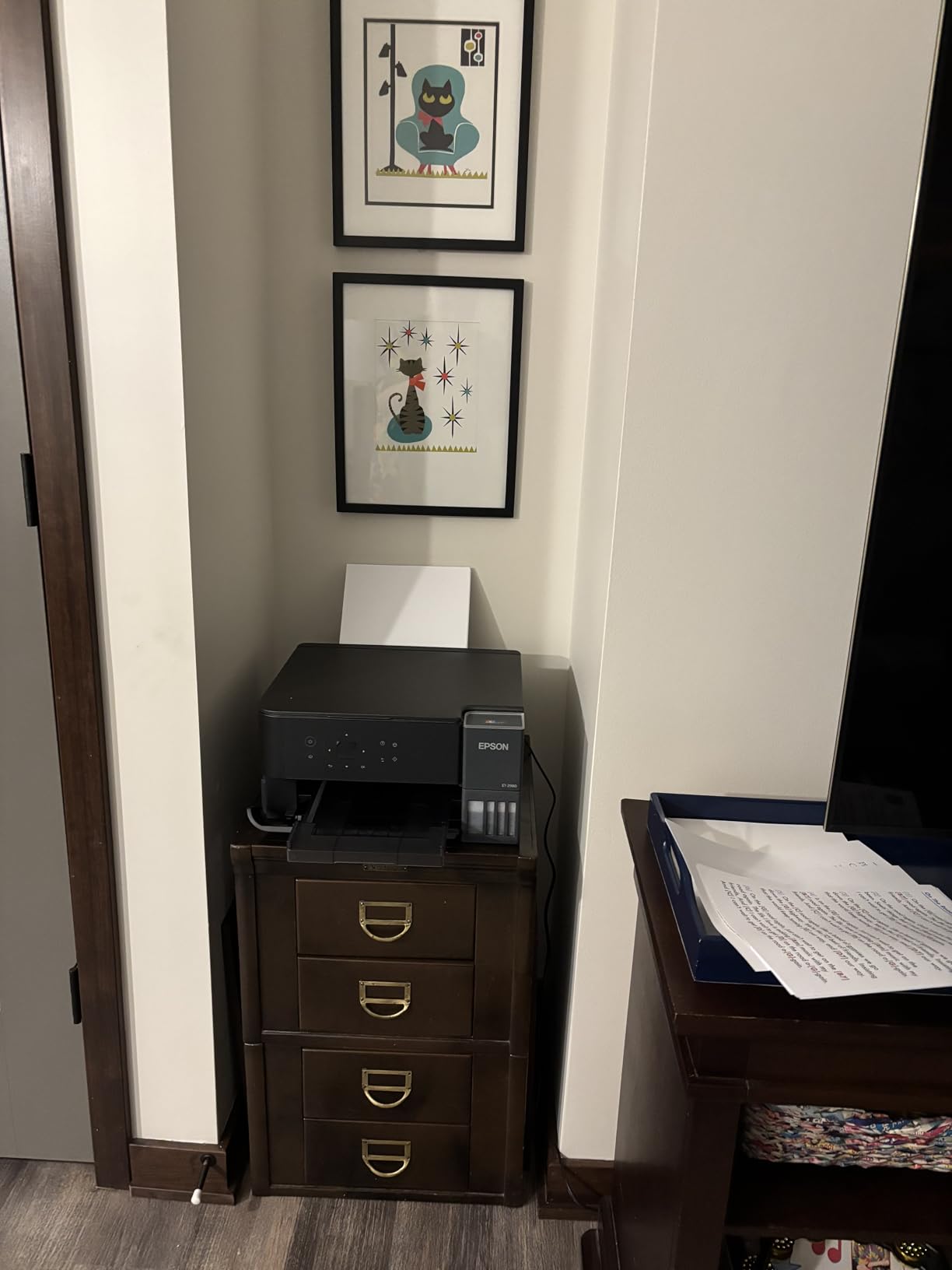
It also does borderless photo printing, so it covers the presentation-poster case that the other tank models handle only at 4×6. Setup is guided through the Epson Smart Panel app for mobile printing and scanning, and reviewers rate the walkthrough as one of the clearer ones available.
The body is 13.7 inches deep, 14.8 inches wide and only 7.4 inches tall, which makes it the flattest tank printer here and easy to slide onto a shelf. Weight is 11.5 pounds. Media up to 8.5 x 14 inch is supported, with a 100-sheet tray.
Who the ET-2980 suits
It suits the student who has worked out that they will print a lot and wants the two features that actually lower cost: cheap pages and two-sided printing. A student producing weekly two-sided handouts saves both the ink and the paper, and no manual flipping is involved.
It also suits anyone who prints on both sides of a weekend, and students in adjacent disciplines who need colour posters occasionally without buying a second machine.
Where the ET-2980 falls short
The on-printer display is small and the buttons are icon-driven, so working through menus is slower than on a model with a real screen. Scanner software and scan quality are considered weak, and some users report paper jams specifically during duplex jobs, which is the very feature you are buying it for. Glossy photo paper output also drops noticeably.
Its review base is the smallest in the roundup, which means fewer long-term owners reporting on how it holds up at year three. If that matters to you, the ET-2800 has a far larger body of feedback behind it.
9. HP LaserJet MFP M140w – Smallest Laser All-in-One
HP Laserjet MFP M140w Wireless Black & White Printer, Print, scan, Copy, Fast speeds, Easy Setup, Mobile Printing, Best-for-Small Teams
Monochrome laser
21 ppm
Flatbed scan
99-sheet tray
LCD
Pros
- Very small footprint at 10.4 inches deep
- scan and copy in one inexpensive laser body
- Laser toner does not dry out between terms
- Quick setup using built-in drivers or USB
Cons
- No automatic duplex printing
- Only cartridges with original HP chips are accepted
- Introductory toner cartridge runs out quickly
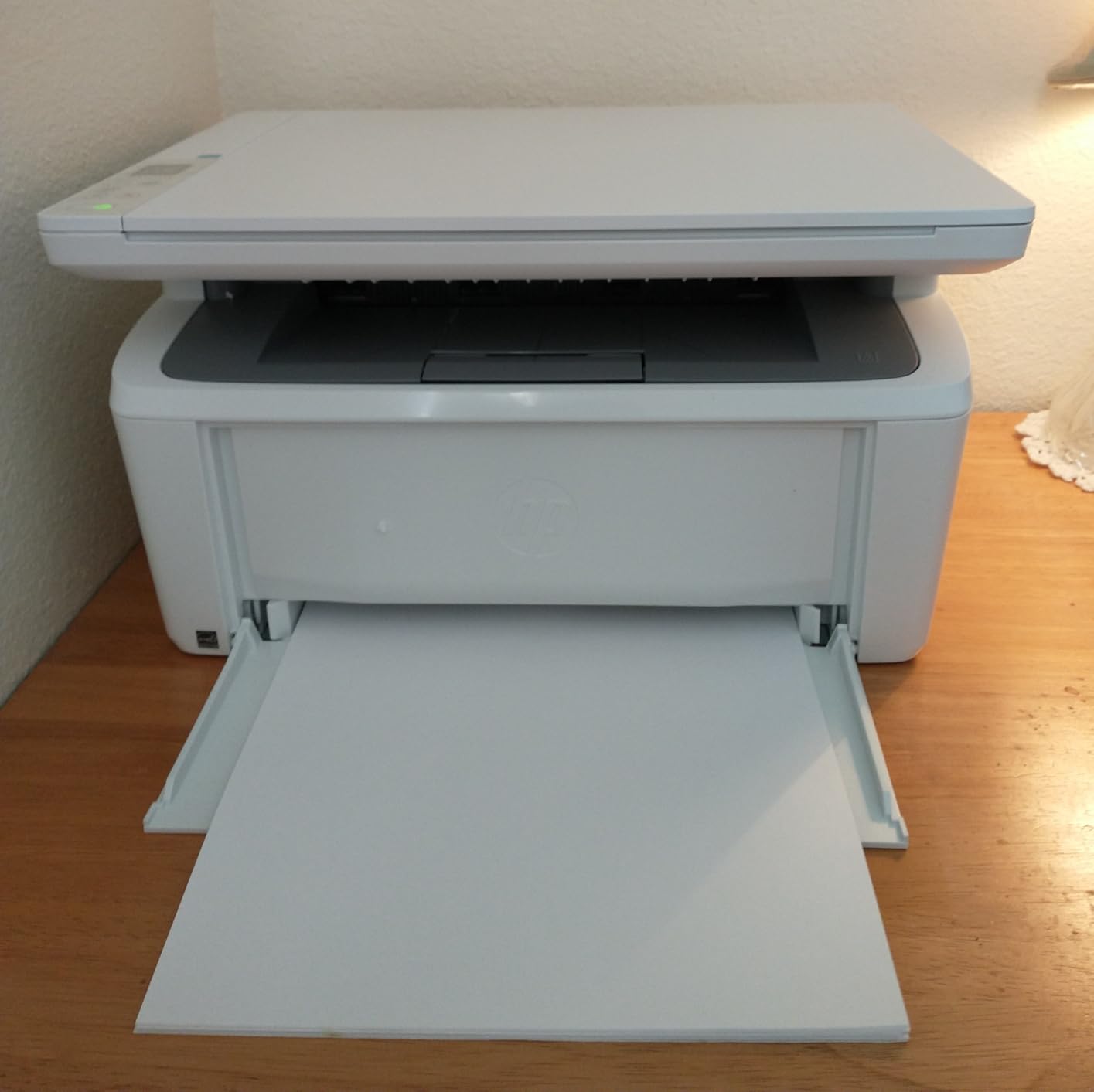
The M140w is the answer to the most common dorm constraint nobody puts in a spec sheet: space. At 10.4 inches deep and 11.9 pounds it is the smallest all-in-one here, and it still prints, scans and copies in monochrome laser rather than ink.
That distinction is what makes it survive dorm life. Laser toner does not dry out, so a printer that sits in a cupboard for three weeks over reading week and then sits unused again over spring break will still start when you need it. Inkjet cartridges waiting in a machine through a long summer are a different story.
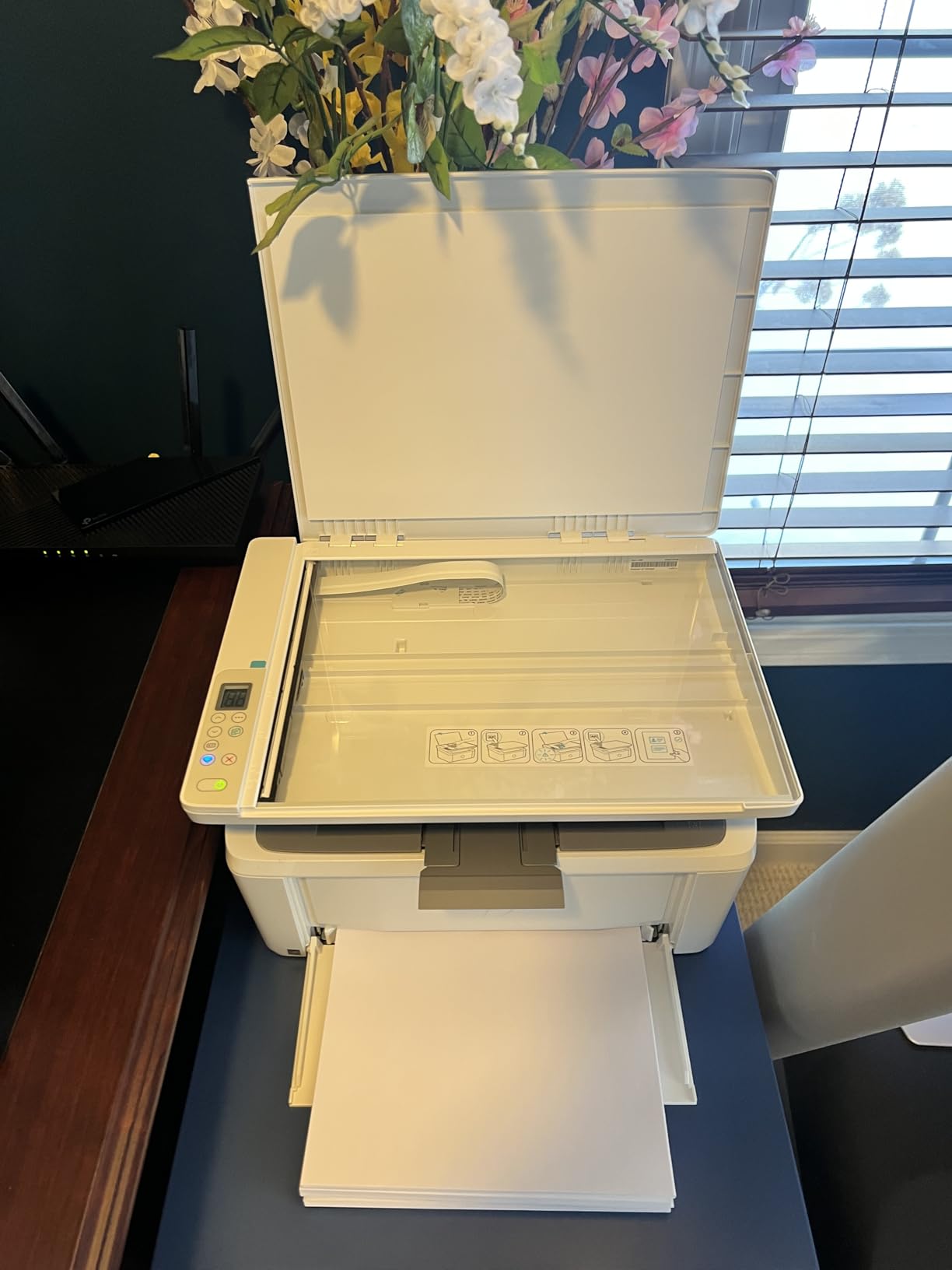
Output is 21 pages per minute with a first page in 8.3 seconds, into a 99-sheet tray. The flatbed scanner handles forms and handwritten pages, and an ID card copy function puts both sides of a card onto one sheet, which is a small thing that shows the design was aimed at this use case.
Setup uses Windows built-in drivers or USB, with wireless that self-resets when the connection drops. It supports AirPrint, Android and Chromebook, plus cloud scanning through the HP Smart app.
Who the M140w suits
It suits students in the smallest rooms, or anyone without a dedicated desk who needs a full print-scan-copy function rather than a printer plus a separate scanner. It also suits a student who prints irregularly, because the laser will not have dried by the time the next deadline arrives.
Long-term owners report the unit still working after years of intermittent use, which is the durability argument that matters for something you will keep through a degree.
Where the M140w falls short
There is no automatic duplex, so every two-sided job is a manual flip. It runs only with cartridges containing original HP chips or circuitry, which removes the cheaper third-party refill option some students rely on. The introductory toner cartridge is small and runs out quickly.
Owners also report the unit running warm on long double-spaced documents and occasional paper misfeeds. The Brother DCP-L2640DW solves both the duplex and the toner-restriction problems for a modest step up.
10. HP LaserJet M207dw – Fast, Quiet and Duplex by Default
HP LaserJet M207dw Laser Wireless Printer, Black and White, Duplex, Best-for-Office
Monochrome laser
Auto duplex
28 ppm
150-sheet tray
App-based control
Pros
- Automatic duplex at up to 28 pages per minute
- Fast and quiet monochrome output
- Compact enough for a dorm room
- Printing from a phone works without installing software
Cons
- Print only with no scanner or copier
- Some users struggle with USB driver installation
- Occasional network recognition issues at startup
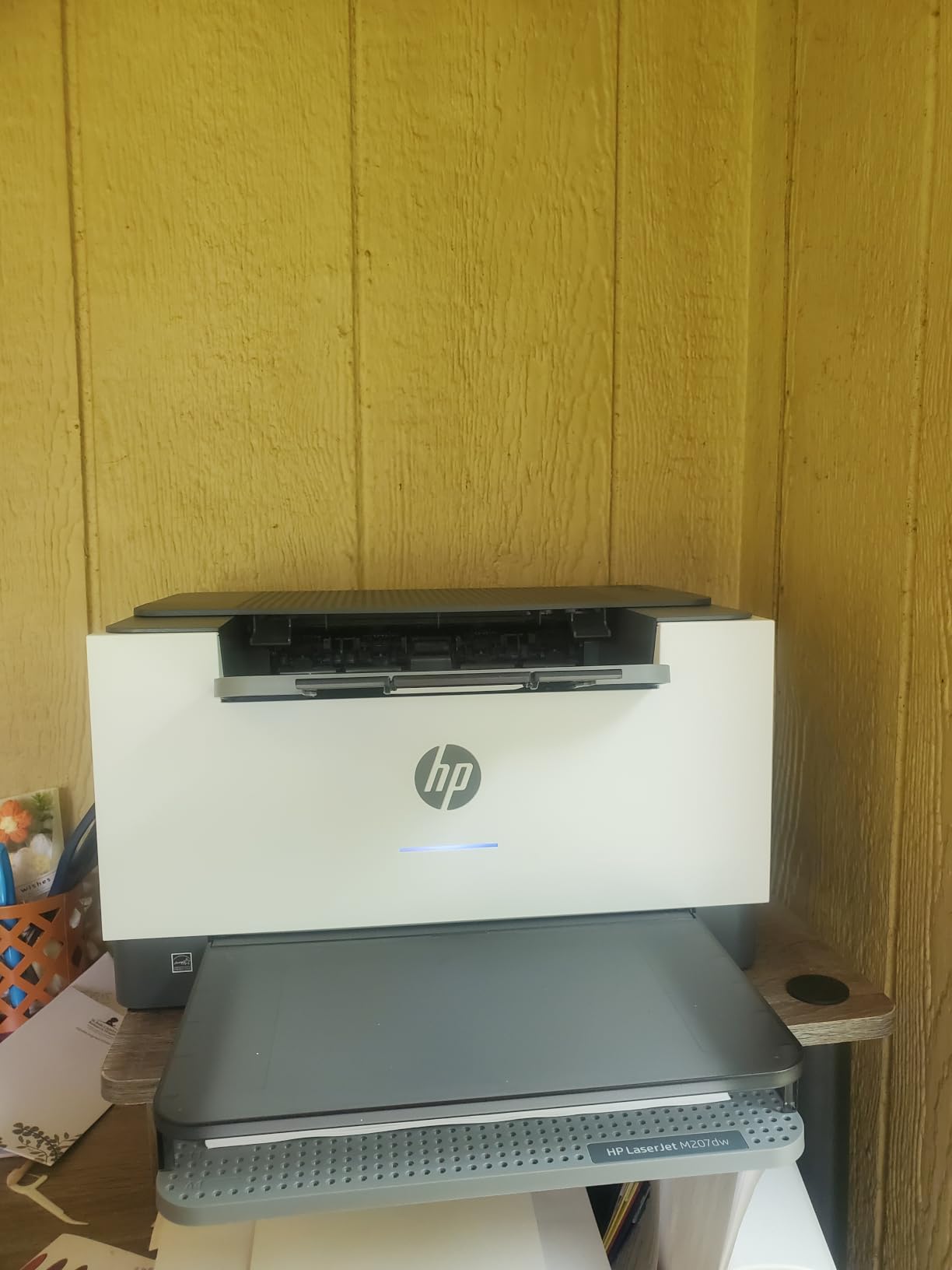
The M207dw is the quiet one. It is a monochrome laser with automatic duplex as standard, up to 28 pages per minute, and a first page in about seven seconds, and owners consistently describe it as the printer that does not wake the person in the next bed.
That combination of duplex and speed means a two-sided twenty-page essay is a single command rather than a stack to turn over. Output is 600 x 600 dpi in black and white, which is sharper than a typical inkjet for small type.
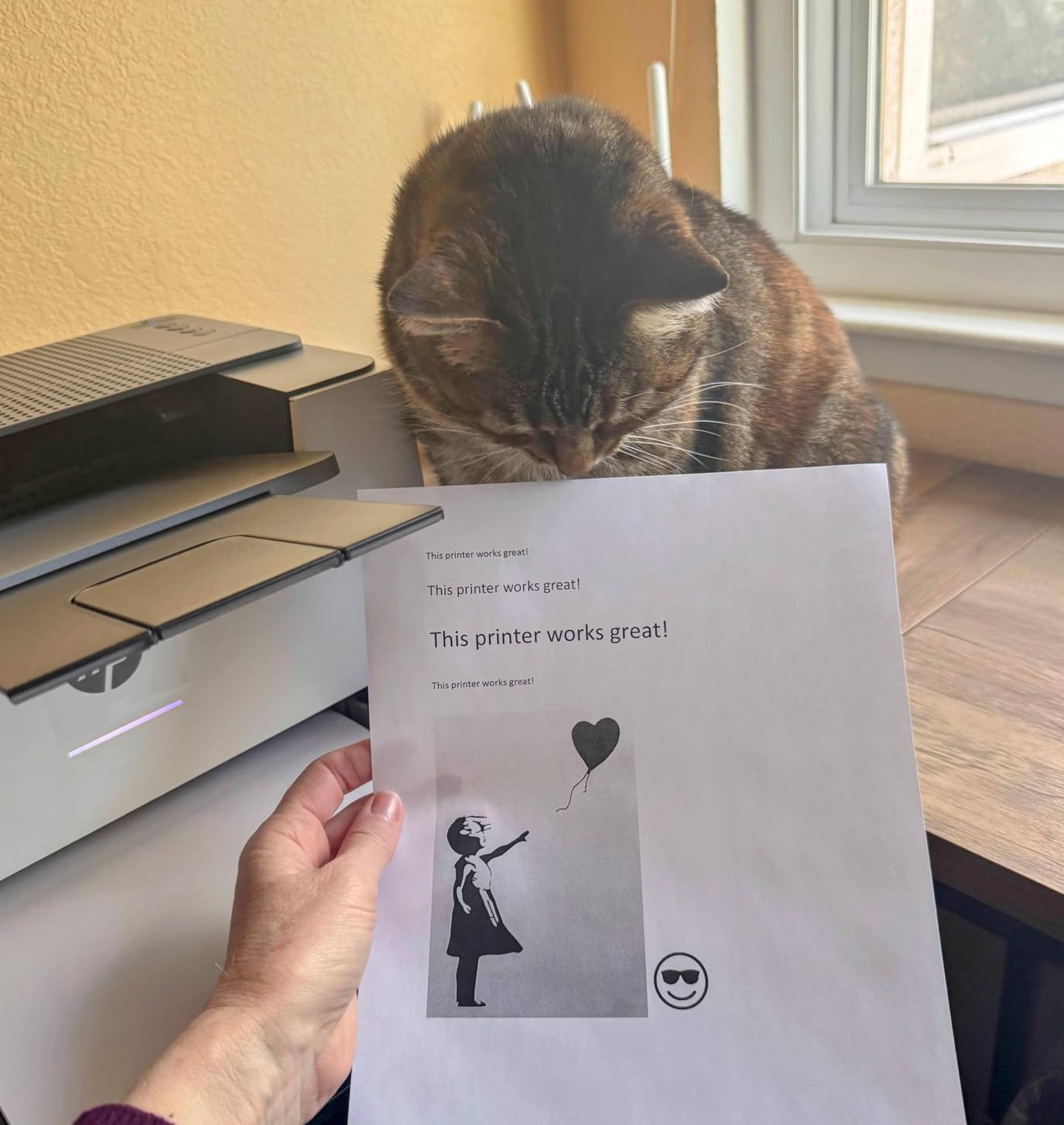
Connectivity is dual-band Wi-Fi with self-reset, plus Ethernet and USB, and media ranges from 4 x 6 inch up to 8.5 x 14 inch into a 150-sheet tray. Control is app-based rather than through a screen, which suits a student who already prints from a phone.
HP states built-in security features to protect the printer from attacks, which is worth noting on a shared dorm network. The body is 13.98 inches wide, 11 inches deep and 8.07 inches tall at 12.4 pounds.
Who the M207dw suits
It suits students in a shared room who print late, and anyone who wants two-sided printing as a default rather than an option. If you never scan or copy, the trade of a print-only body for this much speed is worth making.
It also suits a student who works from a phone. Printing from a phone works without installing anything extra, and AirPrint, Android and Chromebook are all supported.
Where the M207dw falls short
There is no scanner or copier, so any assignment requiring a digital submission needs your phone or a library machine. Some users struggle with USB driver installation and report the printer occasionally not appearing on the network at startup, and the first job can be slow to begin even though later jobs are quick.
Its feedback base is also the thinnest in the roundup, so there is less long-term evidence about reliability. The M140w and the Brother HL-L2460DW have far more owners reporting on them.
11. HP LaserJet MFP M235sdw – Laser Speed With a Document Feeder
HP LaserJet MFP M235sdw All-in-One Laser Wireless Printer, Scan/Copy, Black & White, Duplex, Best-for-Office
Monochrome laser
Auto duplex
30 ppm
Automatic document feeder
Scan to email
Pros
- Crisp true black output after years of inkjet frustration
- Fast duplex printing that handles large jobs
- Scanning and copying are easy to run
- Reliable Wi-Fi across phones and laptops
Cons
- HP software and network scanning setup is messy on some systems
- Toner cartridges cost more relative to the printer
- Scanning and copying are single-sided only
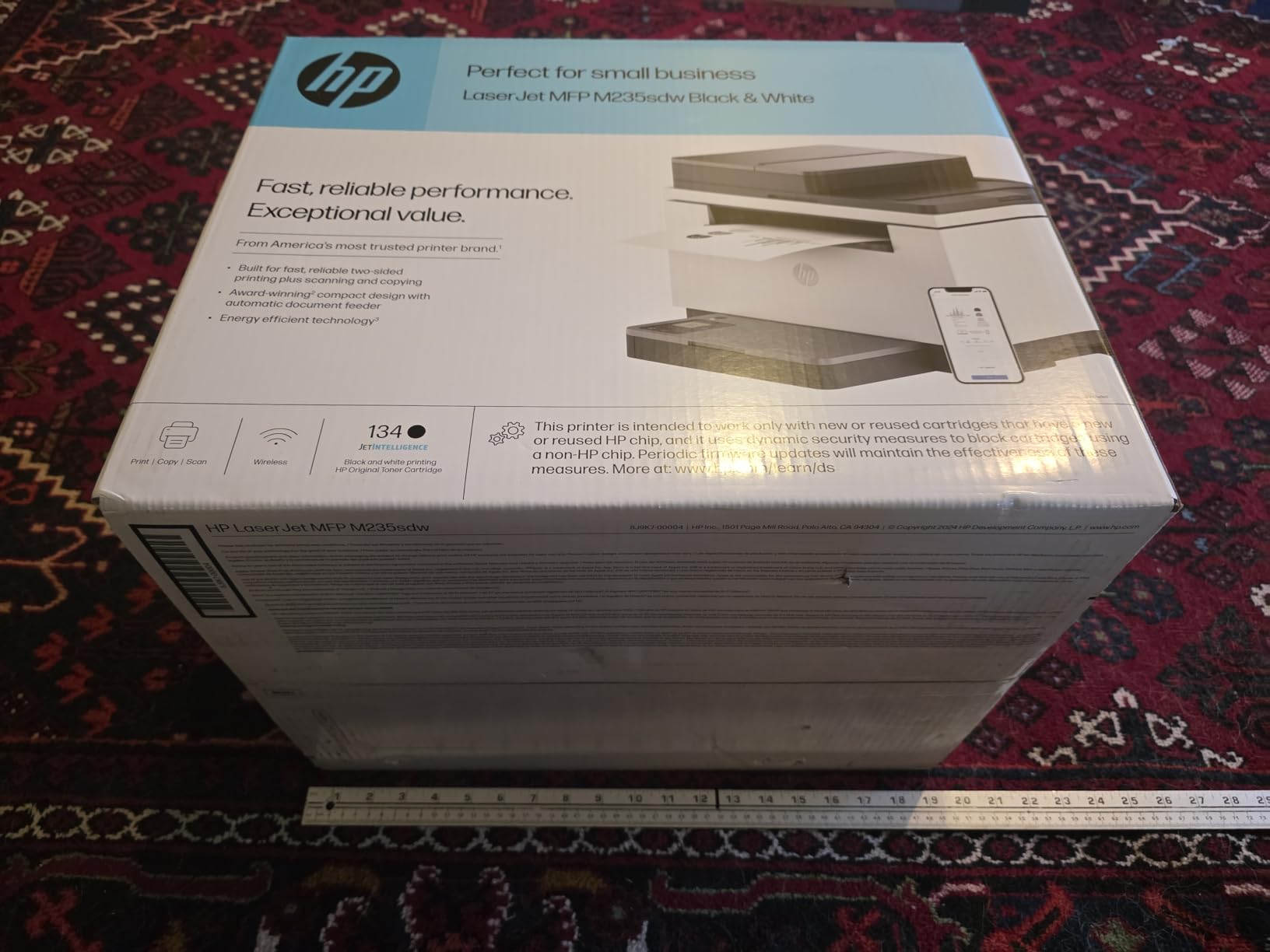
The M235sdw is the monochrome laser for a student who both prints a lot and files paperwork. It runs at 30 pages per minute with automatic duplex, and the scanner is an automatic document feeder rather than a flatbed, so a signed form goes in and a PDF comes out without you lifting a lid.
It supports scan-to-email and scan-to-PDF directly, which removes a step when a course portal wants a document rather than a photograph. Copying runs at 14 pages per minute, up to 99 copies per run.
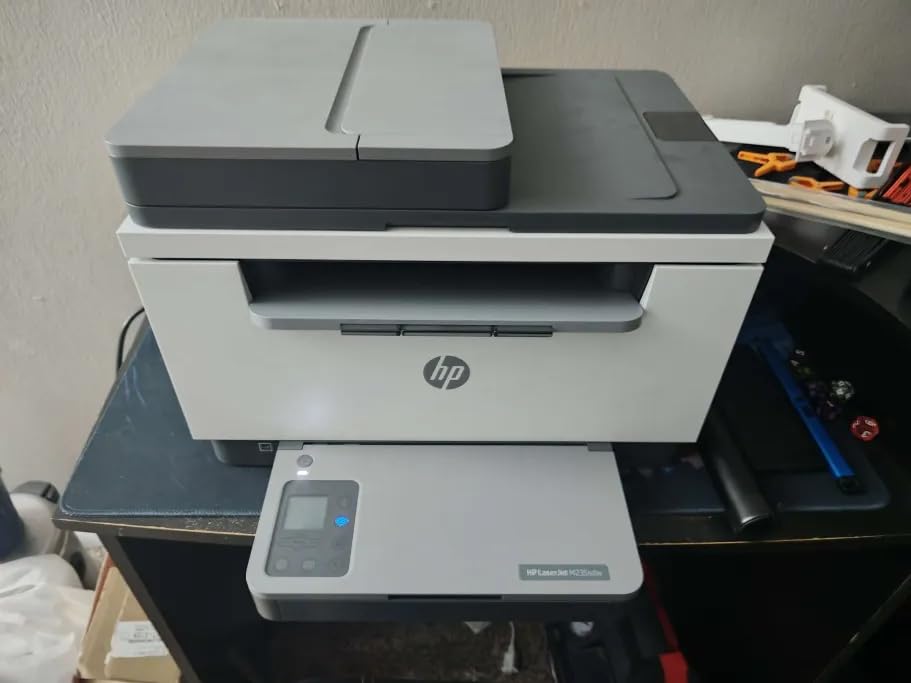
Owners who switched from inkjets report the sharpest daily change of satisfaction here of any monochrome laser in the roundup: true black text, fast duplex output and wireless printing that works from every device on the network. Connectivity covers dual-band Wi-Fi with self-reset, Ethernet, USB, AirPrint, Mopria and wireless direct printing.
First page out is 7 seconds into a 150-sheet tray, and media runs up to 8.5 x 11.7 inch. The body is 16.46 inches wide, 12.13 inches deep and 11.59 inches tall at 21 pounds.
Who the M235sdw suits
It suits a student in a professional programme, a postgraduate, or anyone whose course requires signed paperwork submitted digitally. If you batch-process documents rather than printing one page at a time, the feeder is the feature that justifies this body over a smaller laser.
It also suits a shared flat. One machine with a feeder serves a household printing and scanning rather than printing only.
Where the M235sdw falls short
HP software and network scanning configuration are reported as messy on Windows and Ubuntu, and that setup friction is the most common complaint. Toner cartridges cost more relative to the machine, and scanning and copying are single-sided only, so a double-sided form means two passes.
At 21 pounds and nearly 12 inches tall, it needs a genuine desk. The Brother DCP-L2640DW offers a larger 50-page feeder and a bigger tray with fewer setup headaches for a comparable step up.
12. Canon PIXMA TS3720 – Simple Wireless Colour for Light Volume
Canon PIXMA TS3720 Wireless All-in-One Printer for Basic Home Printing, White
Cartridge ink
7.7 ppm black, 4 ppm colour
60-sheet tray
Flatbed scan
8.7 pounds
Pros
- Setup often takes under ten minutes
- Stable dual-band Wi-Fi and reliable phone printing
- Good colour photo quality for the class of printer
- Lightest all-in-one body here at 8.7 pounds
Cons
- Single-sided printing only
- Two-cartridge system runs through cartridges quickly
- Wireless connection can be finicky on first setup
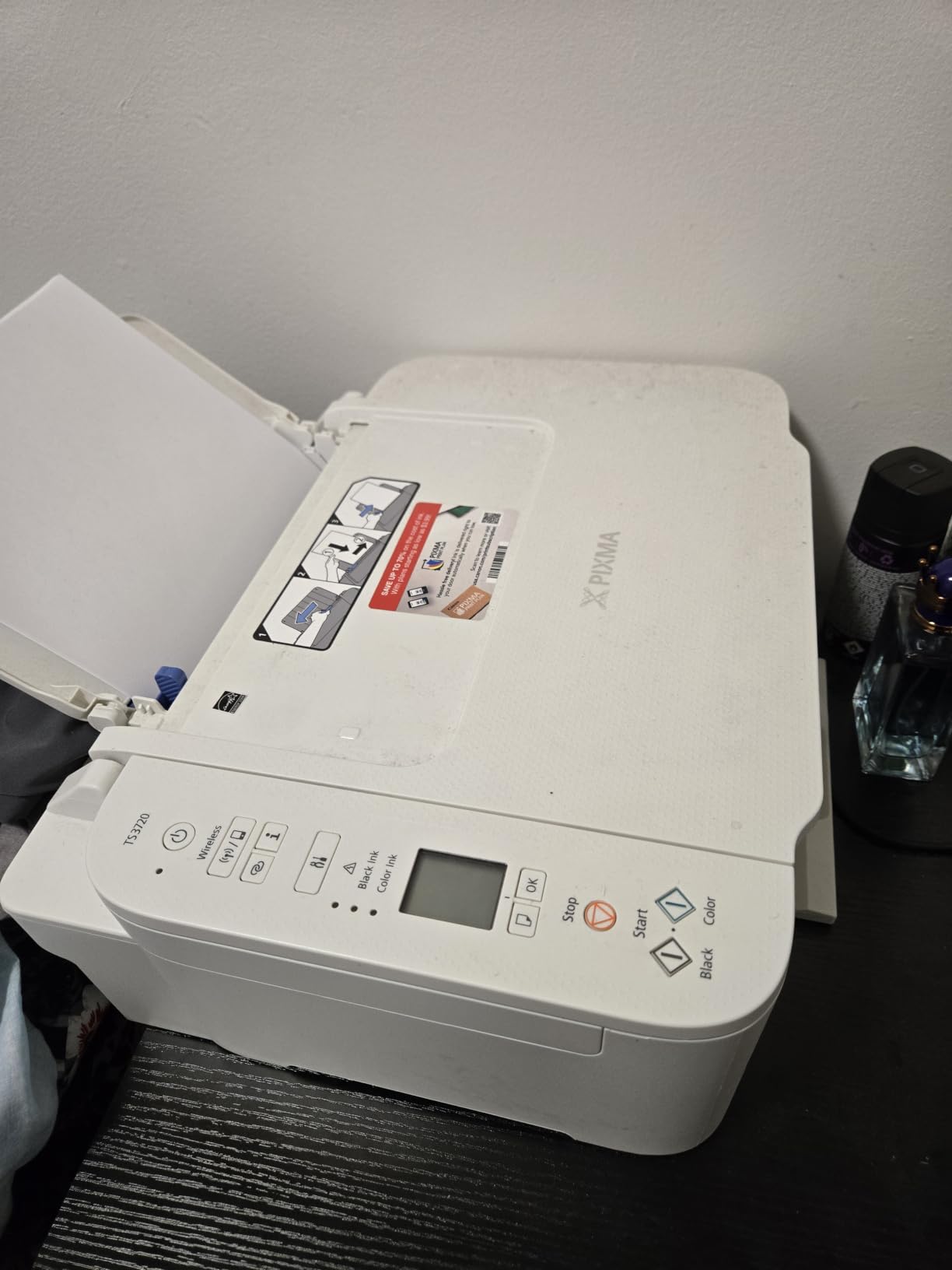
The PIXMA TS3720 is the printer to buy if you want straightforward colour wireless printing and you genuinely do not print much. Setup is fast, often under ten minutes, and at 8.7 pounds with a 5.8 inch tall body it is one of the two smallest printers in this roundup.
It handles print, copy and scan with a flatbed scanner, a 1.5 inch segment LCD, and borderless photos up to 5 x 7 inch plus 5 x 5 inch square formats. Maximum media size is 8.5 x 14 inch.
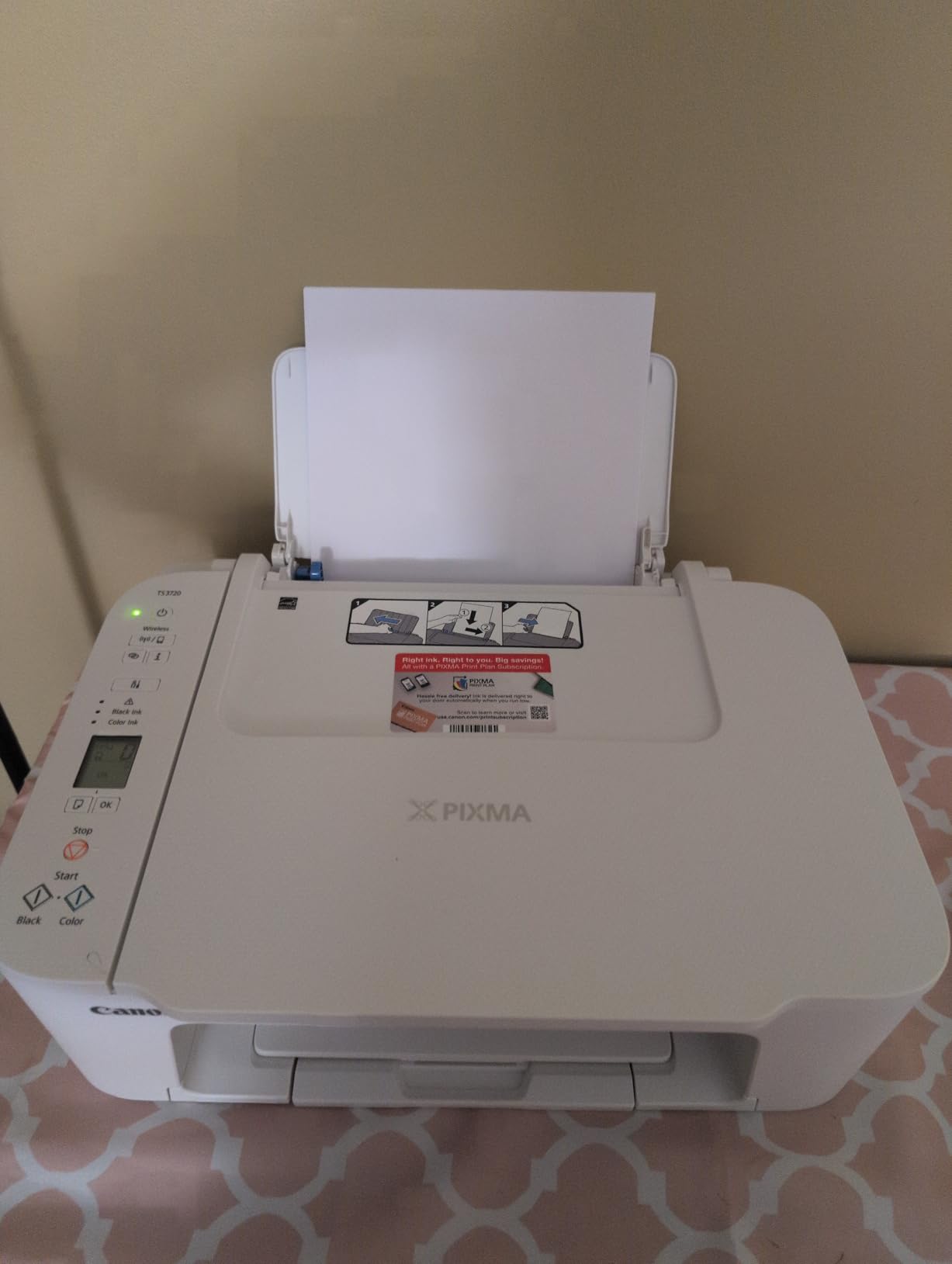
Connectivity is the strongest argument for it at this level: dual-band Wi-Fi at 2.4GHz and 5GHz, plus AirPrint, Mopria and Chromebook support through the Canon PRINT app. That is a phone-and-laptop-first machine, and phone printing is reported as reliable once the network is joined.
Output is 7.7 pages per minute in black and 4 in colour into a 60-sheet tray, using Canon PG-275 and CL-276 cartridges. Reviewers rate colour photo quality as good for the price band.
Who the TS3720 suits
It suits a first-year who prints a handful of pages a week: assignment cover sheets, a few reading excerpts, the occasional colour handout. For that volume the cartridge system costs less in total than a tank printer, because you simply never use up the tank.
It also suits anyone who wants one of the smallest footprints, and students who want AirPrint and Mopria support without configuring anything beyond a Wi-Fi password.
Where the TS3720 falls short
The two-cartridge system is the main cost trap. Because colour lives in one combined cartridge, you replace it when either colour runs low, and it goes through cartridges quickly. Printing heavily on this machine works out at a high cost per page, so a heavy note-printer is better served by a tank or laser model.
There is no automatic duplex, the 60-sheet tray is the smallest here, and the documentation is thin with no printed quick-start guide. Wireless can also be finicky on first setup. If your printing volume might grow, the TS4320 costs more and stops costing you month by month.
How to Choose a Wireless Printer for College
Work through these five questions in order. Most students pick on the fourth and regret it on the first.
1. How many pages will you actually print? Under roughly 50 pages a month, a cartridge inkjet like the TS3720 is the cheapest total answer. Between 50 and 400 pages a month, a refillable tank like the ET-2800 or MegaTank G3270 pays for itself quickly. Above that, especially in black and white, a monochrome laser wins on speed and page cost.
2. Do you print two-sided documents? If yes, cross out every simplex model. That removes the ET-2800, MegaTank G3270, ET-2400, TS3720 and HP M140w from consideration, which sounds severe until you realise manual flipping is the most common complaint in this roundup.
3. Do you scan anything? Signed forms, lab sheets and handwritten assignments all qualify. If yes, you need a flatbed or feeder, which rules out the HL-L2460DW and the M207dw. If you only need to digitise one page a term, your phone is adequate and a print-only laser is fine.
4. Do you need colour? Charts, diagrams, maps, poster projects and design coursework all count. Humanities students often do not need colour at all, and a monochrome laser is faster, quieter and cheaper per page for the rest of the degree.
5. Does it fit, physically and financially? Measure the desk. The DCP-L2640DW and M235sdw need real surfaces. Then check the footprint against your noise tolerance, since a printer used at midnight in a shared room should be a quiet laser rather than a colour inkjet.
Inkjet or Laser for a College Student
Choose a colour inkjet if your work involves images, charts or diagrams, or if you need borderless photo output. Choose a monochrome laser if you print text, and it is not a close call once the volume passes a couple of hundred pages.
The mechanics matter more than the label. A laser fixes toner to paper with heat, so text is sharp, output is fast and the machine tolerates long idle gaps. An inkjet lays liquid ink, which means photo capability and cheaper colour on light volumes, and cartridges that can dry if they sit unused.
Speed comparison from the specification sheets: the fastest monochrome laser here runs at 36 pages per minute, while the fastest colour inkjet reaches 15. For a student printing a hundred-page reading list at midnight, that difference is the whole argument.
Ink Tank vs Cartridge vs Subscription Plans
Every printer in this roundup runs on cartridges, refillable bottles or toner. None of them requires a subscription, and that was a deliberate selection criterion.
Subscription ink plans are the top complaint in student printer forums, and the objection is rarely the price. It is the friction: plans tied to a vendor account, enrolment prompts during setup, and the sense that a printer is being rented rather than owned. Every model here works from the moment you unbox it without registering anything.
On economics, use the yield figures rather than the sticker price. The ET-2800 covers up to 4,500 black pages per bottle set, the MegaTank G3270 up to 6,000 black, and the ET-2400 up to 4,500. Against that, a cartridge printer’s running cost is highest precisely when a student is printing most, because cartridges are replaced on a schedule that does not reward volume.
One more practical point from the forums: cartridges left in a machine over a long break can dry. Refillable tank systems with sealed nozzles and laser toner are the two options that reliably survive spring break and summer, which matters for anyone whose printer sits unused for six weeks at a stretch.
What Counts as Affordable for a Student
Affordable is a running cost, not a purchase price. The useful calculation is ink and toner per page multiplied by pages per semester, plus the electricity and paper you will spend anyway.
Do it in three steps. Estimate your semester volume from one module: a typical essay-heavy term runs 200 to 400 pages. Multiply by the yield per refill or cartridge to get the number of refills. Then compare against the per-page figure you would pay on a cartridge machine, which is several times higher.
A student printing 300 pages a semester over four terms prints around 1,200 pages. On tank ink, that is well under one bottle set. On cartridges, it is a recurring line item that appears every few weeks. The gap is where the running cost of these twelve printers really separates.
The second half of affordability is time. A duplex laser turns a fifty-page reading list into a two-minute job with no manual flipping, which is worth more than the price difference when a deadline is at 11pm.
Wi-Fi vs Wireless: What Actually Differs
Wireless printing means you send a job over a radio connection instead of a USB cable. In practice that covers three different methods, and students only need to understand the first one.
Network printing puts the printer on your Wi-Fi, and your laptop or phone sends jobs through the system print dialog. This is what you want. Wi-Fi Direct bypasses the router entirely and creates a private link between the printer and one device at a time, which works on a dorm network that requires a browser login. Bluetooth printing is a third option used almost entirely for small labels and receipts, and none of the printers here depends on it.
Look for dual-band support, meaning both 2.4GHz and 5GHz. Most dorm routers are crowded on 2.4GHz, and a single-band printer can drop off when the hall fills up. Six of the twelve models here list dual-band Wi-Fi.
Setting Up a Wireless Printer in a Dorm
Dorm networks break printer setup more often than printers break, and the causes are predictable. Here is the order that works.
1. Connect the printer first, before adding anything to your laptop. Put the printer on your network using its own control panel or app, rather than selecting it from the computer’s printer list. This is the step that fails most often.
2. Use the 2.4GHz band if your dorm router is congested. A 2.4GHz connection is slower but reaches further and passes through the plasterboard walls of a residence block better than 5GHz. A dual-band printer will pick a workable band on its own.
3. If your dorm uses a browser login, do not fight it. A captive portal blocks devices that cannot complete a web login, and printers cannot. Use Wi-Fi Direct or a USB cable for the first job, then print normally once the portal has been completed on your laptop.
4. Lock the printer down before sharing it with roommates. Change any default administrator password from the printer’s web interface, and disable cloud print access and any remote management feature you do not use. On a shared hall network an unlocked printer is visible to anyone.
5. Share deliberately, not by default. Give roommates the network address rather than a vendor account login, and set a page limit if the machine is in a common room. Anyone who can reach the printer’s admin page can change paper defaults and costs.
6. Print a test page before you need one. Do it in week one of term, not the night before a deadline. A duplex test and a colour test tell you in thirty seconds which setting is wrong.
When You Should Skip Buying a Printer
Some students should not buy a printer at all, and the honest answer is more common than the roundups suggest. If you print under 50 pages a month, a library printer is almost always cheaper once you count what you would spend on cartridges.
Run the arithmetic before you commit. A cartridge inkjet for a light student still produces a steady monthly ink cost whether or not you use it, and that cost sits there for four years. If your department, library or a walk-in print shop charges a few cents per page and you are printing occasionally, ownership loses on paper alone.
Buying makes sense when three conditions apply together: you print weekly or more, you need colour or scanning that a shared machine will not give you, and you have a surface for a printer. If any one of those fails, the money is better spent on a laptop battery or a coursebook.
A middle path worth considering is buying late. Wait until the end of your first year, when you know your real volume and your real major, and you will pick a better printer than you would have guessed in September.
Frequently Asked Questions
What is the best printer for a college student?
The Epson EcoTank ET-2800 is the strongest all-round choice for most students, because its cartridge-free ink tanks run up to 4,500 black pages per bottle set and its running cost over a four-year degree is the lowest here. It adds a flatbed scanner, a 100-sheet tray and Wi-Fi. Its weakness is the lack of automatic duplex, so students who print two-sided documents every week should look at the Canon PIXMA TS4320 or the Epson ET-2980 instead.
What is the best home printer for college students?
For a dorm or shared house, a compact wireless all-in-one with a flatbed scanner is the practical answer, and the Canon PIXMA TS3720 is one of the smallest at 8.7 pounds and 5.8 inches tall while still offering dual-band Wi-Fi, AirPrint and Mopria support. For a printer you leave at home between terms, a refillable ink tank such as the Epson ET-2400 survives long gaps without drying out and refills with bottled ink rather than cartridges.
What is the difference between a WiFi printer and a wireless printer?
They usually mean the same thing, and the term covers three different methods. Network printing puts the printer on your Wi-Fi so any laptop or phone can reach it. Wi-Fi Direct creates a private direct link between the printer and one device, which is the workaround for dorm networks that require a browser login. Bluetooth covers small labels and receipts. Look for dual-band 2.4GHz and 5GHz support, since congested 2.4GHz-only dorm routers are a common cause of failed setup.
What is the best affordable printer for college students?
Affordability is a running cost rather than a purchase price, so compare ink yield per refill instead. The Canon MegaTank G3270 covers up to 6,000 black pages per bottle set and the Epson ET-2800 up to 4,500, while cartridge models cost far more per page precisely when a student prints most. Students printing under 50 pages a month are usually better off using a library and saving the money for a laptop battery.
What is the easiest wireless printer to use?
The Canon PIXMA TS4320 is the easiest to set up, with refillable ink tanks, dual-band Wi-Fi, automatic duplex and a three-year warranty, and it prints from a phone the same evening it is unboxed. The Canon PIXMA TS3720 is even quicker for a light user, with setup often completed in under ten minutes. The HP LaserJet M207dw is the easiest for phone printing because it needs no additional software.
Is an ink tank printer worth it for a student?
Yes, if you print more than roughly 50 pages a month. Refillable tank systems rated at 4,500 to 6,000 black pages per bottle set cost a small fraction per page of cartridge ink, and the tank models here also survive a long break unused, which matters when a printer sits idle over spring break. Below that volume the tank simply sits there, and a cartridge inkjet is the cheaper total answer.
Final Verdict
For most college students, the best wireless printers for college students come down to two questions: do you print every week, and do you need colour. If the answer is yes to both, take the Epson EcoTank ET-2800 and accept the manual duplex, or move up to the ET-2980 if two-sided printing is a daily habit. If the answer is no to colour, take the Brother DCP-L2640DW and nothing in this list will serve you better for essays, reading lists and paperwork.
Two picks deserve a special mention. The Canon PIXMA TS4320 is the value answer, giving you tank ink economics and automatic duplex in one dorm-sized box with a three-year warranty. The Canon PIXMA TS3720 is the light-user answer, and it is only the right choice if your total four-year volume stays genuinely small.
Whatever you choose, run the network setup in week one, change the default printer password before sharing the connection, and check the real page yield rather than the purchase price. Those three habits decide whether a printer is a convenience or an expense, and this guide is current as of 2026.