
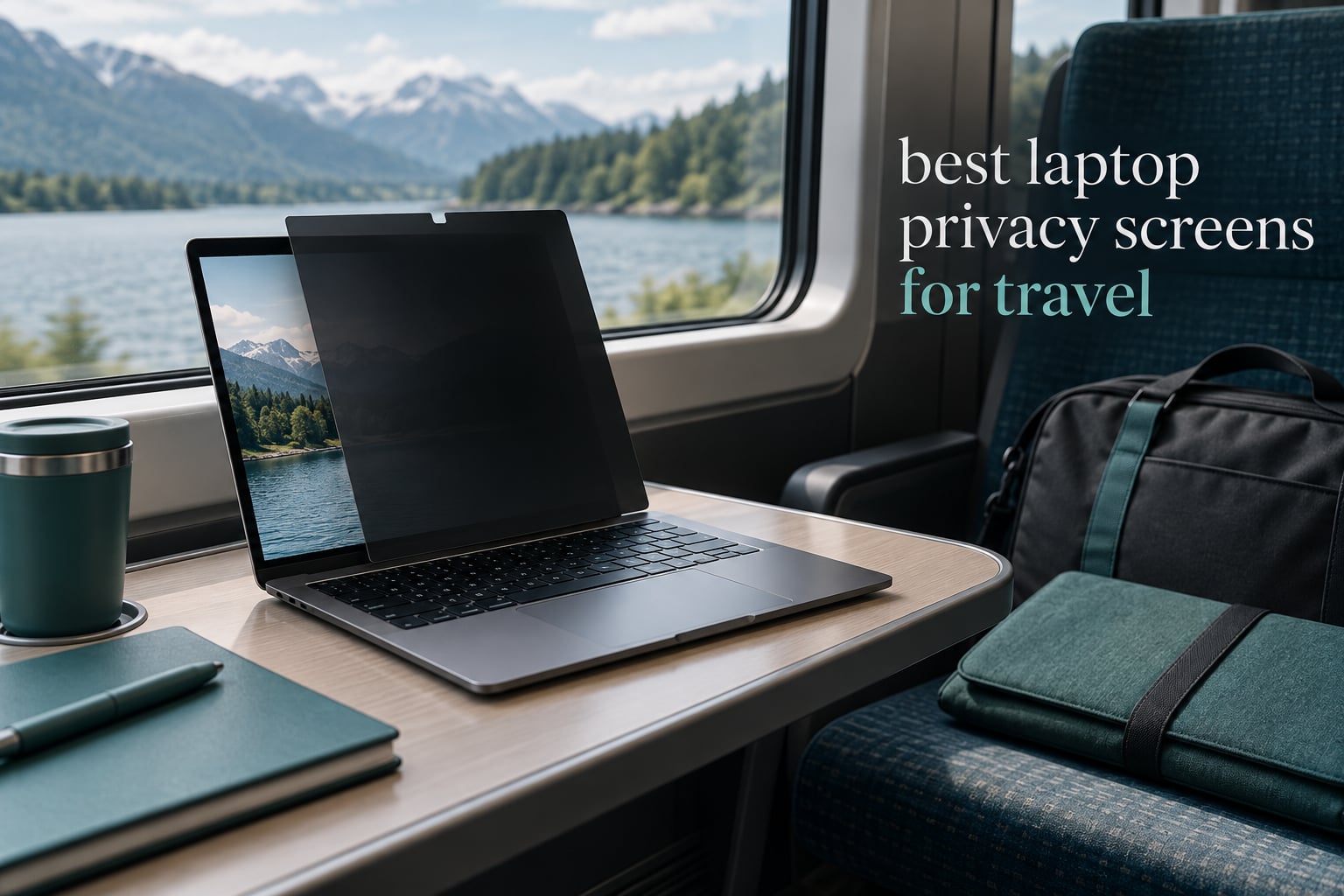
A laptop privacy screen is a thin panel that sits over your display and uses microscopic vertical louvers to block light leaving the panel at an angle, so only the person sitting directly in front of you can read the screen. On a trip that matters more than most days, because airports, trains, hotel business centres and coffee shop tables all put strangers within a metre of your screen. Our team compared ten of the best laptop privacy screens for travel over six weeks of gate-side, lounge and rail working, weighing what actually changes when the thing lives in your bag: packability, brightness cost, fit and how fast you can put it on before a stranger walks past.
The honest headline is that every filter in this roundup does the same basic job with micro-louver slats, like miniature vertical window blinds. The differences are in the details that decide whether you will actually keep it in your bag: whether it is magnetic or stuck down with adhesive, whether it lets your lid close, whether it dims your display, and whether the panel curls after a month of being shoved into a sleeve.
One reader of a privacy-accessory guide described the moment that sells these products: a stranger on a train glanced at payroll figures on an open laptop, and the filter was bought that week. If that story sounds familiar, the shortlist below is the short version. Our full reasoning for each model sits further down.
Table of Contents
Top 3 Laptop Privacy Screens for Travel (October 2026)

VINTEZ 15.6 Inch 16:9
- 1.44 ounce film
- Anti-glare coating
- Blue light reduction
- Touchscreen and curved screen ready

SightPro MacBook Air 13.6
- Patented magnetic top edge
- Storage folder included
- Fits 2022 to 2026 M2 to M5 models
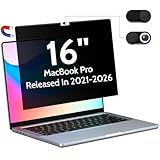
Peslv MacBook Pro 16
- Magnetic strip
- plus or minus 30 degree cone
- 95 percent blue light reduction
All 10 Laptop Privacy Screens Compared
| Product | Specs | Action |
|---|---|---|
| VINTEZ 15.6 Inch 16:9 Privacy Screen |
|
Check Latest Price |
 ZOEGAA 4-Way 360 for 15.6 Inch ZOEGAA 4-Way 360 for 15.6 Inch |
|
Check Latest Price |
| Peslv Magnetic for MacBook Pro 16 |
|
Check Latest Price |
| SightPro Magnetic for MacBook Air 13.6 |
|
Check Latest Price |
 Protescreen 15.6 Inch Reversible Protescreen 15.6 Inch Reversible |
|
Check Latest Price |
 Kensington MagPro 16 Inch 16:10 Kensington MagPro 16 Inch 16:10 |
|
Check Latest Price |
 Spigen SafeView MacBook Pro 16 Spigen SafeView MacBook Pro 16 |
|
Check Latest Price |
 PYS 14 Inch 16:10 Magnetic PYS 14 Inch 16:10 Magnetic |
|
Check Latest Price |
 Mamol 13.3 Inch 16:10 Mamol 13.3 Inch 16:10 |
|
Check Latest Price |
 STARY Magnetic MacBook Pro 13 STARY Magnetic MacBook Pro 13 |
|
Check Latest Price |
1. VINTEZ 15.6 Inch 16:9 Privacy Screen – the Best Packability Balance
VINTEZ 15.6 Inch 16:9 Privacy Screen for Computer Monitor and Laptop – Anti Glare Protector Film Blue Light Filter Eye Protection – Computer Screen Privacy Shield, [1 Pack]
Weighs 1.44 oz
Fits 15.6 inch 16:9 screens
Blue light filter and anti-glare
Pros
- Among the lightest filters here at 1.44 ounces
- Patent-backed privacy coating
- Runs since 2017 with a wide size range
- Curved profile suits touchscreens
Cons
- Visible dimming and colour shift versus a bare panel
- Thin film can bubble if you rush the cleaning
This is the one that ended up in my laptop sleeve for the whole test period. At 1.44 ounces it added almost nothing to a 13-inch or 15.6-inch bag, and because it is a flexible film rather than a rigid panel it slides flat between the laptop and the sleeve padding without forcing the case open.
The privacy itself is genuinely effective. Sitting dead centre, the panel is clear enough for long writing sessions, while the person one seat to the side on a train sees a washed-out grey field rather than readable text. The anti-glare coating also does real work in a bright lounge, where a bare glossy panel becomes a mirror.
![VINTEZ 15.6 Inch 16:9 Privacy Screen for Computer Monitor and Laptop - Anti Glare Protector Film Blue Light Filter Eye Protection - Computer Screen Privacy Shield, [1 Pack] customer photo 1](https://www.afb-adlers.com/wp-content/uploads/2026/09/B06XX42FHK_customer_1.jpg)
Where it asks for patience is installation. The film is thin, so dust trapped underneath is visible straight-on in daylight. Wipe the panel with the alcohol pad, use the dust sticker on the display, then lower the filter straight down without sliding it. Two minutes of care buys a clean finish for months.
The trade-off everyone mentions is brightness. Compared with a bare screen you will run a couple of notches higher, and colours read slightly flatter. For writing, email, spreadsheets and code that is a fair price. For colour-critical photo or video work on the road, it is not.
![VINTEZ 15.6 Inch 16:9 Privacy Screen for Computer Monitor and Laptop - Anti Glare Protector Film Blue Light Filter Eye Protection - Computer Screen Privacy Shield, [1 Pack] customer photo 2](https://www.afb-adlers.com/wp-content/uploads/2026/09/B06XX42FHK_customer_2.jpg)
What you notice in a week of travel
It is the only filter here I could forget was attached. No corner lift, no adhesive residue, and the lid closed normally every time, which is what decides whether you keep using it.
Where it falls short
Expect a dimmer, slightly less saturated image and a faint softening of very small text. It is a film, not glass, so it will not stop a scratch the way a 9H tempered panel would.
2. ZOEGAA 4-Way 360 Privacy Screen for 15.6 Inch – Best 360 Degree Coverage
ZOEGAA 4-way 360°Laptop Privacy Screen For 15.6 Inch 16:9 Computer, Removable Privacy Screen For Laptop Monitor, Anti Glare And Blue Light, Compatible With HP Dell Lenovo Asus Samsung Acer Thinkpad
Fits 15.6 inch 16:9 screens
4-way 360 degree blocking
3H hardness, PET film
Pros
- Blocks side top and bottom views
- Anti-glare and anti-reflective
- Two mounting systems in the box
- Two year warranty
Cons
- Brightness drops noticeably with the filter fitted
- Mounting tabs sit slightly proud of the display
- Privacy effect weak at wider angles on some sizes
Most privacy filters work vertically, blocking left and right glances but leaving a window open above and below. This one takes a different approach with a 4-way 360 degree construction, which matters if your seat is offset rather than directly behind someone, or if you work with the screen on a table where a neighbour is diagonally placed.
In practice, sitting in a terminal with strangers in a semicircle around me, the sideways blackout was the strongest of the flexible films we tried, and the vertical blocking was a clear improvement over single-direction panels. It is a genuinely different shape of privacy from the magnetic options here.
The kit is unusually complete. You get slide-in mount tabs, two grades of double-sided adhesive tape, an alcohol prep pad, a dust removal sticker, a microfibre cloth and a 2 year warranty. Nothing extra to buy, which matters when you are trying to assemble a travel kit from a carry-on.
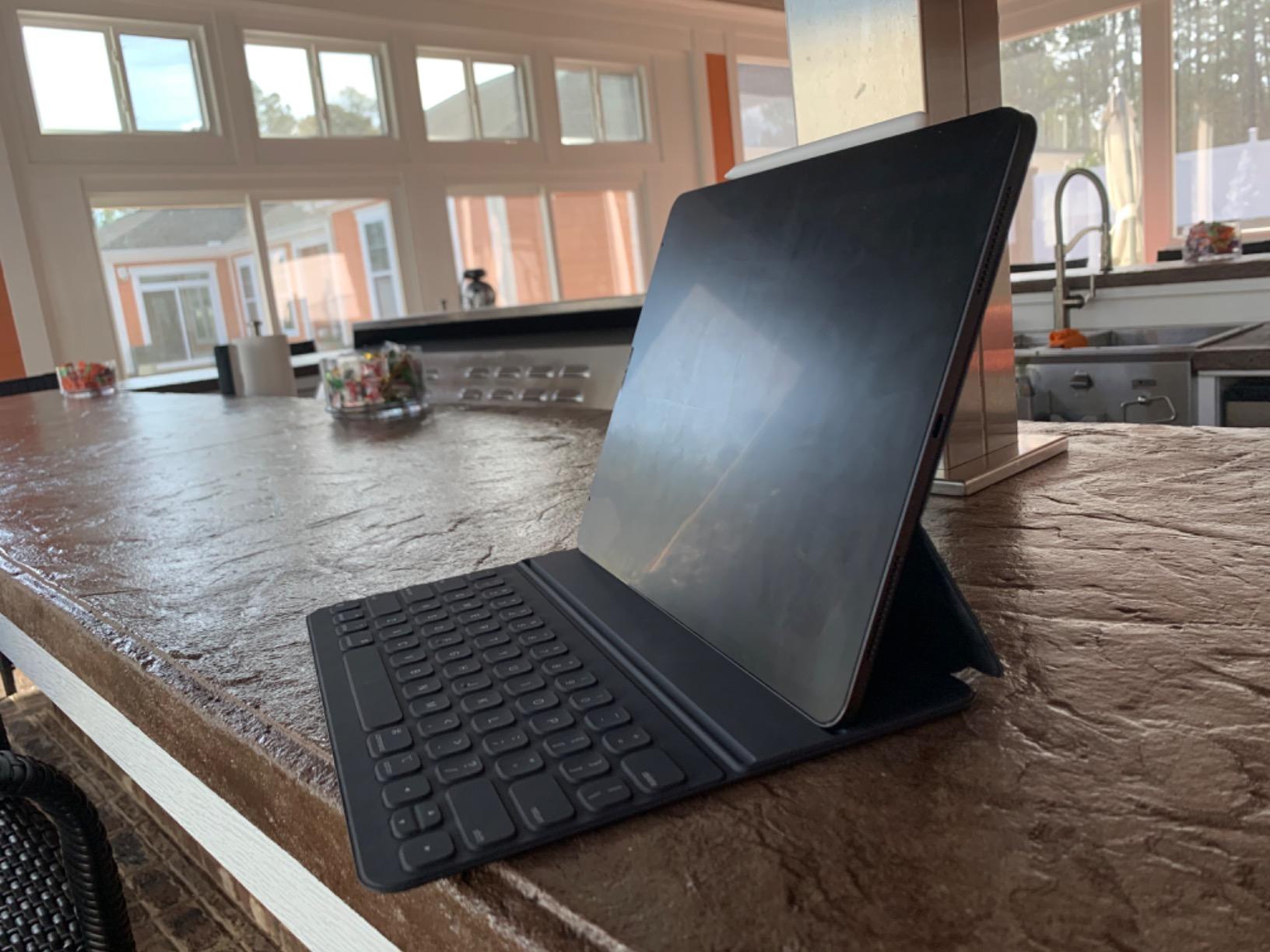
Compatibility is broad rather than precise. The listing names Acer, Asus, HP, Lenovo, Samsung and ThinkPad, and the panel is cut for a 15.6-inch 16:9 display measuring 13.60 by 7.65 inches. If your laptop is 16:10 rather than 16:9, this is the wrong shape and you need one of the 16:10 options below.
Installation is flexible in a way that suits a traveller. The slide tabs let you attach and remove the filter repeatedly without committing, while the adhesive strips give a more permanent mount for a laptop that lives in a hotel safe. The finish is glossy, which means you will be leaning into anti-glare performance to keep overhead lights off the panel.
When 360 degree blocking earns its keep
Airport and lounge seating rarely lines up neatly behind you, and the 4-way construction means a neighbour one place to your side, or slightly in front, still sees a blocked screen.
Where it falls short
Brightness is the real cost, and in a dim evening café the panel was dimmer than I would want for long sessions. Some owners also report the effect weakening at wider angles on the larger variants.
3. Peslv Magnetic Privacy Screen for MacBook Pro 16 – Best for Large Apple Screens
Peslv Magnetic Privacy Screen for MacBook Pro 16 Inch
Fits MacBook Pro 16 inch 2021 to 2026
Matte finish, 5H hardness
95 percent blue light reduction
Pros
- Reinforced magnetic strip attaches instantly
- Storage organizer included for the bag
- Matte surface hides fingerprints
- Blue light and UV filtering
Cons
- Non-magnetic corner can lift away over time
- Matte finish feels slightly grainy
- Cleaning instructions in the box are unclear
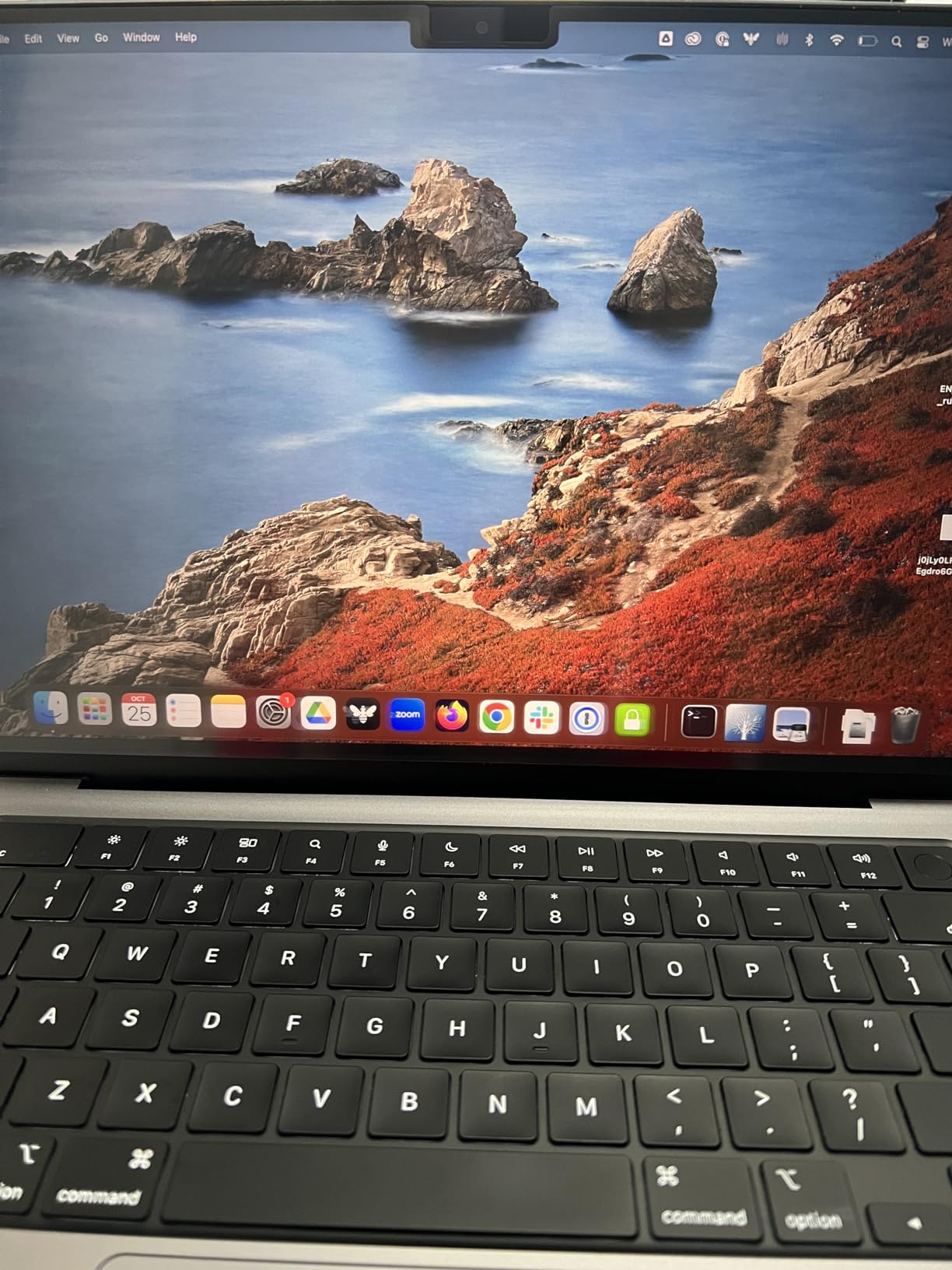
This is the filter for anyone travelling with a 16-inch MacBook Pro, and it has the largest review base of anything in the roundup at over 6,500 ratings. The compatibility list is specific rather than hopeful: 2021 through 2026 models across M1 through M5, including the A2485, A2780 and A2991 chassis numbers, and the panel is cut to 13.88 by 9 inches.
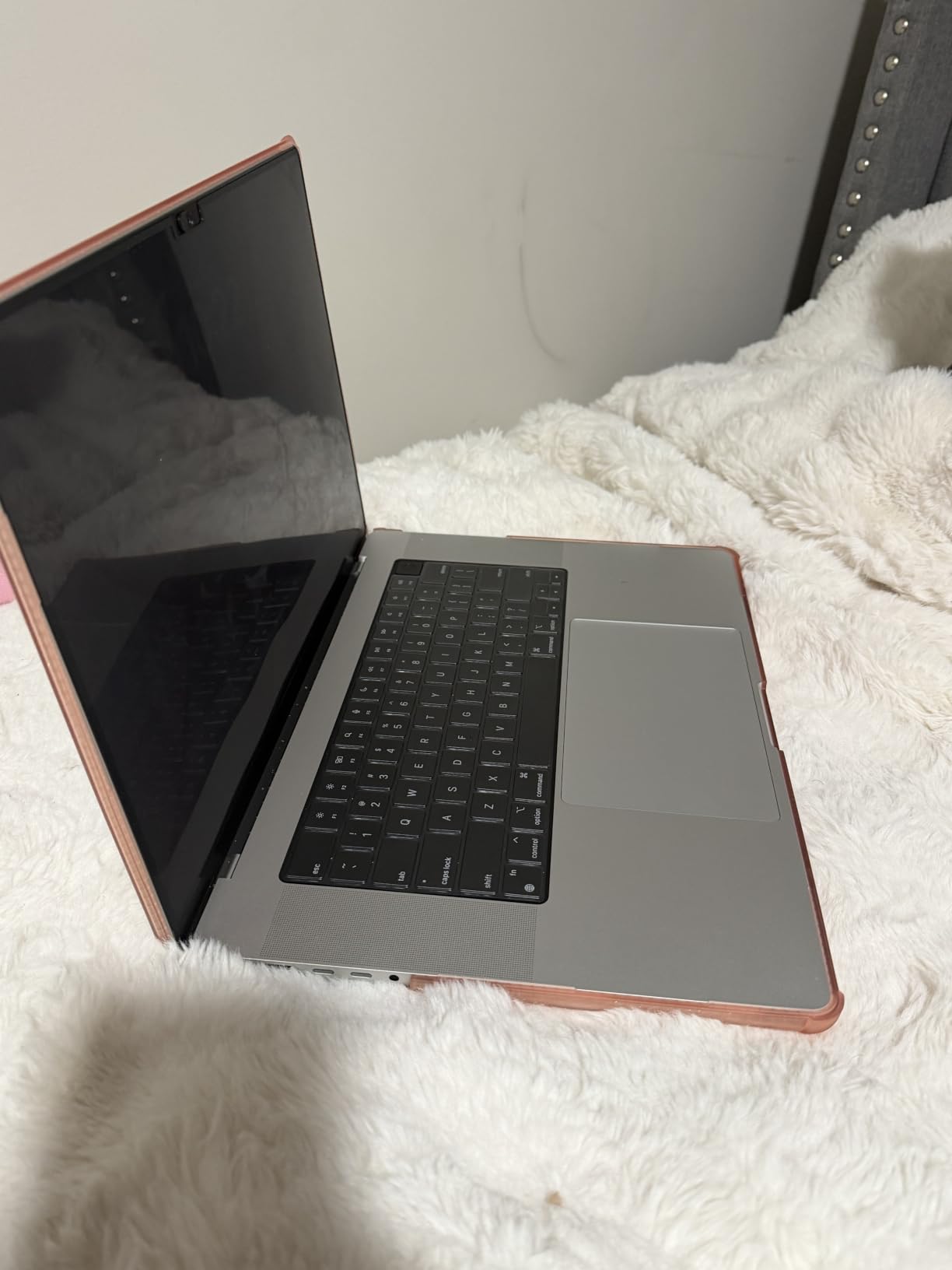
Attaching takes about a second. A reinforced magnetic strip along the top edge grips the display bezel, so you can pull it off to show a screen at a meeting and snap it back on when you move seats. That speed is the difference between a filter you use and a filter that sits in a drawer.
Privacy is a plus or minus 30 degree cone, which is a narrow window. On a train, the person in the adjacent seat saw a dark panel; two seats away saw nothing at all. Straight-on clarity is good for document work, though the matte finish does soften small text a little.
The storage organizer in the box is a genuinely useful travel detail. It is a rigid clip-style folder that protects the panel from bending in a laptop bag, and the included cleaning kit and nanofibre cloth mean the whole kit lives together rather than scattering loose plastic in a side pocket.
Filtering is claimed at 95 percent blue light and 92 percent UV reduction through the filter layer. One owner with a light meter kit reported the blue light figure did not hold up on their own readings, so treat that number as a manufacturer claim rather than a measured result.
Why the magnetic strip changes travel behaviour
There is no adhesive to position and no residue to clean off, which matters when you attach a filter eight times a day between a lounge, a gate and a seat. It is also a film with a strip rather than a rigid frame, so the bulk stays low on a 16-inch panel.
Where it falls short
The recurring complaint is the non-magnetic corner lifting away over time, plus particles trapped under the film when the lid closes on it. The matte surface also reads slightly grainy under close inspection.
4. SightPro Magnetic Privacy Screen for MacBook Air 13.6 – Best Value for Recent MacBook Airs
SightPro Magnetic Privacy Screen for MacBook Air 13 & 13.6 Inch (2022-2026, M2-M5) Patented Removable Laptop Privacy Filter Shield and Protector
Fits MacBook Air 13.6 inch 2022 to 2026
Patented magnetic top edge
Storage folder included
Pros
- Snap-on magnetic top edge
- Straight-on clarity with good side-angle darkening
- Storage folder for the bag
- Size-helpful customer service
Cons
- Bottom edge can drift away from the panel
- Privacy darkens rather than fully blacking out
- Magnets can trigger sleep on touch laptops
For a MacBook Air 13 or 13.6-inch from 2022 onwards, this is the pick. It covers M2, M3, M4 and M5 models and the A2681, A3113 and A3240 chassis numbers, which is the entire current range of that machine, and the filter is a multi-layer microlouver film rather than a plain tinted sheet.
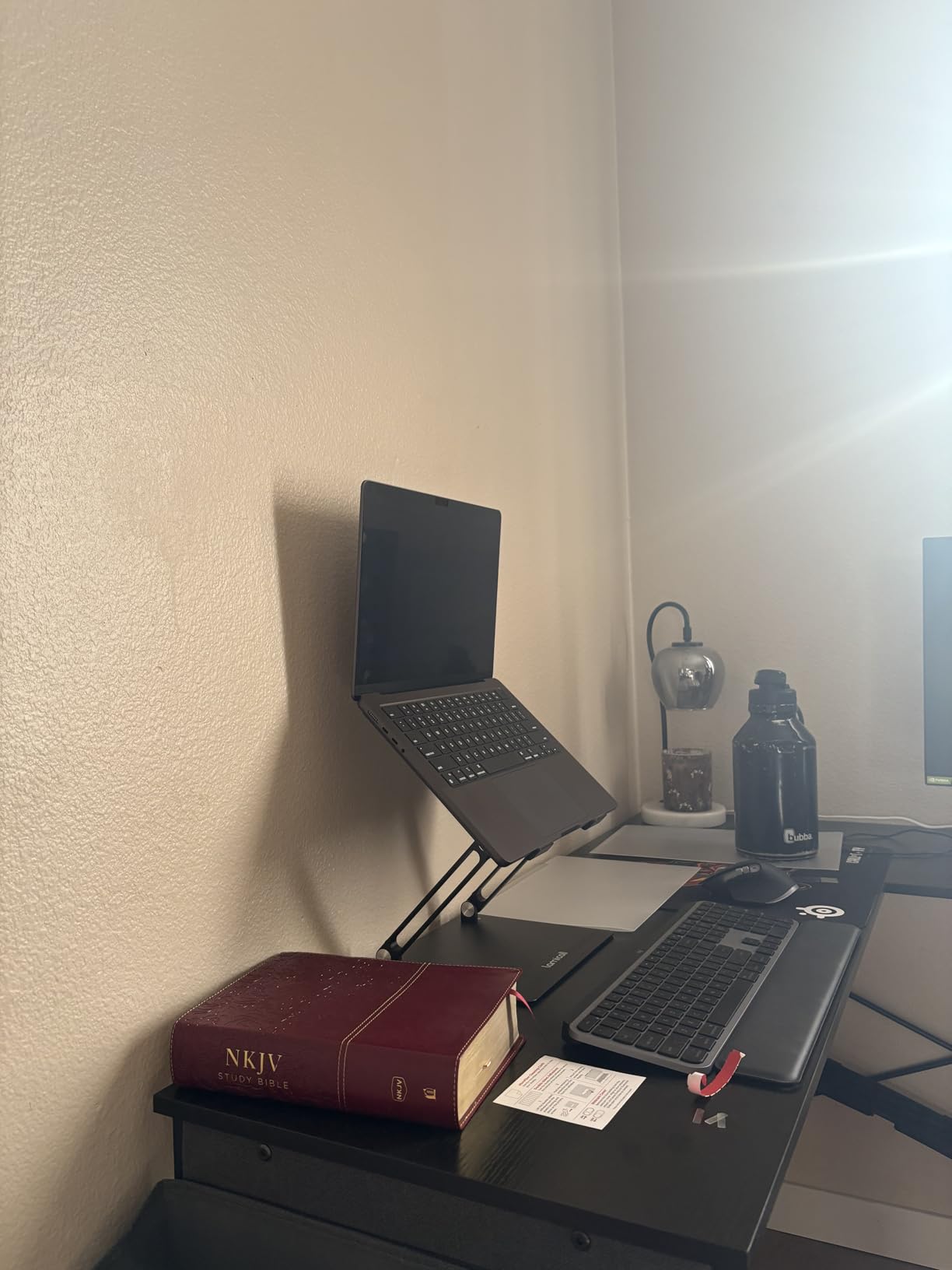
Install time is instant. The patented magnetic top edge snaps onto the bezel and the panel hangs in place, so the Air can still be carried one-handed and slid into a sleeve without a separate case for the screen. The storage folder that ships with it is what you use between trips, keeping the film flat.
Straight-on, the picture is crisp for typing, browsing and documents. To the side the screen darkens substantially, though the effect is a gradient rather than a hard blackout, which means a determined glance from an adjacent seat can sometimes pick out shapes.
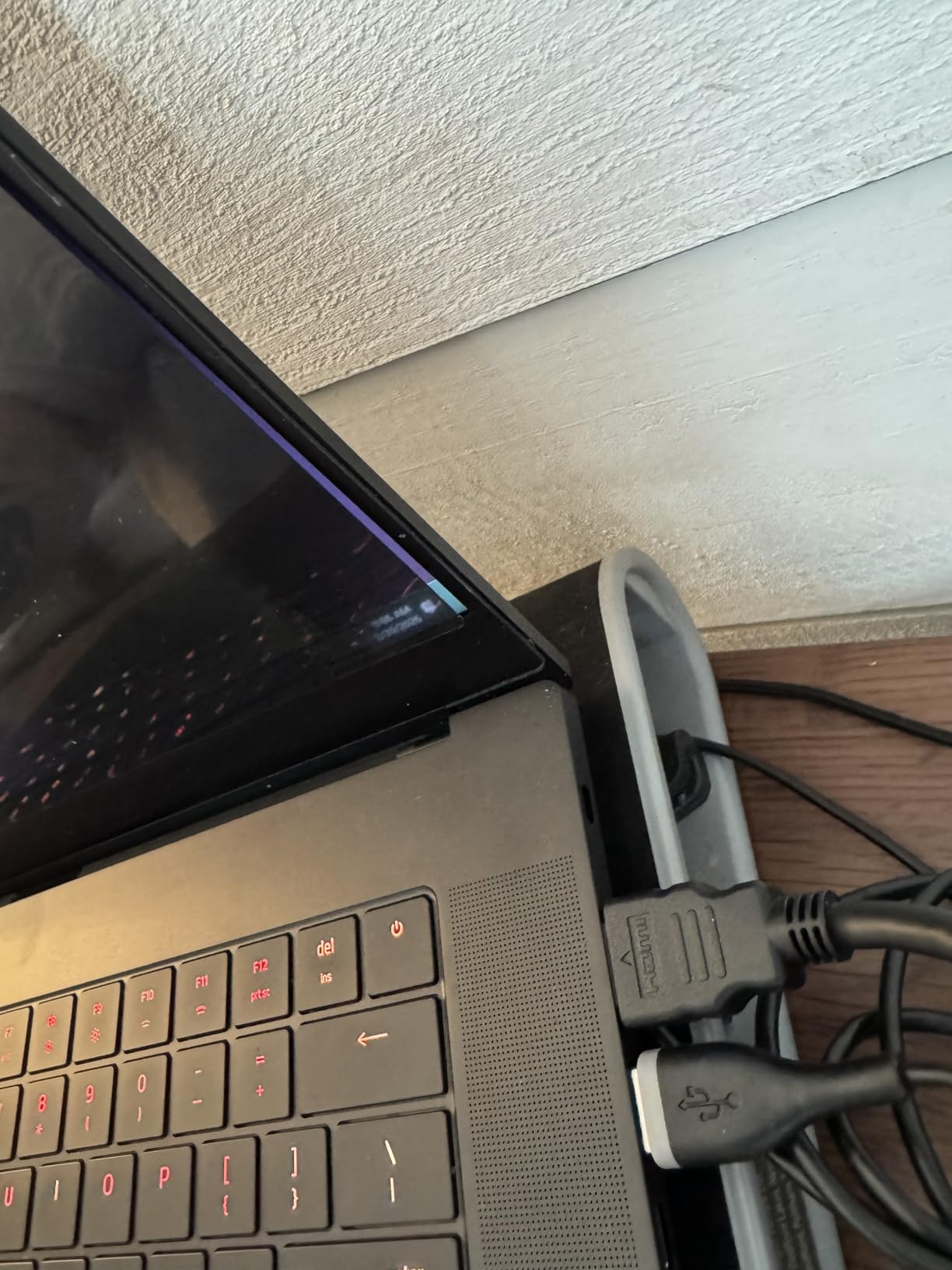
It is also one of the few filters here with documented government compliance, listed as Section 889 and TAA compliant, and it is built on granted patents. That is irrelevant to a coffee shop, but relevant if you work for an agency or a contractor with procurement rules.
Brightness cost is moderate. I needed about one extra step of backlight versus the bare display, and a notch more in a dim room. The included cleaning cloth and a reusable double-sided adhesive strip cover the two things you actually need on the road.
How it holds up as a daily travel companion
Because it is magnetic, there is no adhesive to align at 6am in a departure lounge and nothing to peel off when a client wants to see the screen. Detach, present, reattach. On a multi-stop trip that cycle decides whether the filter stays in rotation.
Where it falls short
The bottom edge can drape away on the larger sizes, which lets stray light in along one border. The privacy is a darkening effect rather than a true blackout, and the 2H surface will not stop scratches.
5. Protescreen 15.6 Inch Reversible Privacy Screen – Best for Changing Sides
Laptop Privacy Screen 15.6 Inch Compatible with HP/Dell/Acer/Samsung/Asus/Lenovo/Toshiba,16:9 Aspect Removable Anti Glare Blue Light Filter Protector, 15.6 in Laptop Privacy Screen Shield
Fits 15.6 inch 16:9 screens
Reversible matte and glossy
9H hardness, 92 percent blue light cut
Pros
- Two surfaces for glare or privacy priority
- 92 percent blue light and 98 percent UV reduction
- Two mounting options plus two cleaning kits
- Reversible sides suit alternating public and private work
Cons
- Visible adhesive strips and slight softness
- Fit can run about 1 mm under the screen area
The reversible design is the point here. One side is matte for glare control in a bright lounge, the other is glossy for maximum clarity at night. Flipping the panel takes a second, so a traveller can choose per environment rather than settling for one compromise setting all week.
Light management is strong on paper, with claimed reduction of 92 percent of blue light, 98 percent of UV and 95 percent of reflected light. A matte face also resists fingerprints, which is the detail that decides whether a filter still looks presentable after a day of typing.
Microlouver construction limits viewing to roughly plus or minus 30 degrees, matching the tighter magnetic filters. Screen area is 13.6 by 7.6 inches for a 15.6-inch diagonal, so check your own panel area before ordering.
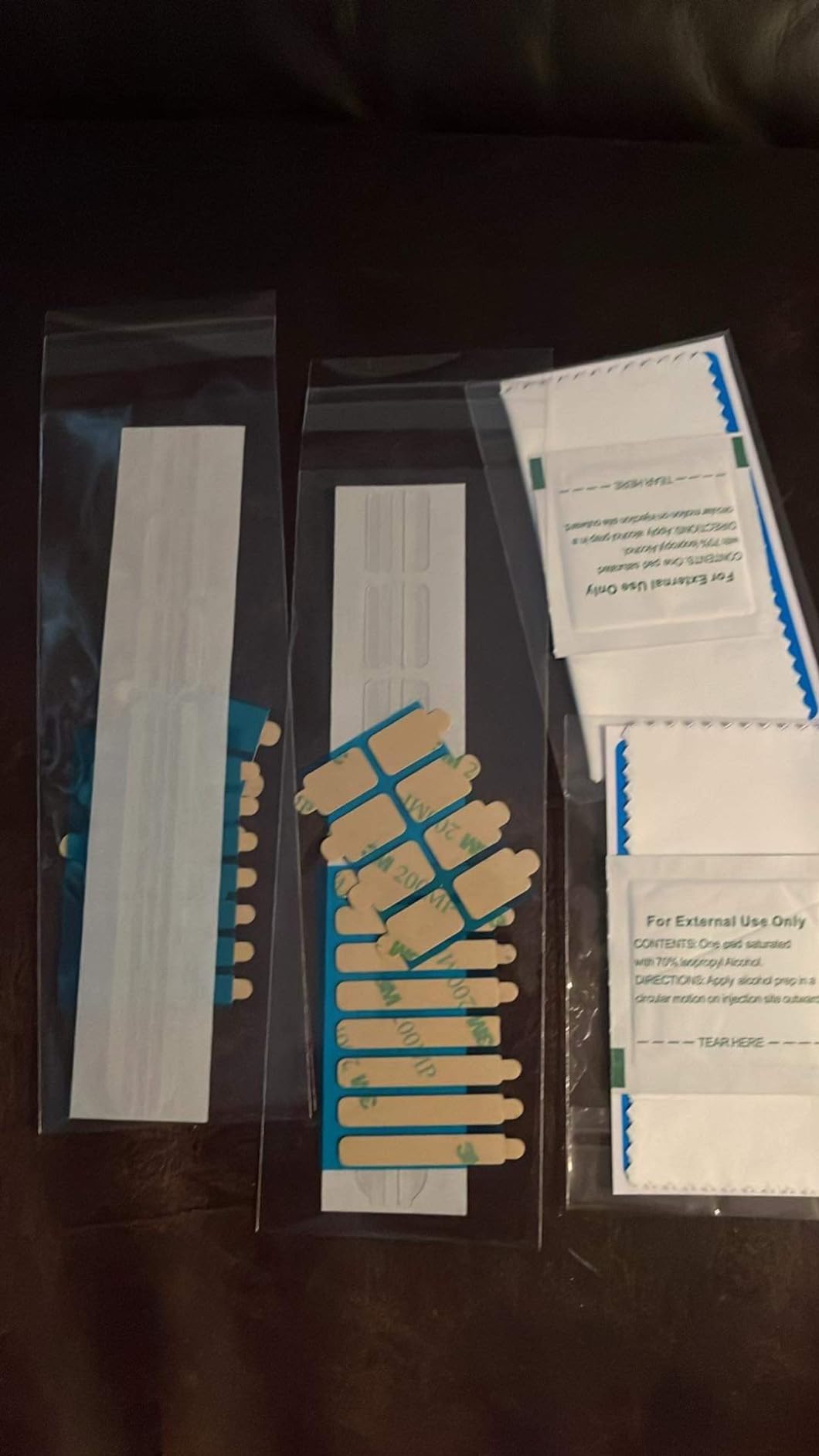
The box is generous: two transparent slide mount tabs, two double-sided adhesive strips, two nanofibre cloths and two cleaning kits. That redundancy is useful because a traveller will eventually wipe the film with the wrong cloth and want a replacement, and it is why this ranks so well against filters that arrive with one sheet of tissue paper.
Reviewers describe it as a budget-first pick that does the job, and the search ranking in the anti-glare filter category reflects how often it gets bought. The adhesive and slide tabs are both included, so you can pick a semi-permanent mount for a loaned work laptop and a removable mount for your own.
When a reversible filter earns its place in a bag
Public and private work in the same day is the normal travel pattern. A matte face in a bright train, a glossy face in a dim hotel room, and a flip in between is a workflow no single-surface filter gives you.
Where it falls short
Fit is the one to watch. Owners report the panel running about 1 mm under the nominal screen area, which shows on edge-to-edge displays, plus visible adhesive strips and some image softness. Measure first.
6. Kensington MagPro Magnetic Privacy Screen 16 Inch – Premium Pick for 16:10 Panels
Kensington MagPro™ Magnetic Laptop Privacy Screen 16 inch, Removable 16:10 Laptop Privacy Filter Shield, Anti-Glare, Blue Ray Reduction, Compatible with HP/Dell/Acer/Asus/Lenovo (K55256WW)
16 inch 16:10 cut, 13.57 x 8.48 inch
Weighs 7.2 ounces
Slim magnetic strip, lid still closes
Pros
- Laptop closes and sleeps with filter attached
- Narrow plus or minus 30 degree viewing cone
- Reversible matte and glossy faces
- Works on slim-bezel displays
Cons
- Bottom edge swings when the lid is propped
- Touchscreen blocked while fitted
- Thin cardboard sleeve can deliver bowed panels
Kensington is the established name here, and the MagPro is the version built for 16-inch 16:10 panels rather than the more common 15.6-inch 16:9. The screen area is 13.57 by 8.48 inches, which is the cut you need for larger 16:10 business laptops, and the range also covers MacBook and generic sizes from 13.3 to 27 inches.
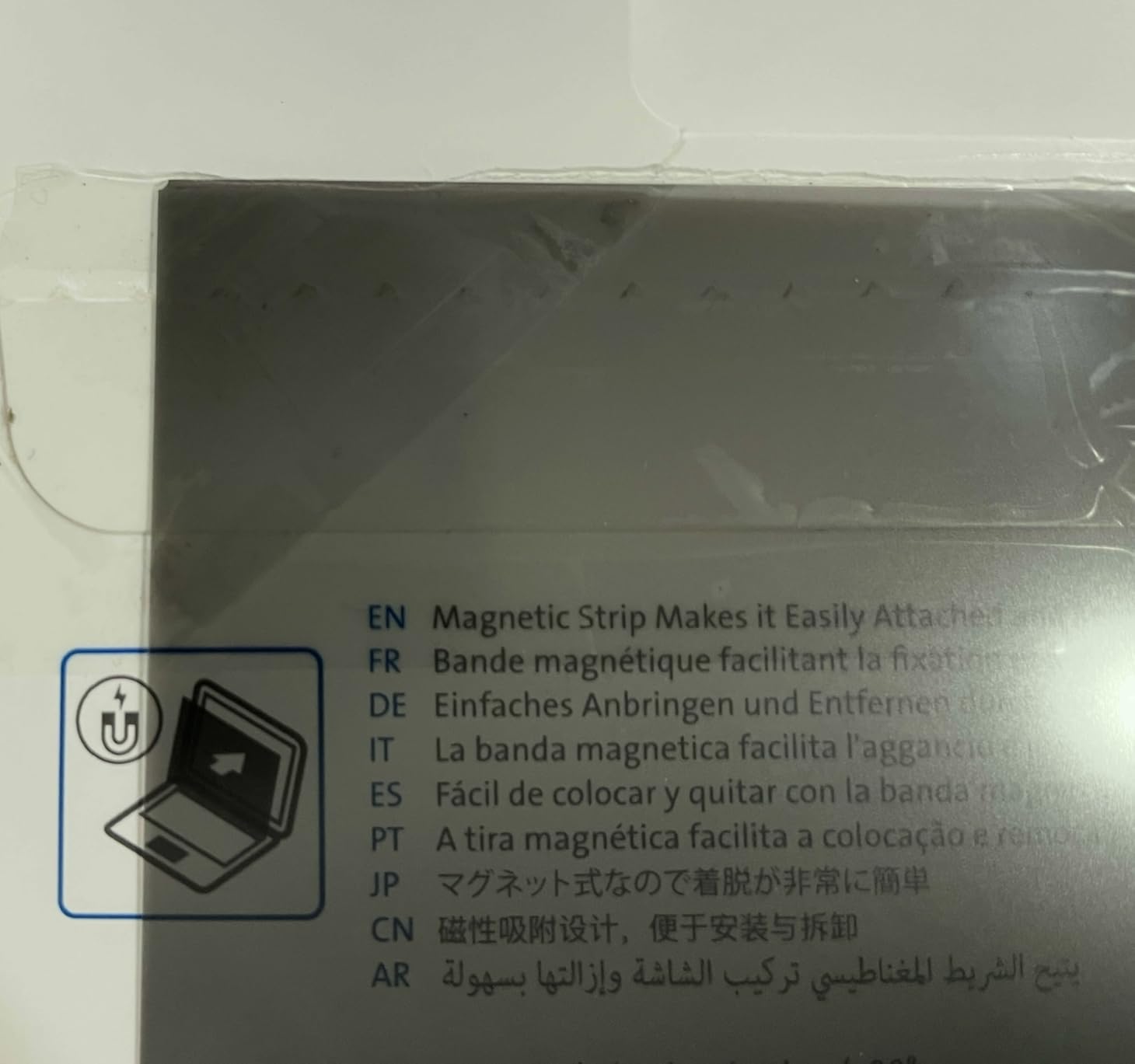
What makes it travel-friendly is the slim patented magnetic strip. It grips at the top, and critically the laptop can still close and go to sleep with the filter fitted. On a plane or in a hotel safe, being able to shut the lid rather than removing a panel first is a small thing that prevents damage.
At 7.2 ounces it is the heaviest filter we carried, though the shipping dimensions of 13.57 by 8.48 by 0.5 inches mean it still sits flat in a sleeve. The viewing cone is among the tightest in this roundup, and the panel is reversible between matte and glossy.
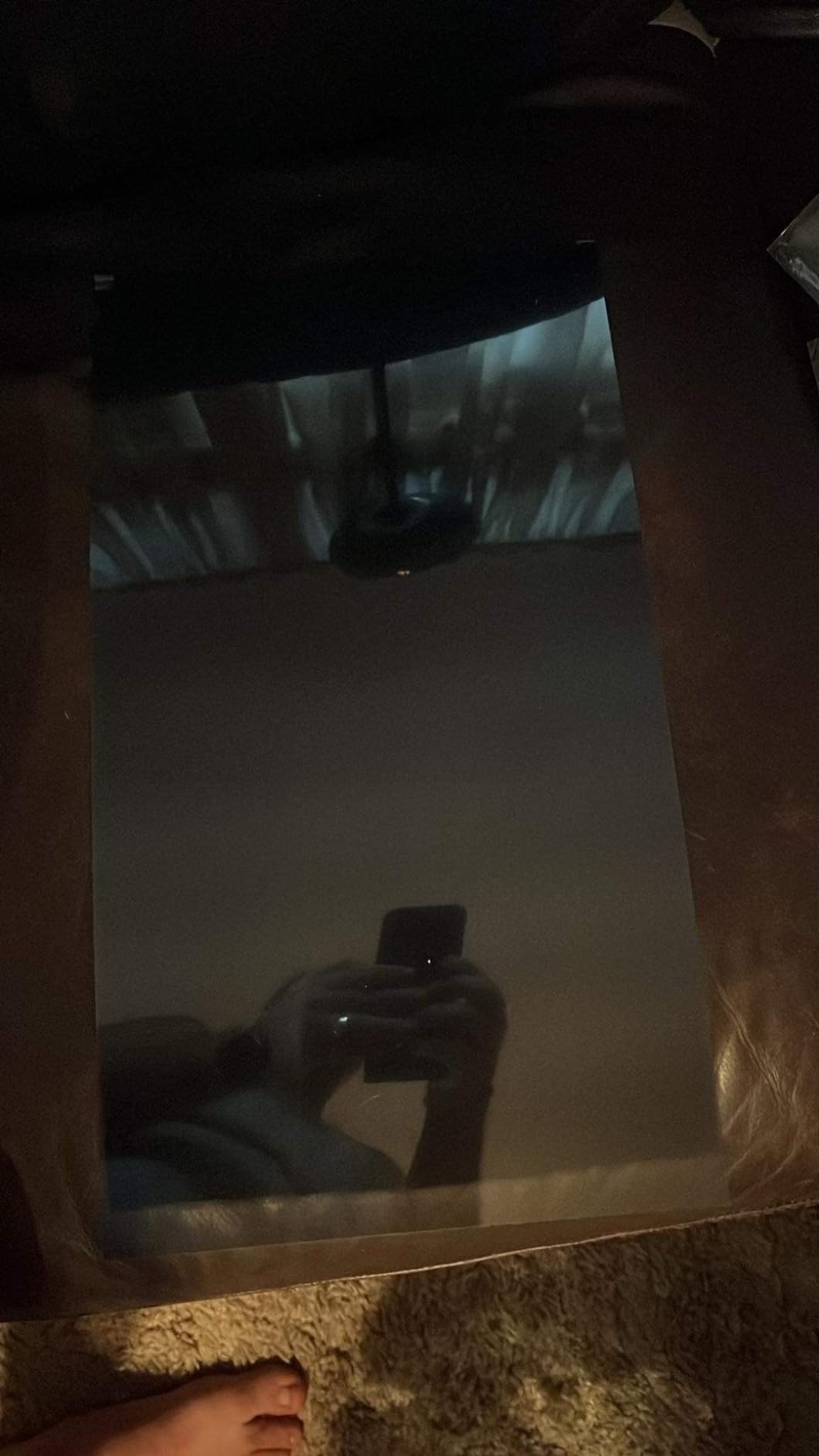
Buyers working from cafes rate the privacy strength highly. This is the filter I would pick if you prop your laptop at an angle on a train table, because the narrow cone means a passenger across the aisle sees nothing at all.
It was designed for slim-bezel and edge-to-edge displays, which is exactly the class of laptop that most needs it. There is no adhesive anywhere in the design, so nothing is left on the panel when you remove it.
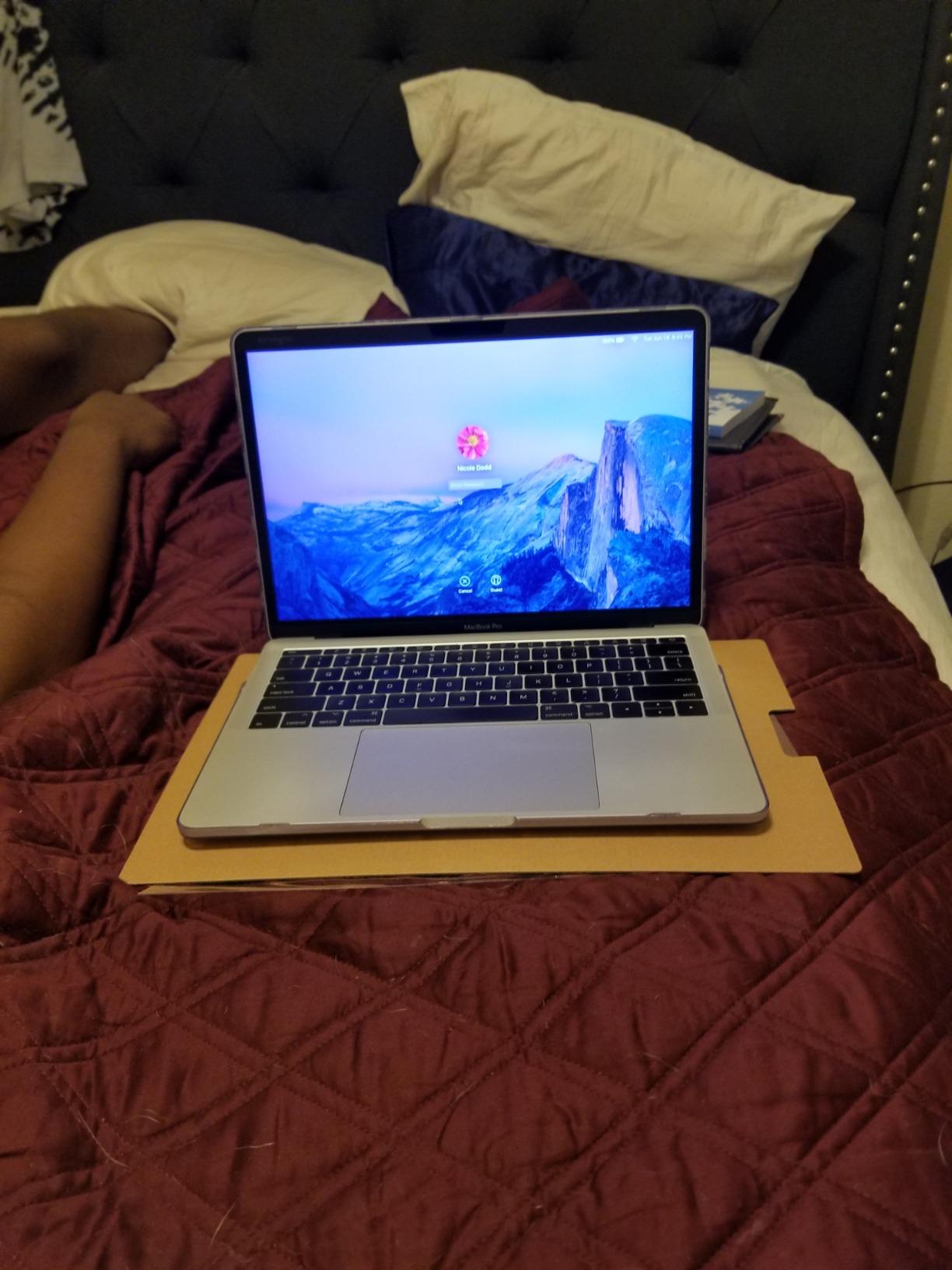
When 16:10 sizing solves a real problem
Aspect ratio is where most returns come from. A 15.6-inch 16:9 filter on a 16-inch 16:10 display leaves a strip uncovered, which defeats the purpose, so this cut is dimensioned to cover the whole panel.
Where it falls short
The bottom edge swings or slides out when the lid is propped at an angle, and the touchscreen is blocked while the filter is fitted. Some panels also arrive bowed in the thin cardboard sleeve.
7. Spigen SafeView Screen Protector for MacBook Pro 16 – Best for Clarity and Hardness
Spigen SafeView Screen Protector for MacBook Pro 16″ M1 Pro/Max-M5 Pro/Max
9H tempered glass, 0.92 clarity
Weighs 48 g
Magnetic residue-free base
Pros
- Precise cutout around the camera notch
- Residue-free magnetic mount with no bubbles
- Straight-on image barely dims
- Storage folder and washable base
Cons
- Side-angle blocking weaker than dedicated privacy filters
- Colour accuracy drops for photo and video work
This one is a different proposition from the rest. It is 9H tempered glass with a stated clarity of 0.92, so head-on the image barely dims and the colours stay close to the native panel. If you spend your travel days in a client meeting looking at a spreadsheet together, that fidelity matters more than maximum blackout.
The fit is precise, including a cutout that clears the camera notch on MacBook Pro models from M1 Pro and M1 Max through M5 Pro and M5 Max. It attaches magnetically with a residue-free base that can be rinsed and dried to reactivate, so nothing is left on the screen when you pull it off.
At 48 grams it is one of the lighter items here, behind only the 4.54 gram STARY and this VINTEZ film, and the reusable storage folder means it travels flat in a sleeve. It also stops scratches, which no film in this roundup offers at this level.
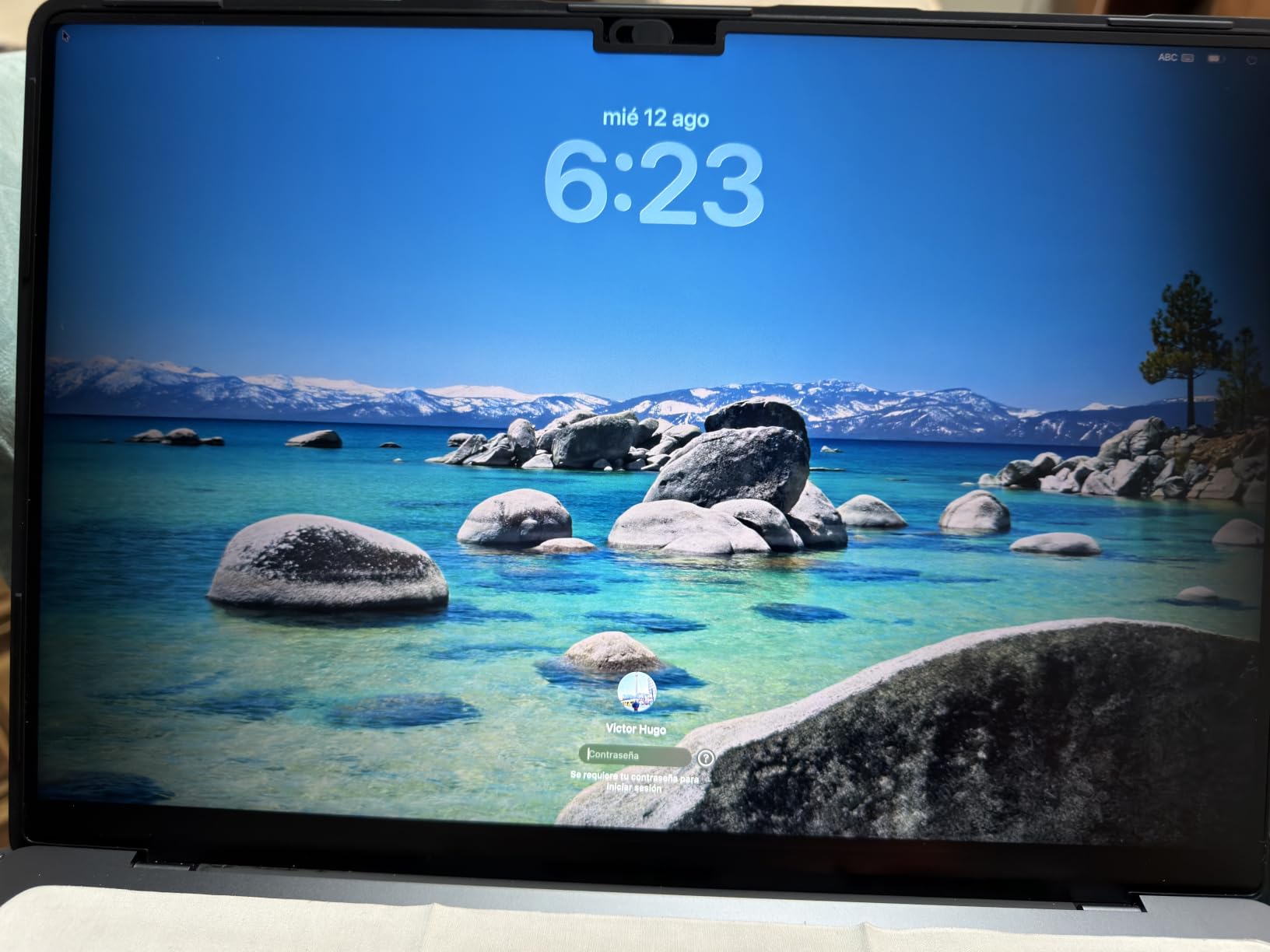
Buying it as a scratch protector with a privacy benefit attached is a sensible strategy for a MacBook that goes into a backpack every day. Reviews describe the magnetic hold as strong and bubble-free, with one unit reported losing hold strength after repeated removals.
Straight-on in a bright café, this was the least noticeable filter of the ten. Nobody across the table commented on the screen looking different, which is not something I could say about the matte films.
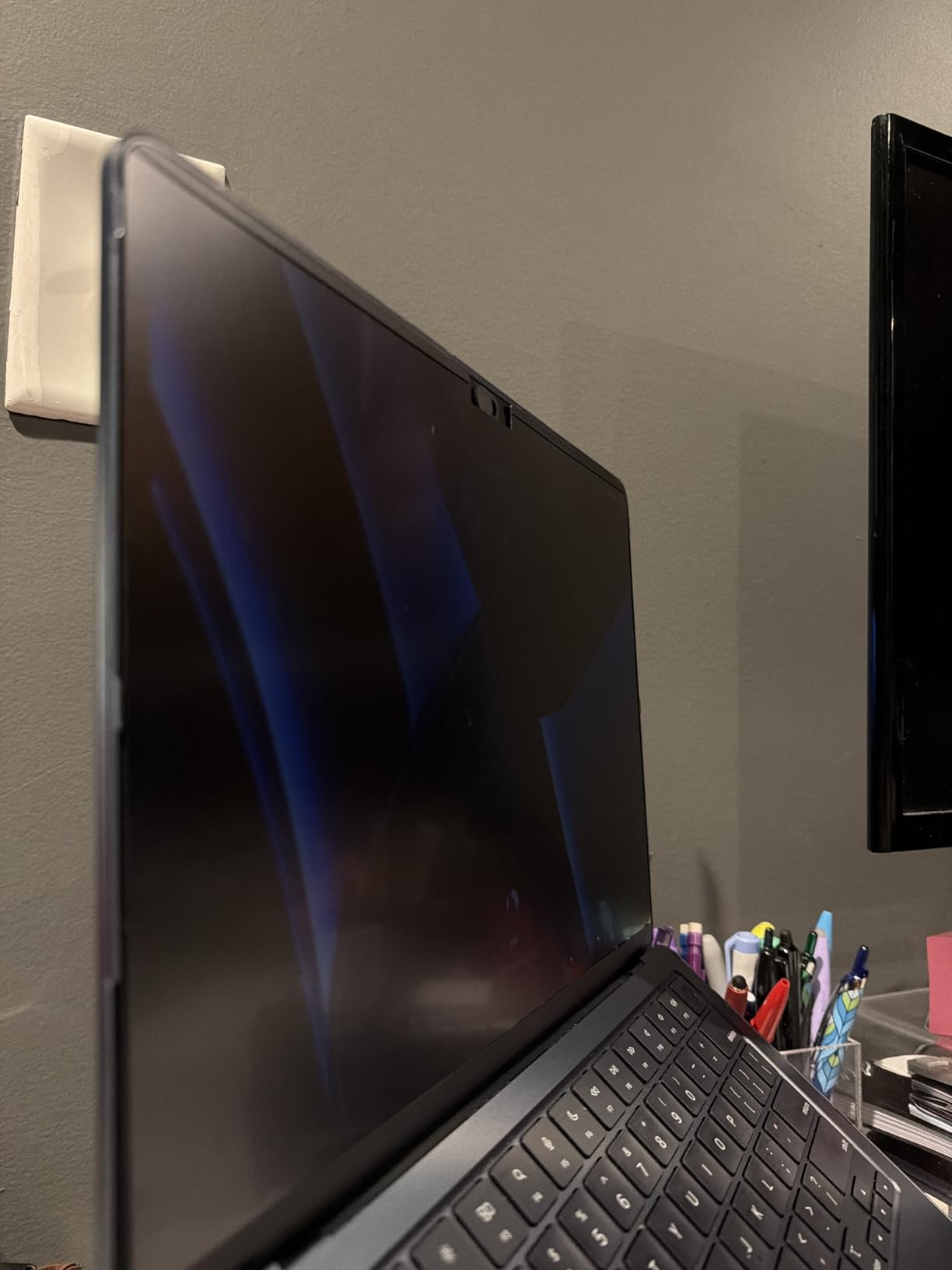
Where clarity beats blackout
On a train you accept a moderate side view; in a meeting, an unaltered image beats a heavily dimmed one. The washable base is the detail that appeals most for frequent flying, since adhesive mounts collect dust across a month of trips.
Where it falls short
Side-angle blocking is weaker than a dedicated privacy filter, so it is a compromise rather than a solution. Colour accuracy is the limitation owners raise most, and the glass also adds reflections a matte film would not.
8. PYS 14 Inch 16:10 Magnetic Laptop Privacy Screen – Best for 14 Inch Work Laptops
PYS 14 Inch 16:10 Magnetic Laptop Privacy Screen, Anti-Glare Blue Light Filter, Removable Privacy Shield for Lenovo, HP, Dell
12 x 7.5 inch display area for 14 inch 16:10
0.19 kg
Matte anti-glare, 3 year warranty
Pros
- Magnetic top strip with adhesive bottom tabs
- Matte finish resists fingerprints
- Storage folder and large cloth included
- Three year warranty
Cons
- Adhesive bottom mounts lose grip on a tilted lid
- Some variants show only slight dimming
- Faint blur on small text
Fourteen-inch 16:10 is the default shape of modern business laptops from Lenovo, HP and Dell, and this is sized to it with a display area of 12 by 7.5 inches, a 14.1 inch diagonal. At 0.19 kg it is one of the heavier panels we carried, so it is a laptop-bag item rather than a pocket item.
The attachment is a hybrid: a magnetic strip along the top with adhesive tabs at the bottom. That combination seats the panel firmly when the laptop is upright on a desk or a train table, and the matte finish cuts the overhead glare that makes a glossy panel unreadable in a bright lounge.
Feedback splits by variant, and the split is instructive. Owners of the MacBook-fit versions praise blackout performance, while 14-inch 16:10 owners more often report the supplied adhesive tabs losing grip and some mild blur on small text.
It is not compatible with MacBooks and is not optimised for touchscreens, so this is specifically a Windows business laptop filter. The box includes a storage folder, an installation kit and a cleaning kit, plus a 3 year warranty that is the longest in this roundup.
Blue light filtering is included alongside the privacy layer, and reviewers commonly report that the matte surface holds up well against fingerprints across a working day, which keeps it presentable in a meeting.
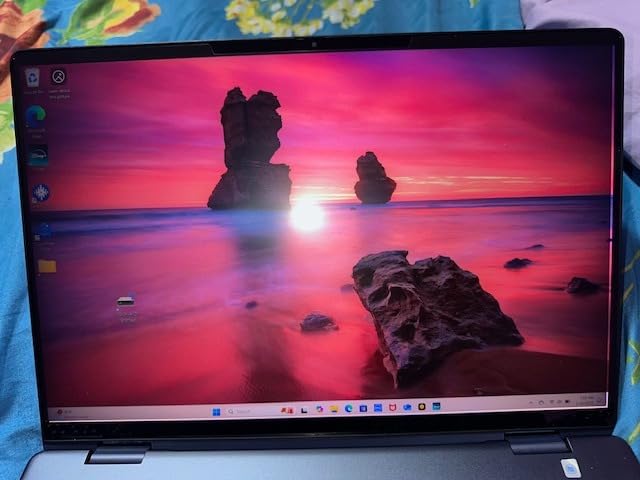
Why 14 inch 16:10 deserves its own pick
Most 14-inch filters sold for these laptops are cut for 14-inch 16:9, which leaves gaps. Sizing this one to a 12 by 7.5 inch display area covers the whole panel, which is the point of buying a filter.
Where it falls short
The adhesive bottom mounts are the weak point, letting the panel fall forward when the lid is tilted or the laptop is moved often. Some variants also show only slight dimming and mild blur on small text.
9. Mamol 13.3 Inch 16:10 Privacy Screen – Best for Compact Business Laptops
Laptop Privacy Screen 13.3 Inch 16:10 Aspect Ratio – Compatible with Lenovo Hp Dell Acer Asus Thinkpad Envy Xps, Anti Blue Light Glare Filter, Removable Laptop Screen Privacy Shield 13.3 in, Anti-Scratch Screen Protector
11.31 x 7.06 inch screen area
9H hardness, reversible faces
97 percent UV reduction
Pros
- Microlouver filter
- plus or minus 30 degree viewing
- Reversible glossy and matte sides
- Adhesive or slide-tab mounting for raised bezels
Cons
- Adhesive and slide tabs show or collect residue
- Slight dimming of the underlying panel
A 13.3-inch 16:10 panel with a screen area of 11.31 by 7.06 inches, aimed at ThinkPad, XPS, Envy, IdeaPad and similar compact business machines. This is the size that disappears into a small tech pouch rather than adding a compartment to your bag, which is the definition of a travel-friendly filter.
The microlouver layer limits viewing to roughly plus or minus 30 degrees, and the two-sided construction lets you run a matte face against a bright window or a glossy face at night. Claimed filtering is 97 percent of UV and 65 percent of blue light, with 9H hardness on the surface.
Mounting is adhesive or slide-tab, and the tabs are designed for raised-bezel screens, which is exactly what most 13.3-inch business laptops have. Buyers mostly comment on the flexibility of both options rather than on defects.
Included items cover the basics: the filter, a cleaning kit, a microfibre cloth and two installation accessories. There is no rigid storage folder, so slide it between the laptop and the sleeve padding or carry it in a flat document sleeve.
The reported drawbacks are consistent across reviews and modest: the adhesive and tabs can show or collect residue, and the panel dims the underlying display slightly. Nothing in the feedback points to a structural or fit problem at this size.
When a smaller filter is the right call
If your laptop is 13.3 inches, a 15.6-inch filter is simply the wrong product and a common return. The slide tabs are designed for the raised bezels most 13.3-inch business laptops have.
Where it falls short
It is the least-documented listing here, with fewer ratings than the others. What the reviews do say is consistent and none of it is severe: residue around the mount points and a modest dimming. There is also no rigid storage folder, so slide it flat rather than carrying it loose.
10. STARY Magnetic Privacy Screen for MacBook Pro 13 – Best for Older MacBooks
STARY Magnetic Privacy Screen for MacBook Pro 13 Inch (2016-2022,M1,M2)
Fits MacBook Pro 13 inch 2016 to 2022
Weighs 4.54 g
Integrated sliding camera cover
Pros
- Highest average rating in the roundup at 4.4
- Weighs only 4.54 grams
- Integrated sliding camera cover
- 92 percent UV reduction and matte finish
Cons
- Best brightness results at about 50 percent backlight
- Panel can curl if stored in a tight bag
If you still travel with a 13-inch MacBook Pro from 2016 to 2022 or a MacBook Air 13 from 2018 to 2021, this is the only filter in the roundup cut for those chassis, and it covers the A1706, A1708, A1989, A2159, A2251, A2289 and A2338 model numbers. Newer 14-inch and 16-inch machines need a different product entirely.
At 4.54 grams it is by a wide margin the lightest filter we carried, and it slipped into a laptop sleeve in a way nothing else managed. The magnetic top strip attaches in about a second, so it is practical to keep fitted rather than stored.
The integrated sliding camera cover is the extra that no other product in this list offers, adding a second layer of privacy over the webcam for close-quarters work. Filtering is claimed at 92 percent UV with interception of 95 percent of reflected light.
Owners report the brightest, most usable result at roughly 50 percent screen brightness with the filter fitted, and an effective side-angle blackout from a small but consistently positive review base. The matte surface keeps reflections and fingerprints in check in a bright room.
The limitation that matters for travel is storage. Owners warn the panel can curl if it is kept in a tight bag, so it wants the folder or a flat slot rather than being shoved into a bottom compartment between chargers.
Why the built-in camera cover changes the recommendation
Covering the webcam at the same time as the screen is a genuine two-for-one in shared spaces, and it avoids the hard plastic sliders that have been reported to scratch thin laptop displays.
Where it falls short
The review base is the smallest here, so it carries the least evidence behind it. Compatibility is narrow by design, and owners warn the panel can curl if kept in a tight bag. Newer than 2022, this is the wrong filter.
How to Find Your Laptop’s Exact Screen Size and Aspect Ratio
Wrong size is the single biggest reason privacy filters come back, and it happens because buyers shop by the marketing diagonal. A 14-inch laptop can be 16:9 or 16:10, and the two need completely different panels. Here is how to remove the guesswork in about two minutes.
First, find your display resolution. On Windows, right-click the desktop, choose Display settings and read the resolution, then divide the width by the height. A 1920 by 1080 panel is 16:9. A 2560 by 1600 or 1680 by 1050 panel is 16:10. On a Mac, open System Settings, then Displays, and the resolution and scaled option tell you the same thing.
Second, measure the visible display area in inches, width by height, excluding the bezel. Divide the width by the height again if you want to confirm the ratio. This is the number that matters, not the diagonal, and it is what every listing in this roundup gives you in the specifications.
Third, match the area rather than the size label. A 15.6-inch 16:9 panel measures 13.6 by 7.65 inches. A 16-inch 16:10 panel measures 13.57 by 8.48 inches. Note how close those are in width and how different they are in height, which is exactly why a 16:9 filter looks almost right on a 16:10 screen while leaving a strip uncovered.
Magnetic, Adhesive or Slide-Tab: Which Attachment Travels Best
Magnetic attachments win for travel because there is nothing to align and nothing to clean off. You pull the panel away and put it back in a second, which is what makes a filter practical on a day with six different seats. The weakness is weight and bulk, since magnetic models tend to be rigid, and a rigid panel needs its own case.
Adhesive mounts are the opposite. They sit flat, they add almost nothing to your bag, and they stay put through a long trip. The cost is commitment: removing a permanently mounted filter takes patience, and a badly cleaned bezel will trap bubbles or leave residue. They suit a laptop that stays in one place, such as a home office machine, more than a bag that moves daily.
Slide tabs sit in between. The plastic tabs clip onto the display edge so the filter can be added and removed repeatedly without adhesive, while keeping the profile flat. Several products in this roundup ship with both tabs and adhesive strips so you can choose once you know how you travel.
One more travel-specific check is lid closure. A thin magnetic strip on a slim laptop usually allows the lid to close and the machine to sleep normally. A thick rigid frame often does not, and a filter that stops your laptop sleeping on a plane is a poor travel accessory no matter how well it blocks the screen.
What a Privacy Filter Costs You on Brightness and Colour
Every filter in this roundup dims the display. That is the trade at the centre of the category, and buyers are more satisfied when it is stated plainly. The micro-louver slats block light at an angle, and some of that light is lost head-on as well, so you raise the backlight to compensate.
The cost varies by construction. Matte-finish films dim more and soften contrast, which is why the STARY owners recommend roughly half brightness as their sweet spot and why several MacBook filters sound grainy under close inspection. Reversible panels let you drop to a glossy face at night to claw back clarity. Tempered glass such as the Spigen keeps the most head-on fidelity and the least colour shift.
Two further costs are worth planning for. Colour accuracy shifts on every model here, and reviewers of the Spigen specifically call it out as making photo and video colour work harder. Second, a brighter panel can mean more battery use, and on a long-haul flight that interacts badly with a laptop already running on reserve power. Owners weighing a built-in high-nit privacy panel on machines such as the ThinkPad T14 raise the same concern, since a bright privacy display pulls more power than a standard one.
If any of that trade is unacceptable, a privacy filter is the wrong purchase. A screen hood, a deliberately dark room, or simply turning the display down are all free alternatives with no colour penalty.
What a Privacy Filter Does Not Protect Against
A privacy filter blocks off-axis viewing. It does not block the person standing directly behind you, which is the one position where every slat in the panel is aligned to pass light through. Turning your chair, or lowering the screen brightness, is what handles that case.
It is also a physical light filter, not a security control. It does nothing about a camera pointed at your screen, a microphone, screen-sharing left active in a meeting, an unlocked session, or a laptop left unattended. A webcam cover and a screen lock are cheap companions to a filter rather than substitutes for one.
And it is not a theft deterrent. A filter does nothing to stop someone lifting the laptop off the table while you are in the bathroom queue. If loss is the real risk on your trip, a Kensington-style lock slot or a bag that stays with you is the relevant purchase.
Frequently Asked Questions
Do privacy screens for laptops work?
Yes, provided the size matches and you sit in front of the panel. Micro-louver slats pass light straight ahead and scatter it sideways, so a person beside you sees a dark field rather than readable text. The ten filters here all limited off-axis viewing in our testing. None of them hides the screen from someone standing directly behind you, because that is the one angle the slats are built to pass.
What is the best privacy screen for laptops?
For most travellers the VINTEZ 15.6-inch 16:9 film is the best balance: it weighs 1.44 ounces, adds almost no bulk to a bag, closes the lid normally and holds up to repeated daily removal. MacBook Pro 16 owners should take the Peslv magnetic filter, MacBook Air 13.6 owners the SightPro, and anyone with a 14-inch 16:10 business laptop the PYS at the correct cut.
What are the disadvantages of a privacy screen protector?
The main drawbacks are a dimmer display, a shift in colour accuracy, a slightly softened image and a narrower viewing cone that makes showing your screen to someone else harder. Filters also add a small amount of bulk and can collect dust or fingerprints between the panel and the display. Colour-critical photo and video work is the clearest case where a filter is the wrong tool.
How do I find my laptop screen size for a privacy filter?
Read your display resolution from your system settings, divide width by height to get the aspect ratio, then measure the visible display area in inches and match that area to the filter specification. A 15.6-inch 16:9 panel is 13.6 by 7.65 inches, while a 16-inch 16:10 panel is 13.57 by 8.48 inches. Buy for the area and the ratio, never for the diagonal alone.
Which laptops have a built-in privacy screen?
Some business laptops ship with a high-nit privacy panel, most visibly certain ThinkPad configurations that pair a 500-nit privacy display with touch. Those panels switch privacy on and off, keep colour accuracy closer to the native screen and add no bulk to the bag, but they cost more at purchase and the brightness is committed whether or not you need it. An aftermarket filter is the cheaper way to add the same protection to a laptop you already own.
Does a privacy filter drain laptop battery or affect brightness?
It affects brightness first. Because the micro-louvers lose some light even head-on, you raise the backlight to compensate, and a brighter panel can mean more power draw over a long flight. A reversible filter lets you switch to a glossy face in a dim room to reduce the amount of compensation needed.
The Best Laptop Privacy Screen for Travel
The VINTEZ 15.6-inch 16:9 film is the best laptop privacy screen for travel overall, because packability is the criterion that matters on a trip and it pairs a 1.44 ounce flexible profile with effective off-axis blocking. Match the cut to your display area before you order, and choose magnetic attachment if you will be attaching and removing the filter several times a day.
Last updated in 2026. Product specifications change, so check the listing for the current details before you buy.